

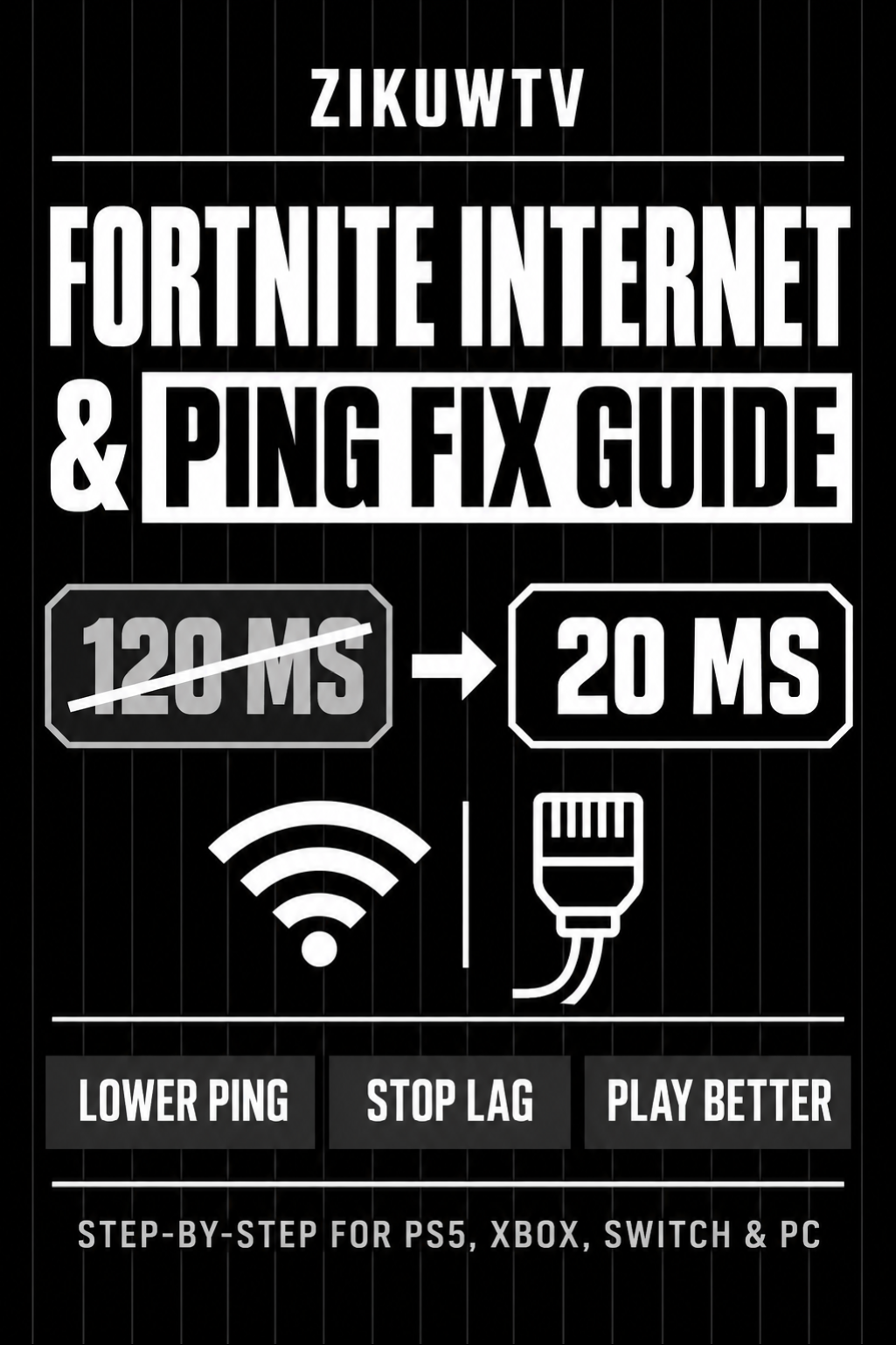
Fortnite Internet & Ping Fix Guide
On Sale
$12.00
$12.00
Lagging, rubber-banding or getting high ping in Fortnite? This step-by-step guide shows you how to find what's actually causing it and fix it.
Lag isn't one problem. It can be high ping, unstable ping (jitter), packet loss or a busy network, and each one has a different fix. This guide walks you through them in order, starting with free fixes that take minutes.
What's inside (10-page PDF):
- How to see your real ping and packet loss in Fortnite, plus a ping test to Fortnite's servers
- The quick wins that fix most lag: router restart, Ethernet, bandwidth hogs and matchmaking region
- Wi-Fi fixes if you can't run a cable (placement, 5 GHz, mesh, MoCA and powerline)
- Router settings that matter: QoS, bufferbloat testing, NAT type and port forwarding
- Step-by-step settings for PS5, Xbox, Nintendo Switch and PC
- What to do when the problem is your internet provider, and exactly what to send them
- A "fix finder" table that matches your symptom to the right fix
- A before-and-after tracker and final checklist
Need help with a step? Join the Zikuwtv Discord and post your numbers.
Results depend on your internet provider, equipment and location. Instant PDF download. Not made or endorsed by Epic Games.