

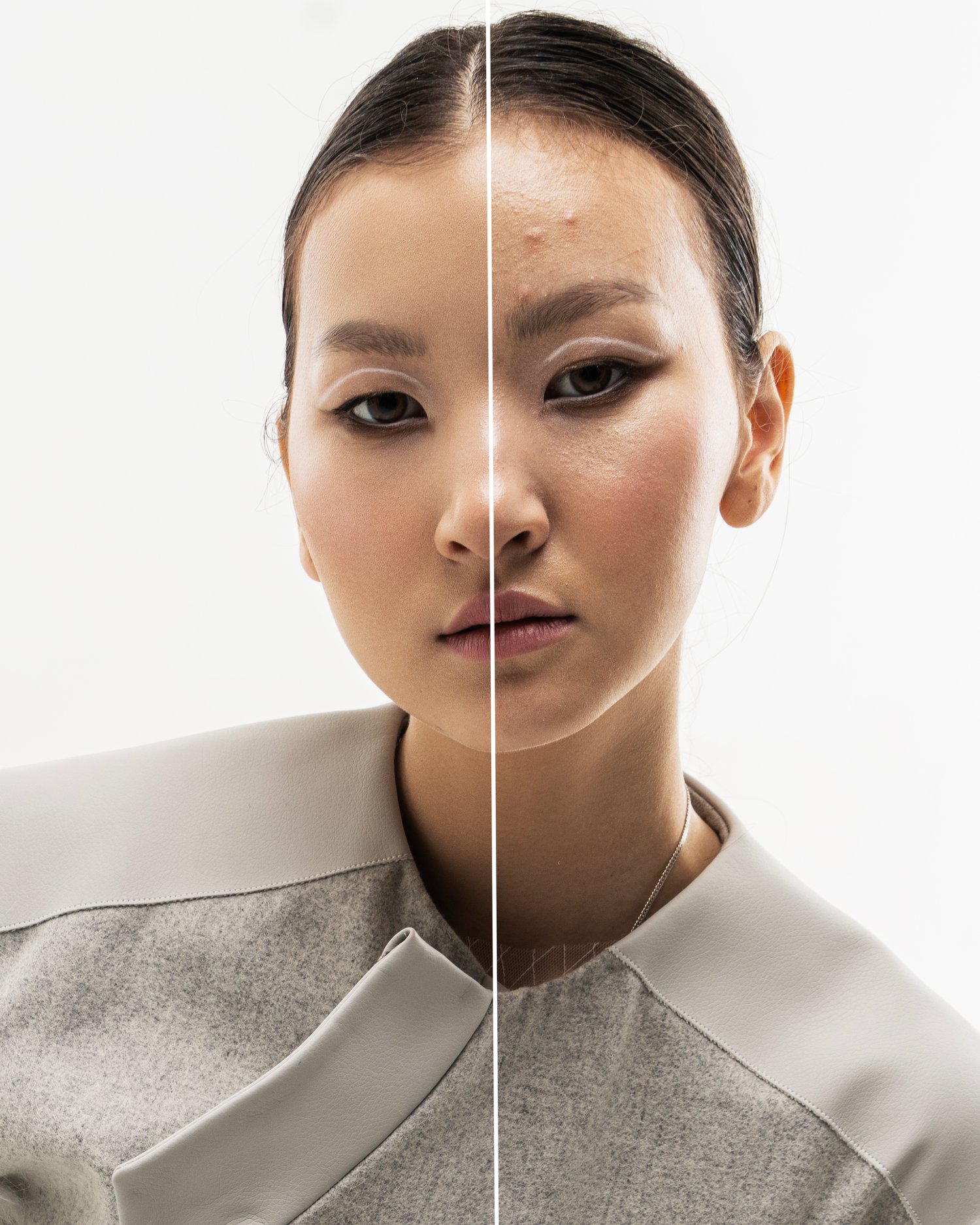
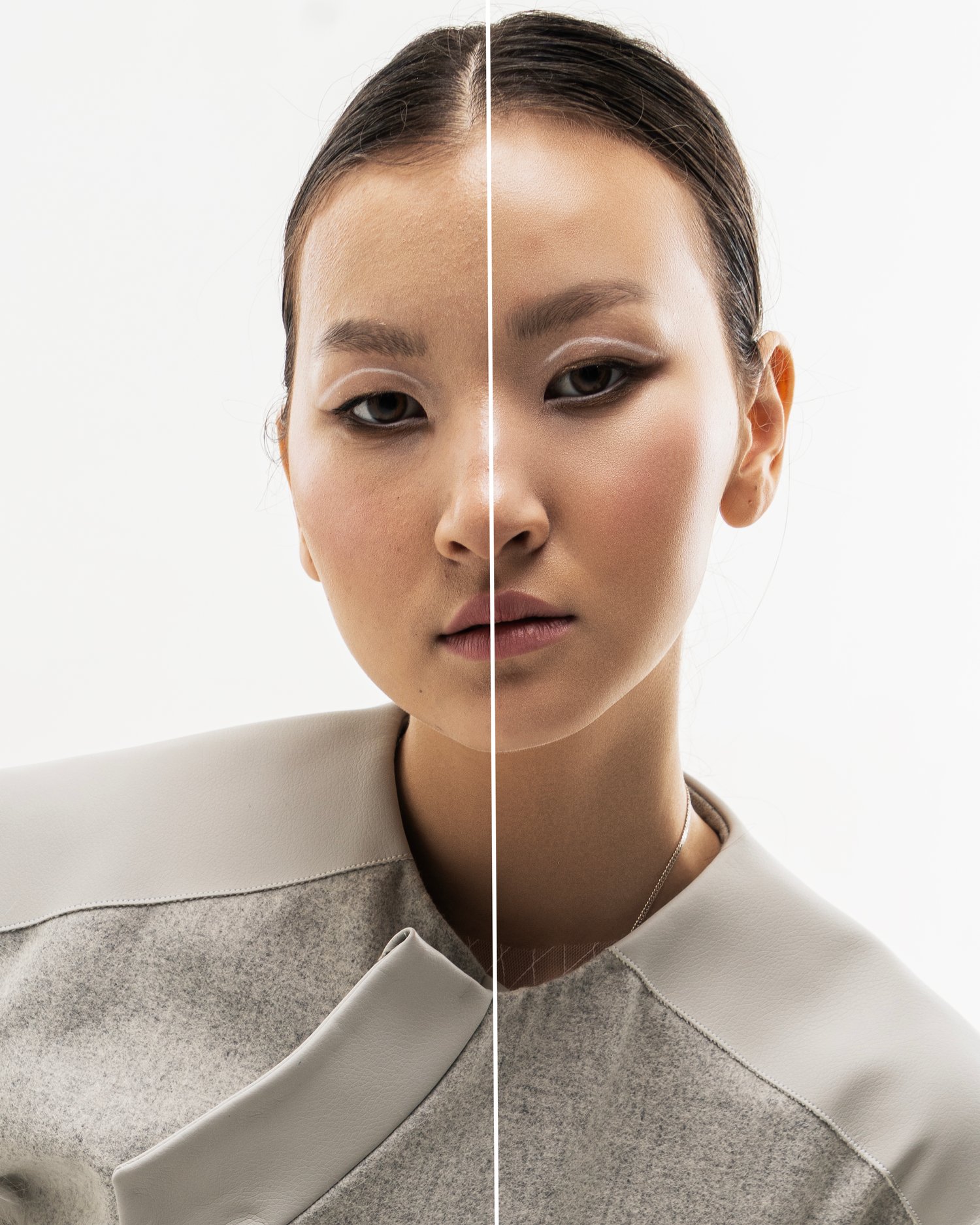
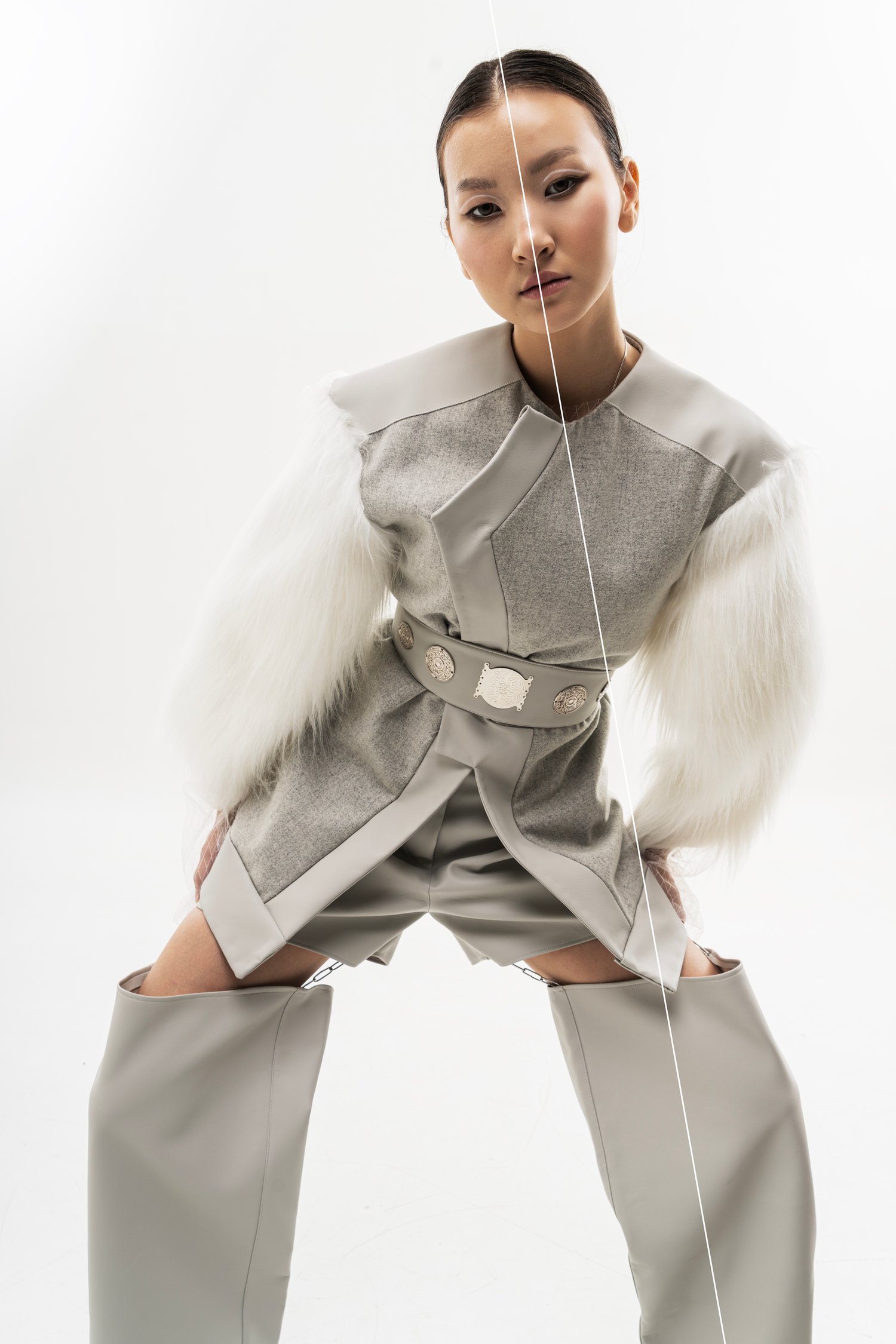
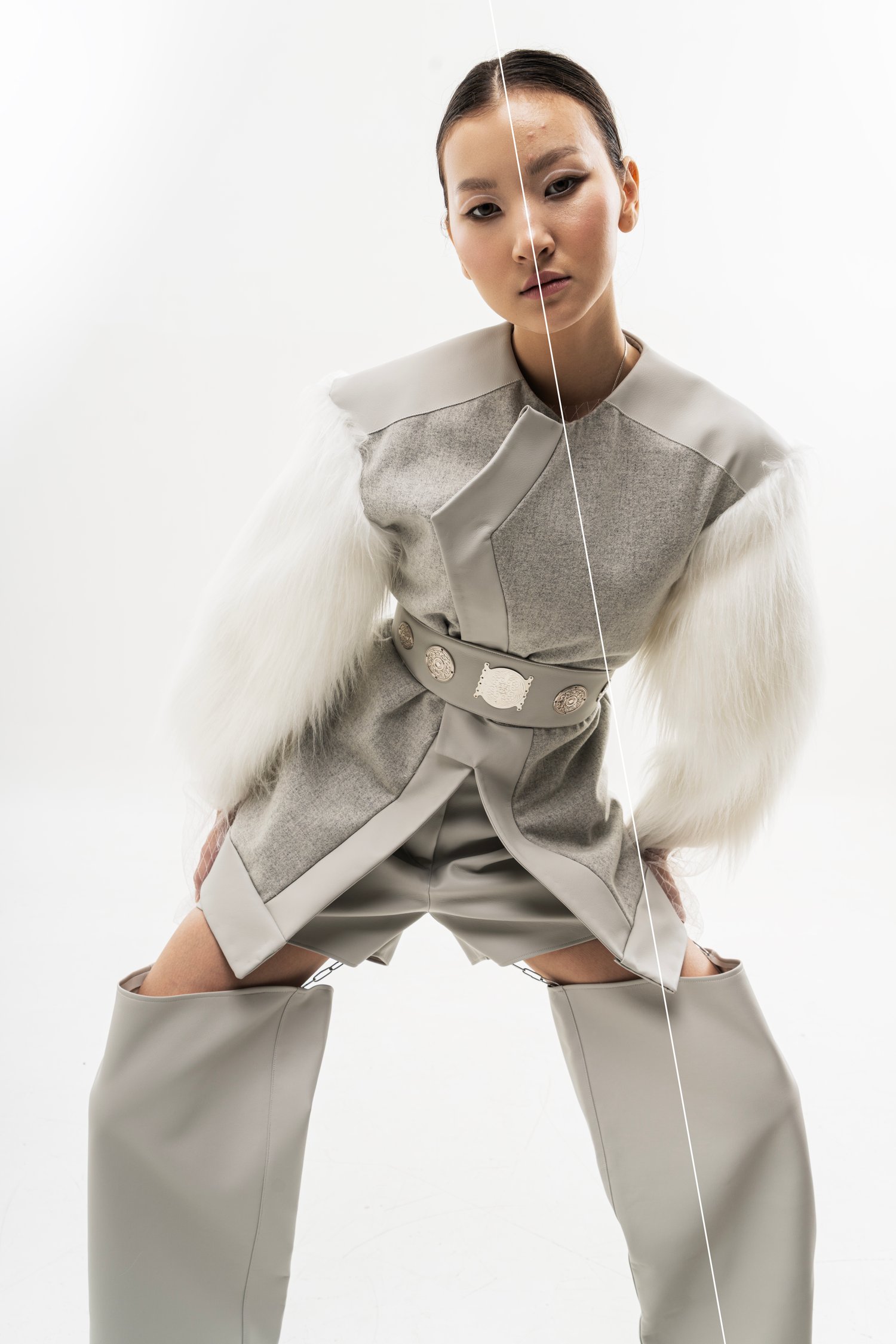
Skin Retouch - Full Portrait Vol. 3
On Sale
$6.99
$6.99
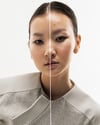
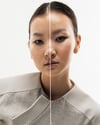
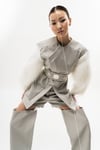
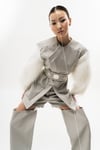
Fast portrait retouch action designed for full-body and full portrait images.
This tool helps quickly clean skin imperfections, balance overall skin tone, and remove distractions while keeping a natural and realistic look across the entire subject — not just the face.
Perfect for full-body portraits, fashion shots, and editorial photography where consistency and clean skin results are important.
Ideal for photographers and retouchers who want fast, professional results with minimal manual editing.
How to install the Photoshop action:
- Download the .ATN file
- Open Adobe Photoshop
- Go to Window → Actions
- Open the Actions panel menu
- Click “Load Actions”
- Select the downloaded .ATN file
- The action will appear in your Actions panel and is ready to use
Enjoy your editing process and have fun creating.
Thank you for supporting my work.