
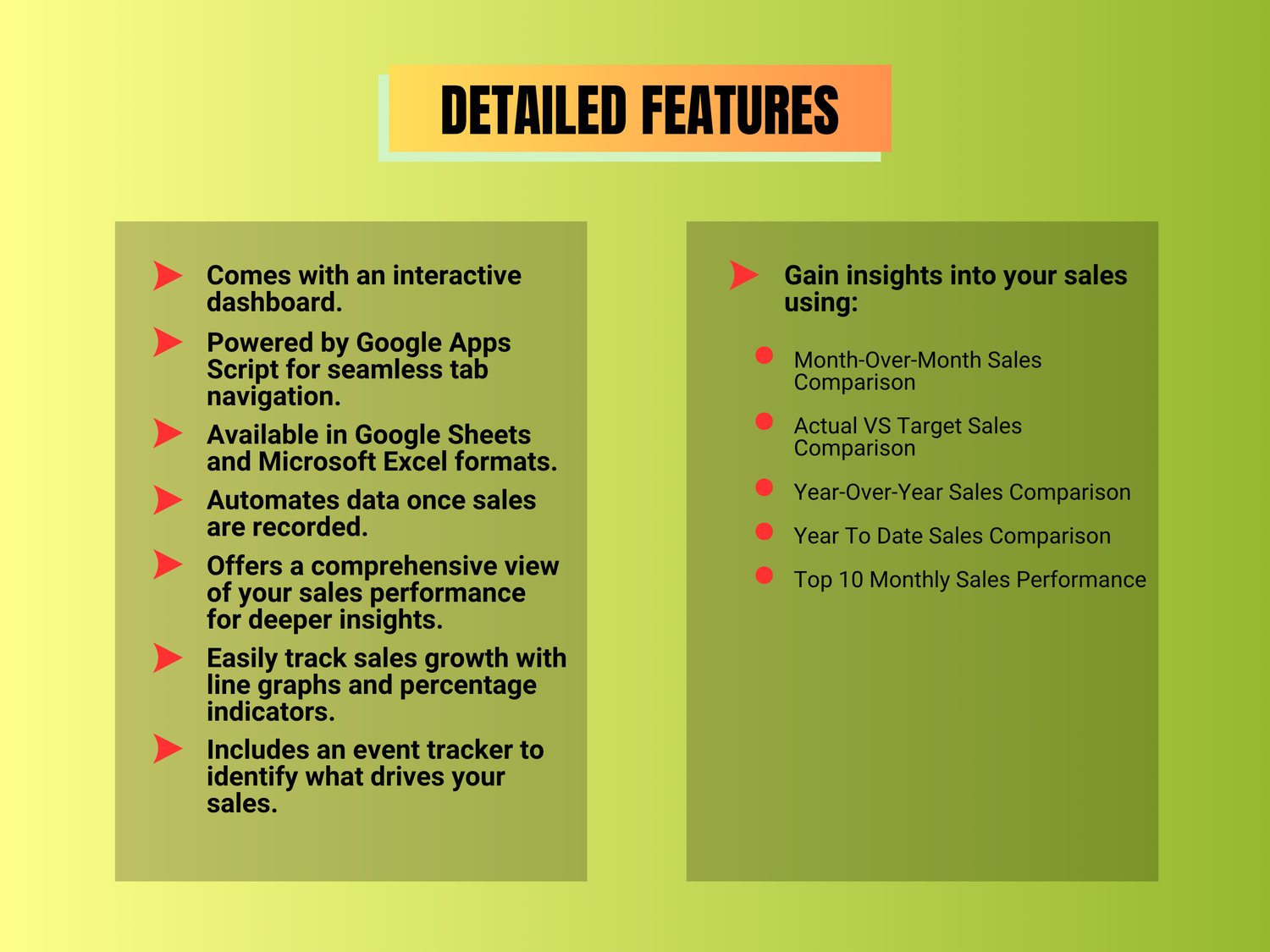






BUNDLE B: Product Costing & Pricing (Gsheet + Excel) + Inventory Monitoring (Gsheet) + Sales Performance (Gsheet + Excel)
Product Costing & Pricing + Inventory Monitoring + Sales Performance Tracker Bundle
Get 3 powerful spreadsheets in one bundle to help you price your products accurately, monitor inventory, and track business growth.
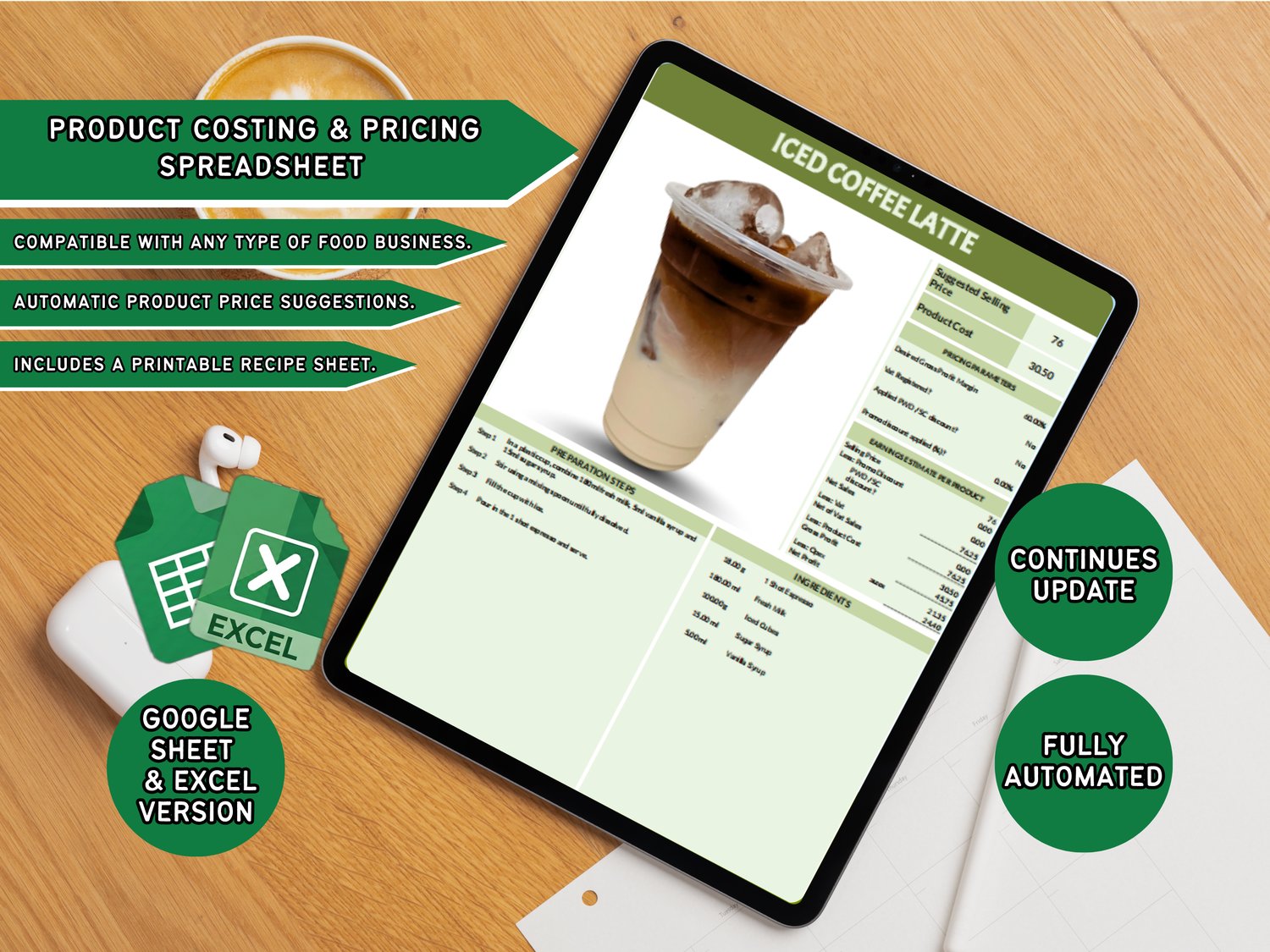
🍽️ Product Costing & Pricing Spreadsheet
Perfect for food businesses that want to calculate product costs and selling prices with confidence.
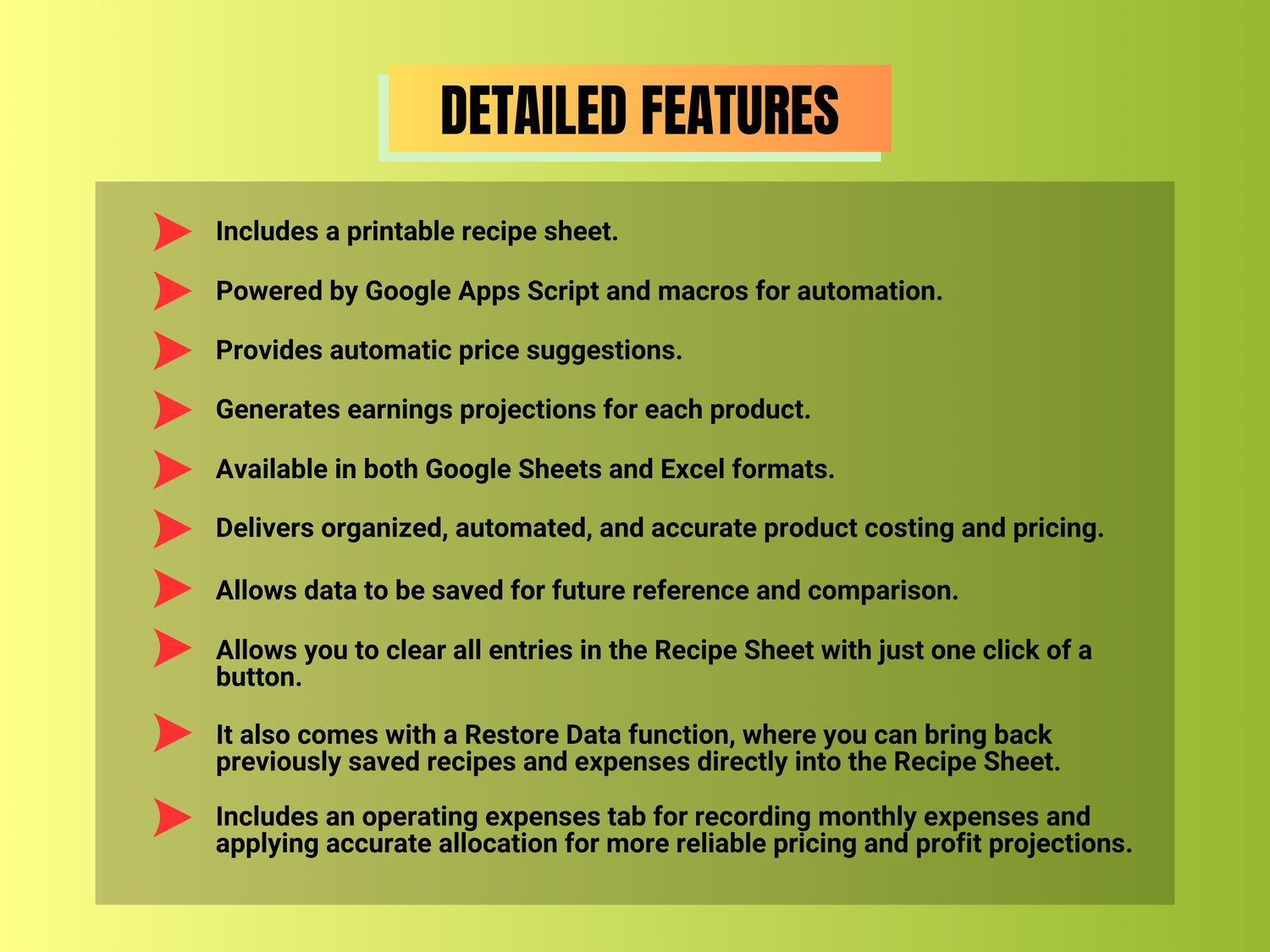
✔ Automatically computes product costs, suggested selling price, projected earnings, and net profit
✔ Save and print recipes anytime
✔ Clear All button
✔ Restore Data function
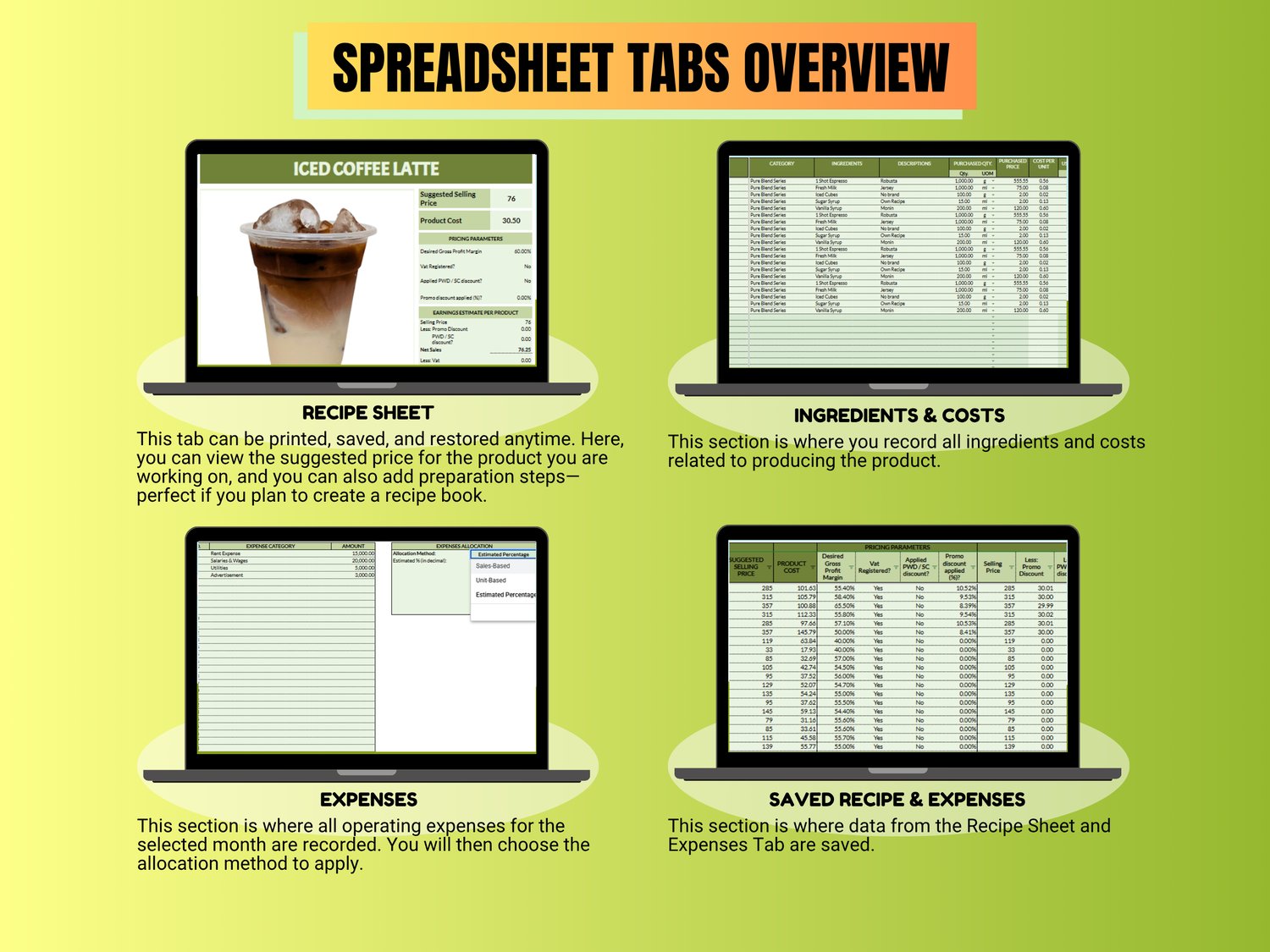
✔ Includes tabs for costing, expenses, and saved records
What's Included
• Google Sheets Version
• Microsoft Excel Version
Excel version is compatible with Microsoft Excel 365 and Excel 2021 or later.
Mobile Device Limitation
• Save, Print to PDF, Clear All, and Restore Data functions do not work on mobile devices, tablets, and iPads.
• For full functionality, we recommend using a laptop or desktop computer.
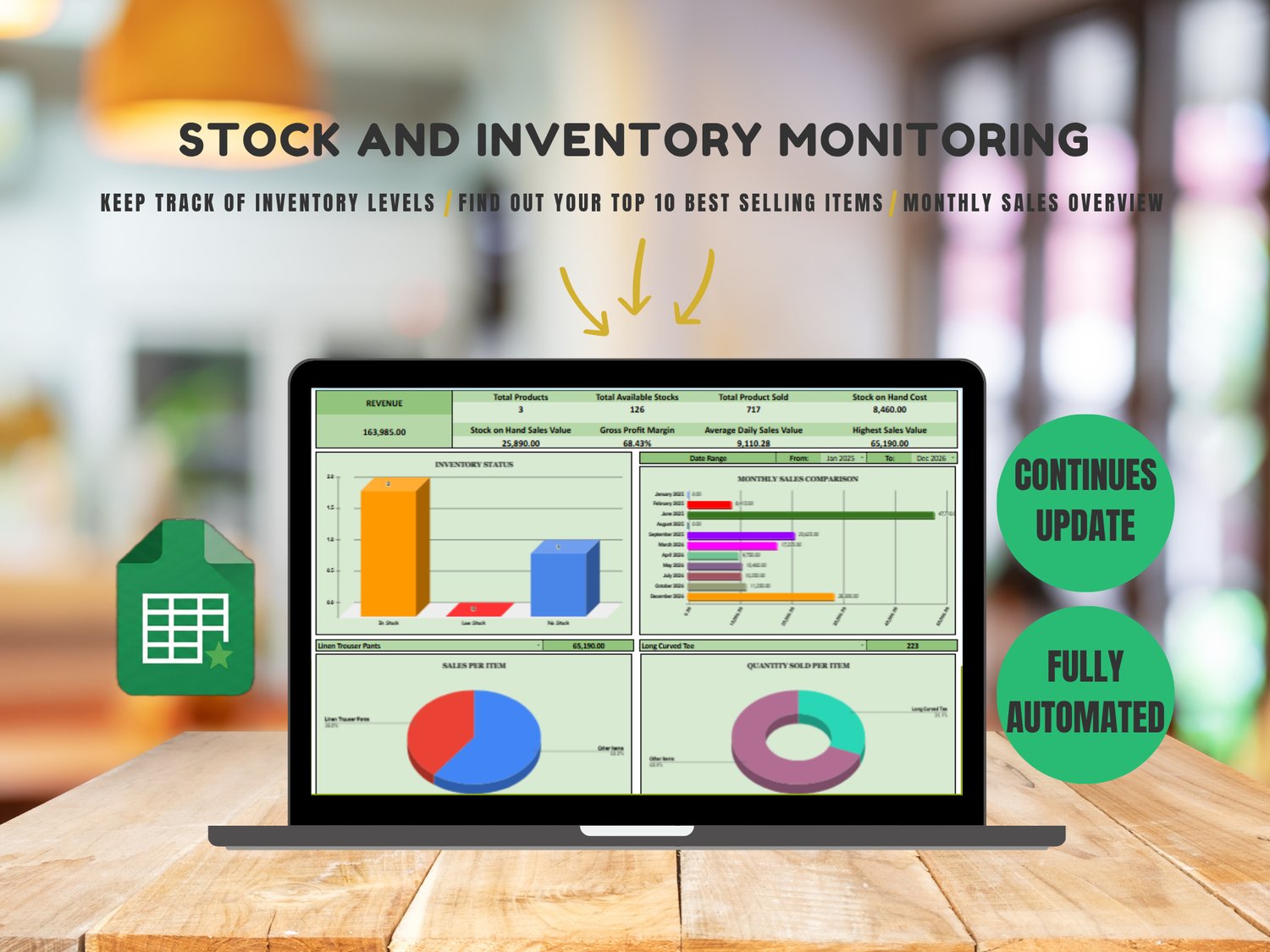
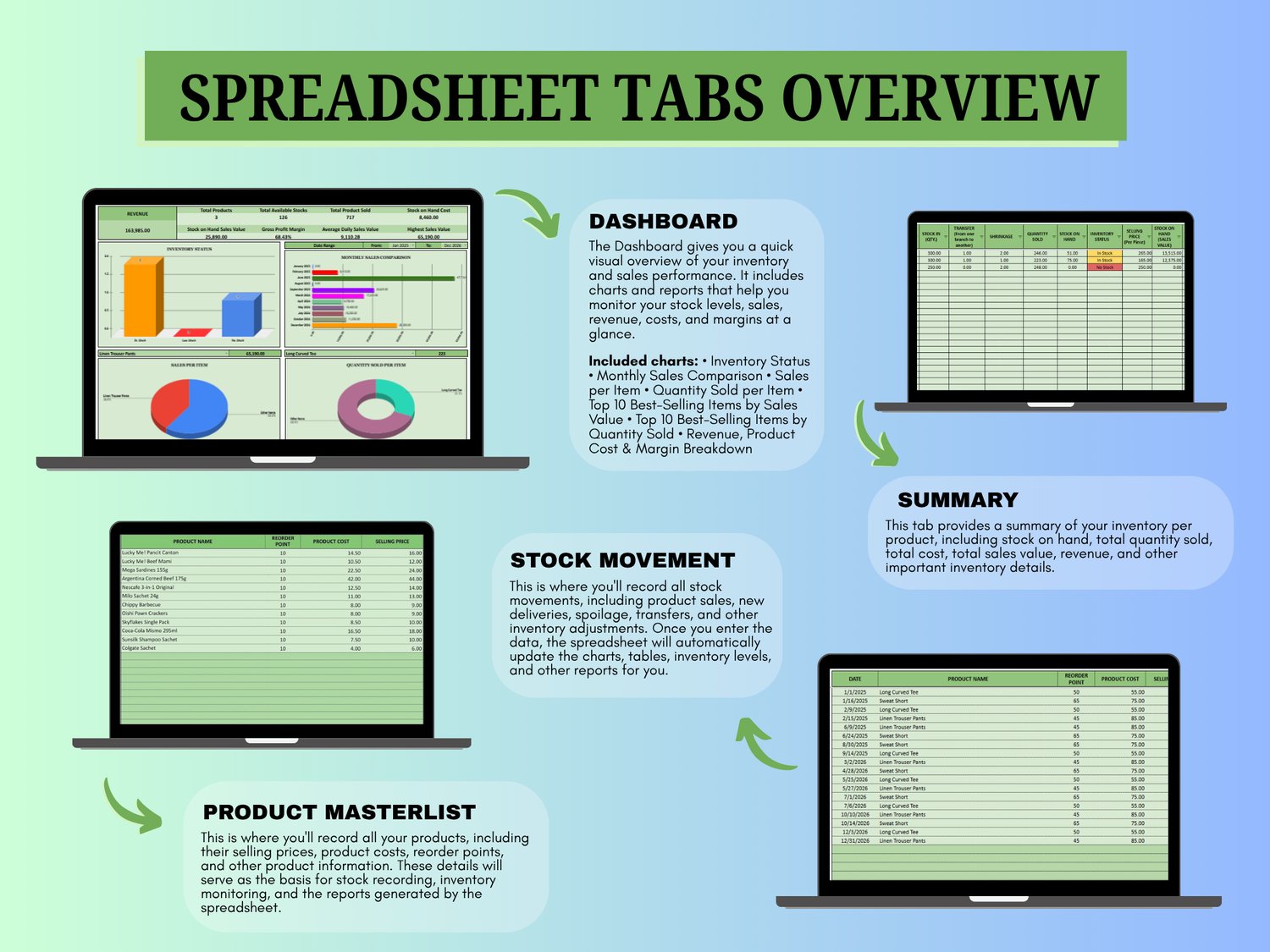
📦 Inventory Monitoring Spreadsheet (Google Sheets)
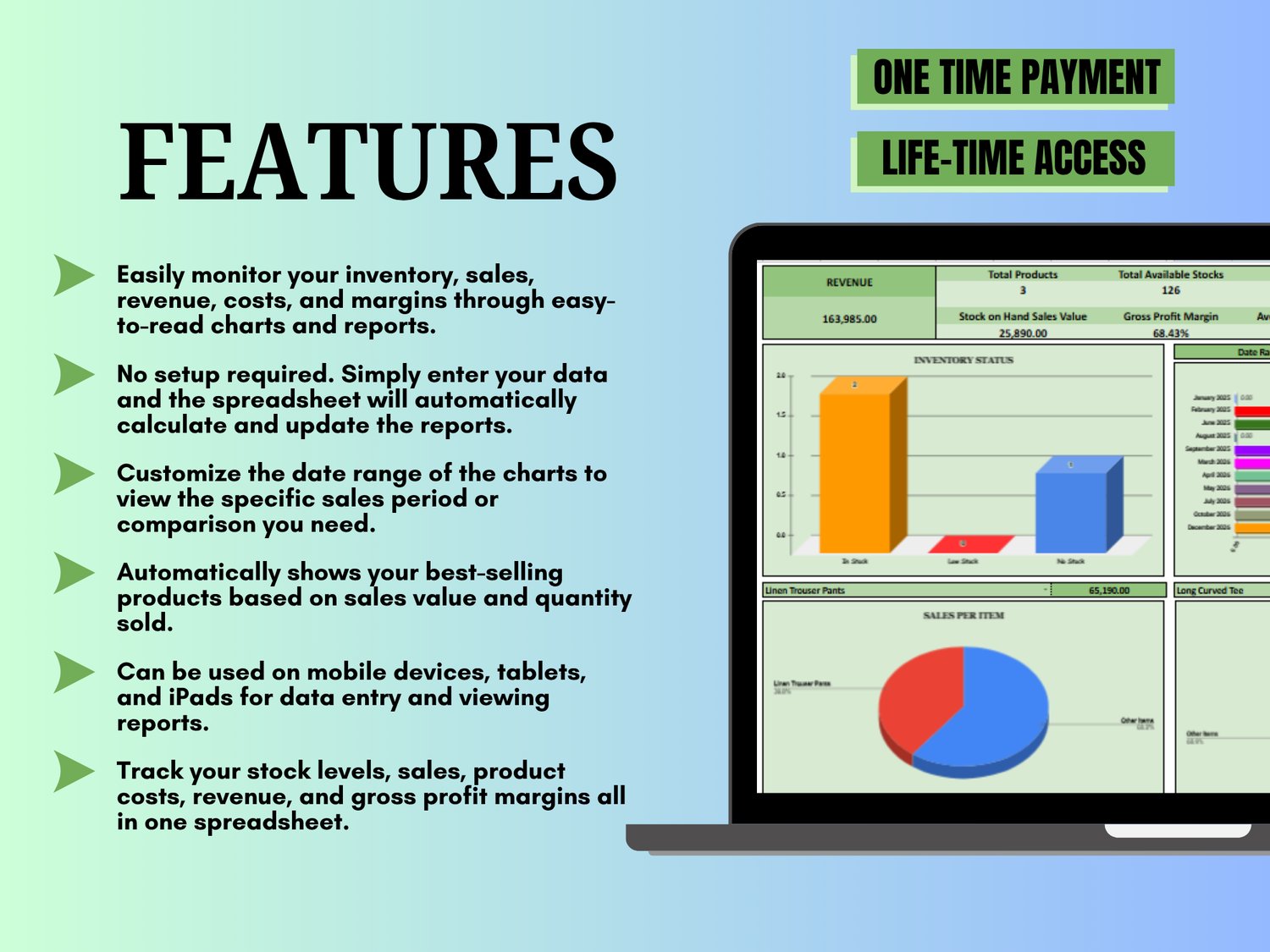
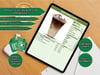
✔ Monitor stock levels, inventory movements, revenue, product costs, and gross profit
✔ Track Stock In, Quantity Sold, Transfers, Shrinkage, and other inventory adjustments
✔ Automatically identify your best-selling products by sales value and quantity sold
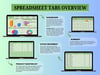
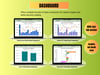
✔ Interactive dashboard with charts, reports, and sales analysis
✔ Suitable for retail stores, clothing brands, online sellers, consignment businesses, and similar inventories
✔ Fully accessible and functional on mobile phones, tablets, iPads, laptops, and desktop computers
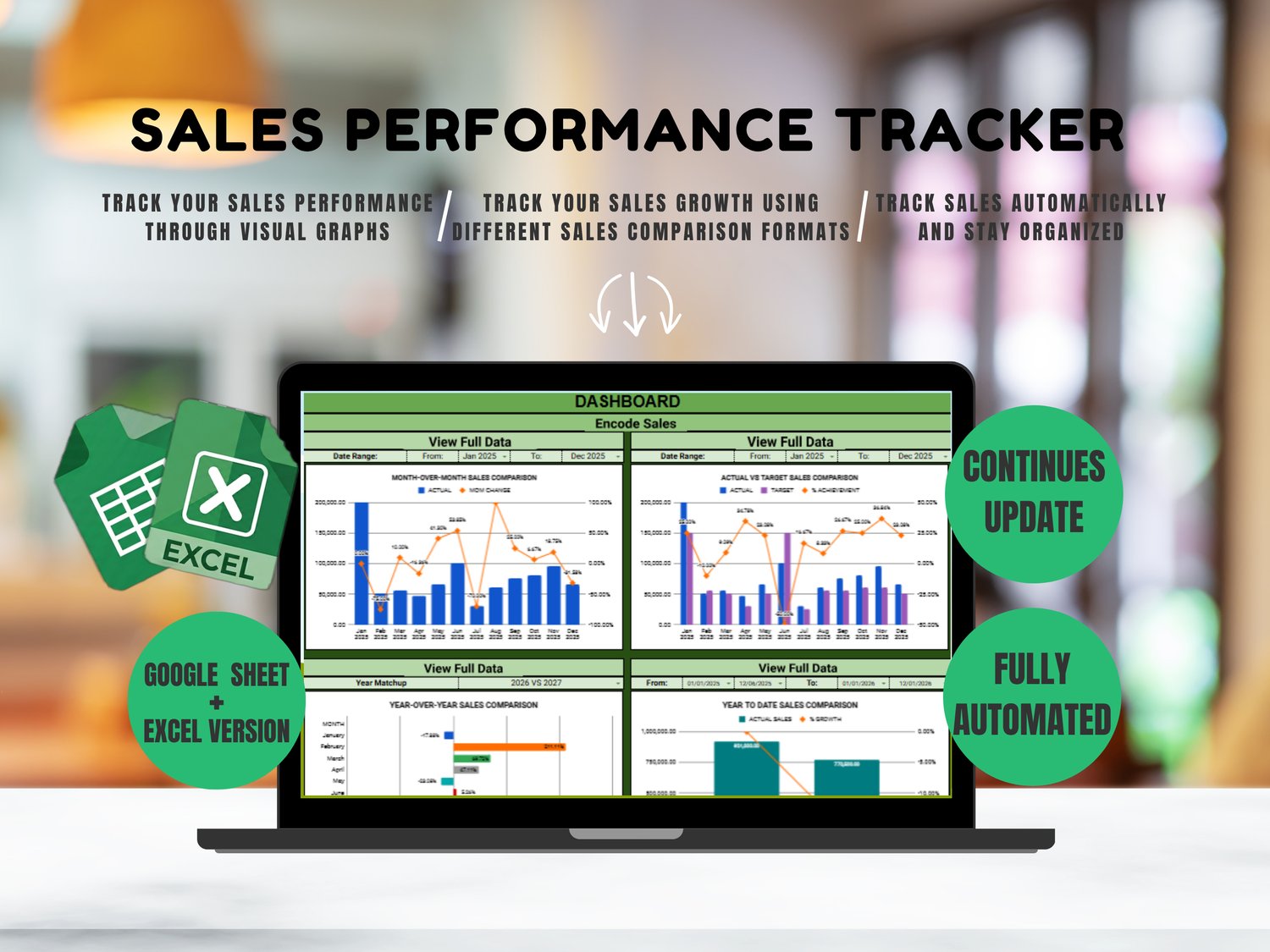
📊 Sales Performance Tracker
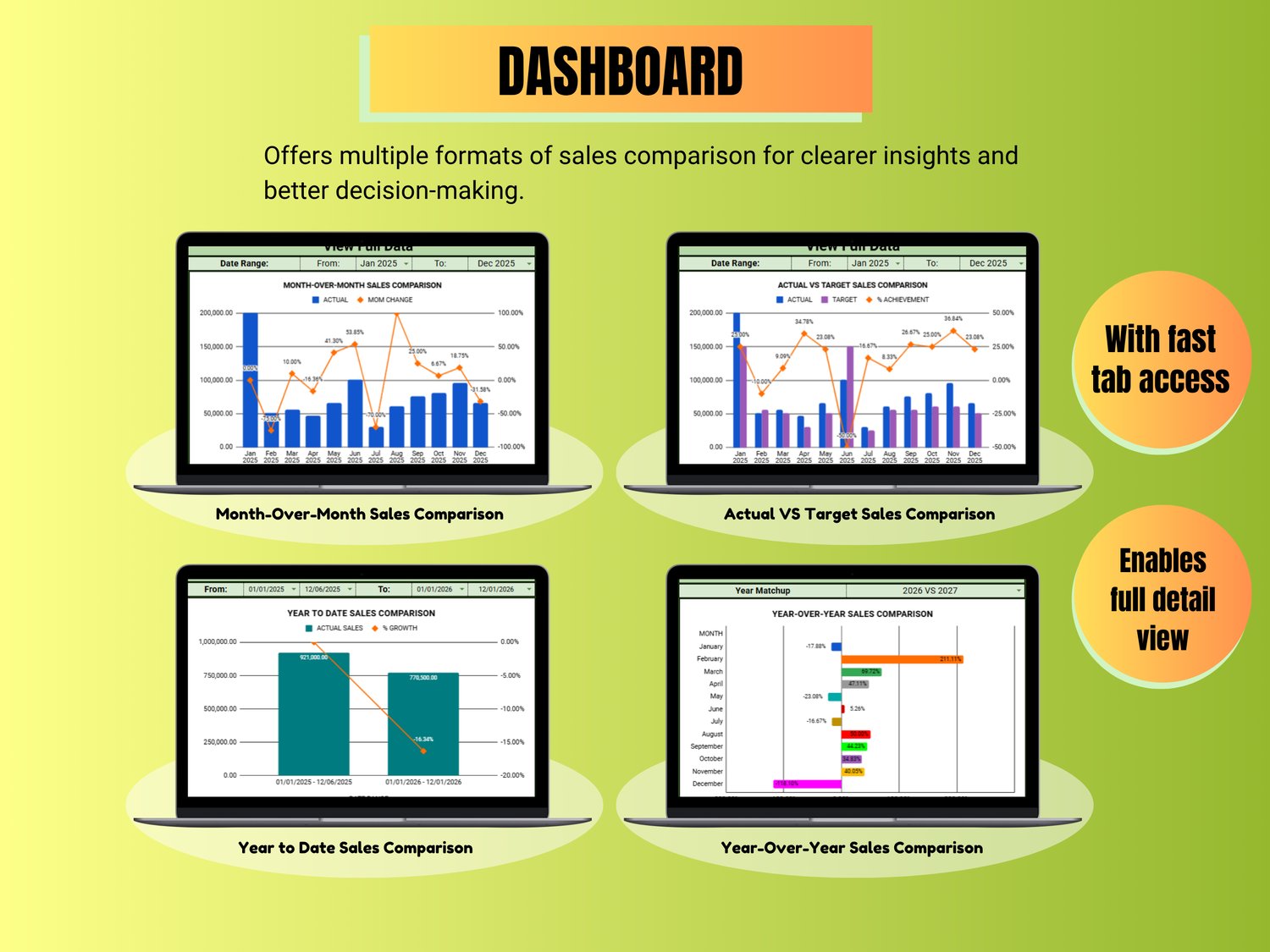
✔ Monitor Actual vs Target Sales
✔ Compare sales this year vs last year
✔ Track sales growth and % increase/decrease
✔ Compare custom date ranges
✔ View Top 10 Highest Monthly Sales
✔ Track which promos or events contributed to sales growth
Compatibility
• Google Sheets and Excel versions available
Excel version is compatible with Microsoft Excel 365 and Excel 2021 or later.
Mobile Device Limitation
• Dashboard buttons such as "Encode Sales" and "View Full Data" do not work on mobile devices, tablets, and iPads due to platform limitations.
• For full functionality, we recommend using a laptop or desktop computer.
How You Will Receive Your Files
- After payment, the PDF files (Google Sheets Versions) and ZIP files (Excel Versions) will be automatically sent to your Gmail account.
- Download the files:
- ZIP Files: Extract/unzip the files before using.
- PDF Files: Open the PDF and click the provided link to create your own copy of the Google Sheets version.
3. Watch the included tutorial videos for setup instructions and a complete walkthrough on how to use the spreadsheets.
Requirements
• Google Account (for Google Sheets versions)
• Device with access to Google Sheets or Excel
Perfect for food business owners, retailers, online sellers, and entrepreneurs who want to manage costing, inventory, and sales performance in one complete system.