
Approvable: Image QC Web App for Photography & AI
After purchase, open the file named LAUNCH APP (or go to inetdigitalarts.com/approvable) and enter your license key. Nothing to install.
WHAT’S IN THE BOX
- The Approvable web app, with the 10-Point Pass and the 3-Minute Pass
- Verdicts and client notes that write themselves from your scores
- Narrated tours of every tab
- Printable reports with your logo
- A built-in backup that moves your work to any computer or device
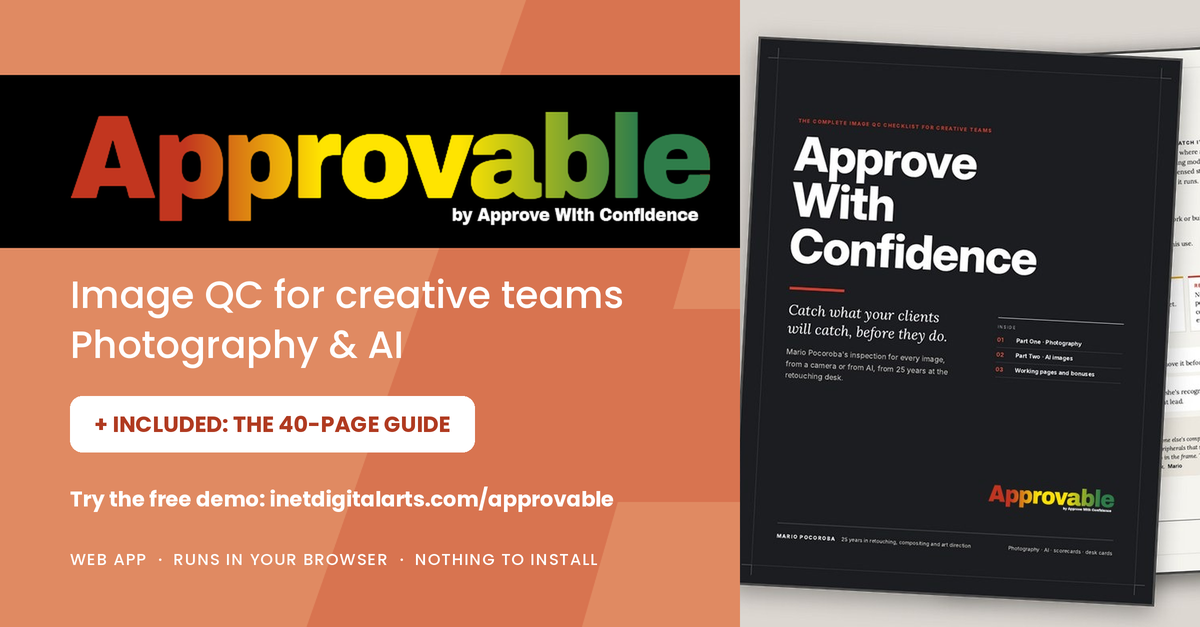
Also included: Approve With Confidence: The Complete Image QC Checklist, a 40-page companion guide for photography & AI images. Download it from this page after purchase, along with your START HERE instructions.
One checklist for approving every image, whether it came from a camera or from AI. Built by a retoucher with 25 years in the field, who led retouching teams.
For photography, it walks you through the checks that catch what clients catch: light, shadows, skin, eyes, cleanup, edges, perspective, product accuracy and delivery. For AI images, the same checklist adds the extra checks AI needs: hands, text, and rights and risk.
HOW IT WORKS
- Choose Photos or AI images, and the checklist changes to fit.
- Score each image green, yellow or red. Use the 10-Point Pass for a full review or the 3-Minute Pass when you’re short on time.
- Get the verdict (approve, revise or regenerate), and the note to send back builds itself from your notes.
- Keep an approval log and print a report with your logo.
- Narrated tours show you how every tab works.
PRIVATE BY DESIGN: Your projects, notes and scores stay in your own browser. Nothing you enter is sent to or stored by iNet Digital Arts. A built-in backup moves your work between browsers.
AFTER YOU BUY: Open the first file you download, “LAUNCH APP,” or go to inetdigitalarts.com/approvable and enter the license key shown on your download page. Your license unlocks Approvable in up to 3 browsers, used by you or your immediate team: one person on a desktop, laptop and phone, or three teammates with one browser each. Windows users: use Edge. Internet Explorer is not supported.
Try the free practice project first, with the full tours: inetdigitalarts.com/approvable