
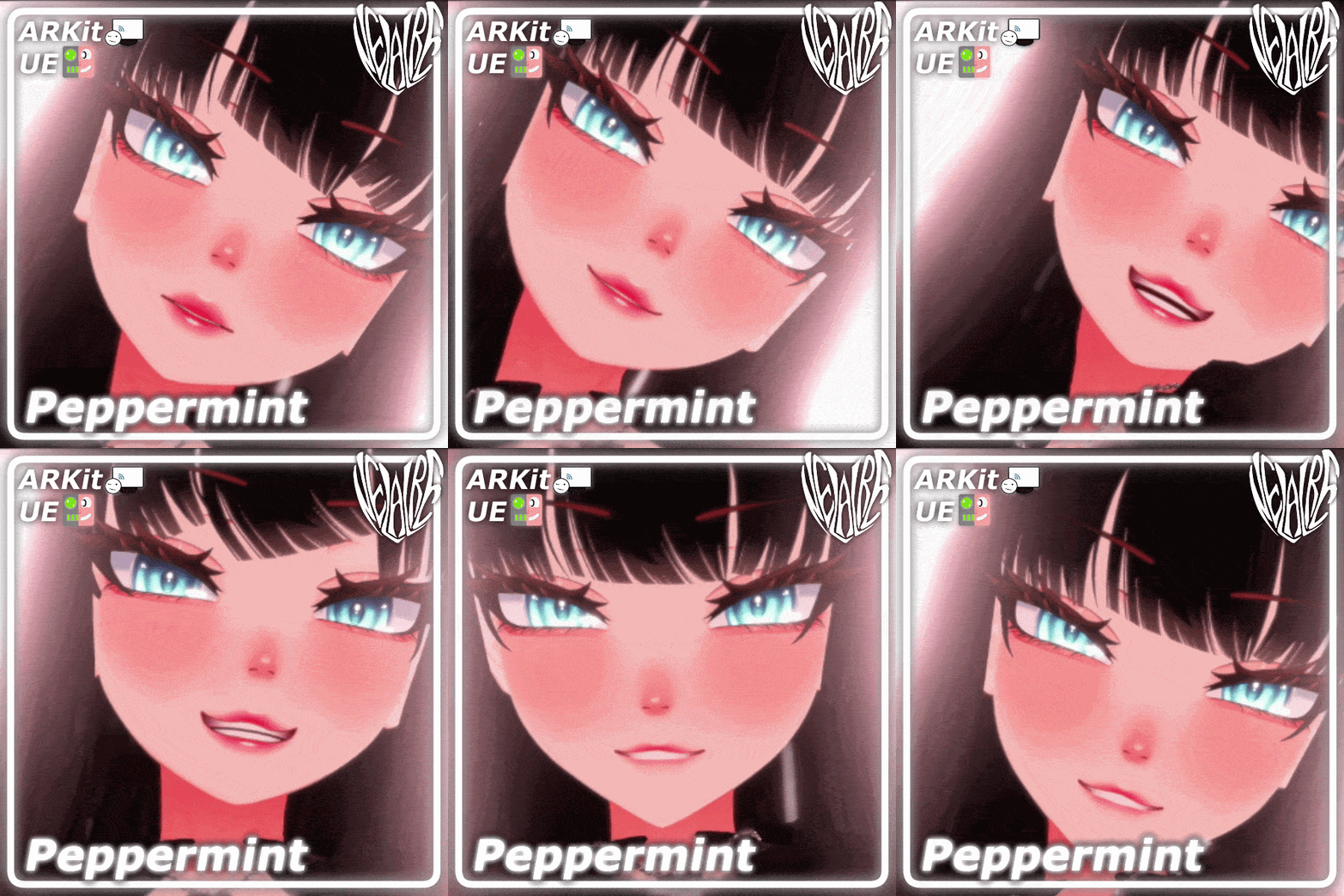
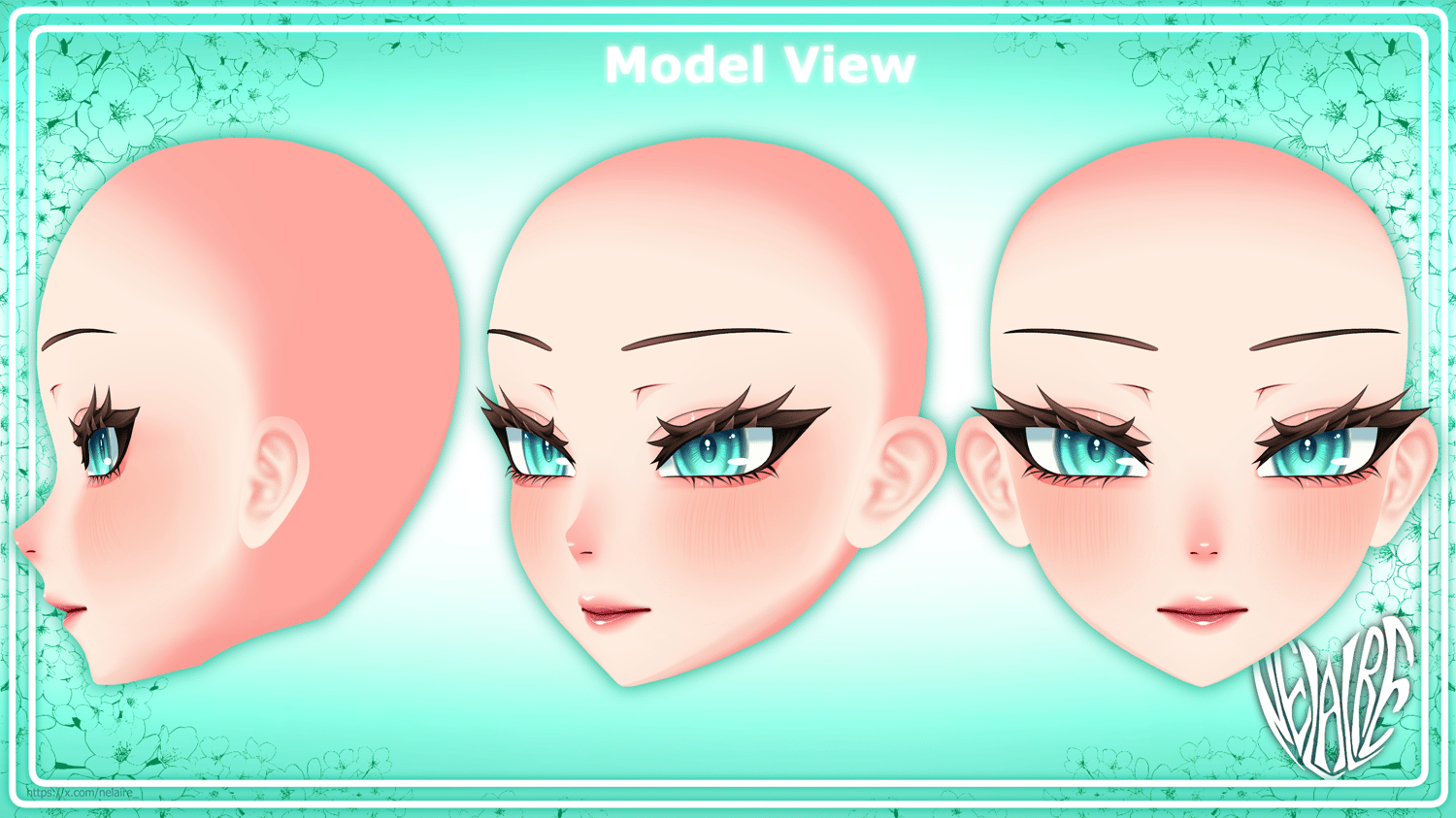

"Peppermint" Customisable Head for VRChat & VTubing
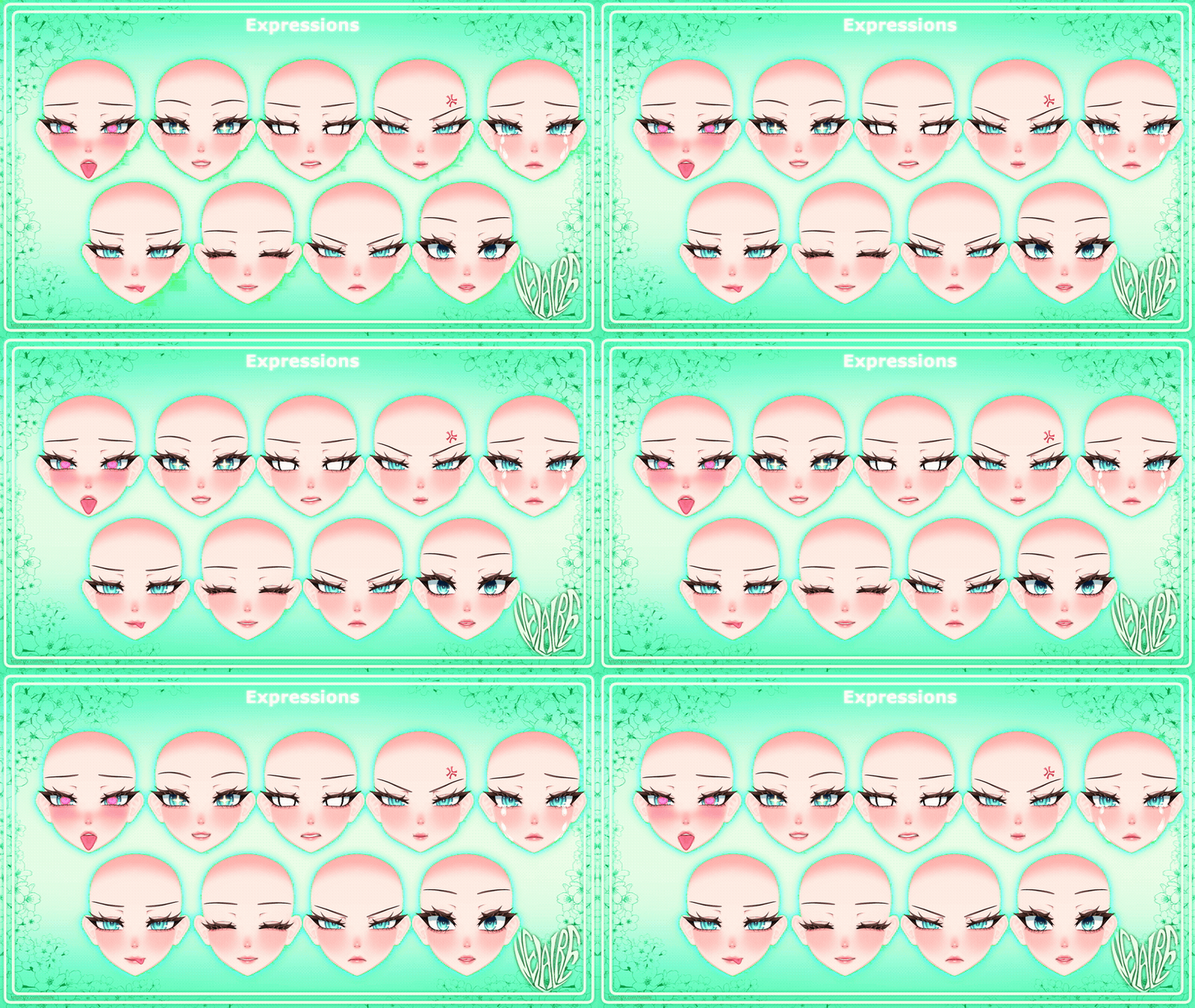
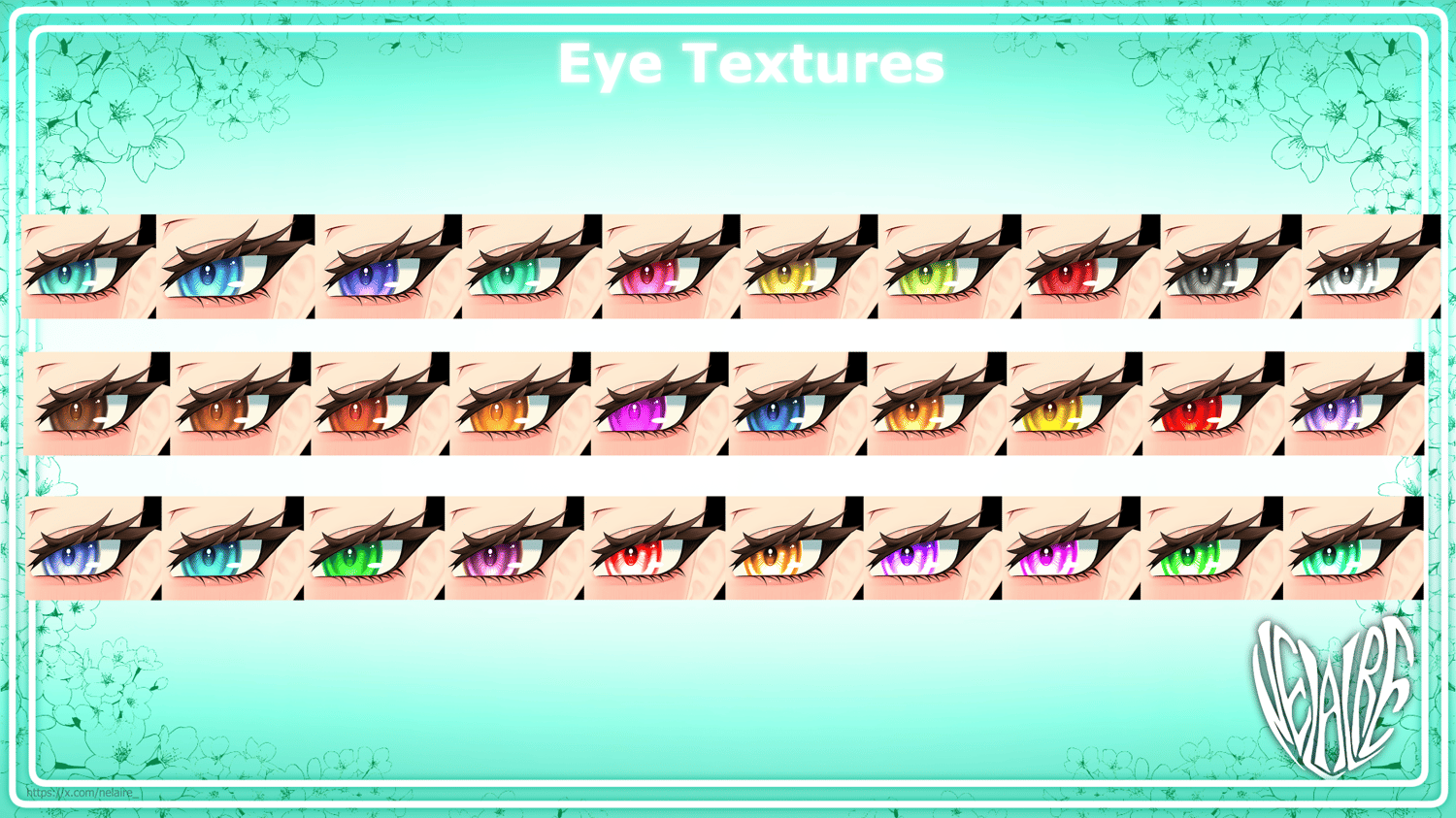
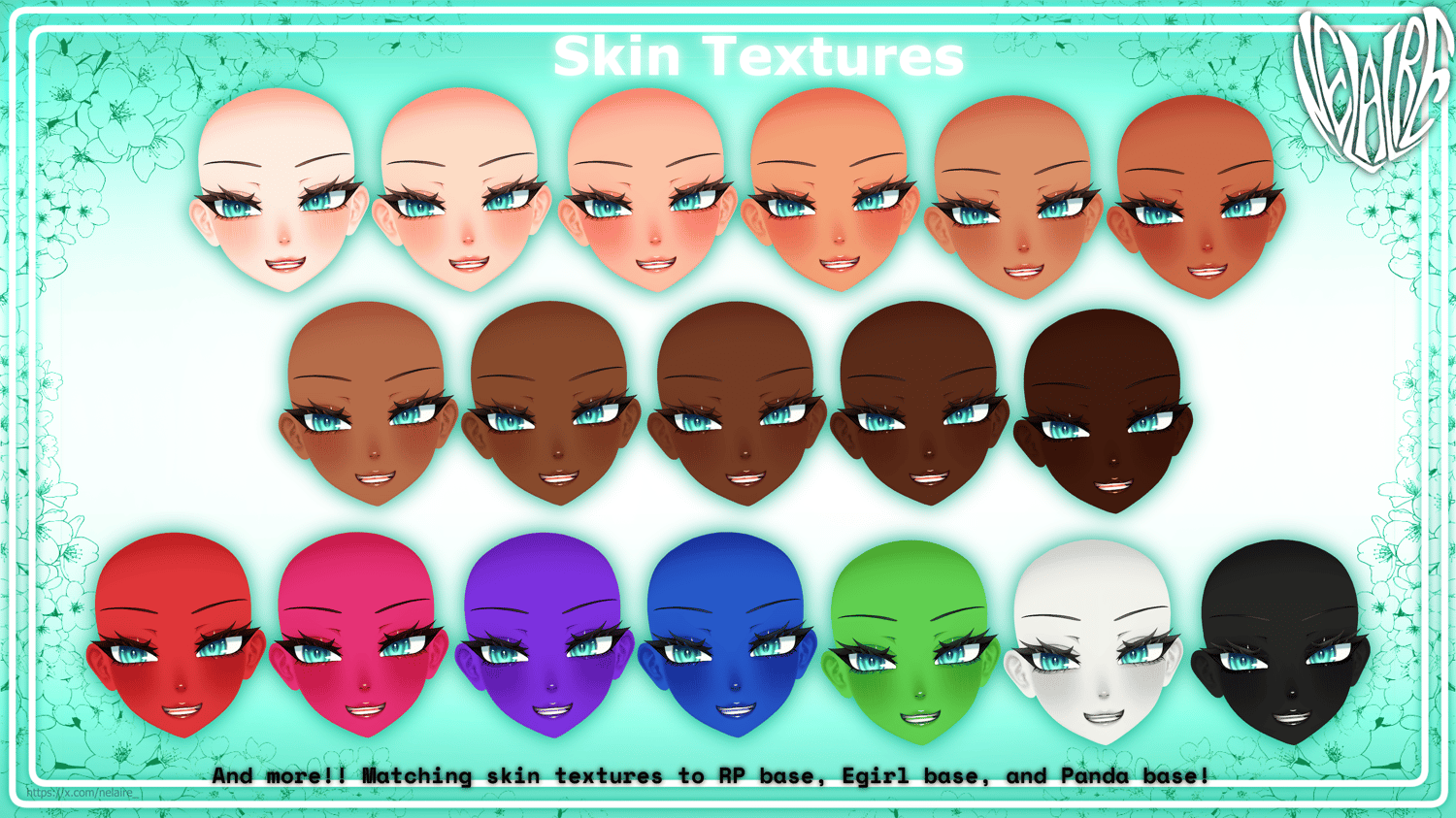
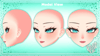
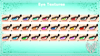
A cute high quality customisable head made for VRChat & VTubing! It includes over 200+ customisable shapekeys & expressions, 70+ different textures, and two full face tracking kits (ARKit & UE) (Model has over 500+ shapekeys in total!).
✨Model Information ✨
Materials: 3 (Face, Alpha, Animated Tears) (Poiyomi 9.3.64)
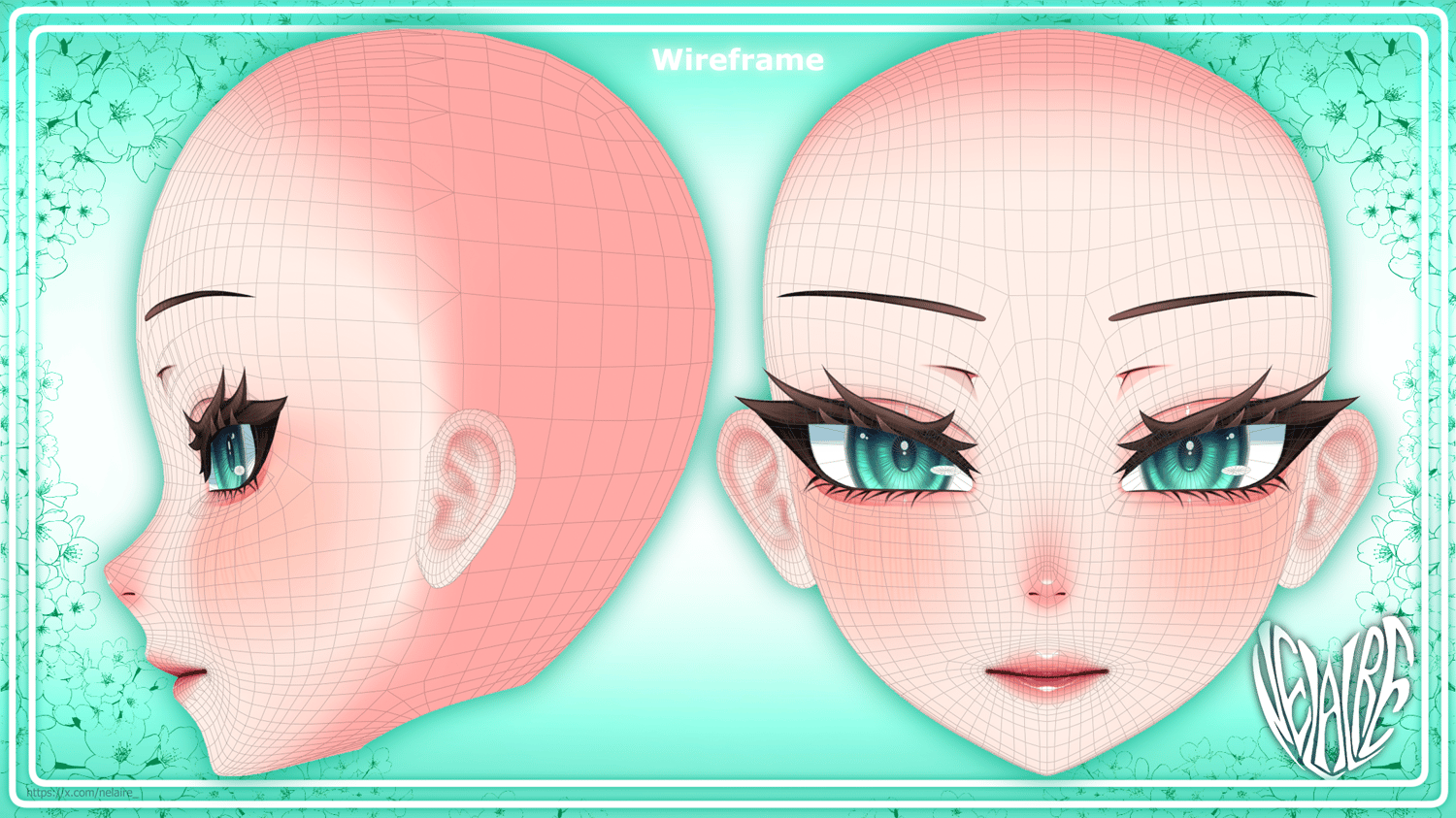
Tris: 16,662 Δ
Face Tracking: ARkit (Tailored to IPhone/VTuber tracking), Unified Expressions (Tailored for VRCFT tracking)
Shapekeys: 200+ Customisable Shapes & Expressions, MMD Shapes, ARKit, Unified Expressions. In total over 500+ shapekeys to use!
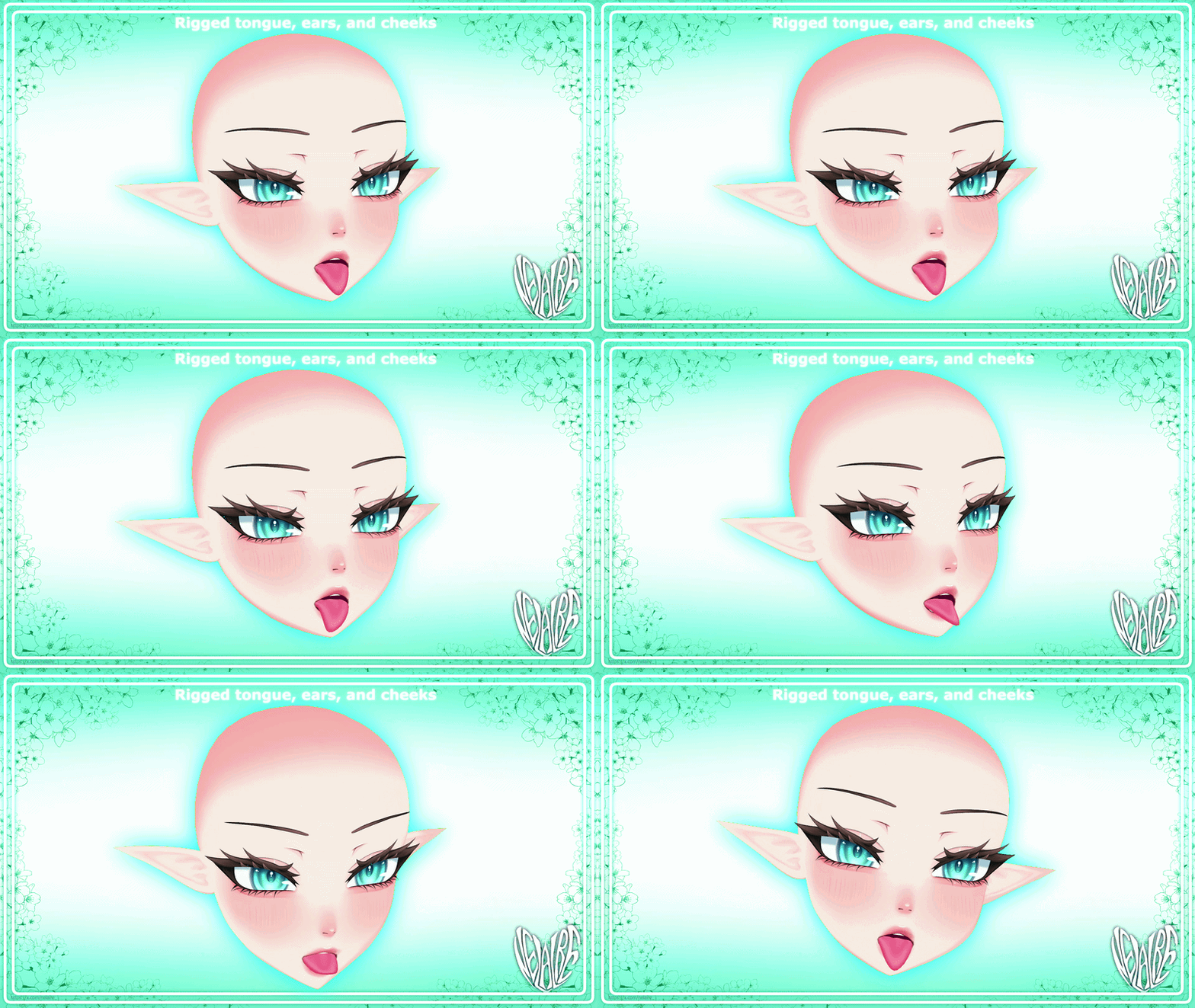
Bones: 15 (Elf ears, Cheeks, Tongue, Head & Eye bones)
📦Zip Package Contains 📦
Unitypackage (With example prefab & everything listed below)
FBX File
Blender file
PNG Textures:
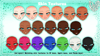
18 Face Textures
18 Alpha Textures
.PSD File with seperate face layers
.CSP File with seperate face layers
30 Eye Textures, .CSP file of eyes
7 Masks
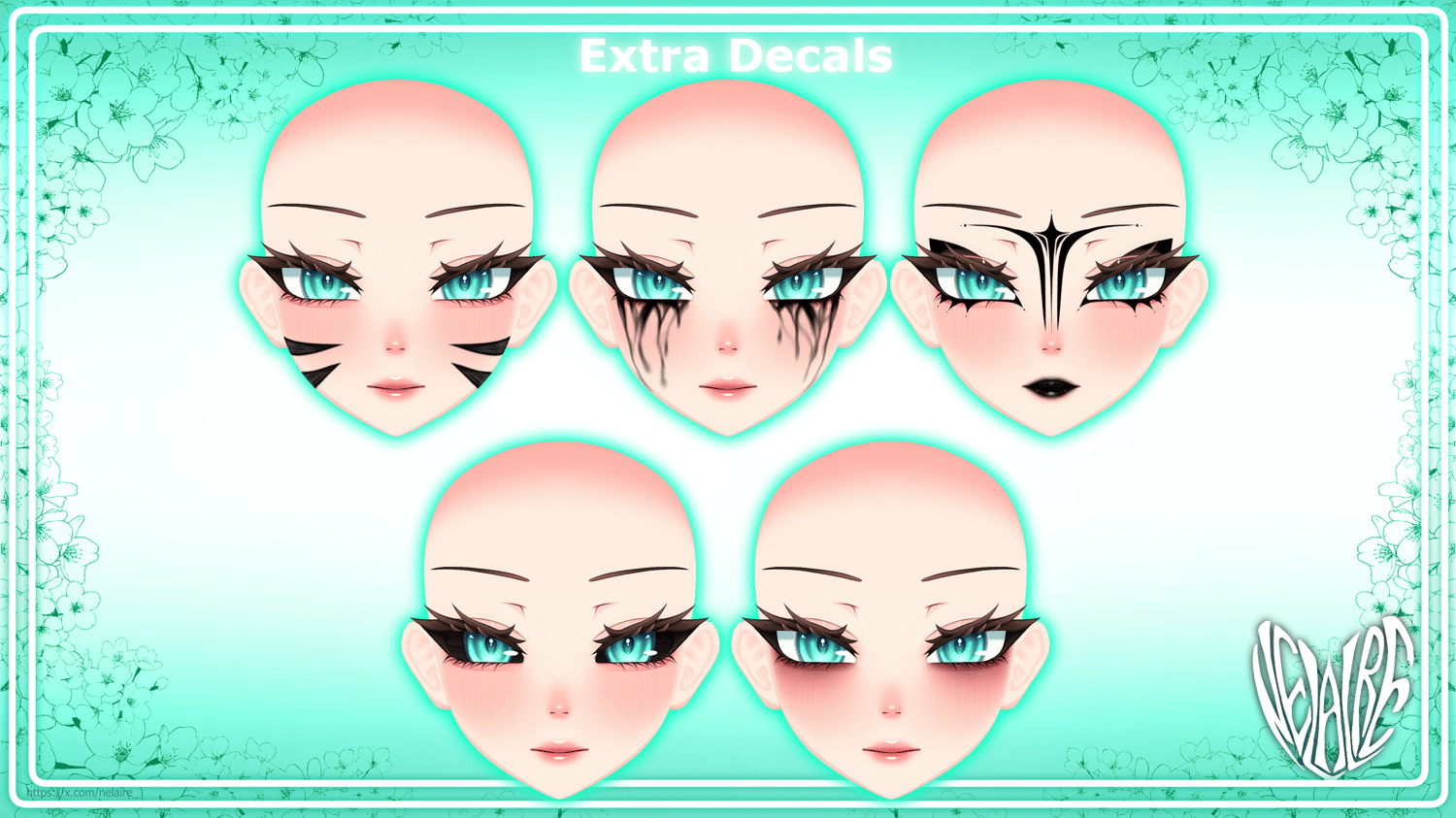
6 Misc Decals (Black scleras, Face highlights, Goth paint, Running mascara, Neko Marks, Tired Eyes) (Masks for each decal)
3 Tear Textures (including two masks)
MATCHING Face Textures For:
RP Base (By Zinpia)
VRBASE Egirl (By Zinpia)
Panda's Female Base v2 (By Pandaabear)
How to use Peppermint? ❓
Basic Blender & Unity knowledge is required to set up this head, it doesn’t come with an avatar base, so you must fit, size and attach it to a base of your choice on your own. The head comes with many adjustment shapekeys, and shapekeys to close and adjust neck hole & head, so it should work on any avatar base.
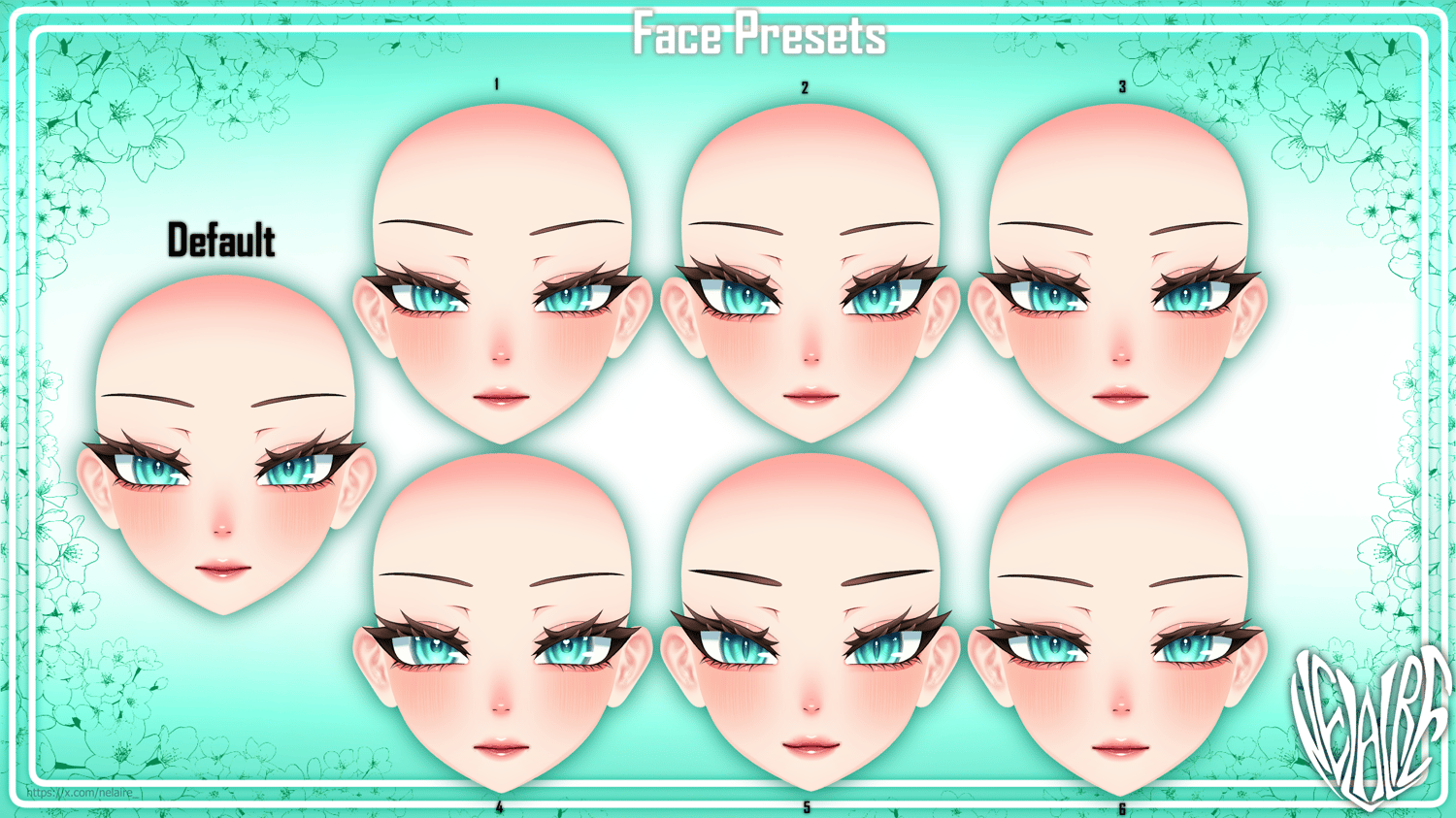
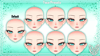
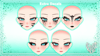
Peppermint comes with 6 face presets, but there are many different face blendshapes to make your own Peppermint look!
The ARKit face tracking was made and tested with IPhone face tracking, so I reccomend solely using the ARKit in VTuber programs, and using the Unified Expressions face tracking kit for VRChat, since they are both tailored differently to their respective use cases.
If you are using a VRCFT template in Unity such as Jerry's Templates, I reccomend to adjust the values or delete the "Eye Rotation" component on the prefab. This just prevents the eyes from clipping into the head or looking too crazy. The eyes already move on the FT blendshapes themselves, so it'll work perfectly without the Eye Rotation component!
Discord Server
My discord server! Come say hi!!
If you'd like to contribute to my assets, there's a suggestions & feedback channel you're free to use <3
Terms Of Service 📝
By purchasing or downloading any digital product created by Nelaire (Twitter/X: @nelaire_), you automatically agree to the following terms:
You ARE permitted to:
- Modify and edit the model
- Use for personal use
- Use for commercial use (including streaming, VRChat, VTubing, selling it on avatars, making assets for it)
- Use on commissions (person working on the comm doesn't have to own the product ASLONG as they don't use it for anything else but the commission they're working on)
- Use on free models
- Use on public models
You MUST credit me on your storepage/description if:
- Using the product commercially (excludes streaming)
- Using it on a public or free model
Credits must include a link to the used product or a link to my storepage.
You are NOT permitted to:
- Redistribute the product on its own (edited or not)
- Resell the product on its own (edited or not)
- Leak or share the product around to non-license holders
- Claim the work as your own
- Use any form of AI in the product, or feed it into AI
- Use the product for political, religious, or unlawful purposes
Nelaire is not responsible for any damages, losses, or issues resulting from use or modification. All rights and copyrights remain with Nelaire. These terms may be updated at any time, and continued use of the product constitutes agreement to the current version.
Full TOS:
By purchasing or downloading any digital product created by Nelaire (Twitter/X: @nelaire_), you are permitted to use the product for personal and commercial purposes, including streaming, VRChat, VTubing, monetized content, and selling it on paid models. You may modify the product for personal use, but redistribution, resale, sharing, leaking, or claiming the work (original or modified) as your own is strictly prohibited. You may use the product on free/public models, but may only include the used parts of the product and not the whole package. You must credit Nelaire if you use it on a paid, public, or free model with a link to the product or the storepage. Use of the product for political, religious, or unlawful purposes is not allowed. Nelaire is not responsible for any damages, losses, or issues resulting from use or modification. Any usage of AI in the product, or feeding any parts of it into AI is strictly prohibited. All rights and copyrights remain with Nelaire. These terms may be updated at any time, and continued use of the product constitutes agreement to the current version.
Discord Server/Suggestions & Feedback
I'd like to keep working on bringing new features to Peppermint, so if you have any suggestions or feedback for Peppermint, you can let me know in my discord server! <3
Version History
- Peppermint Version 1.0, August 1st 2026 (First Release Version)
- Peppermint Version 1.1, September 20th 2026
Improved ear mesh & renewed elf ear blendshapes
New blendshapes (Pupil_Forward, Pupil_Backward, Ears_Big, Ears_Small)
Added missing TongueStep shapes for UE
Overall FT improvements for UE
Reworked face textures & made PSD with seperate layers
Added 2 extra ear bones for cuter wiggly elf ears.
Improved weight painting
Added matching skin textures for RP base, EGirl base & Panda base.
Added teeth mask & remade outline mask
Credits
Model & face tracking is made entirely from scratch by me! :D
https://x.com/KrabyXd for helping me setup and animate the tears on the poiyomi material <3
Poiyomi Toon Shader! <3