




Mowat Calendar 2027 (Home Printing)
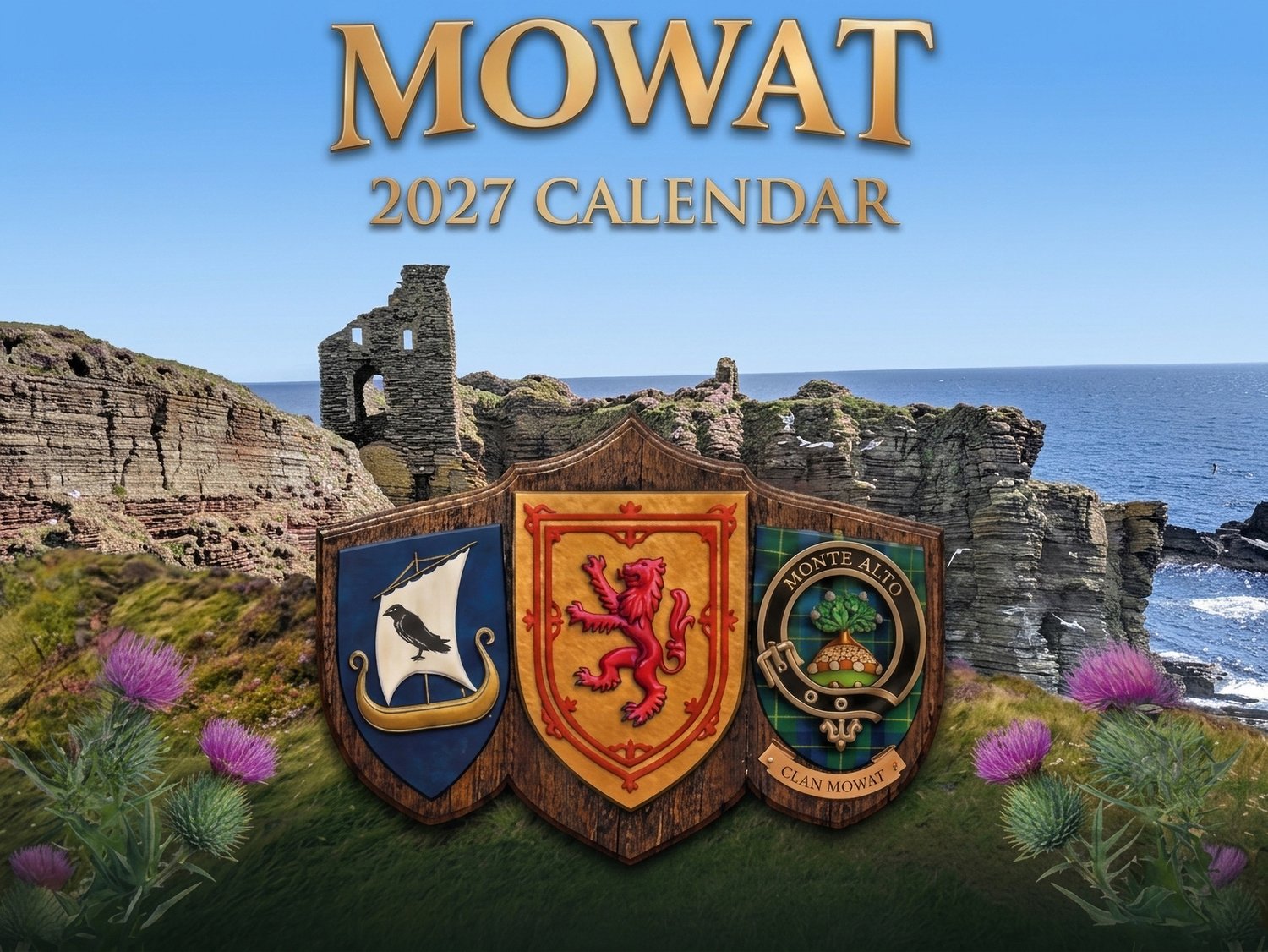
MOWAT 2027 WALL CALENDAR (A4 Landscape)
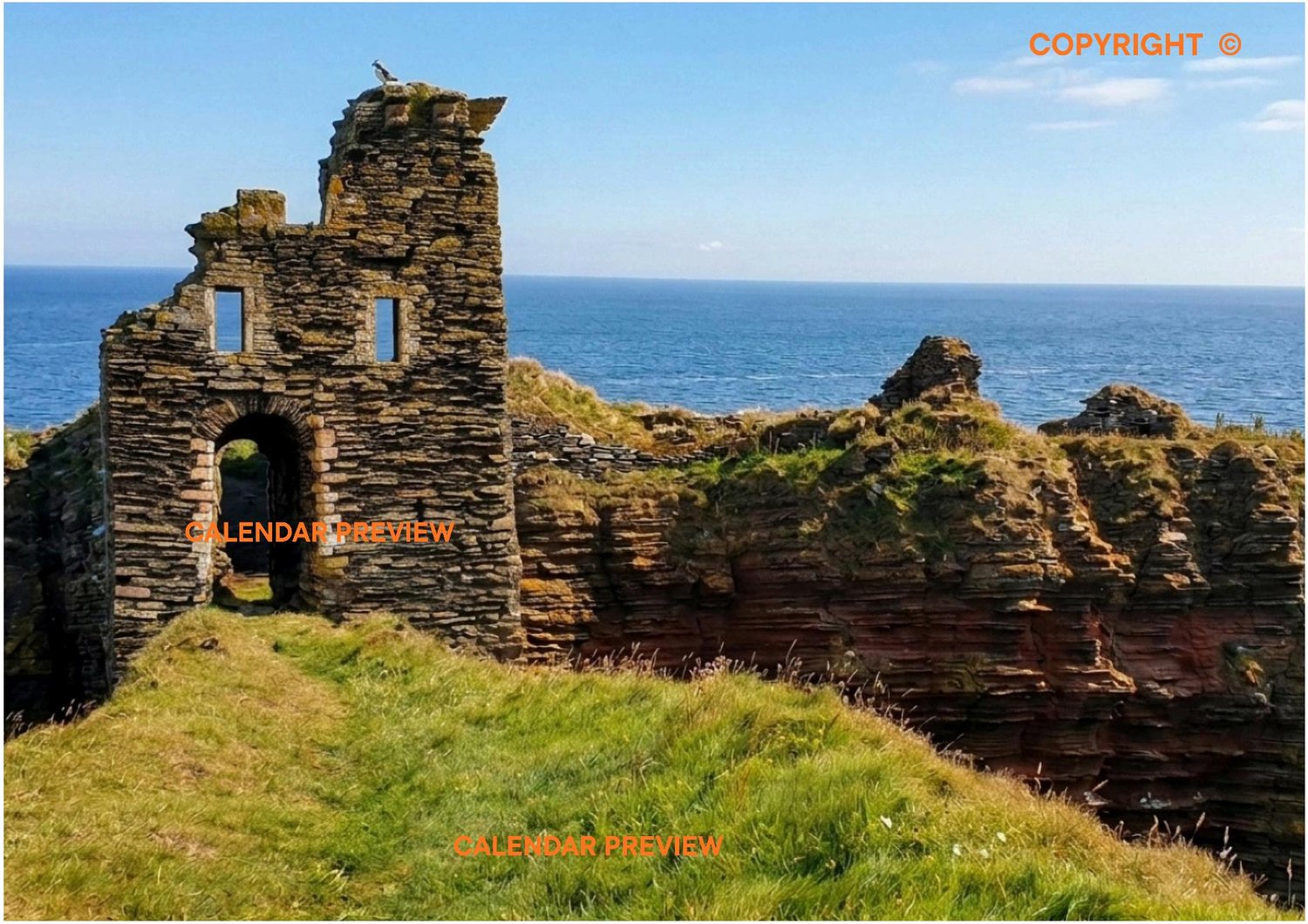
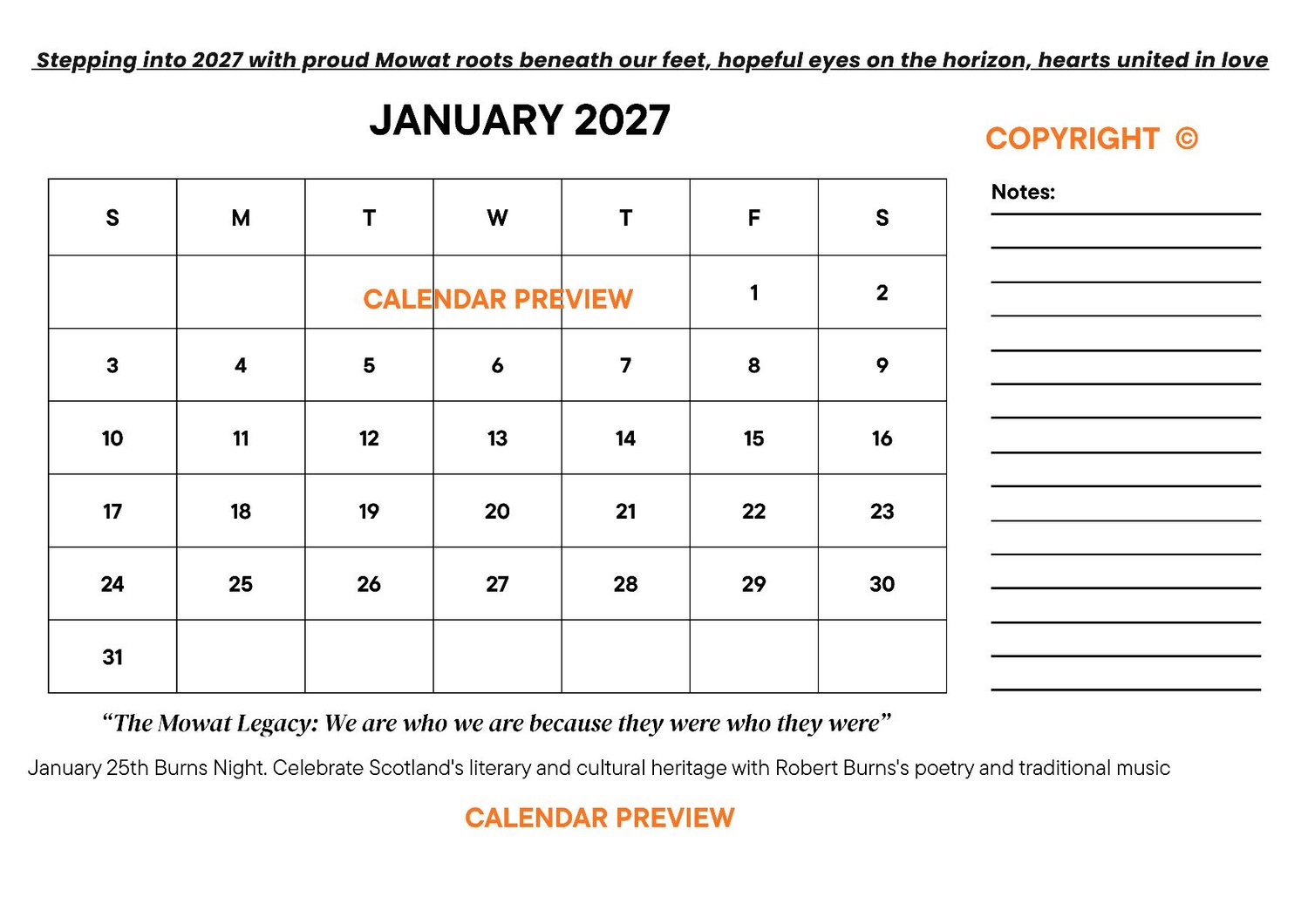
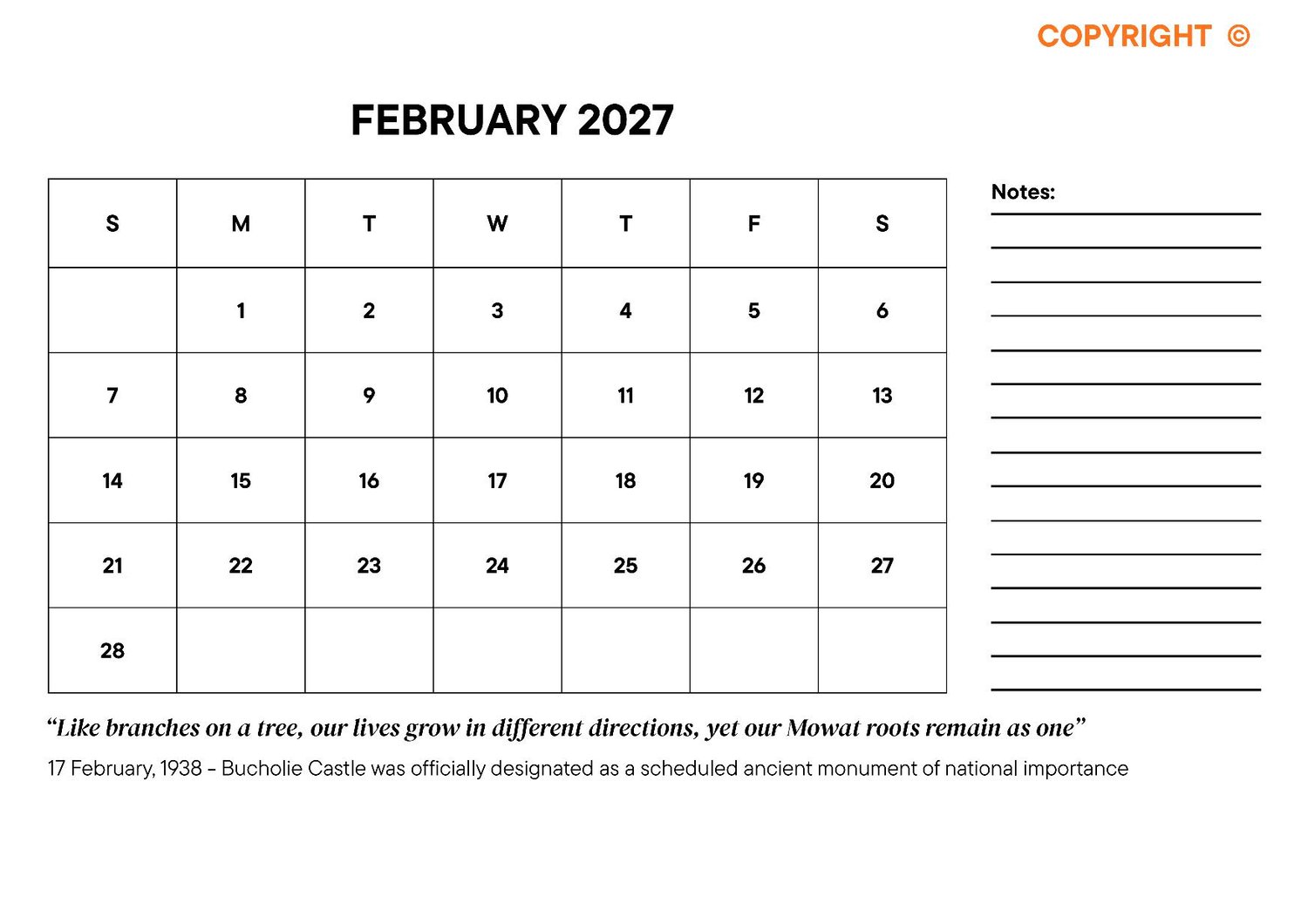
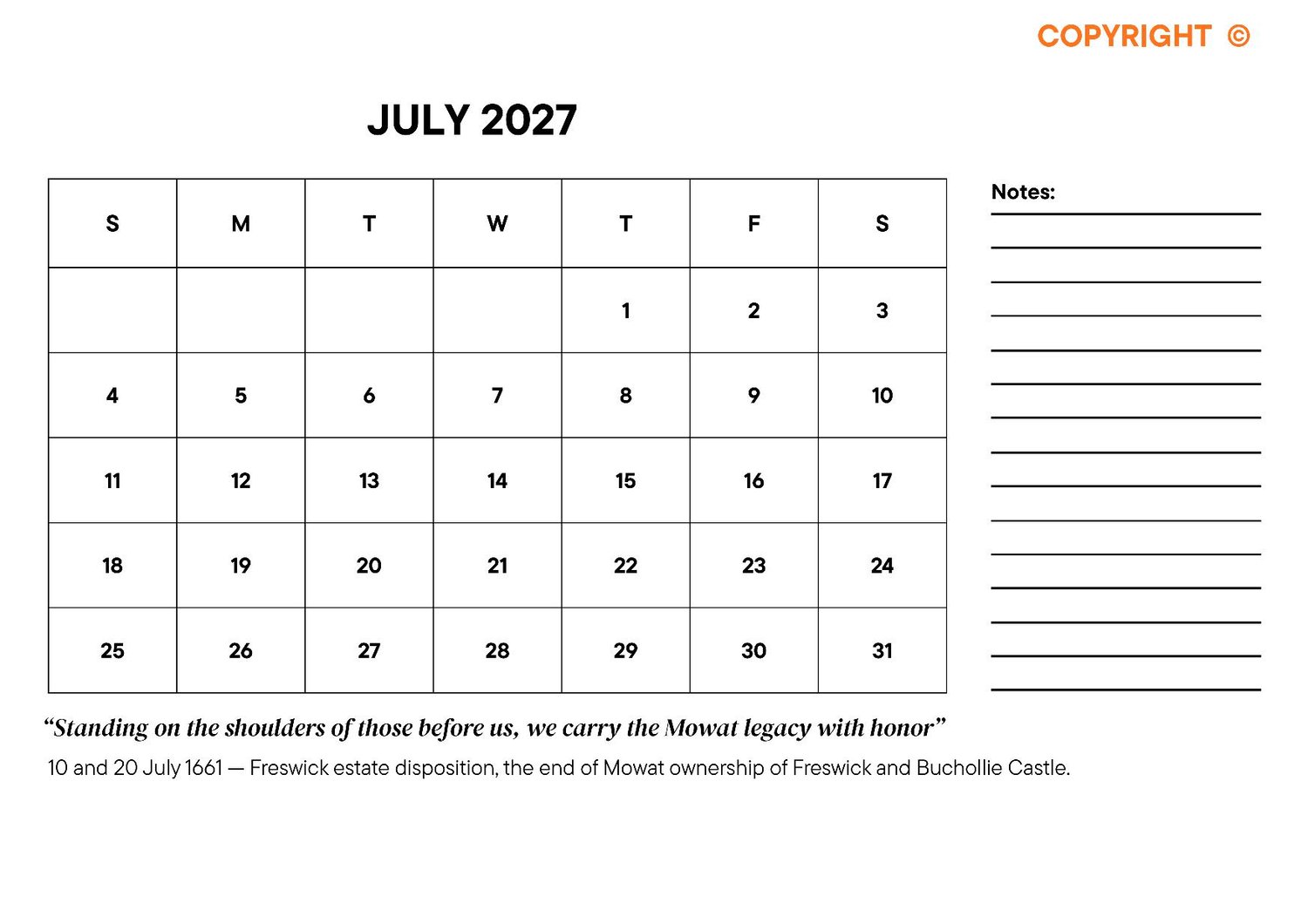
DOWNLOAD A FREE PREVIEW OF THE WHOLE CALENDAR TO SEE EXACTLY WHAT IT LOOKS LIKE BEFORE YOU BUY!
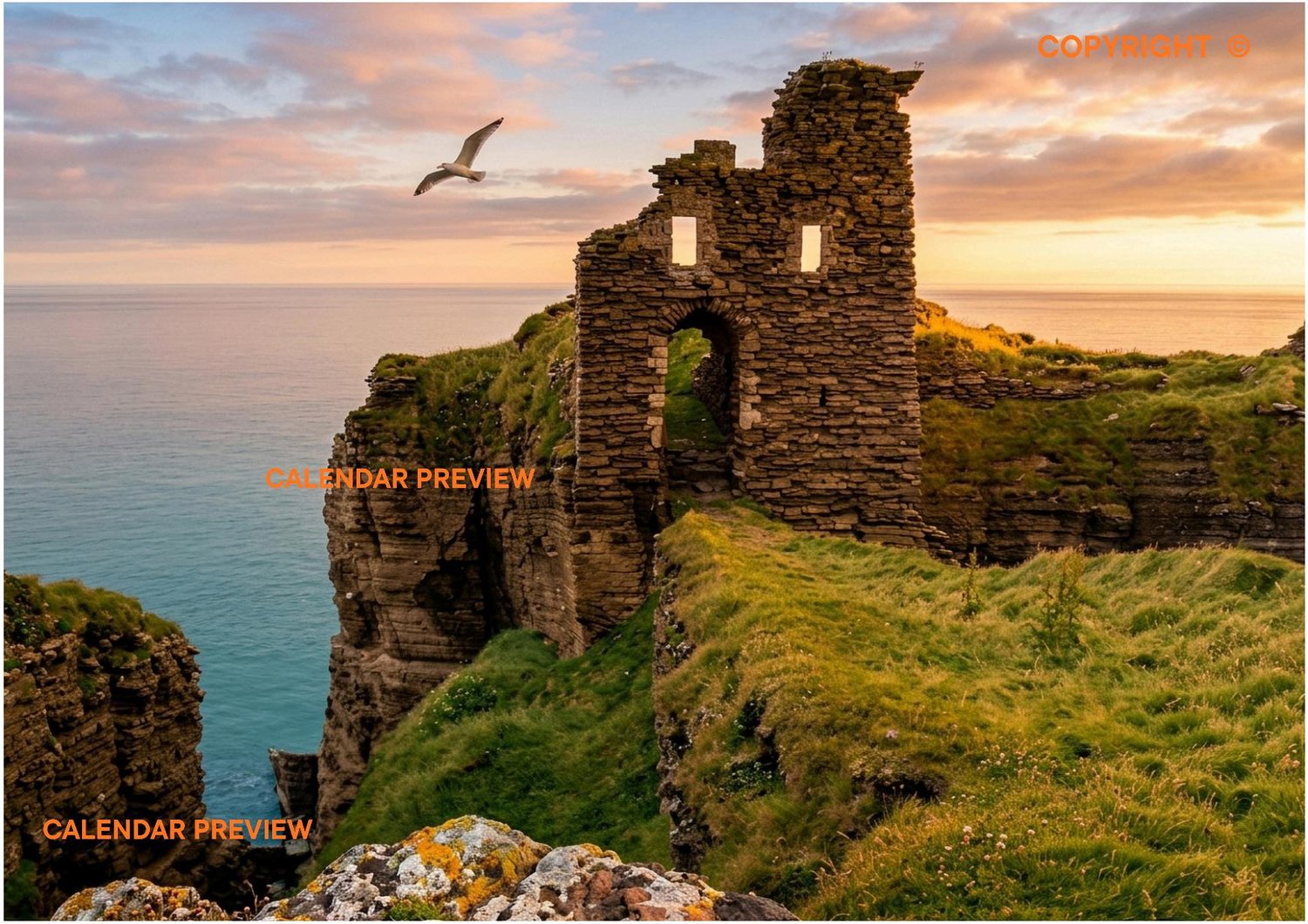
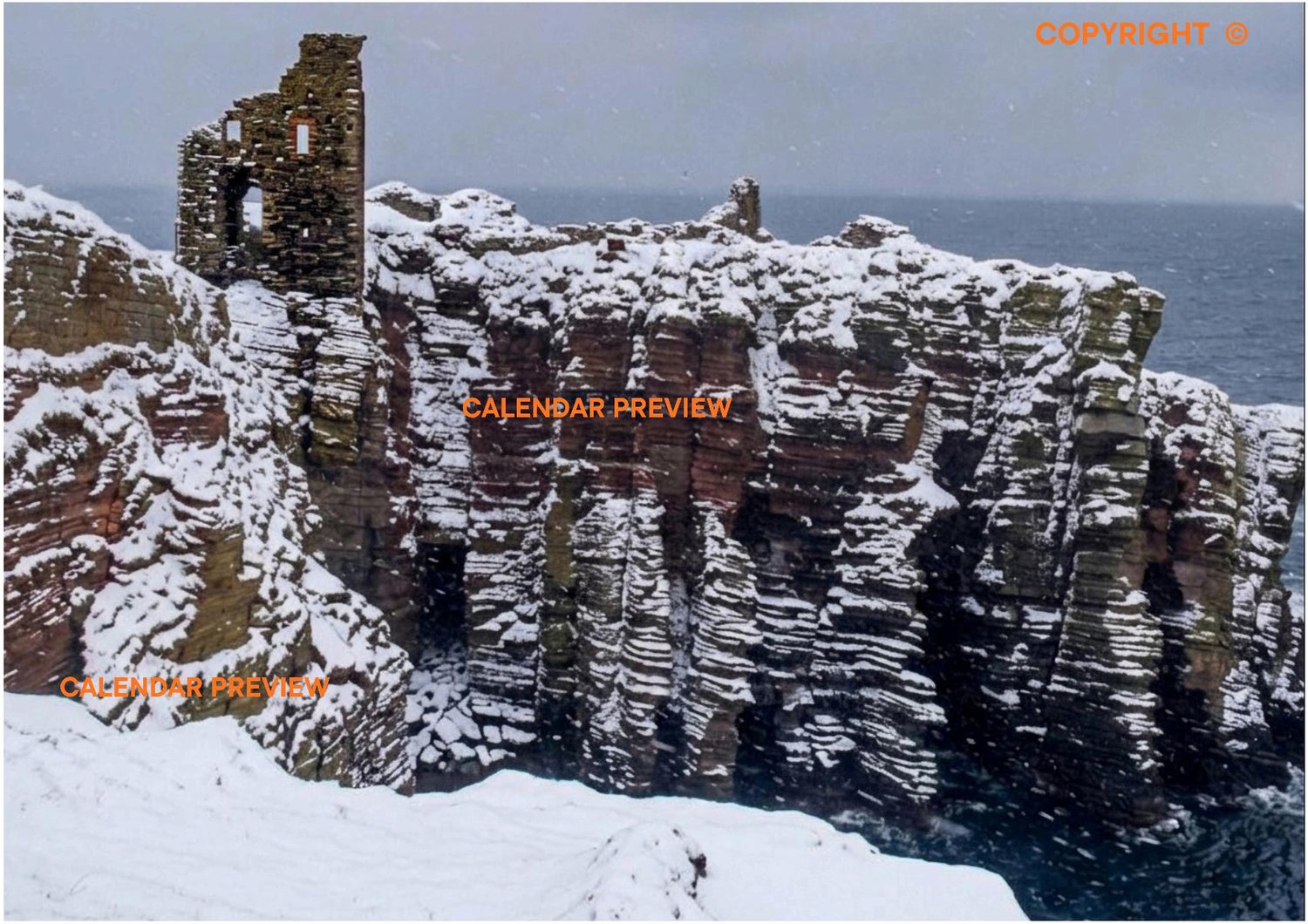
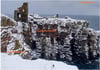
This calendar stands as a tribute to our ancestors and those who walked before us—remembering their enduring legacies, their triumphs, and the challenges they bravely faced. At its heart lies Mowat Castle, the proud historic seat of Clan Mowat.
More than just stone and history, the castle embodies power, achievement, humility, and love. May we strive to imitate these fine qualities that define our heritage. We carry immense pride in our Mowat roots, and this calendar serves as a daily reminder of our shared story, strength, and legacy.
Product Features & Format
- Layout: Created in A4 landscape (wide/horizontal) format.
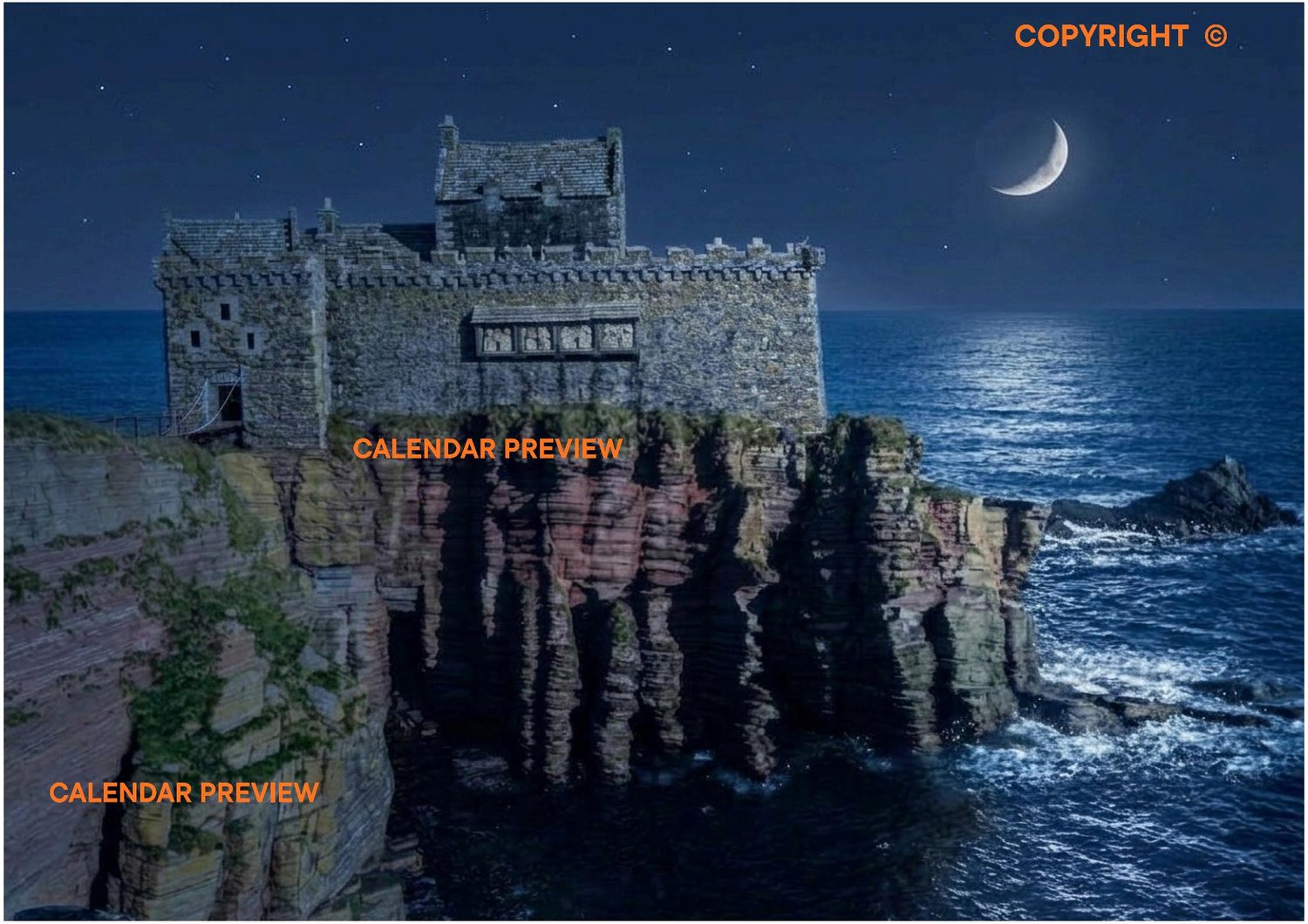
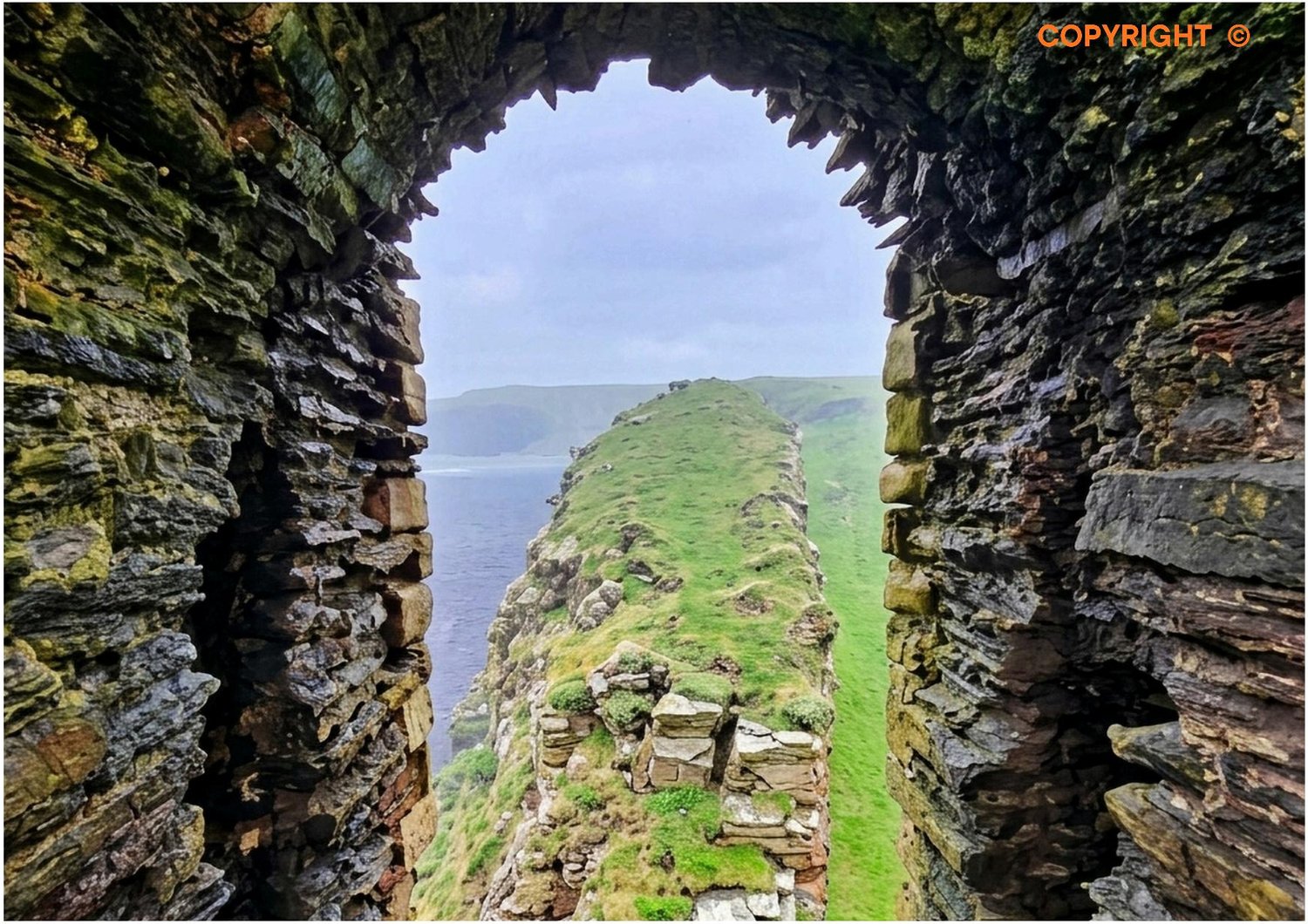
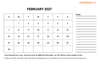
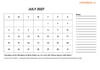
- Design: Each month features its own separate, beautifully curated Mowat picture on the top half, and a dedicated calendar grid with space to write notes on the bottom half.
- Delivery: Once purchased, the high-resolution file is downloaded instantly to your device in PDF format. Adobe Acrobat Reader is the industry standard for viewing and printing these files.
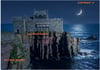
- Visual Note: The images for November and December feature a modern perspective of the castle. Instead of showcasing traditional ruins, these two months artistically reimagine how the castle looks today and how it might appear if people were actively living inside it in our modern world.
Pricing & Value: An Honest, Transparent Breakdown
My asking price reflects the care, hard work, and time spent creating this unique piece of clan heritage. At just $0.64 per month ($7.63 for the full 12-month digital template), it is highly affordable and offers excellent value. When you break that down, the digital file costs just 2 cents a day!
I have kept the price as low as possible while covering essential overheads. This small fee somewhat helps offset platform transaction fees (Payhip and PayPal), along with the professional design software, Canva Pro, and Photoshop tools used to enhance, restore, and construct the actual calendar. Given that my upfront setup costs sit at $10.61, I have done my level best to provide you with a beautifully crafted calendar at an incredibly fair price.
What does it cost to print locally?
If you decide to take this file to a local print shop rather than printing at home, here is a transparent look at your estimated production costs:
- High-Quality Imagery: 14 x A4 Colour pages (Covers + monthly images) = R105.00
- Clean Calendar Grids: 12 x A4 Black & White pages = R20.40
- Premium Paper: 26 x A4 Gloss White paper sheets (100g) = R67.60
- Professional Finish: 1 x 10mm Binding ring & protective backboard = R24.00
- Total Local Printing Subtotal: R217.00 (approx. $13.24)
The Total Investment: Cheaper than a single cup of coffee
Combining your template purchase with professional local printing means your complete, premium physical calendar costs virtually nothing to enjoy over a full 365-day year:
- Total Project Cost: ~$20.87 (approx. R343.50)
- Cost Per Month: Only $1.74 (approx. R28.60)
- Cost Per Day: Just $0.057 (approx. R0.95)
For less than 6 US cents (or under 1 South African Rand) per day, you get a wall piece calendar that keeps you organized all year long.
Home Printing Guide & Tips
For home printing, it is highly advisable to do a single-month test print first. This allows you to check your printer settings without wasting ink and paper on all 12 months!
- File Selection: Use the PDF Print - RGB version. This option outputs a crisp, high-resolution file (300 DPI) while preserving the digital colour profile, making it perfect for standard home inkjet printers.
The Golden Rule for Landscape Wall Calendars:
Because this PDF consists of horizontal pages meant to be bound in the middle and hung on a wall, the printer settings are the exact opposite of a vertical book layout.
- Always choose "Print on both sides of paper"
- Always select "Flip on Long Edge" (Do NOT choose Flip on Short Edge)
Why this matters: In a landscape (wide) document, the long edge runs along the top and bottom. Choosing Flip on Long Edge tells the printer to flip the paper top-to-bottom (like a legal notepad). This ensures that when you hang your calendar on the wall, the photo on the top half and the grid on the bottom half are both facing the right way up!
Option 1: Steps for Automatic Duplex Printing
Use these steps if your printer automatically pulls the paper back in to print the second side.
- Open your PDF calendar in Adobe Acrobat Reader or your web browser.
- Press Ctrl + P (or Cmd + P on Mac) to open the print menu.
- Select your physical printer.
- Check the box for Print on both sides of paper.
- Select Flip on Long Edge.
- Click Print.
Option 2: Steps for Manual Duplex Printing
Use these steps if your printer requires you to manually take the pages out and feed them back in for the second side.
- Step 2A (Print Odd Pages): In your PDF print menu, look under More Options or Pages to Print. Change the dropdown setting from All Pages to Odd pages only (this prints pages 1, 3, 5, etc.). Click Print.
- Step 2B (Flip & Reload): Gather the printed stack from the output tray exactly as it is. Look at the MOWAT 2027 cover page on top and note which way the text is facing. Turn the stack over so the blank side faces up, and rotate the stack 180 degrees (so the top of the text now points in the opposite direction). Place the stack back into your printer's paper input tray.
- Step 2C (Print Even Pages): Go back to your PDF print menu, change the setting to Even pages only (this prints pages 2, 4, 6, etc.), and click Print.
Pro-Tips for Binding & Finishing
- The Orientation Check: Before you staple or spiral-bind the middle edge, flip through your pages like a wall calendar. Page 1 (Cover) should have Page 2 (January Photo) directly on its back, upside down relative to the cover. When you swing it open and hang it up, both will magically point right-side up!
- If ordering binding at a print shop, use these exact specs:
- Binding Ring: Select Wire/Ring (Black). This allows the pages to flip cleanly 360 degrees without catching.
- Front Binding Cover: Choose None. Don't let a piece of plastic hide your beautifully designed "MOWAT 2027" cover artwork!
- Back Binding Cover: Select Backboard (Cardboard). A rigid backing board provides vital structural support, preventing your pages from sagging, warping, or curling against the wall over the year.
*Disclaimer: Please verify your settings using your printer's print preview screen before running a full job. Final print outcomes are the responsibility of the user.
Copyright & Terms of Use
This calendar is copyrighted in its entirety. No part of this calendar—including images, text, or slogans—may be copied, borrowed, distributed, given away, or resold in any shape, form, or manner. Your purchase covers private, personal use only. Sharing the digital file, offering it as a free download, or utilizing any portion of it for commercial monetization is strictly prohibited.
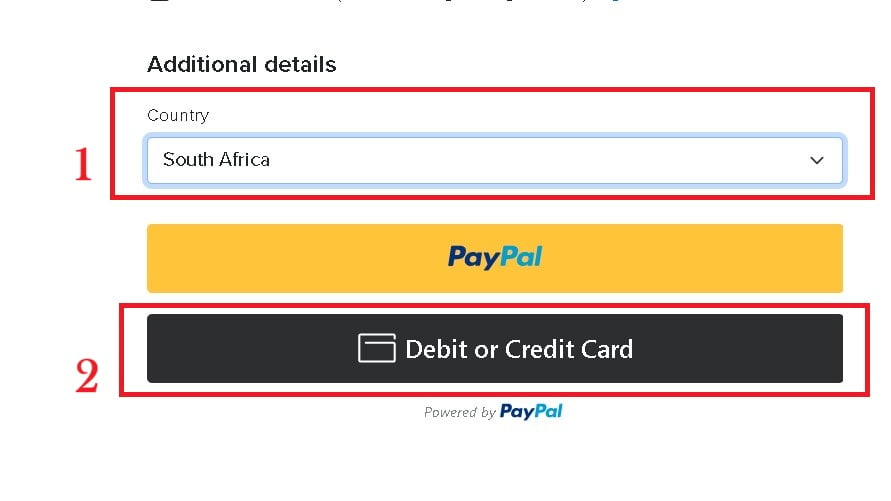
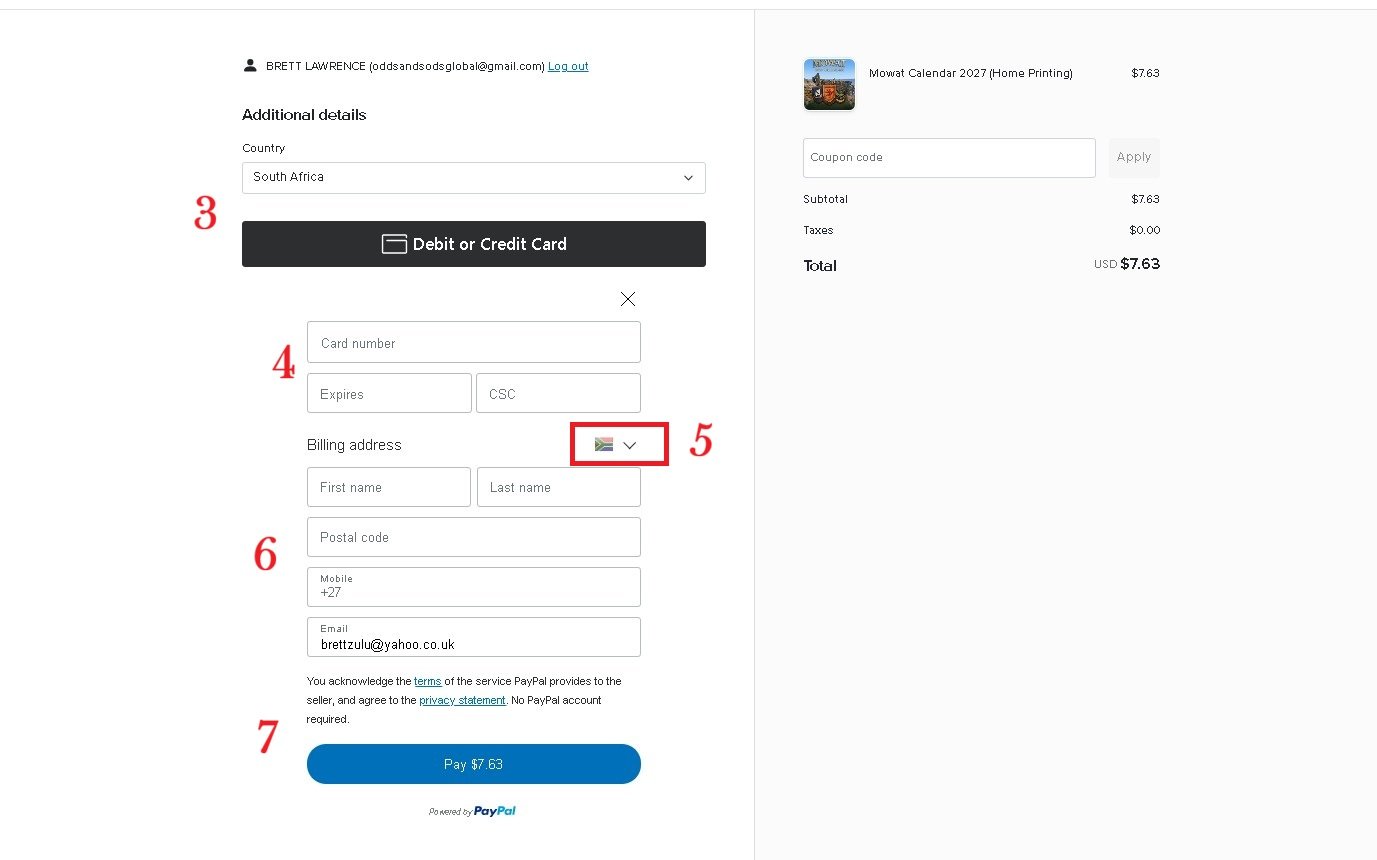
How to make a payment without having a PayPal account?
YouTube vide: https://www.youtube.com/watch?v=R_gLJv03IIw