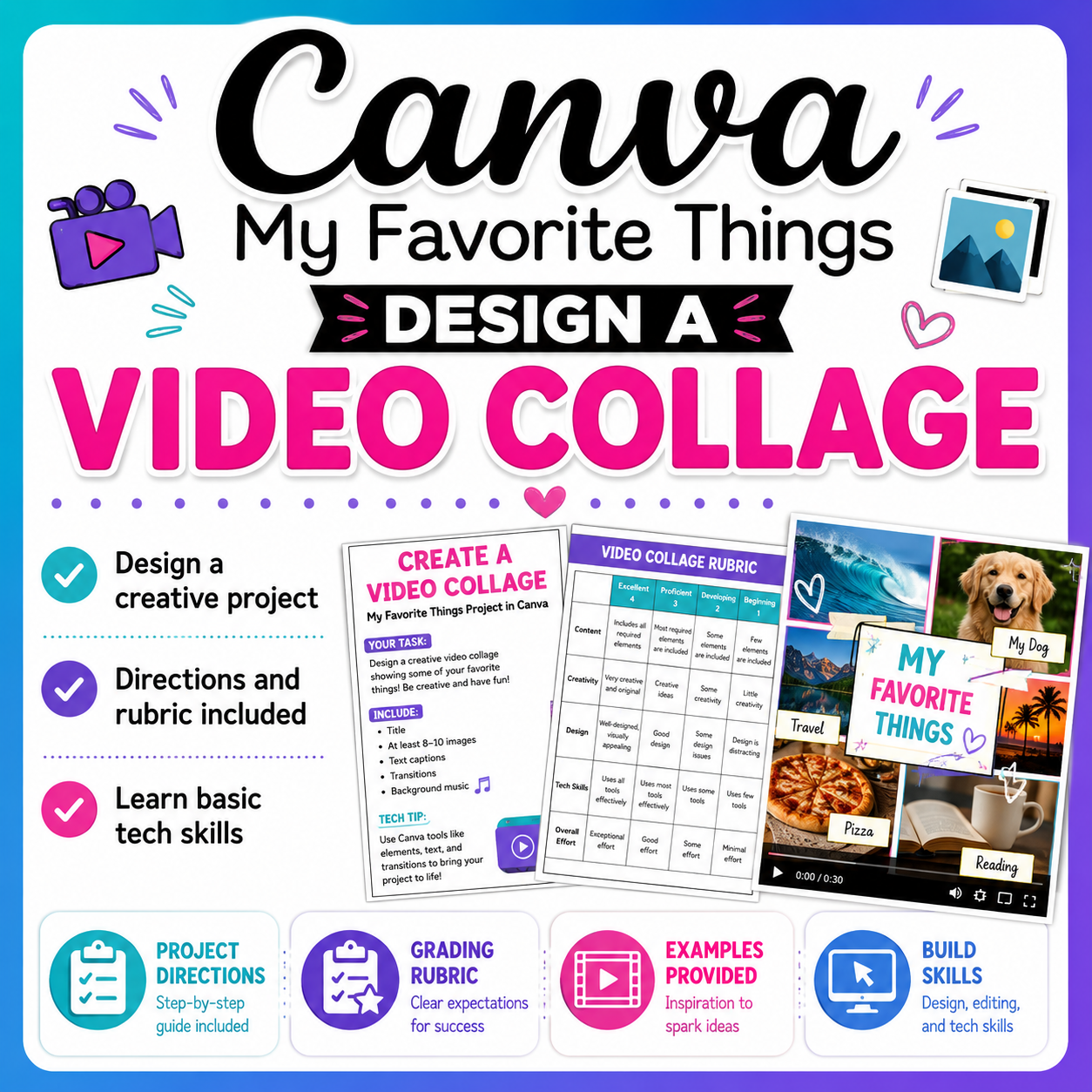
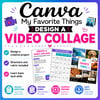
Canva Video Collage Project – Create a “My Favorite Things” MP4 Video
Canva Animations Practice – Fun Video Collage Assignment
Practice Canva animations with your students using this fun, creative, and skill-building assignment
Students will design an animated video collage while learning essential digital design and multimedia skills!
🧩 In This Assignment, Students Will:
🎬 Apply a Video Collage template to a Canva canvas
🖼️ Add elements (decorative graphics & photos)
✨ Insert animated graphics and text
🎧 Add audio clips
📝 Modify text boxes and add required text
📹 Create a video collage with text, pictures, and graphics
📁 Export the final project as a Video MP4 file
📦 What’s Included:
📋 Complete project requirements & directions
💡 Project ideas to spark creativity
📊 A clear grading rubric
🎥 Example videos for student reference
🗂️ Zipped folder with all files included
🌟 Perfect For:
💻 Digital media & computer classes
🎨 Creativity & technology lessons
🧑💻 Independent or project-based learning
🏫 In-class or remote learning
⚠️ Important Notes:
✔️ Each student must have access to an online Canva account
✔️ Students must be able to access Video Collage templates
✔️ Basic Canva familiarity is recommended (templates, text boxes, elements)
👉 This assignment can also be used as an intro lesson as you guide students through the process of creating a Canva masterpiece
A fun, hands-on way to help students build creative confidence, animation skills, and digital literacy using Canva!