
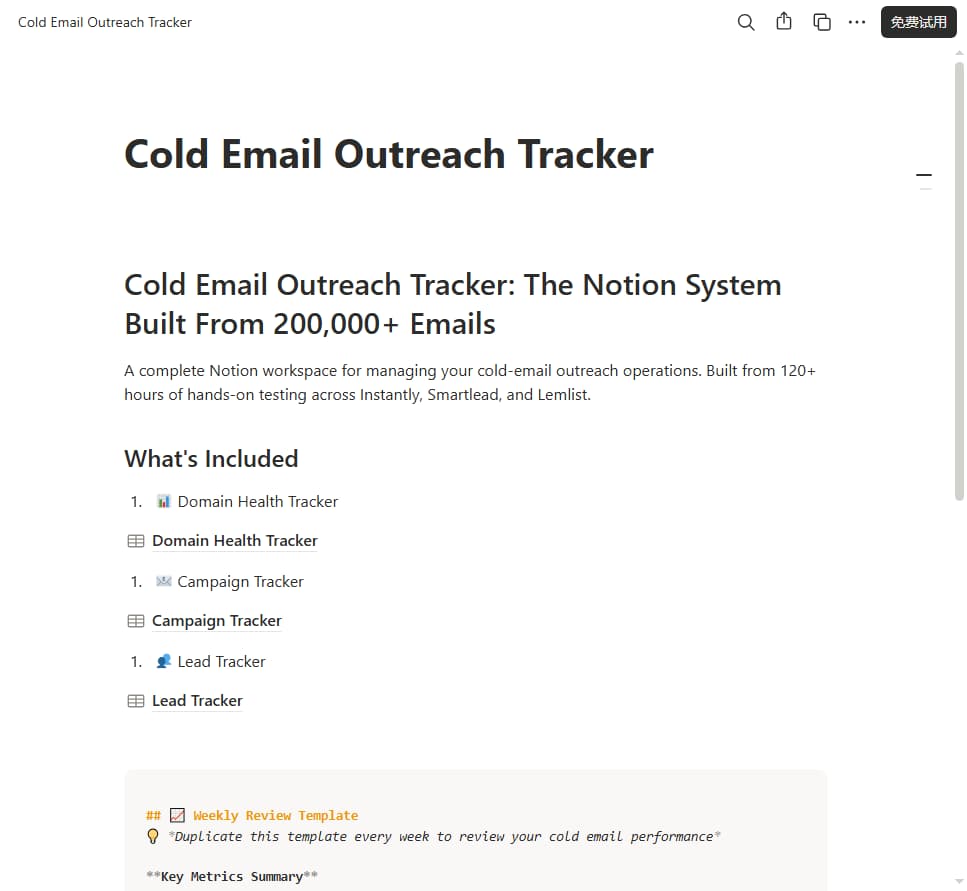






Cold Email Outreach Tracker: The Notion System Built From 200,000+ Emails
One-time payment, no subscription | Platform: Notion | Compatible: Notion Free + Paid
Why This Template Pays for Itself
Building a cold-email tracking system from scratch takes 12-20 hours of spreadsheet and database setup. This template gives you a battle-tested operational system in 5 minutes.
• Avoid the cost and chaos of burned sending domains → instantly justifies $29
• Stop losing leads scattered across spreadsheets and notes
• Standardize your weekly outreach review so you keep improving reply-rates
• Works perfectly alongside The Cold Email Tool Pitfall Guide — combine report research + live campaign tracking
• For agencies: keep multiple client outreach campaigns organized in one workspace
What Is This Template?
A complete Notion workspace for managing your cold-email outreach operations. Stop tracking metrics in messy spreadsheets, guessing if your sending domain is healthy, or wondering why reply rates are slipping.
Built from 120+ hours of hands-on cold-email testing across Instantly, Smartlead, and Lemlist — and 200,000+ emails sent.
This isn't a hypothetical tracker. It's the exact system we built while testing cold email tools across 12 domains. Every property, every view, every checklist was built for real outreach — not for a demo.
What You Receive
You will receive a PDF instruction file containing your private Notion duplicate link.
1. Download the PDF after purchase
2. Open the PDF and click the duplicate link
3. Select your Notion workspace to duplicate the template
Works on Notion's free plan. No subscription required.
Before vs. After
Before:
• Domain health tracked in random notes
• Campaign metrics scattered in CSV exports & spreadsheets
• Leads get lost between email tools and to-do lists
• No structured weekly review; you repeat the same outreach mistakes
• No unified pre-/post-campaign checklists
After:
• Single Notion source-of-truth for all cold-email operations
• Real-time visibility of domain risk (warning / unhealthy status flags)
• Centralized lead database, campaign ROI tracking
• Repeatable weekly review workflow
• Built-in pre- and post-campaign checklists to avoid costly missteps
What's Included
📊 1. Domain Health Tracker
Track the health of every domain you use for cold email.
Benefit: Catch deteriorating domain reputation early, prevent domain burn-out and blacklisting before it happens.
Database Properties:
• Domain name
• Domain age
• Warm-up status (Not started / Warming up / Ready / Warning / Unhealthy)
• Daily sending limit
• Current daily volume
• Bounce rate
• Complaint rate
• Last blacklist check
• Notes
Automated Views:
• 🟢 Healthy Domains (ready to send)
• 🟡 Warning Domains (needs attention)
• 🔴 Unhealthy Domains (stop sending)
• All Domains
📧 2. Campaign Tracker
Track every cold email campaign from start to finish.
Benefit: Measure true ROI for each outreach sequence; compare reply-rates across audiences and sending setups.
Database Properties:
• Campaign name
• Tool (Instantly / Smartlead / Lemlist / Other)
• Status (Planning / Active / Completed / Paused)
• Start date
• End date
• Target ICP
• Emails sent
• Open rate
• Reply rate
• Meeting booked
• Cost
• ROI
Automated Views:
• Active Campaigns
• Completed Campaigns
• Highest Reply Rate
• Best ROI
👥 3. Lead Tracker
Track every lead you have contacted.
Benefit: Never lose track of follow-ups; maintain full history for prospects, great for solo founders and small agency client work.
Database Properties:
• Lead name
• Company
• Title
• Status (New / Contacted / Replied / Meeting Booked / Won / Lost)
• Campaign
• Last touch date
• Next follow-up
• Notes
Automated Views:
• Follow-ups This Week
• Replies to Respond
• Won Deals
• Lost Deals (with reason)
📈 4. Weekly Review Template
A structured weekly review to continuously improve your cold-email results.
Benefit: Avoid repeating outreach mistakes; systematically iterate domain setup, copy and targeting every week.
Sections:
• Key metrics summary (emails sent, reply rate, meetings booked)
• What worked this week?
• What didn't work?
• What to test next week?
• Domain health check
• Tool cost tracking
📋 5. Checklist Templates
Benefit: Prevent the most common cold email mistakes. No more sending from unwarmed domains or forgetting compliance basics.
Pre-Campaign Checklist:
• SPF/DKIM/DMARC verified
• Domain warm-up complete
• Email list verified
• Mail-Tester score > 8/10
• Sending volume set correctly
• Unsubscribe link configured
Post-Campaign Checklist:
• Analyze bounce rate
• Analyze reply rate
• Update lead statuses
• Schedule follow-ups
• Document learnings
Quick-Start Tips
1. Duplicate the full workspace into your Notion account (~5 minutes)
2. First populate Domain Health Tracker for all your sending domains
3. Create a new Campaign entry before you launch any new outreach sequence
4. Import / log leads inside Lead Tracker as you run campaigns
5. Complete Weekly Review template every 7 days to capture learnings
💡 Tip: Use this template side-by-side with The Cold Email Tool Pitfall Guide 2026 for full end-to-end cold-email operations.
Who This Is For
• Solo founders doing their own outbound cold-email
• SDR teams (1-5 people) managing in-house outreach
• Agencies managing cold-email for multiple clients
• Anyone tired of maintaining error-prone spreadsheets for cold outreach
Who This Is NOT For
• Not a cold-email writing course or one-on-one consulting
• Does not automatically boost reply-rates or fix bad lists / bad copy
• No pre-written cold-email templates included
• No native Zapier / Make automation included (metrics need manual entry)
• Not for people who do not use Notion
• Not for people who only send 10-20 emails per week (spreadsheets work fine at that volume)
Template Limitations
• Delivered only via Notion duplicate link, no downloadable source file
• No native API sync with Instantly / Smartlead / Lemlist; you manually copy-paste metrics
• You still need to perform domain warm-up, list cleaning and copy-writing work yourself
• This is a tracking system, it does NOT send emails
FAQ
Q: What do I receive after purchase?
A: You get a private Notion duplicate link. Click the link and duplicate the entire workspace into your own Notion account. No PDF / zip file download.
Q: Can I export this template as a .notion file to share elsewhere?
A: Notion workspace templates work via duplicate link only. You cannot download the raw template file. You duplicate it directly into your own Notion account.
Q: Do I need a paid Notion account?
A: No. This template works with Notion's free plan.
Q: Does this auto-sync data with Instantly / Smartlead / Lemlist?
A: No. This is a manual tracking workspace. You copy metrics from your cold-email tool into Notion. Automation would require third-party tools like Make / Zapier (not included).
Q: Can I customize fields, statuses and views?
A: Absolutely. It is your Notion workspace. Add properties, change status labels, create new views as you need.
Q: Can I share this with my team?
A: Yes. If you're on Notion's free plan, you can invite team members to collaborate. Paid Notion plans support more granular permissions.
Q: Is this a one-time purchase?
A: Yes, one-time payment. Free minor template updates will be provided for buyers.
Q: What if I need help?
A: Email us at felix@hearthveilpress.com. We reply within 48 hours.
Q: Can I use this template for outbound LinkedIn outreach tracking?
A: Yes. You can repurpose Lead-Tracker and Campaign-Tracker properties for LinkedIn outreach, though the domain-health module is built for email-sending domains only.
Q: Do you offer refunds?
A: We offer a 7-day genuine-dissatisfaction refund policy. Refunds for Notion duplicate-link templates are only valid when the provided duplicate link is broken and non-functional. Once you duplicate the workspace into your own Notion account we cannot revoke your access.
About Niche AI Tool
We test AI tools so you don't have to. 120+ hours of hands-on testing across cold-email, Amazon seller, SEO, AI writing, and AI video tools.
Pair this tracker with our companion paid report: The Cold Email Tool Pitfall Guide 2026 — learn cold-email tool pitfalls, hidden pricing and deliverability best-practices.
More tools & reviews: https://nicheaitool.com
Notion is a trademark of Notion Labs, Inc. This template is an independent product and is not affiliated with Notion.
Important Delivery Note
You will receive a PDF instruction file containing your private Notion duplicate link. No downloadable Notion workspace source file is provided.
After purchase:
1. Download the PDF file
2. Click the duplicate link inside the PDF
3. Duplicate the entire workspace into your own Notion account
This template is licensed for single-user use only. File-sharing and redistribution are prohibited.
Refund Policy: 7-day genuine-dissatisfaction refund. Refunds are only processed if the supplied Notion duplicate link is confirmed broken and non-functional. Once you duplicate the template into your own Notion workspace we cannot revoke your access, so no refunds will be issued after successful duplication.