

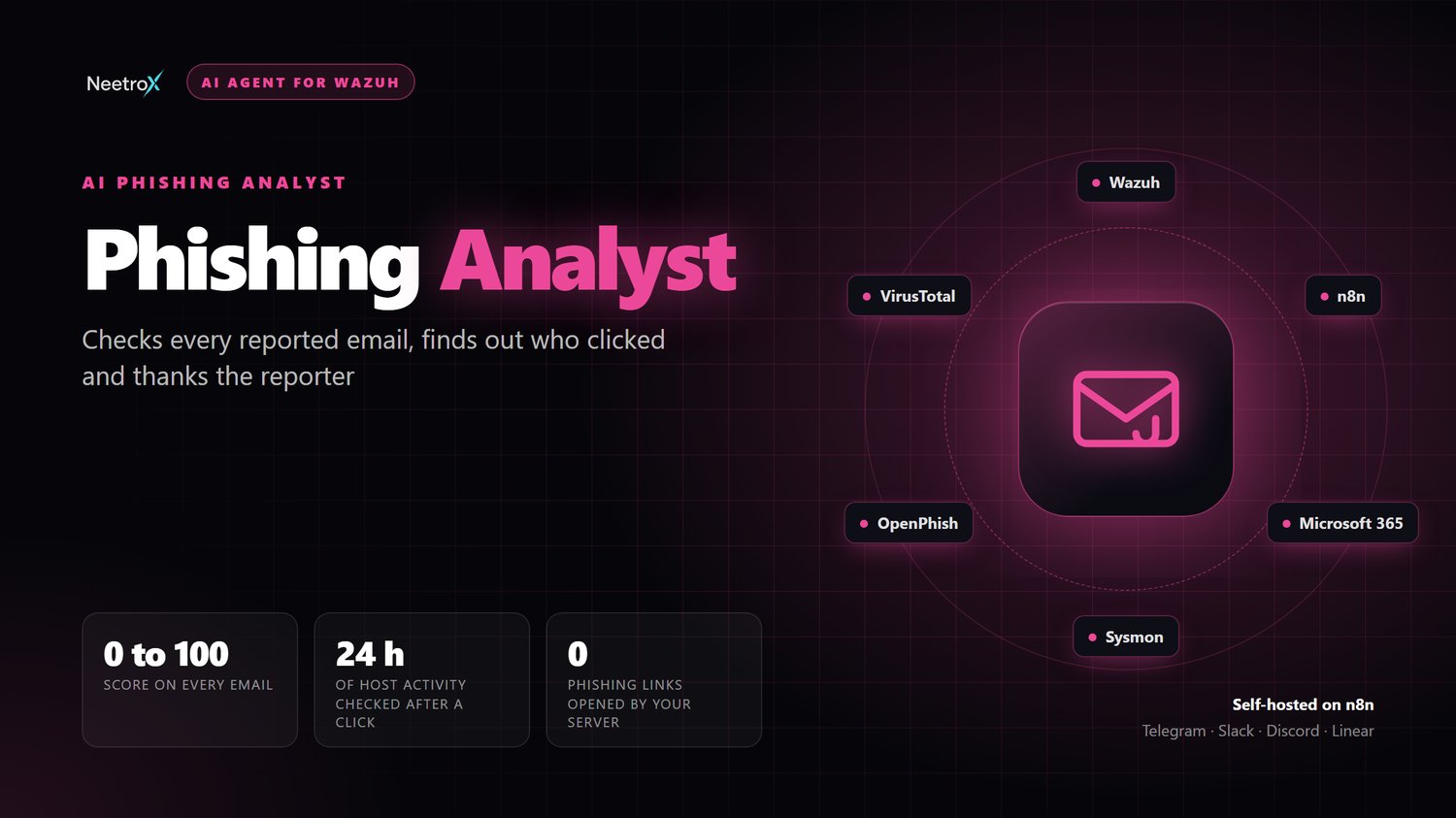
Phishing Analyst: AI Reported-Email Triage
On Sale
$67.99
$67.99
Every reported email answered, and you know who clicked
It analyses each reported email and gives a verdict with evidence, then checks your Wazuh logs for who received it, who clicked and what ran on their laptop next.
People stop reporting phishing when nobody answers
Today: a report button nobody watches
- Reported emails wait days for a look
- Nobody knows who received it or who clicked
- Finance decides alone whether to pay
With the Phishing Analyst: minutes, not days
- A verdict with evidence for every report
- Blast radius: recipients, clicks and what happened next
- Reporters thanked, so they keep reporting
From reported email to who clicked
- Reported-email triage: Paste the source or just the headers, or let staff forward emails to a report mailbox for automatic analysis
- Header forensics: SPF, DKIM, DMARC, relay hops, the sending server, Return-Path and the mailer
- Attack signals: Lookalike domains, CEO impersonation, spoofing of your domain, Reply-To tricks, hidden links, HTML smuggling and risky attachments
- Intelligence: VirusTotal, URLhaus, OpenPhish, domain age, mail DNS and AbuseIPDB
- One verdict: Phishing, suspicious, spam, safe or simulation, with a category, a 0 to 100 score and the reasons
- Blast radius: Who received it and who clicked, from Microsoft 365, Sysmon, Suricata and proxy logs, then the alerts in the 24 hours after
- Cases and campaigns: The same email from 5 people is one case. Cases sharing a domain or subject are grouped into campaigns
- Close the loop: Thank reporters, warn recipients or warn all staff, with your approval and in dry run first
- Blocklists and reports: Senders, domains, URLs and hashes for your gateway, plus a morning review and an HTML report
One command, about ten minutes
- Install: Run one command on Linux, macOS or Windows. It deploys n8n too if you need it
- Connect: Add a Wazuh indexer user, your chat app and an AI model key. A report mailbox and SMTP are optional
- Paste: Paste your first suspicious email. The morning review starts the next working day
It reads the attack. It never falls for it
- Never opens a link: Links are parsed and looked up, never visited. An explicit urlscan.io scan runs in urlscan's own sandbox
- Email is data: Subjects, bodies and display names come from the attacker and are never followed as instructions
- Deterministic verdicts: Scores come from the analysis code and the sources. The model only explains them
- Your domains stay inside: Your own domains are never sent out or blocklisted, and private IPs are never looked up
- Defanged indicators: Malicious links show as evil[.]com in chat and reports, so nobody clicks one by accident
- Approval before emails: Every email to people needs your approval and starts in dry run
What you need
- n8n: n8n 2.34 or newer with Agents and Data Tables, or let the installer deploy it
- Wazuh: Wazuh 4.x with an indexer user for wazuh-alerts-*. Best with Microsoft 365, Sysmon and proxy or Suricata logs
- Chat app: Telegram, Slack, Discord or Linear. A Telegram bot takes a minute with @BotFather
- AI model: An API key from any provider in the n8n Agent model picker
- Email: Optional: an IMAP report mailbox, and SMTP for feedback emails
What you get
- 7 tool workflows plus the report-mailbox intake
- The agent with 7 skills, including email triage, blast radius, BEC and payment fraud, and reporter feedback
- One-command installer for Linux, macOS and Windows
- Setup guide and example conversations
- Single-organization commercial license
- 7-day money-back guarantee
Full details and a demo: neetrox.com/ai-agents/phishing-analyst