
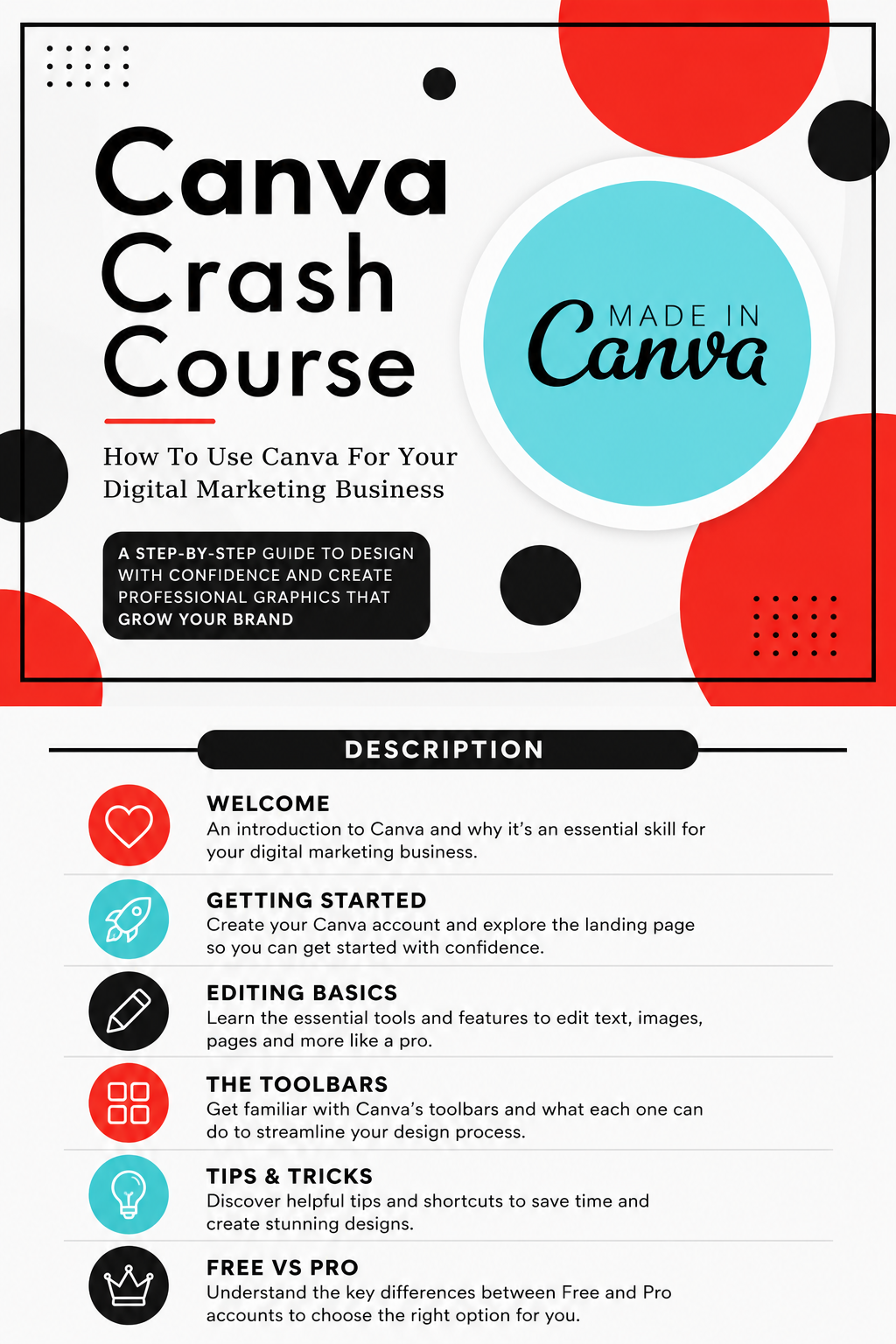
Canva Crush Course
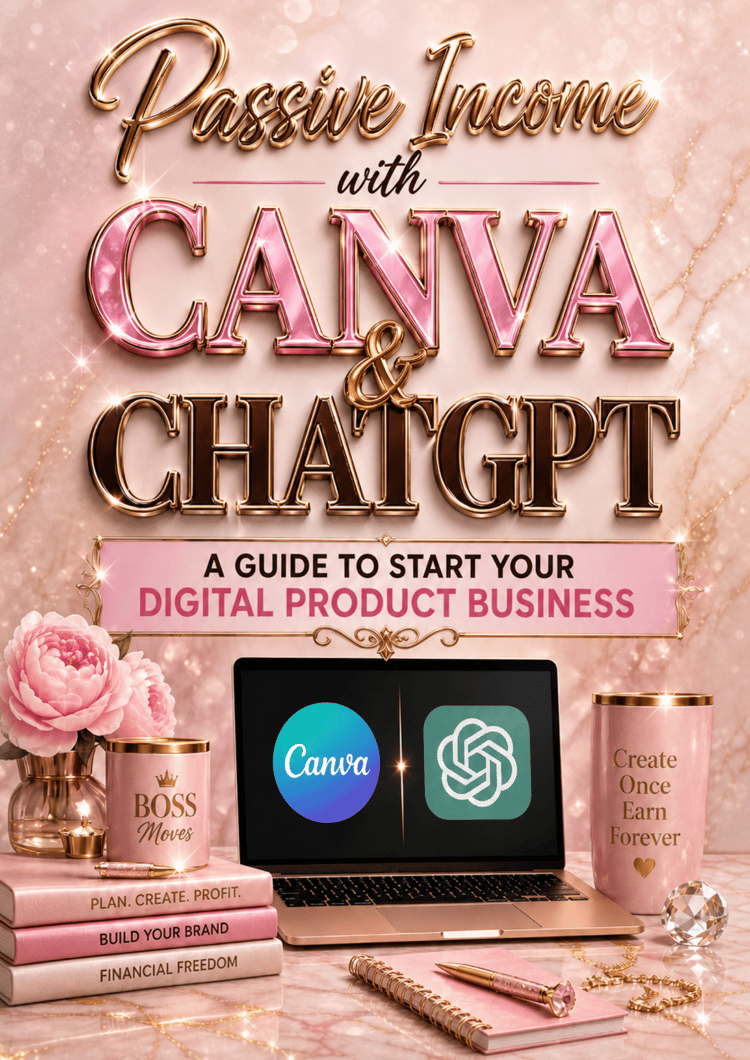
Canva Crash Course Guide
Ready to stop feeling lost inside Canva?
The Canva Crash Course Guide is a beginner-friendly, step-by-step digital guide designed to help business owners, creators, and aspiring digital designers learn how to confidently navigate Canva and create professional-looking designs.
Whether you’re creating social media graphics, digital products, ebooks, invitations, marketing materials, or content for your business, this guide breaks down the essential Canva tools in an easy-to-follow format.
What’s Inside
- Welcome to Canva — Learn what Canva can do and how it can help you build your digital marketing and design skills.
- Getting Started — Create your Canva account, understand the landing page, use custom sizing, and open purchased templates.
- Editing Basics — Learn how to work with text, colors, photos, frames, grids, transparency, and your project workspace.
- Canva Toolbars — Get familiar with text, shape, graphic, photo, page, editor, upload, project, and app tools.
- Tips & Tricks — Discover helpful design techniques such as aligning elements, layering text behind images, transparent gradients, and useful keyboard shortcuts.
- Canva Free vs Pro — Understand the differences between Canva’s Free and Pro features so you can decide which option works best for you.
eBook Canva Crash Course Guide.pdf
Perfect For
Beginners, small-business owners, digital-product creators, crafters, content creators, social-media designers, and anyone who wants to become more confident using Canva.
You’ll Receive
1 Digital PDF Guide — 43 Pages
Instant digital access. No physical product will be shipped.
One thing I would also fix before you list it: the original cover currently says “Digitial Marketing Business.” That should be corrected to “Digital Marketing Business.”