









Luxe | VRC | Warudo
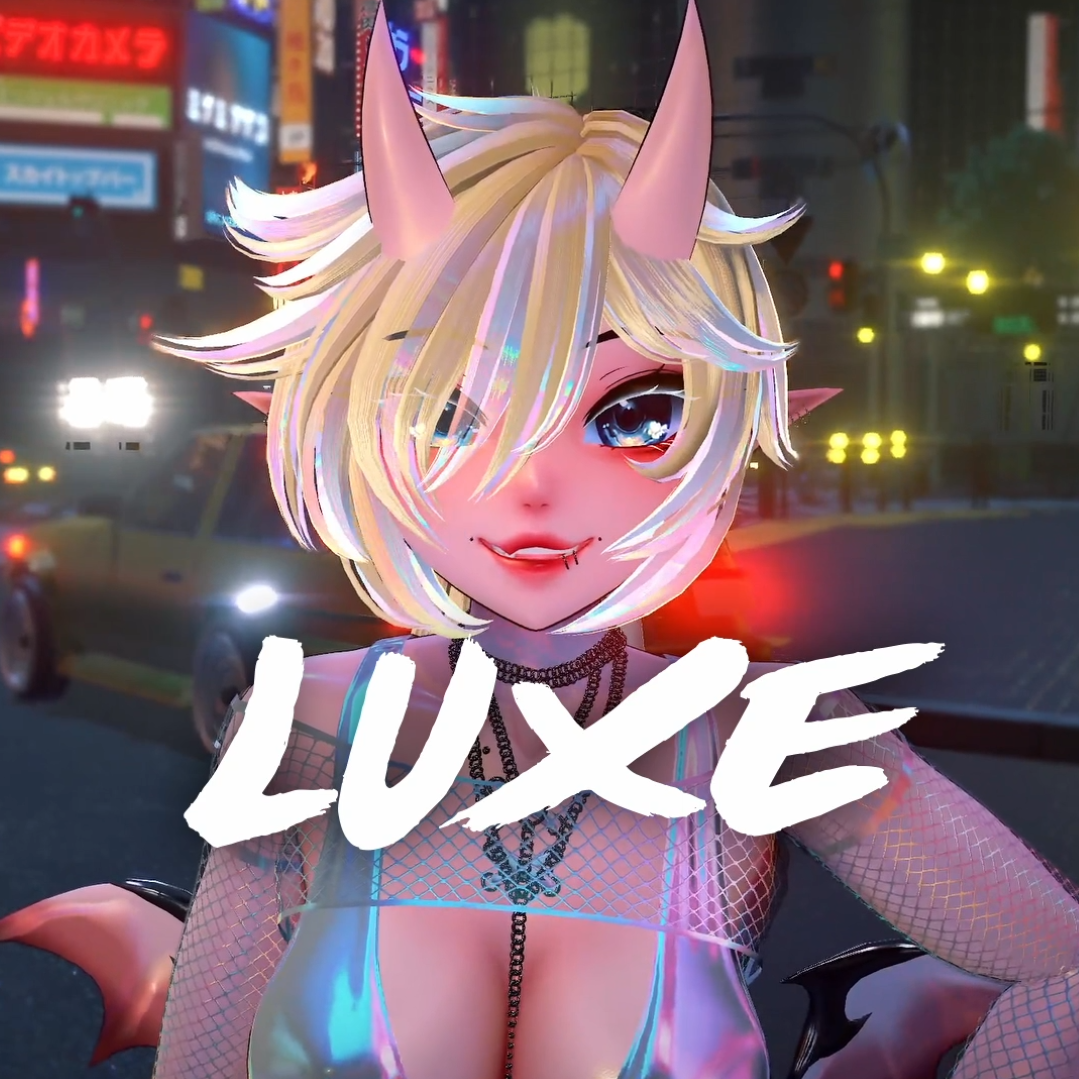
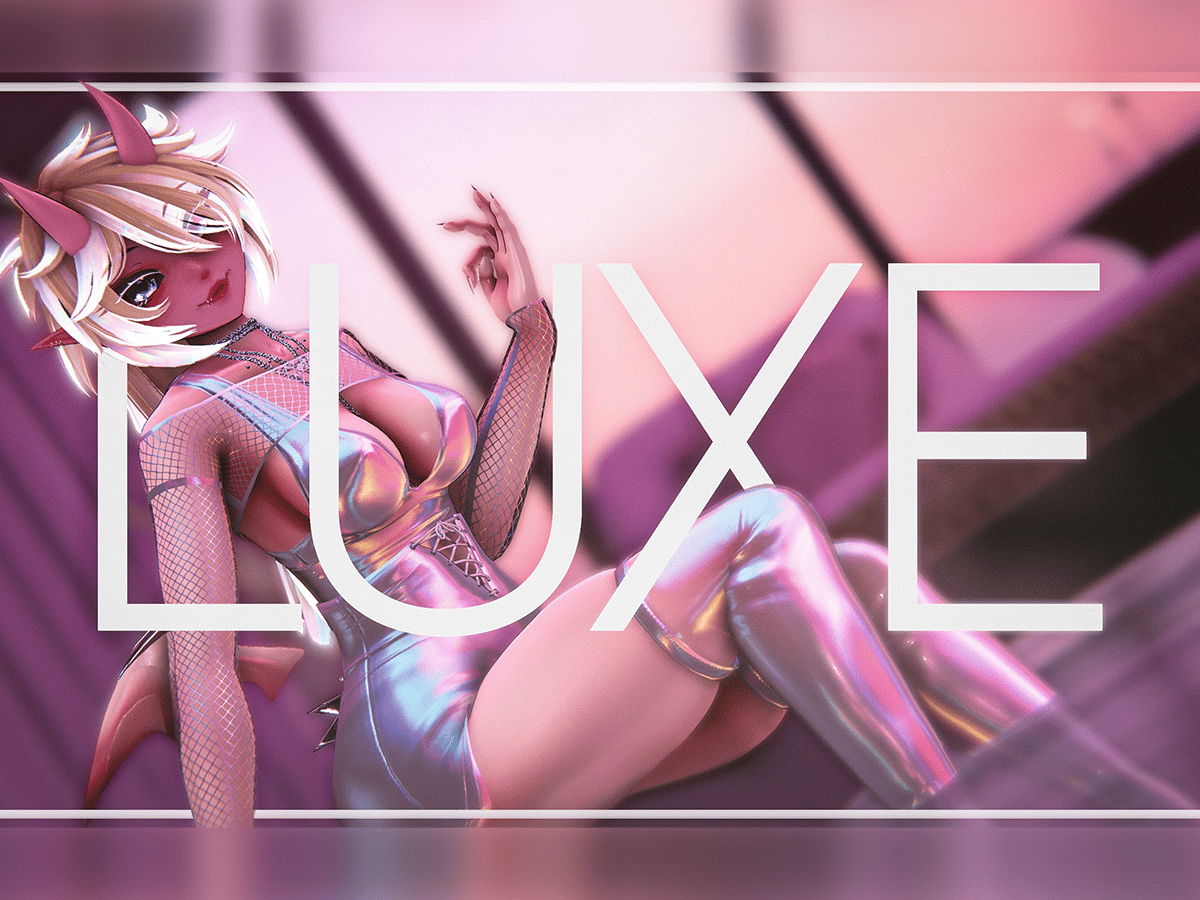
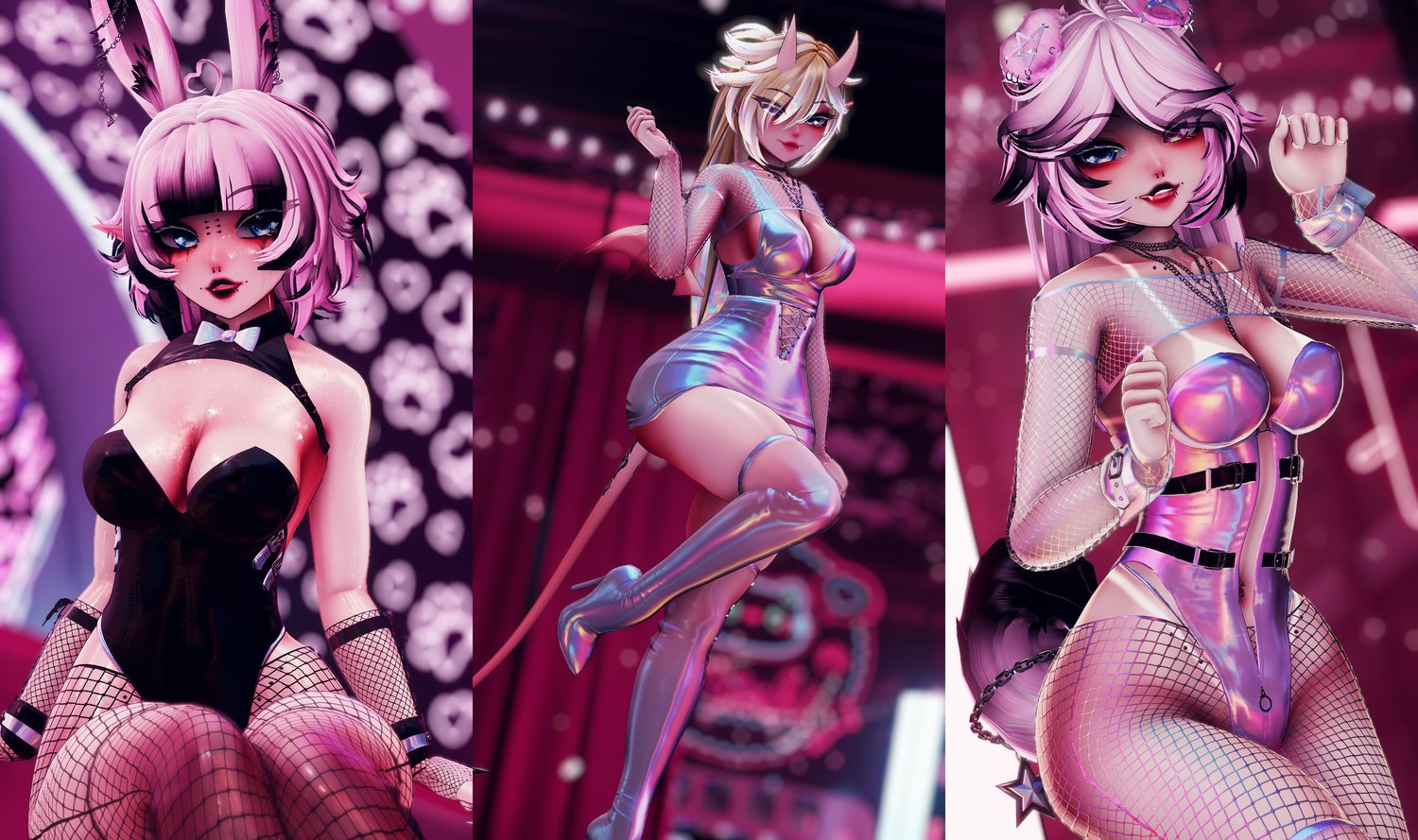
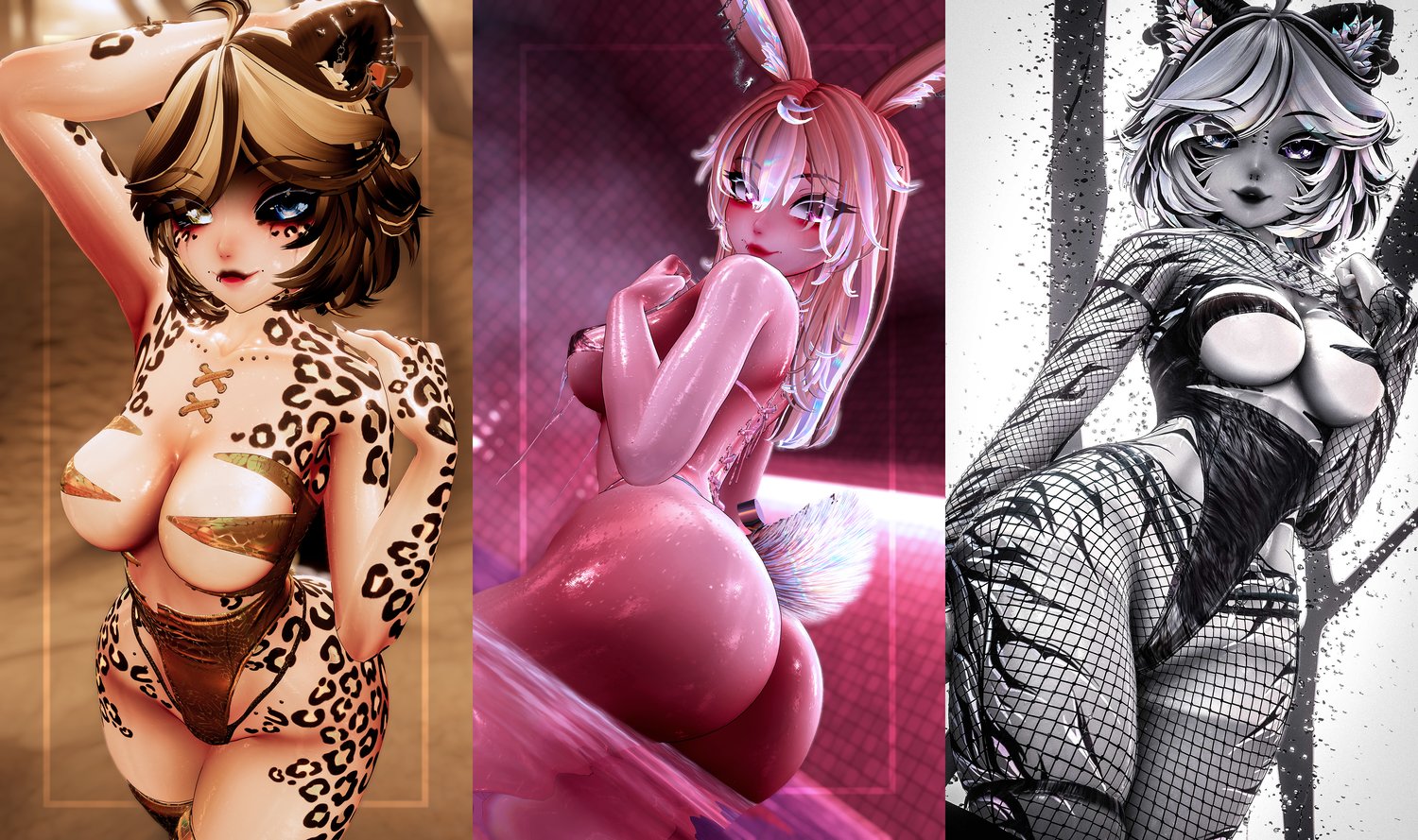
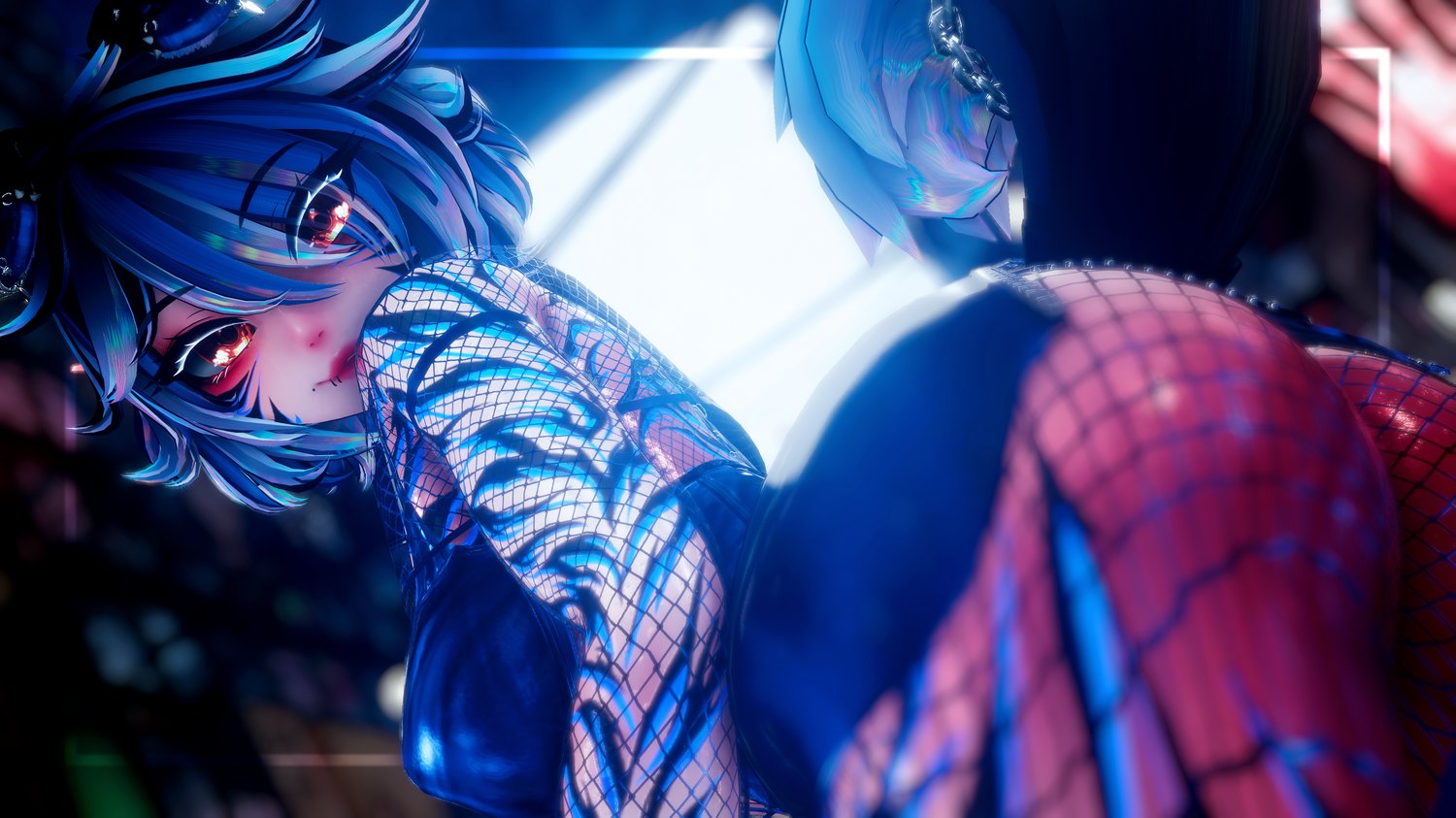
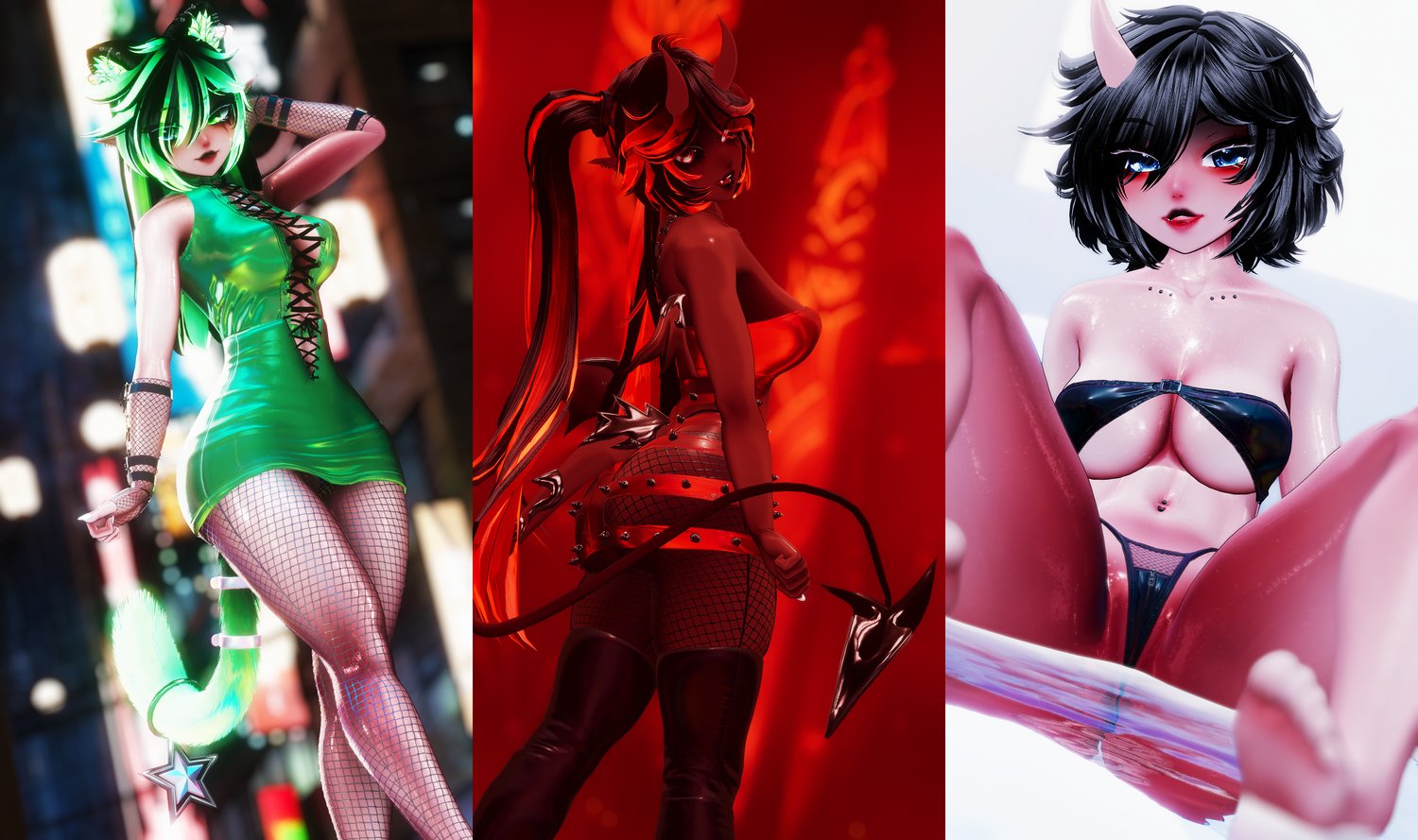
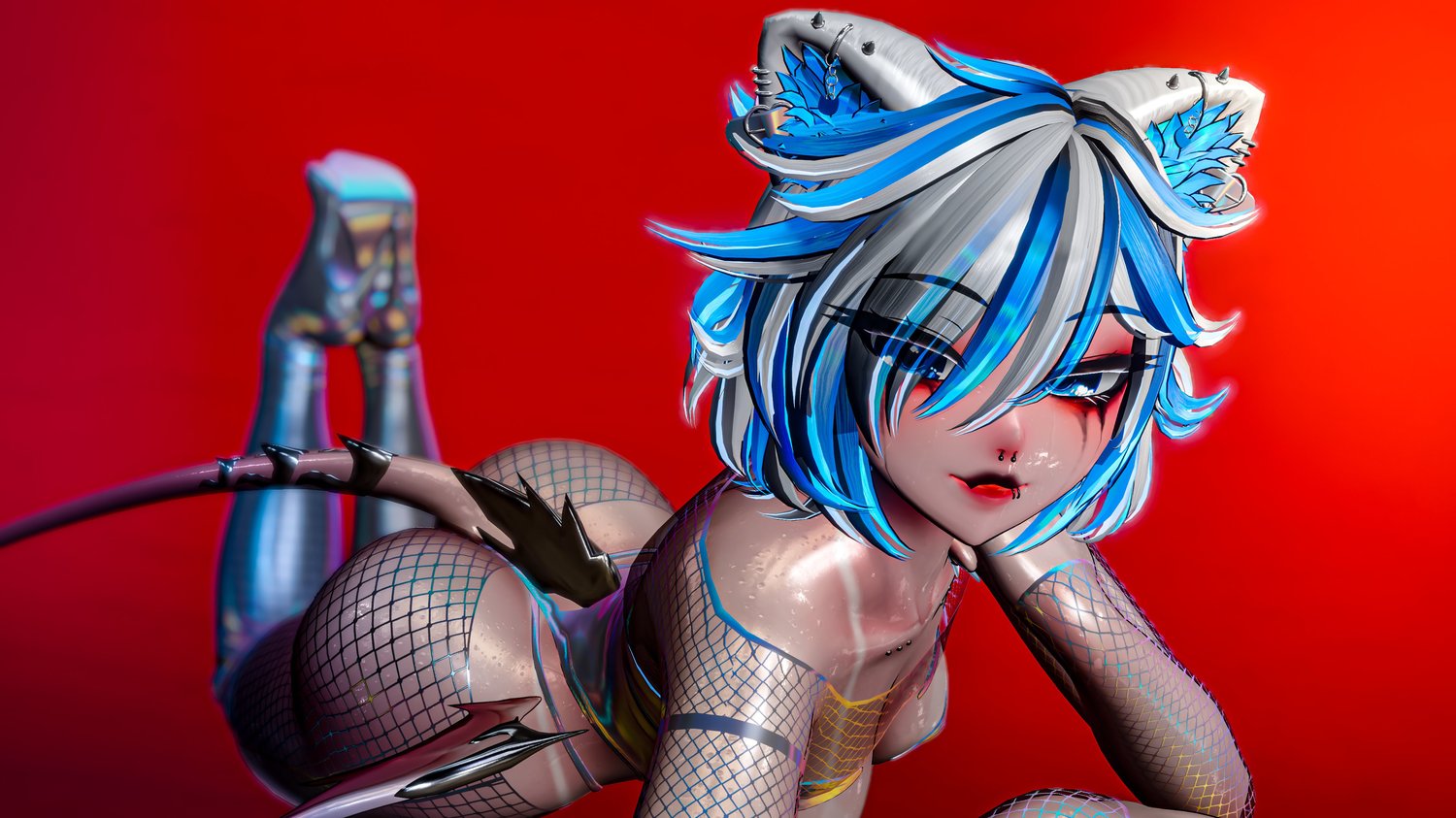
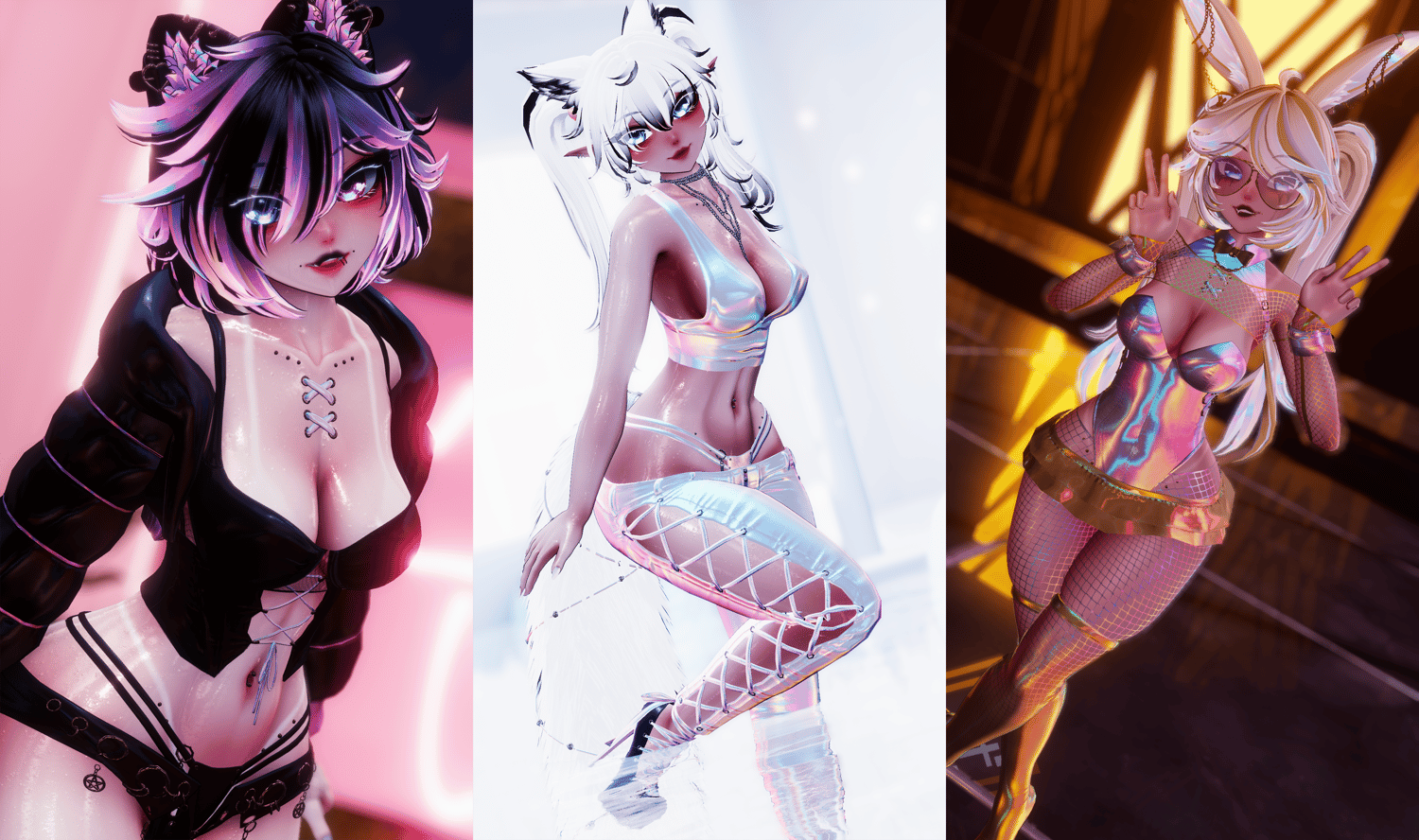
Nothing more luxurious than a baddie hitting up the club! With Luxe, you'll have a ton of outfit combinations, colors, and unique face tracking expressions to remind everyone exactly what you're serving. This is now officially the most customizable I've made a model, while also keeping her well optimized.
For instructions of how to use, or ff you have any questions or concerns, please join my Discord and hit up the support channel!
VRChat Variant Features:
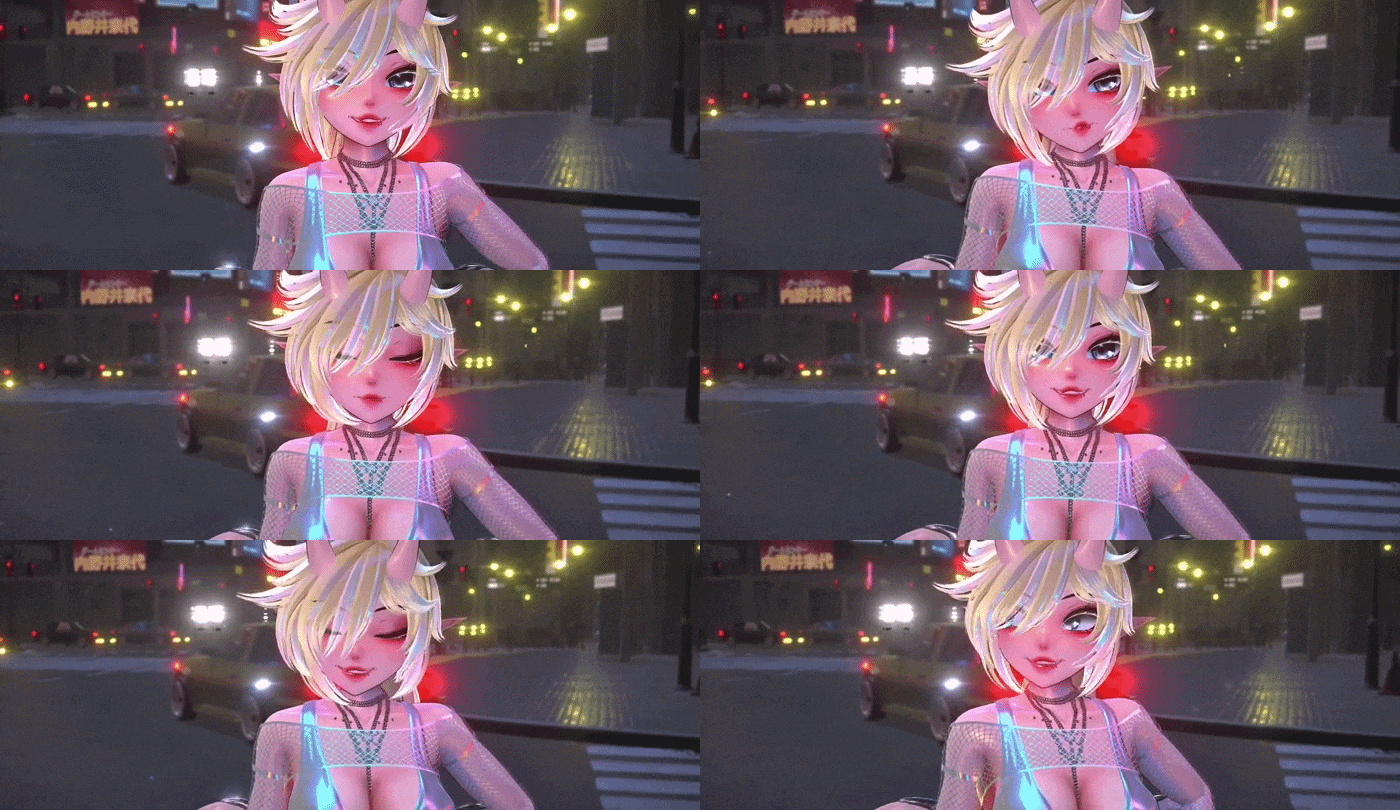
- Full face tracking! Including custom setup for the ears and tails! Ears look where you look, lay down when you're sad, and more!
- 3 different versions of the model! One fully featured, another thats SFW, and an optimized one with Medium rating!
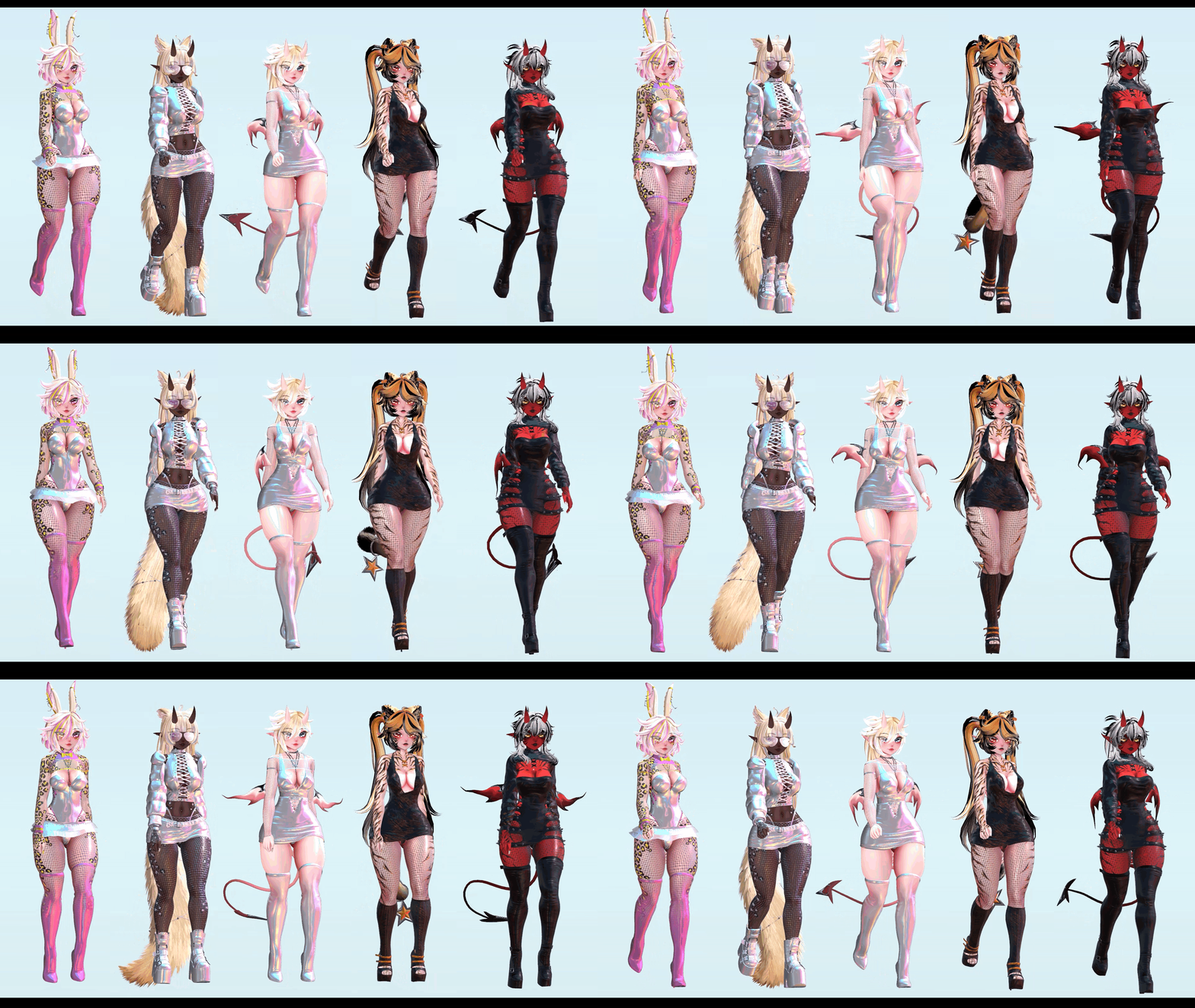
- 43 Different clothing options with a TON different combinations!
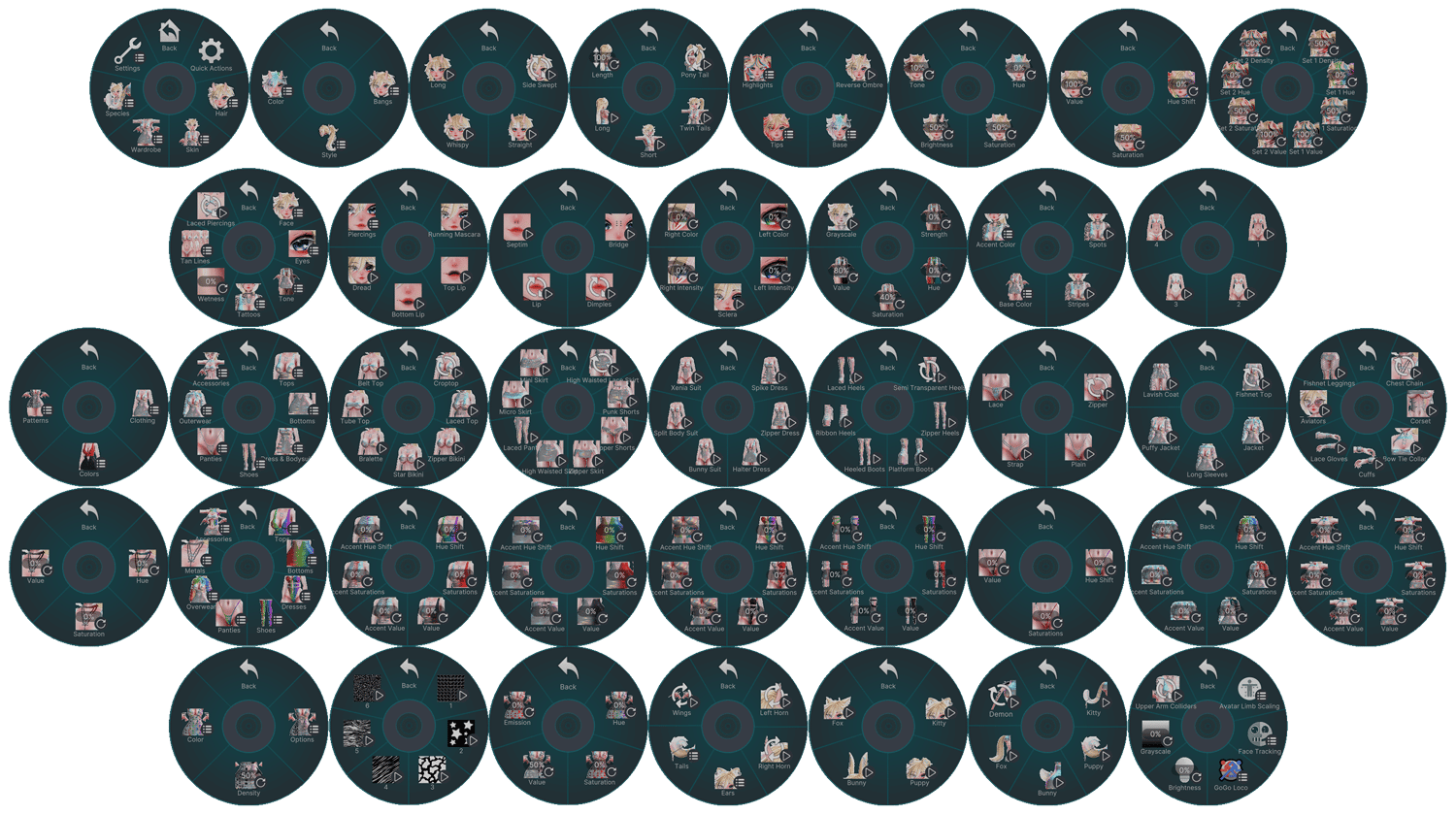
- Clothing Color options include hue, saturation, and value sliders for Primary and Accent colors on supported clothing!
- Clothing also can feature 6 different patterns with full color edits and emission strength so tyle across the outfit
- In depth Skintone adjustment with the ability to use fantasy skin tones or go completely monochrome.
- 3 different sets of animal ears and tails, alongside demon horns, wings, and tail
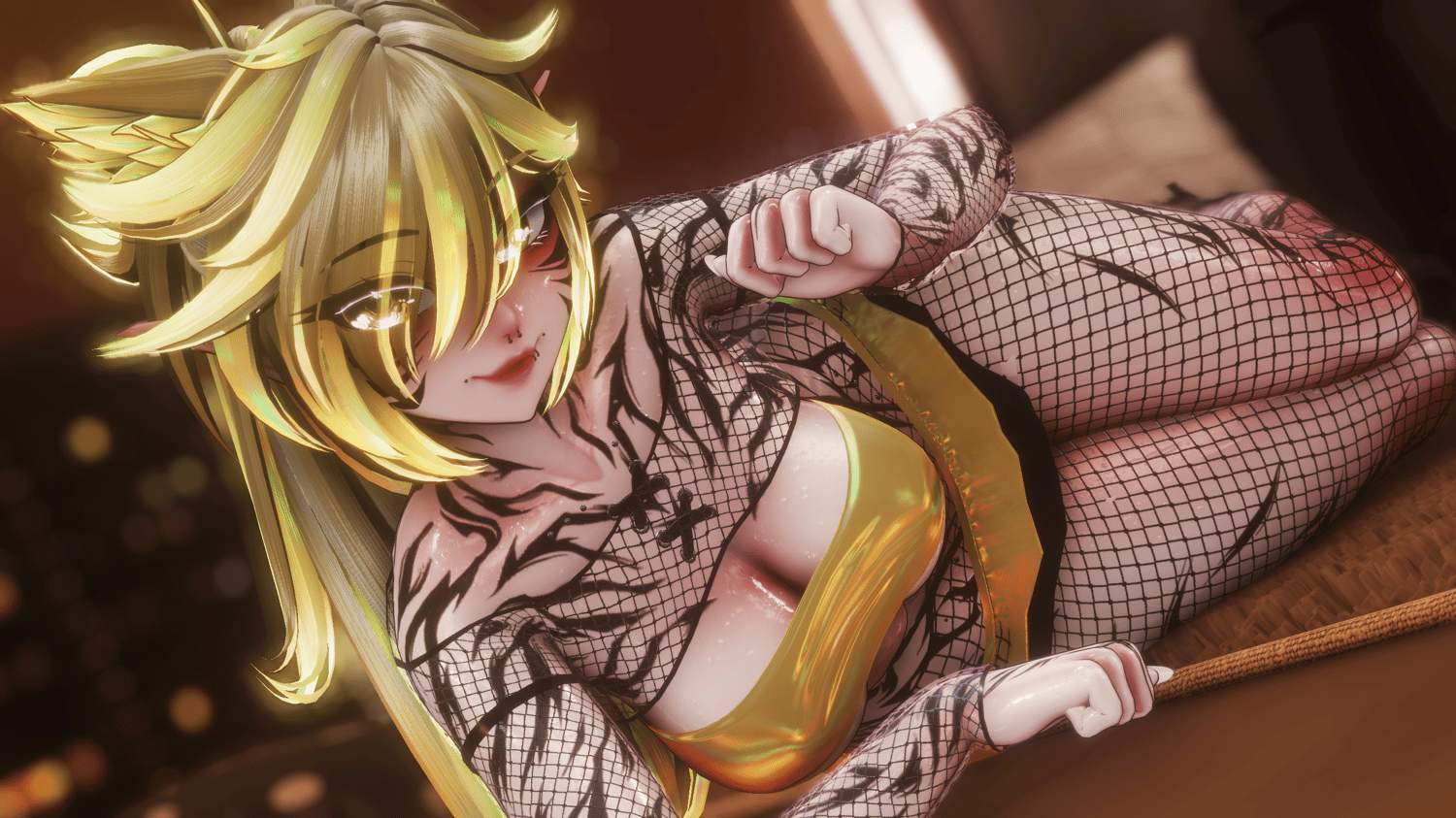
- 2 sets of Tattoos (by Xela_ix) that have color adjustments for the primary and accent colors individually with option to disable completely
- 4 different options for tan lines along with my MOIST wetness material
- Face has different make up options with running mascara, and top and bottom lipstick along with the dread emote overlay
- Eyes include a black sclera toggle and hue and intensity adjustments
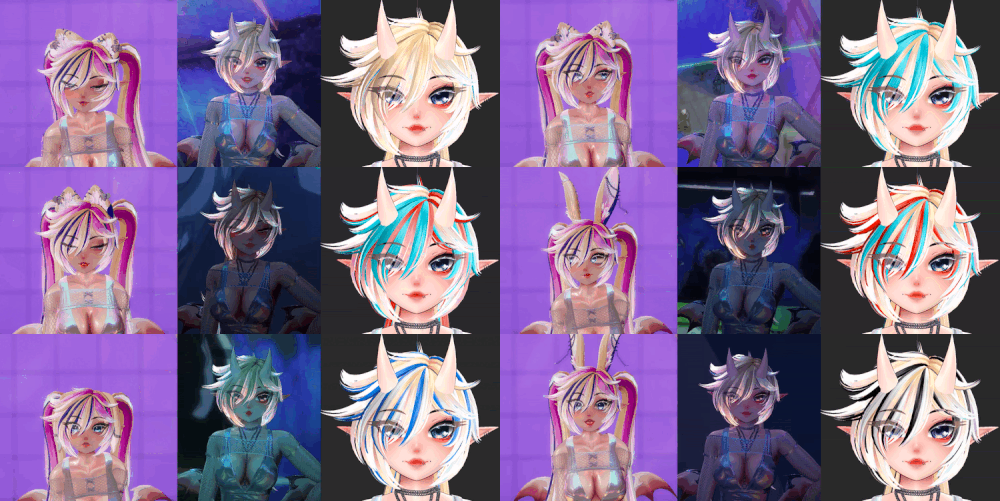
- 4 sets of bangs and styles of hair including a slider to adjust length
- The hair has a TON of customization including Base color, tips color, reverse ombre toggle, toner, and my own custom highlight system
- The hair highlight system allows for 2 sets of stripes to be placed through the hair with full color adjustments
- A built-in avatar light slider and a gray scale slider for colored light affecting your avatar
- Physbones where you'd expect them, as well as toggles disabling and enabling Physbones when certain objects aren't enabled, giving better performance
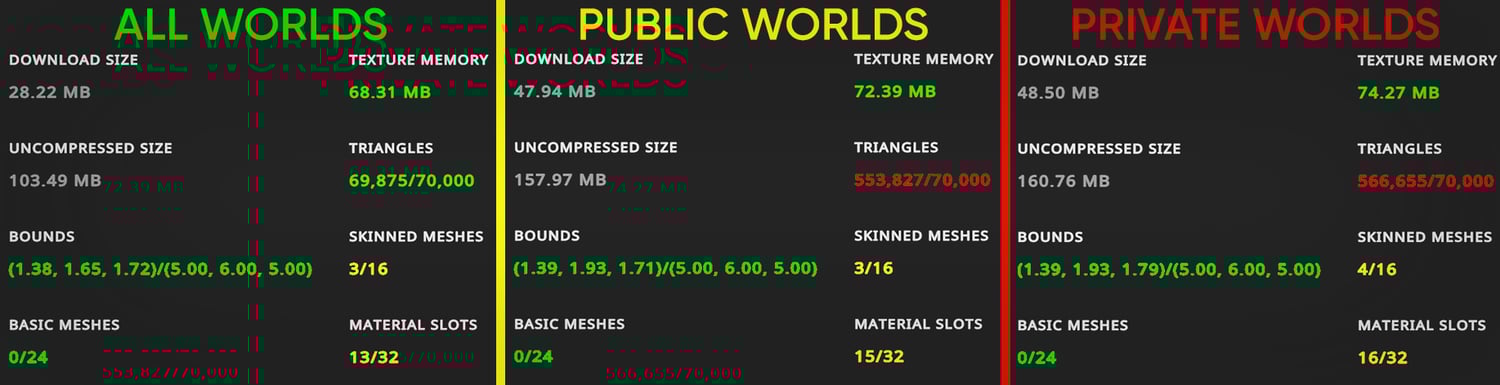
- Optimizations EVERYWHERE! She's only 75MBs of texture memory!
- Certain "Lollipop" and "Holes" and "Rings" in all the expected places!
- Avatar Limb scaling by Nanochip
- GogoLoco by Franada
- Inertiabones by Corner22
Vtuber Variant Features:
- Includes VRChat and Quest versions of Momo
- Warudo Compatible Character file
- Premade scene with environment and camera setup out of the box. Pls run the onboarding assistant to get your version of tracking working!
- Scene also includes toggle to swap between just chatting scene and gaming! All within Warudo!
- Gaming scene is setup to capture lighting and color from your OBS scene! (NEEDS SPOUT 2 PLUGIN and SPOUT OUTPUT FILTER)
- Custom menus on screen to customize the model how you see fit! Options will save once you save the scene!
- Custom menus will only be visible to you and not within OBS (MUST BE USING SPOUT2 OUTPUT FOR OBS)
- Full ARKit Face tracking
- Unity Files for Custom Edits
Rules:
- Don't pull any assets from this model for use without purchasing it from the original owner. Links provided above if item isn't available any longer, please contact the original creator before use.
- Feel Free to edit or modify this model as you see fit.
- Feel free to also use this model for content creation. Streaming, Vtubing, and etc!
- Don't claim ownership of her design and credit myself "VeronicaJae" and "Xela_ix" if used commercially.
- Do not upload this model publicly.
- Do not share this model or files related to it.
- Do not upload this model to anyone but yourself.
- As for streaming with this model, if you say stream on twitch and get banned using my avatars, please refrain from messaging me or pointing the blame at me. These models are available to use on ANY stream platform. I also can't keep up with the constant TOS changes, so please use at your own discretion while streaming.
Credits:
Poi Toon by Poiyomi
https://github.com/poiyomi/PoiyomiToonShader/releases
"Starlight" Anime Head by Starlynn
"Starlight" Anime Head VRCFT Overhaul By MrSauce!
https://mrsauce01.gumroad.com/
VRBase EGirl and ;LAVISH COAT - ZINPIA
https://zinpia.sellfy.store/p/vrbase-egirl/
https://nikkiepng.com/products/lavish-coat
Skirt by Apyr
https://vinuzhka.gumroad.com/l/hxuqor
Hairs by Minki
Fox Set ( Hair | Tail | Ears ) by Cupp
Dezzy, Gatita, Bun Bun, Wetworks Outfit Sets, Dezzy Ears Tail and Roxies Gloves by Winks
https://winksvr.store/b/dezzyset
https://winksvr.store/b/gatitaaset
https://winksvr.store/b/bunbunset
https://winksvr.store/b/dezzyset
Nom! and Oublier by Linxx
https://jinxxy.com/linxx_/nombylinxx
https://jinxxy.com/linxx_/oublierbylinxx
Immortal Bikini Set, Xenia's Bodysuit + Harness and 'Obsession' Latex Boots by Beaniebaby
https://beaniebaby.sellfy.store/p/immortal/
https://beaniebaby.sellfy.store/p/xenias-bodysuit-harness/
https://beaniebaby.sellfy.store/p/latex-boots/
✮Chain Shorts✮ and Moonlit set by Vinuzhka
Starlight head textures and soft makeup textures (Starlight head) by LPB
https://jinxxy.com/lpb/vrbaseskin
Tarren's Latex Heels by EVAtec
boots sbs and Lace Dress by sebs
GOTH LATEX and SHORTS by Lesh
WC59. Sultry Dress by Weeeby
StellaSet by Nessy!
Ornate Devil Set by Formula Rats
https://jinxxy.com/Formula_Rats/Xm8wE
Cropped Puffer Jacket
Buckled Heels by Saikura
Pink Jacket (Venus Rigged)
ROCKSTAR PANTS
https://deimos.sellfy.store/p/rockstar-pants
Noir Set by Mehdi
https://jinxxy.com/Mehdi_vrc/noirlatex
Wetwork Outfit
' no yearn ' | bikini
Egirl Base Tan Lines
Inertia Bones by Corner.22
https://a2x4.booth.pm/items/8039034
GoGo Loco|VRC| V1.8.6 can by Franada
https://franadavrc.gumroad.com/l/gogoloco
Jerrys Face Tracking Template
https://github.com/Adjerry91/VRCFaceTracking-Templates
VRCFury
PC VRCHAT INSTALL INSTRUCTIONS
Use VRC Creator Companion App to create a new 2022 Unity Avatar Project with these Packages (First 3 come by default)
- VRChat Package Resolver Tool
- VRChat SDK Base
- VRChat SDK Avatars
- VRCFT - Jerry's Templates**
- Poiyomi Toon Shader**
- VRCFury**
- whoesome dependencies**
- Avatar Limb Scaling**
Afterwards, import/drag in the Luxe_VRChat Unity package into your Unity project.
After importing, open the scene with Luxe in it!
**These Packages must be added manually.
Goto "Settings > Packages > Add Repository" in Creator Companion and add these repositories:
https://poiyomi.github.io/vpm/index.json
https://adjerry91.github.io/VRCFaceTracking-Templates/index.json
https://wholesomevr.github.io/vpm/
https://xnanochip.github.io/VPM-Package-Listing/
WARUDO INSTALL INSTRUCTIONS
- To use the scene provided properly, install Warudo through Steam (https://store.steampowered.com/app/2079120/Warudo/).
- Then go to the Workshop and pick up the plugin, "ScreenShare" (https://steamcommunity.com/sharedfiles/filedetails/?id=3602182323)
- After the installation of Warudo and the Workshop plugin, open Warudo and click on "Screenshare" above the Warudo Paw print icon in the bottom left corner of the Editor window.
- Select "Open Import Folder". A folder will open and what you'll need to do is open the "Luxe_ScreenShare" zip, and extract "Luxe by VeronicaJae.screenshare" into the import folder.
- Select "Import Scene" and allow ScreenShare to download the pre-reqs, setup the scene, and place the character file in its appropriate places! (this is all automated)
- Now run the onboarding setup and choose your specific methods of tracking (iFacialMocap, Mediapipe, and etc)
- When asked to configure background, select "No, Keep the current background" and you're done!
- Use the Keybinds below to open the customization menus, and dont forget to save your scene after setting her all up!
Keybinds
CTRL + 1: Open Hair UI
CTRL + 2: Open Body UI
CTRL + 3: Open Clothing UI
CTRL + 4: Open NSFW UI
CTRL + 0: Swap Camera
Click any of these key binds again to hide the menu.
Warudo Edits
For Warudo edits, you'll need to download the SDK and create a project with it or use the premade project Warudo provides. After installing Magicacloth2 into the project, import the Luxe_Warudo unitypackage into it.
I use Hai's Denormalize Avatar Exporter, and you can find a whole tutorial here, on where and how to use it by me.