

Anime Game UI Pack - Imported in Roblox Studio + Figma
On Sale
$14.99
$14.99
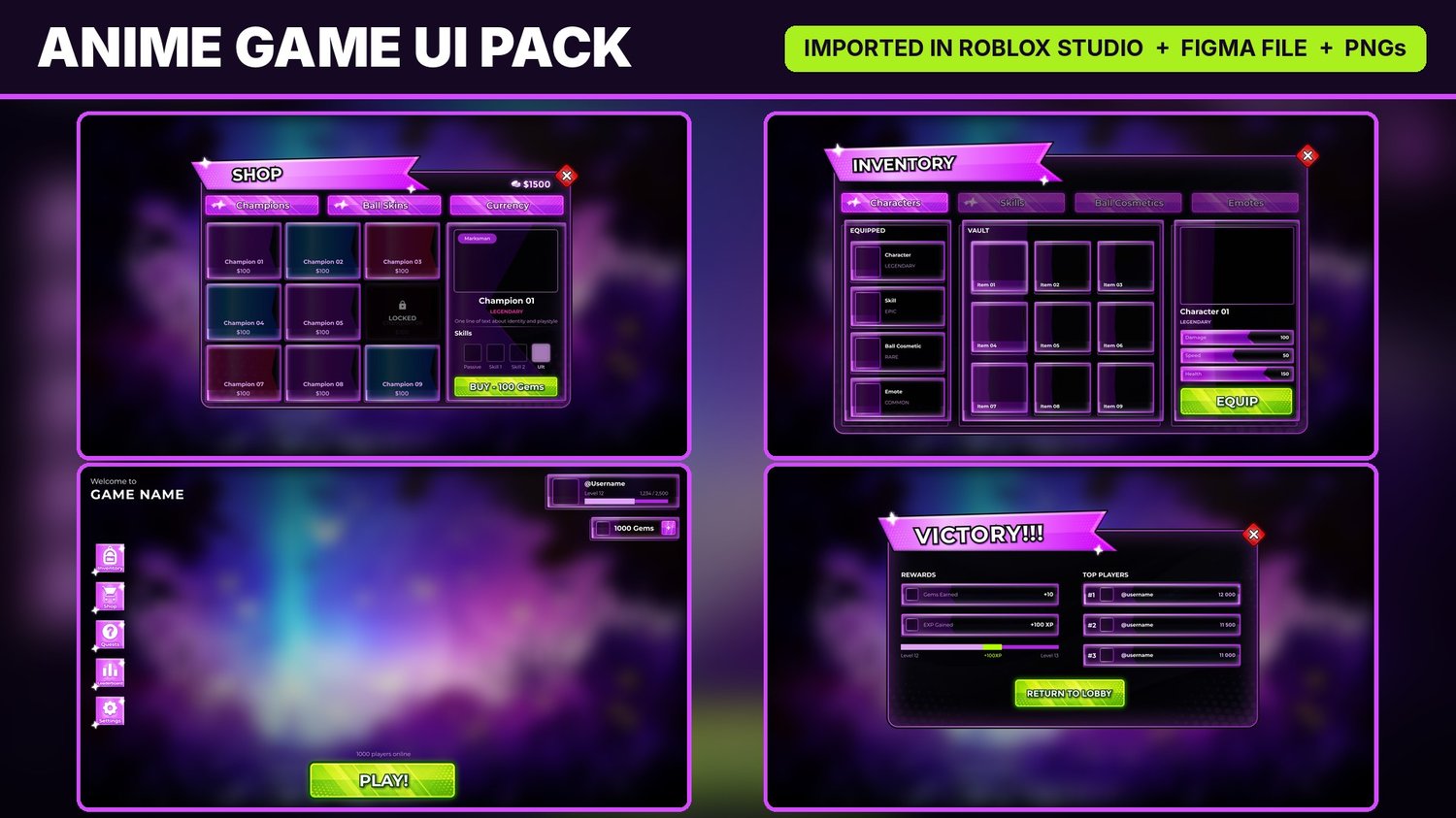
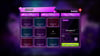
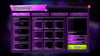
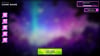
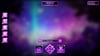
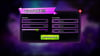
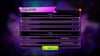
Anime-style Roblox game UI, now imported straight into Roblox Studio. Neon purple + lime, glossy panels, sparkle accents. Built for arena / Blade Ball-style combat games, but works for any anime, fighting or simulator game.
6 screens included:
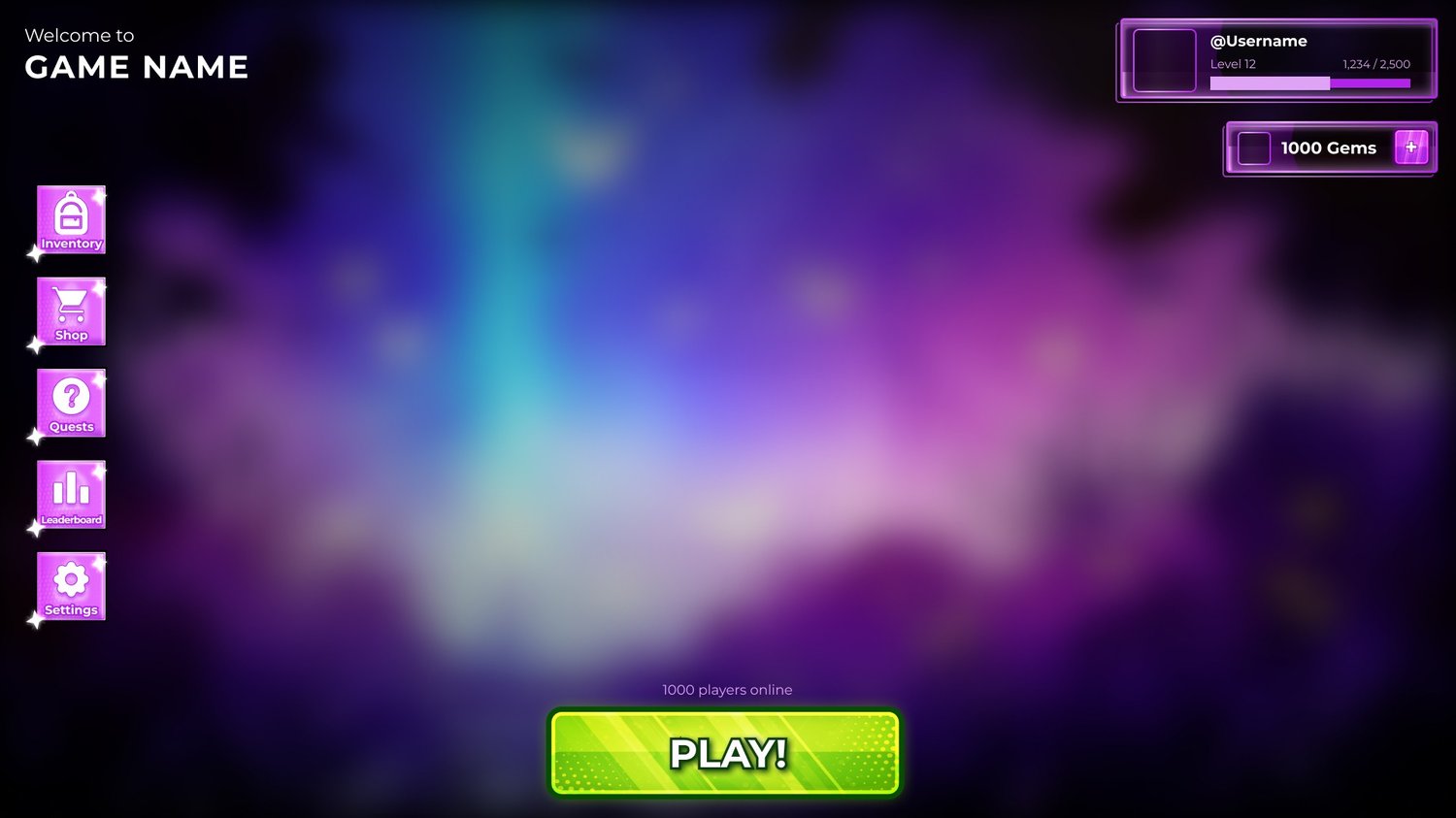
- Main Menu HUD – player card with level bar, gems counter, side menu (Inventory, Shop, Quests, Leaderboard, Settings), PLAY button
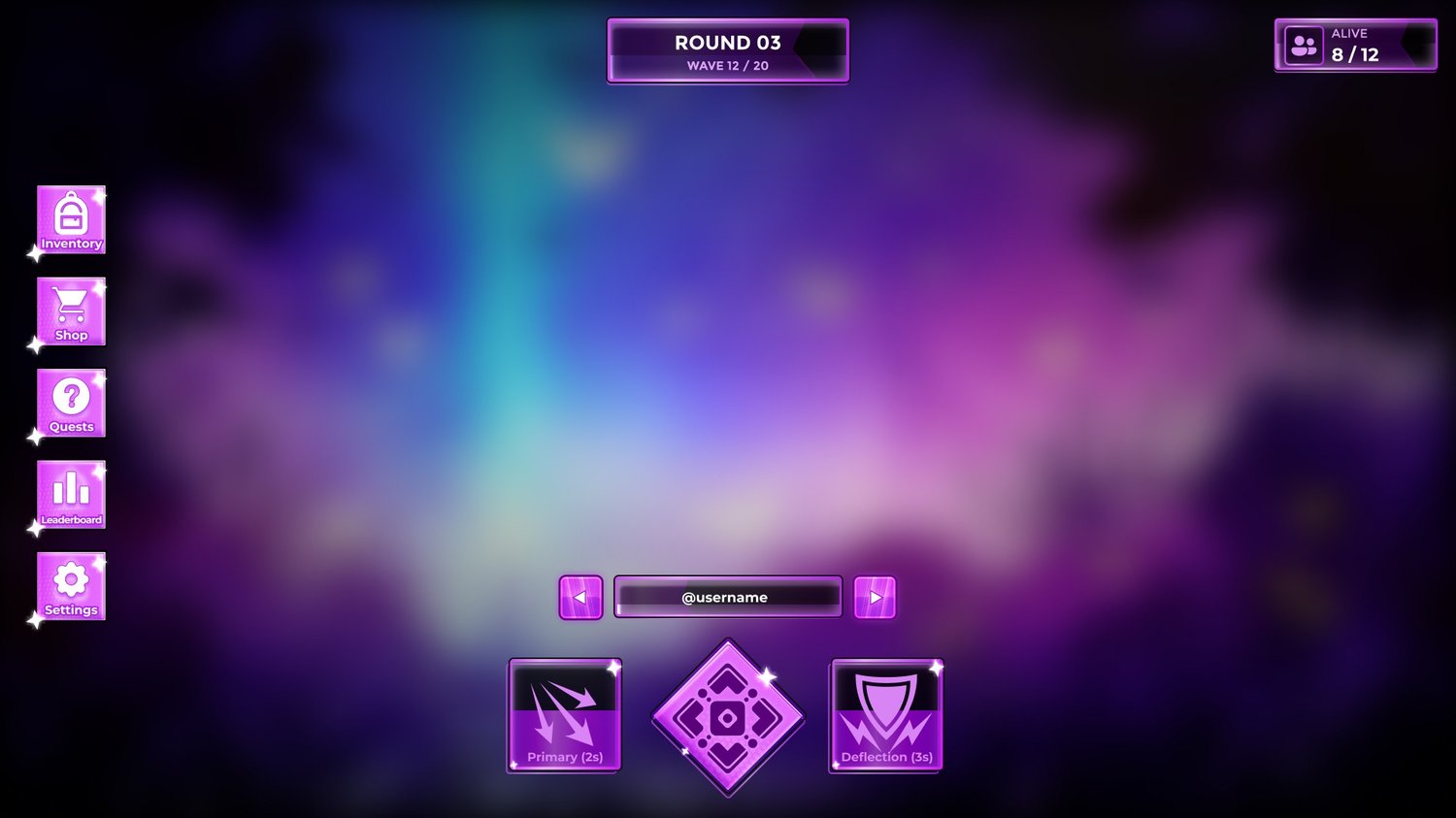
- In-Game HUD – round + wave counter, players alive, spectate bar, ability buttons with cooldowns
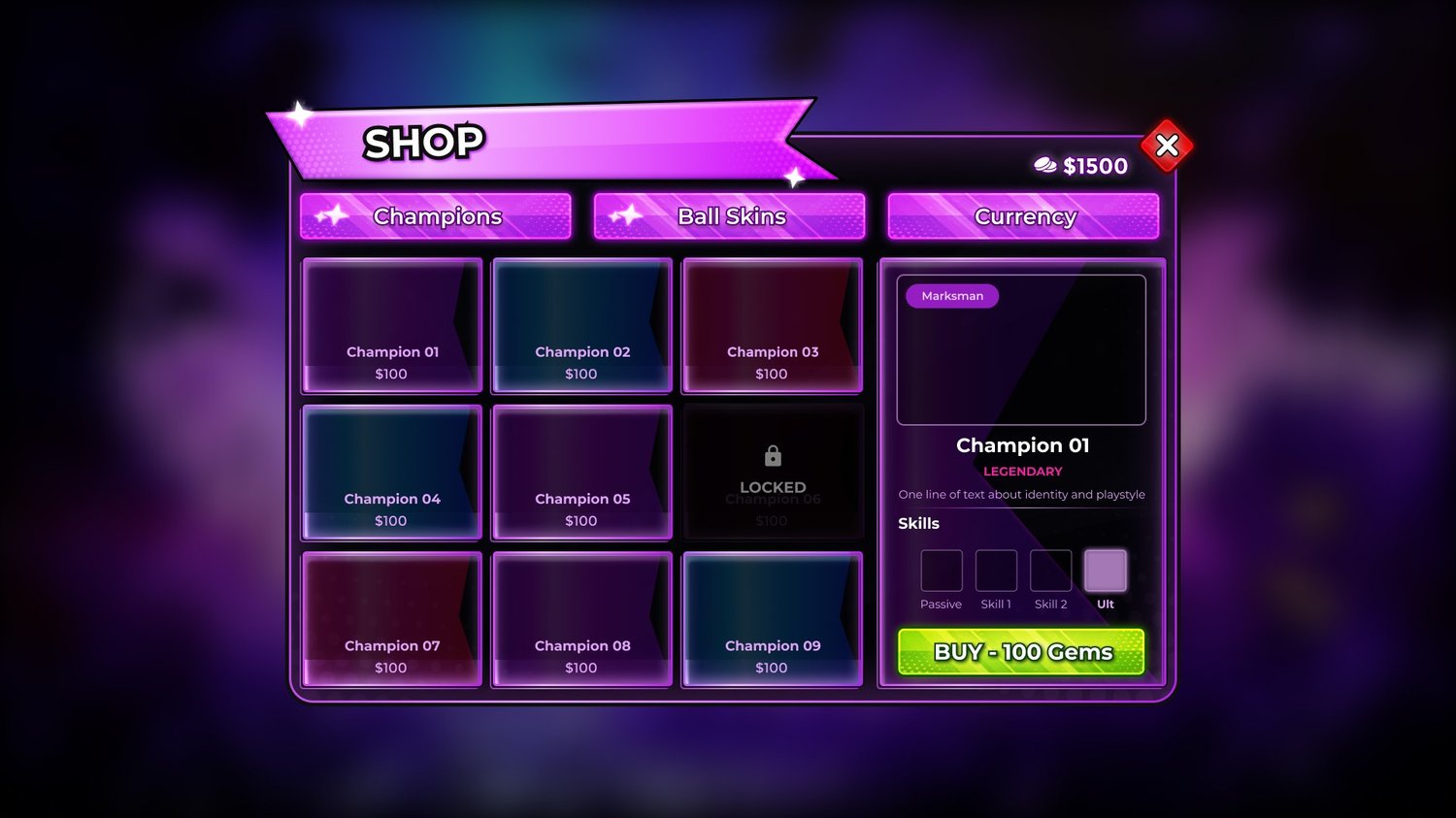
- Shop – Champions / Ball Skins / Currency tabs, 9-slot grid with locked state, preview panel with rarity, skills and BUY button
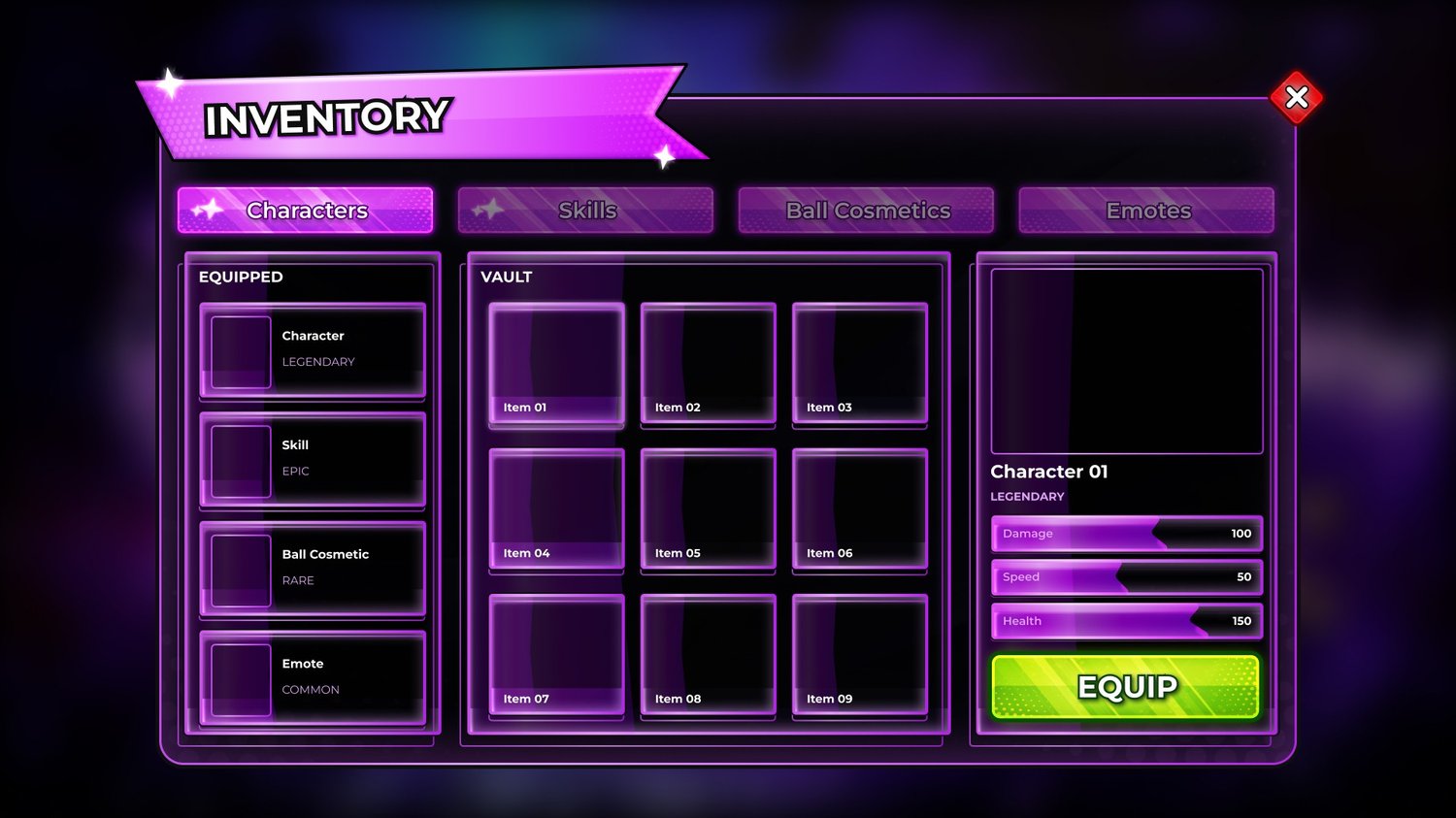
- Inventory – Characters / Skills / Ball Cosmetics / Emotes tabs, equipped slots, vault grid, stat bars, EQUIP button
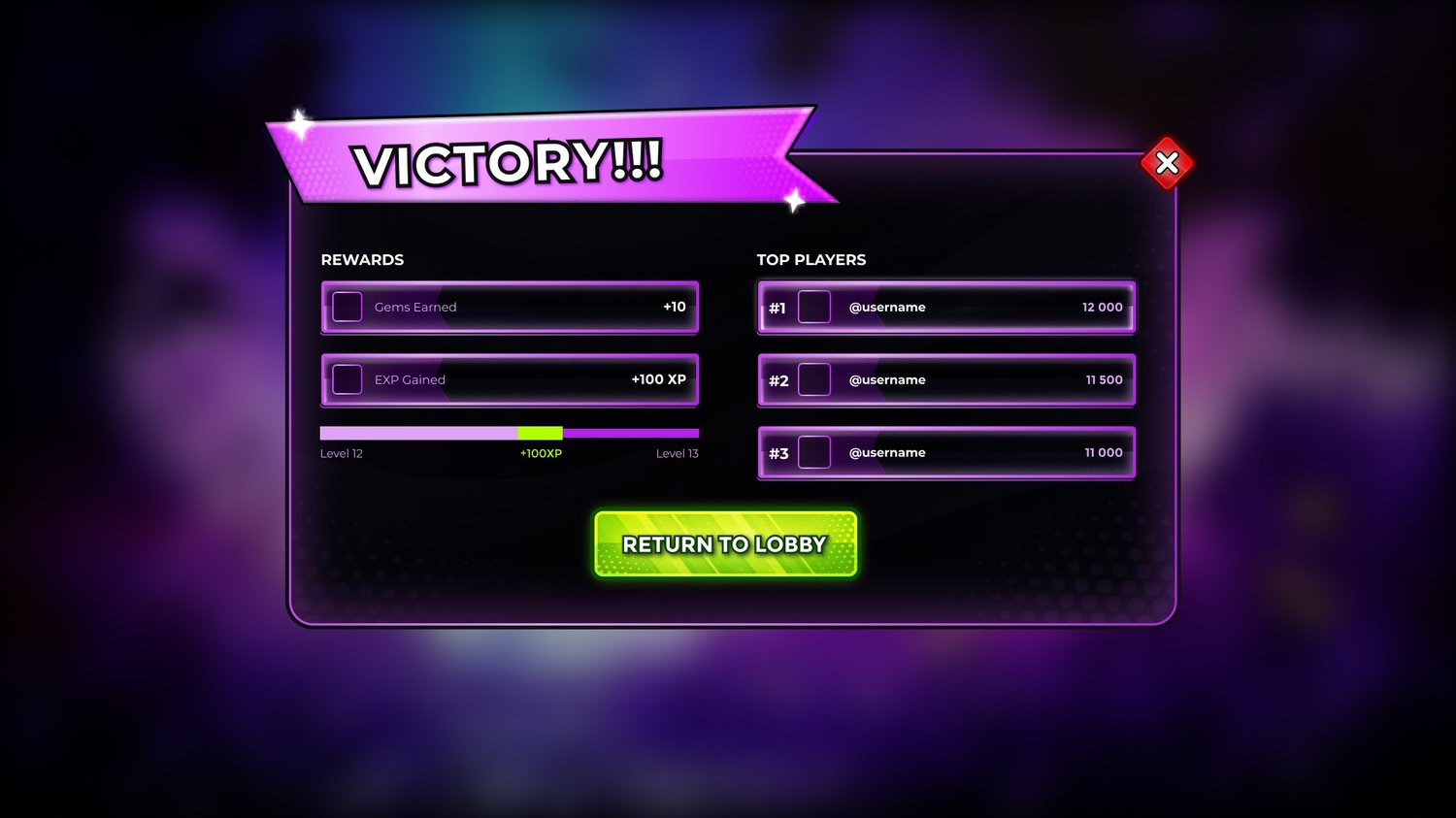
- Victory / Defeat – rewards, XP progress bar, top 3 players, Return to Lobby
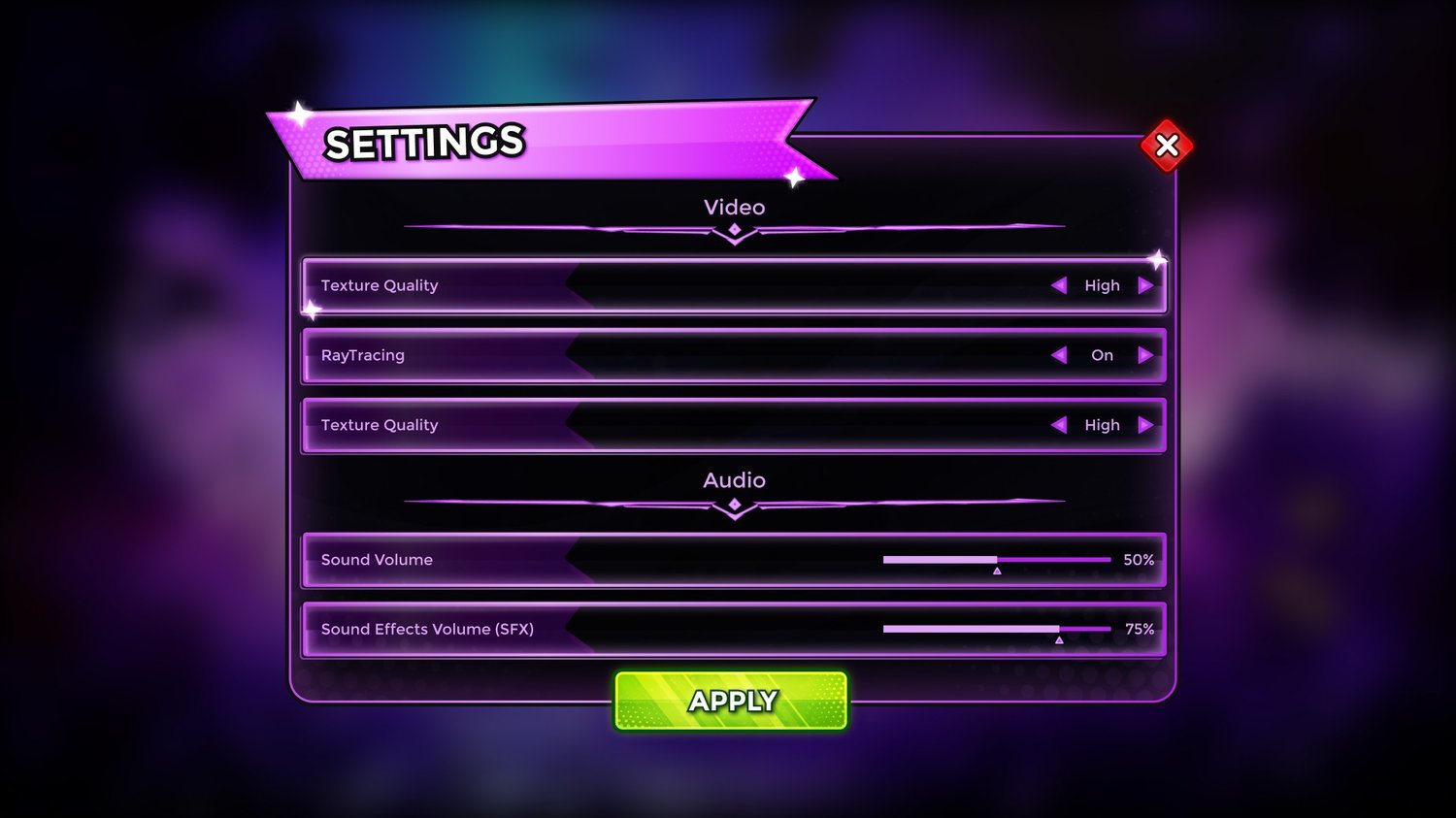
- Settings – video options with arrow selectors, audio sliders, APPLY button
What you get:
- ✅ Imported in Roblox Studio – ready-made ScreenGuis, scaled for PC, mobile, tablet and console (.rbxl place file)
- ✅ Figma source file – fully editable, change text, colors and layout
- ✅ All PNGs – every element exported separately, cleanly named (Close Button, Buy Button, Card Frame…)
- ✅ Import reference image for each screen
1920×1080. Free for commercial use in your Roblox games. Reselling the assets themselves is not allowed.
Need custom UI for your game? DM Solys Design on Discord or visit solysdesign.com.


