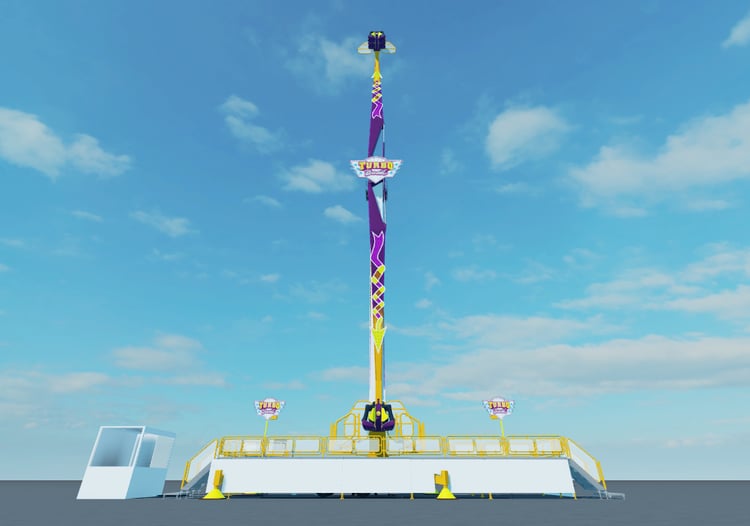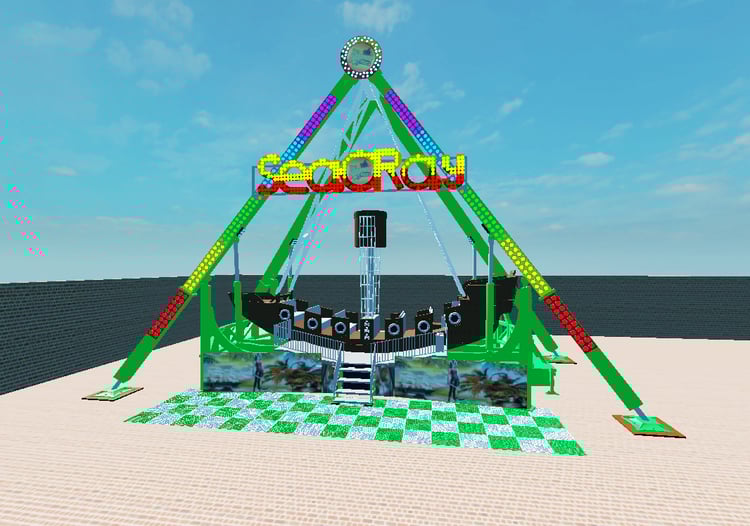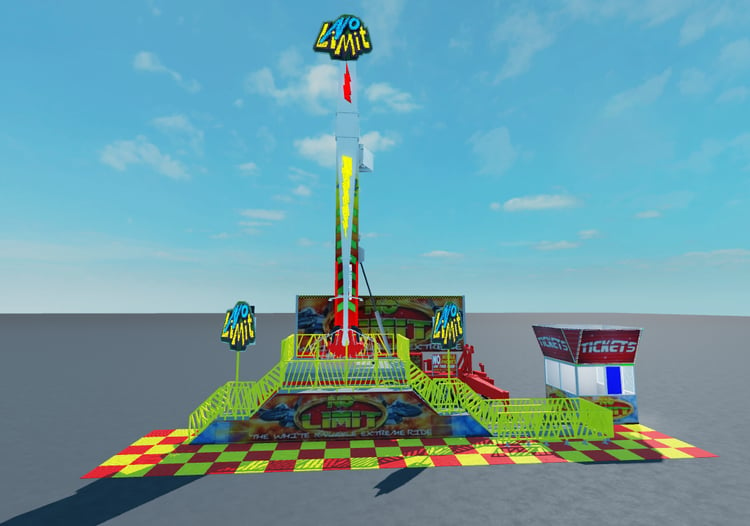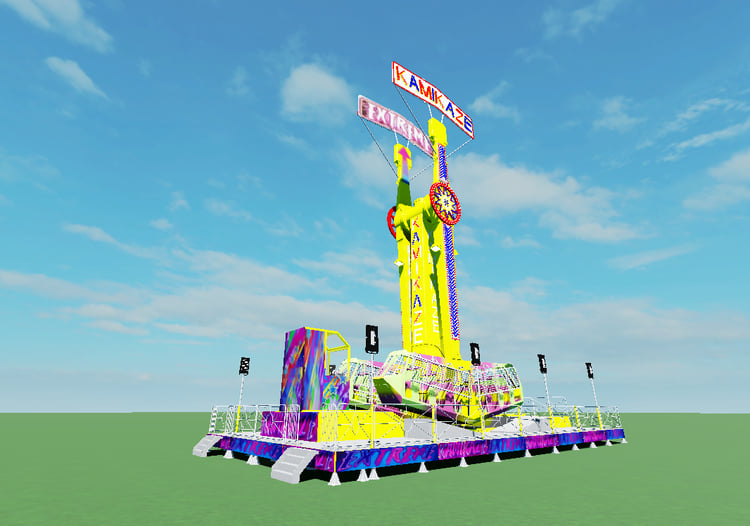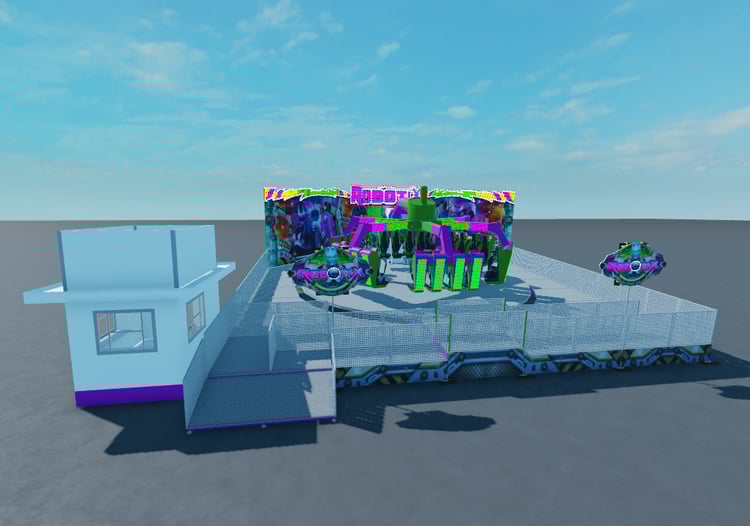

Roblox - Photorealistic BasePlate
In order to open the file simply make sure you have Roblox Studio and double click the file it will open.
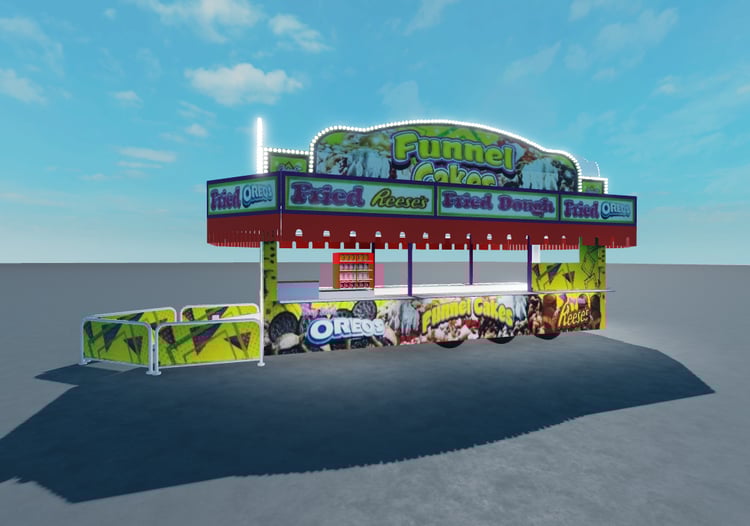
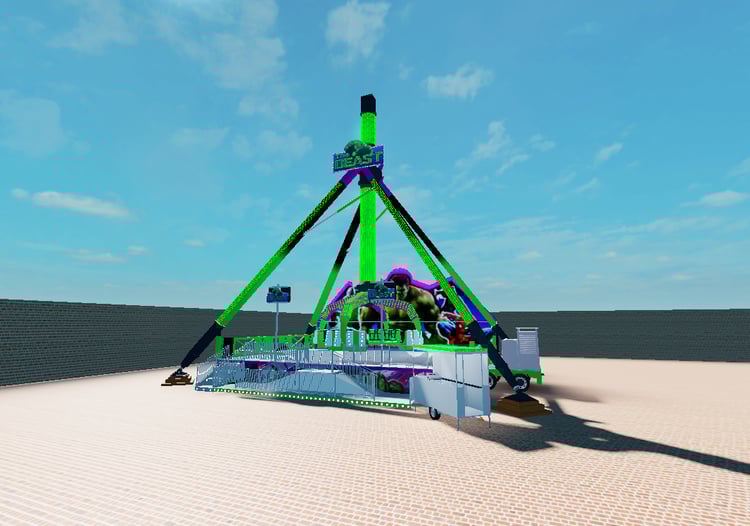
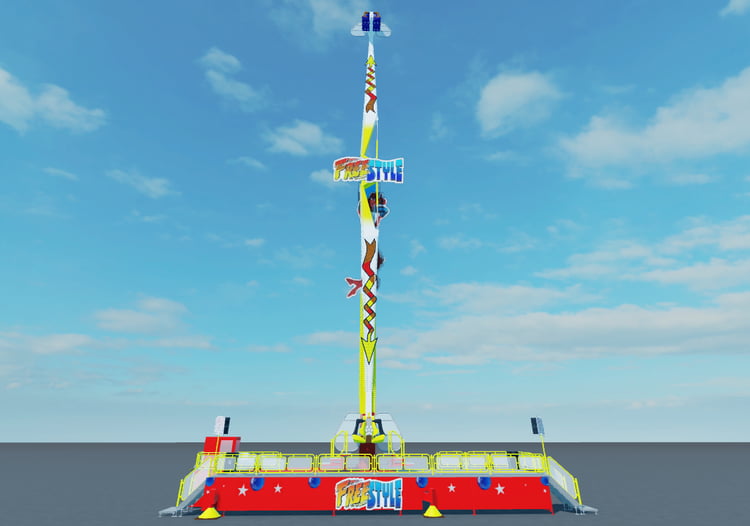
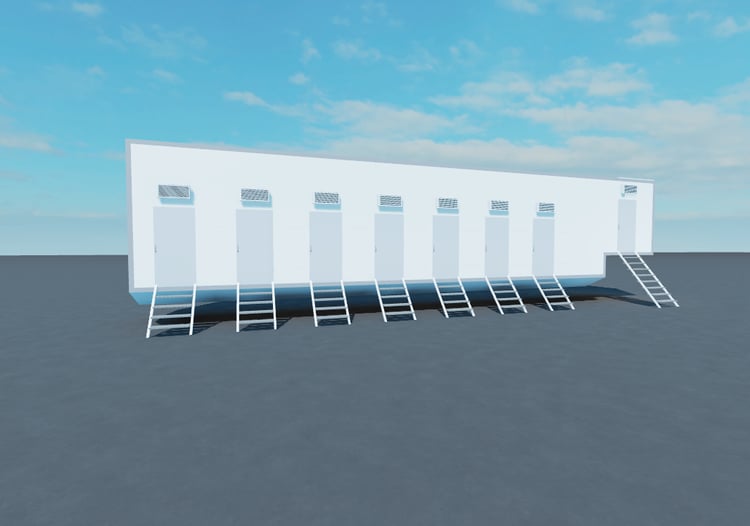
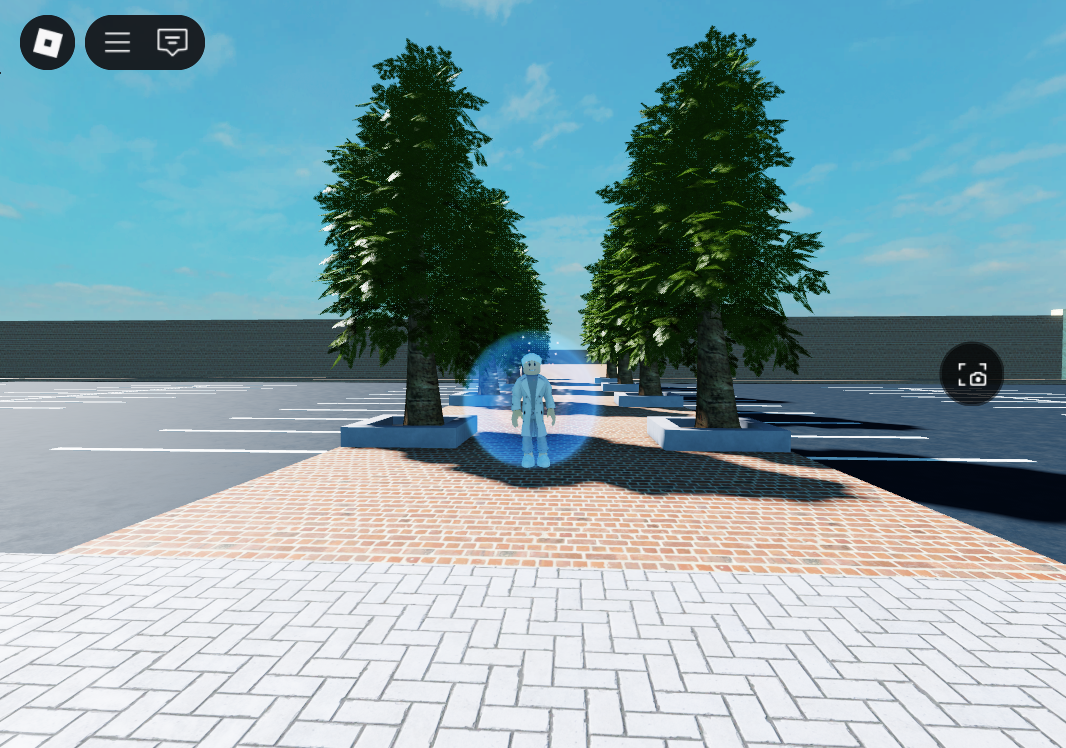
The Studio it self will look plane but when you test it, it will show you the full photorealistic graphics shown in the image. The graphics runs on a Script witch applies the settings. To get Sun Rays put your in game graphics settings to the max.
I will work on a script witch will work with Sun Rays to implement Ray Tracing! Ray Tracing will allow the Sun Rays to reflect on shiny Materials such as Metal will be shiny and reflect back and Puddles will be able to reflect as well. This will all run on the players max graphics located in there own in game settings.
Please make sure to click the 3 lines top left corner of your screen click Settings and scroll down until you see Graphics make sure its all the way to the right (Max setting) in order to allow Sun Rays to kick in, Ray Tracing will need this to be used as well.
In order to edit the Brick Walls and Ground simply Unlock them and move them around. They use a realistic Brick Texture to bring the walls to life!