
CCNA Labs with Solutions — Hands-On Cisco Networking Practice
100+ CCNA Labs with Solutions and CCNA 200-301 v2.0 · Exam PREP GUIDE
🔥 LIMITED-TIME CCNA OFFER 🔥
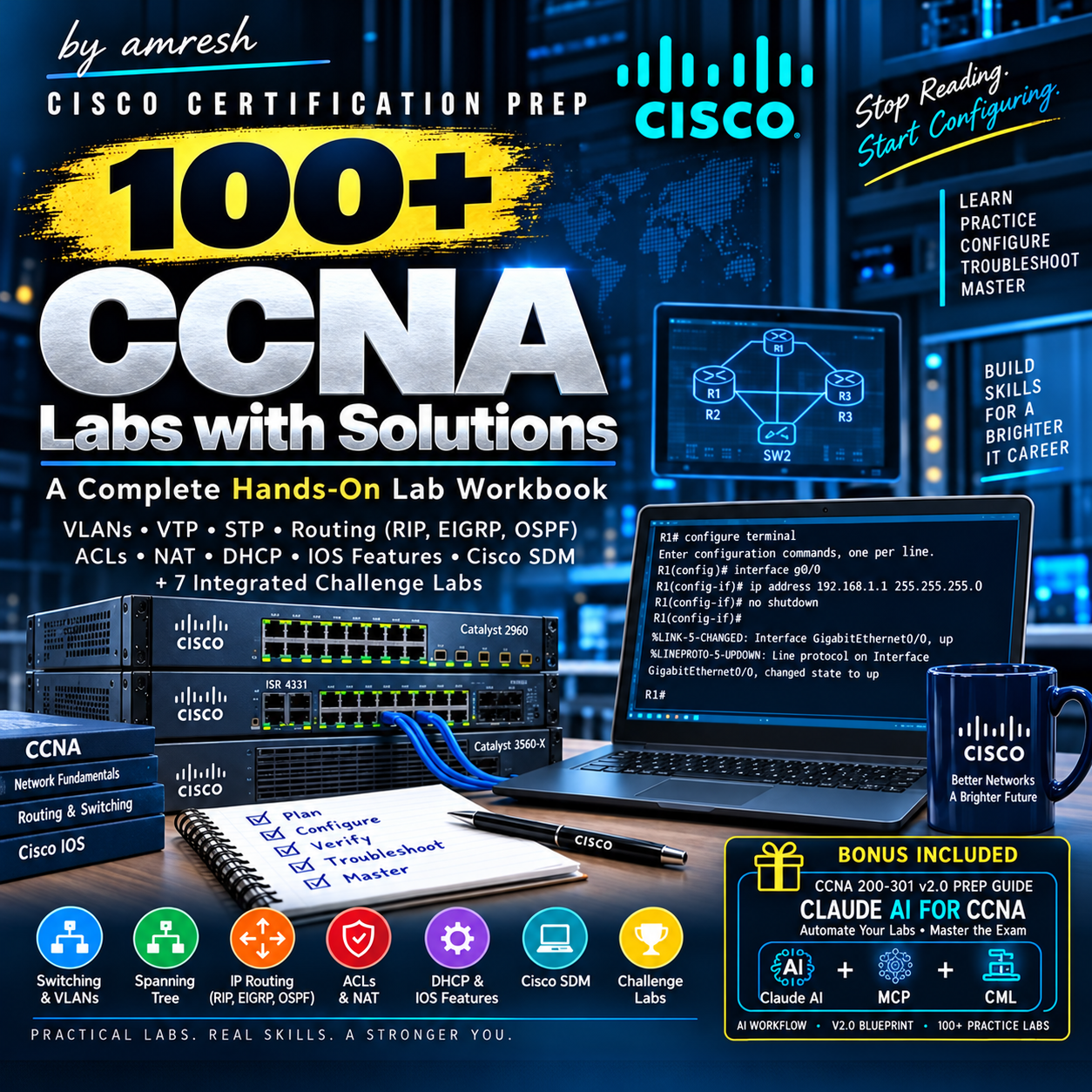
100+ CCNA Labs with Solutions
- CCNA 200-301 v2.0 Exam Prep Guide
- 🎁 BONUS: Claude AI + MCP + CML Guide
$19.99 → $10.00 💥
🎉 Save $9.99 — 50% OFF!
⏳ Limited-time offer only.
Stop Reading. Start Configuring.
CCNA preparation becomes much more practical when you actually configure Cisco devices, run IOS commands, verify your work, and troubleshoot what you built.
100+ CCNA Labs with Solutions is a large hands-on lab collection designed for learners who want practical Cisco networking configuration practice alongside their CCNA studies.
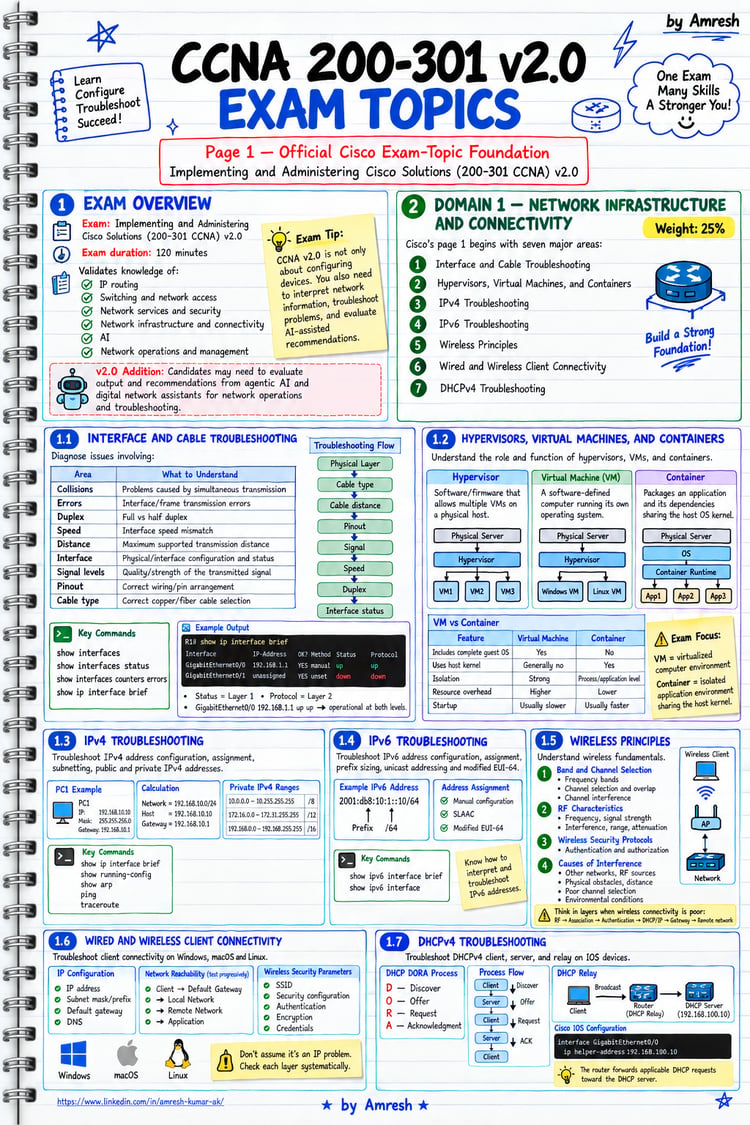
Inside, you'll work through labs covering switching, VLANs, VTP, Spanning Tree, routing, ACLs, NAT, DHCP, Cisco IOS features, and challenge scenarios.
What You'll Practice
- VLAN configuration and verification
- Extended VLANs
- VTP Server, Client and Transparent modes
- VTP security
- Spanning Tree Protocol
- Root Bridge configuration
- PortFast
- Switch port security
- Static routing
- RIP v2
- EIGRP
- OSPF
- Multi-Area OSPF
- Access Control Lists
- Network Address Translation
- Port Address Translation
- DHCP
- Cisco IOS logging and management features
- Cisco SDM labs
- Integrated challenge labs
The collection is organized into practical lab exercises where each lab includes an objective, purpose, certification level, difficulty/readiness information, tasks, topology context, and solution/configuration material.
For example, the early labs take you through VLAN configuration, VTP, trunking and verification using Cisco IOS commands.
🎁 BONUS INCLUDED
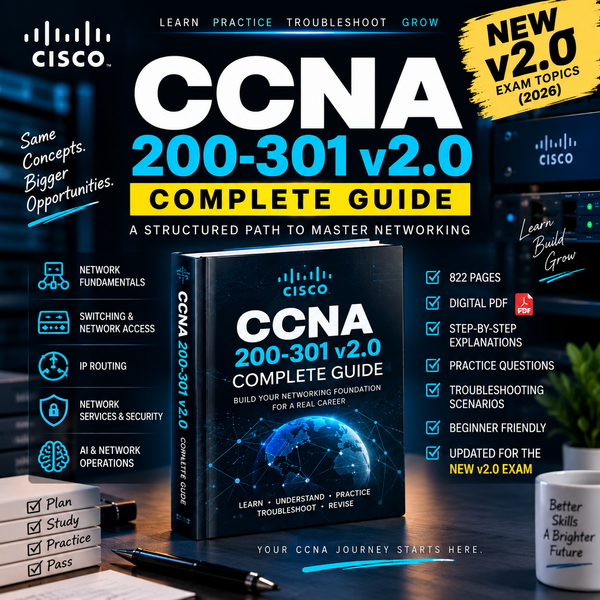
CCNA 200-301 v2.0 · PREP GUIDE
CLAUDE AI FOR CCNA
Automate Your Labs · Master the Exam
A step-by-step working reference for building AI-driven CCNA labs with:
Claude AI + MCP + Cisco Modeling Labs
V2.0 BLUEPRINT
100+ PRACTICE LABS
Build · Configure · Verify · Practice
AI WORKFLOW
Claude AI → MCP → CML
200-301 v2.0
Blueprint-Aligned Practice
CCNA GUIDE NOTEBOOK
Quick Reference · Lab Notes · Practice Tracking
Learn Smarter. Lab Faster. Practice with AI.
💎 Key Features
- 100+ practical labs
- Solutions included
- Cisco IOS configuration practice
- Switching + routing practice
- VLAN & VTP labs
- STP & PortFast
- OSPF + EIGRP + RIP
- ACL + NAT + DHCP
- Cisco IOS features
- Challenge labs
- 518-page PDF
Why This Is Useful
Instead of passively watching another networking tutorial, use these labs as a practice workbook.
Read the objective.
Build the configuration.
Run the commands.
Verify the result.
Then compare your work with the provided solution.
That workflow helps turn networking concepts into practical configuration skills.
What's Included
100+ hands-on CCNA labs with solutions, covering major networking areas including:
Local Area Networks
VLANs, VTP, trunking, Spanning Tree, PortFast, port security and inter-VLAN routing.
Wide Area Networks
Serial connections, HDLC, PPP, PAP, CHAP and Frame Relay.
IP Routing
Static routing, default routes, RIP v2, EIGRP and OSPF including Multi-Area OSPF.
Access Control Lists
Standard ACLs, extended ACLs, named ACLs, inbound/outbound filtering and ACL troubleshooting.
Network Address Translation
Static NAT, Dynamic NAT, interface-based PAT and pool-based PAT.
DHCP
Cisco IOS DHCP client/server configuration and DHCP forwarding.
Cisco IOS Features
Logging, DNS, SYSLOG, privileges, banners, HTTP access, configuration register and discovery features.
Cisco Router & Security Device Manager
Practical SDM configuration labs covering interfaces, OSPF, EIGRP, RIP, ACLs, DHCP, DNS, NAT, PAT, users and configuration files.
Challenge Labs
Integrated scenarios combining multiple networking technologies, including DHCP, inter-VLAN routing, RIPv2, VTP, STP, OSPF, EIGRP, PAT, ACLs, PPP authentication, DNS, SYSLOG and subnetting.
Who Is This For?
- CCNA students
- Networking beginners building practical skills
- Cisco IOS learners
- IT students
- Network engineering students
- Learners practicing Cisco configurations
- Anyone who wants more hands-on practice alongside networking theory
Who Should NOT Buy This?
This may not be the right product if you're looking for:
- A video course
- A complete beginner networking theory course
- Live instructor support
- A guaranteed CCNA exam pass
- Official Cisco certification material
This product is best used as a hands-on practice resource.
How To Use It
For maximum value, don't immediately copy the solution.
1. Read the lab objective.
2. Study the topology and tasks.
3. Attempt the configuration yourself.
4. Verify your configuration.
5. Compare your result with the solution.
6. Repeat difficult labs until the commands become familiar.
Your Goal
The goal isn't simply to memorize Cisco commands.
It's to become comfortable looking at a network scenario and thinking:
What needs to be configured?
Which IOS commands should I use?
How do I verify that it actually works?
That's the practical mindset this lab collection is designed to encourage.
Important Note
This is an independent educational resource for networking practice and is not an official Cisco publication or certification product.
Ready to Practice?
If you're serious about improving your practical Cisco networking skills, don't just keep watching tutorials.
Open a lab. Build the configuration. Verify it. Learn from the result.
👉 Get the 100+ CCNA Labs with Solutions and start practicing.