
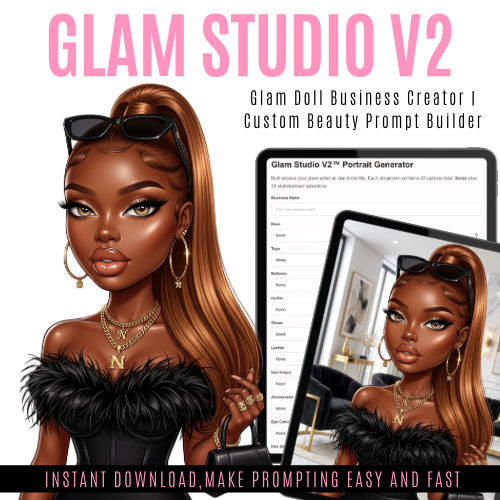
Glam Doll Business Creator
On Sale
$8.99
$8.99
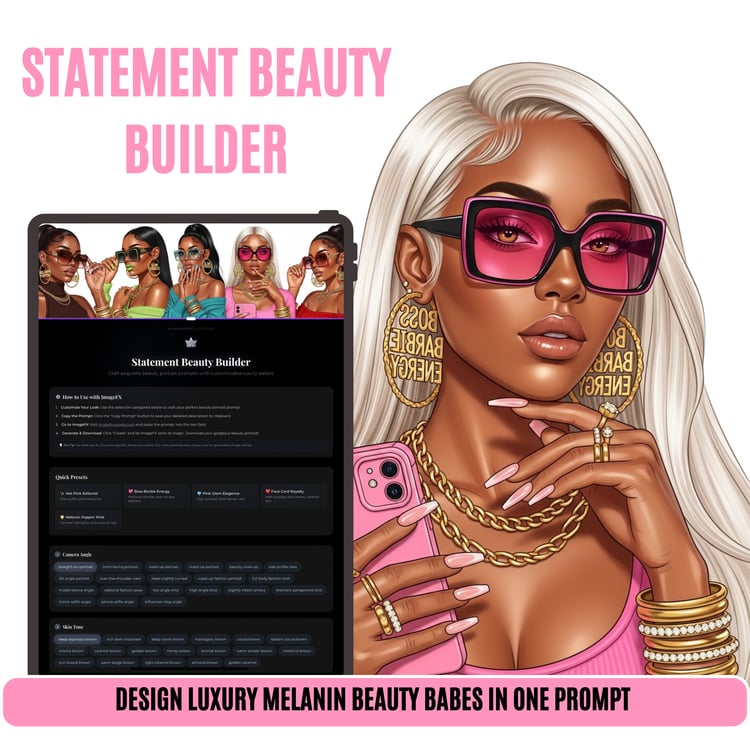
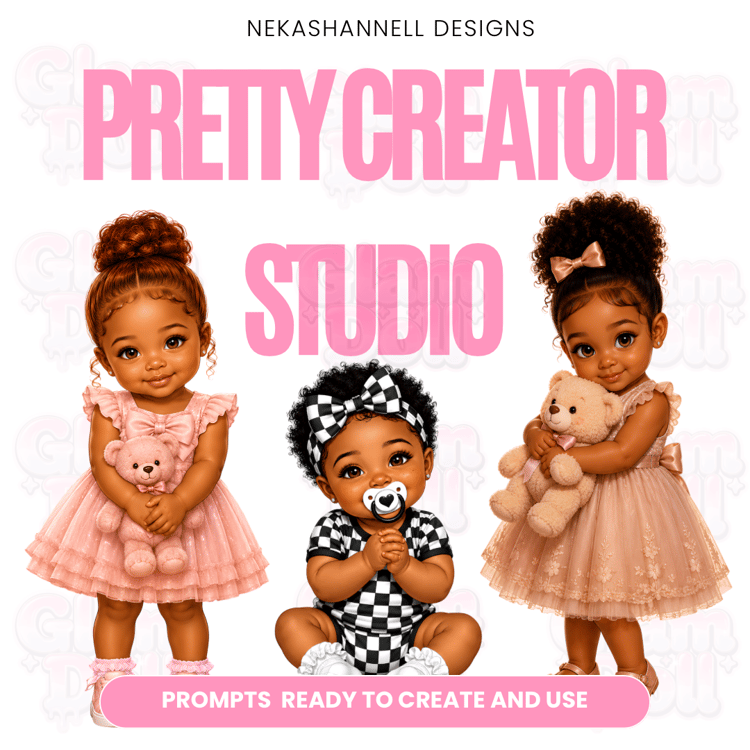
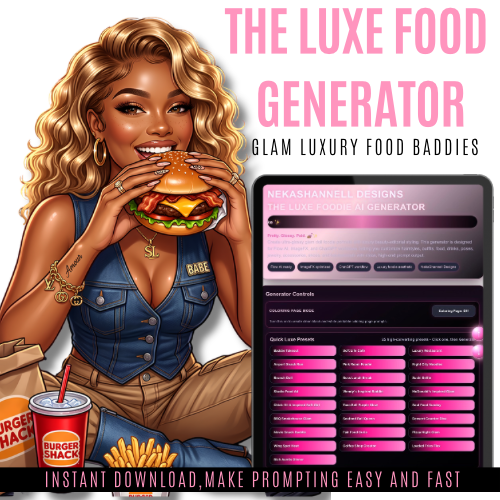
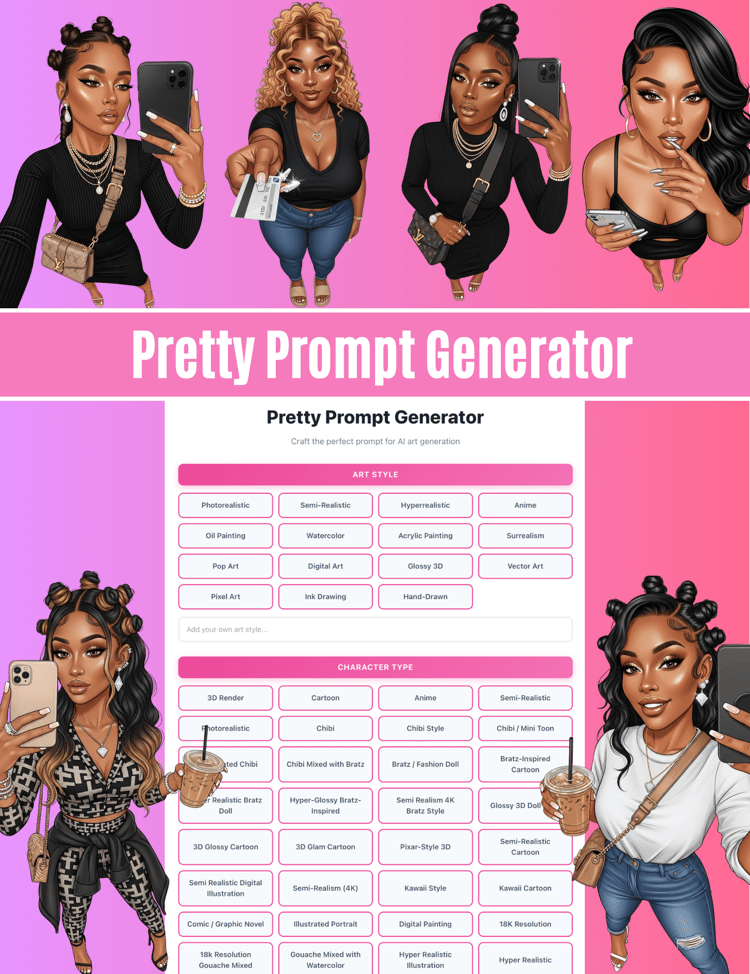
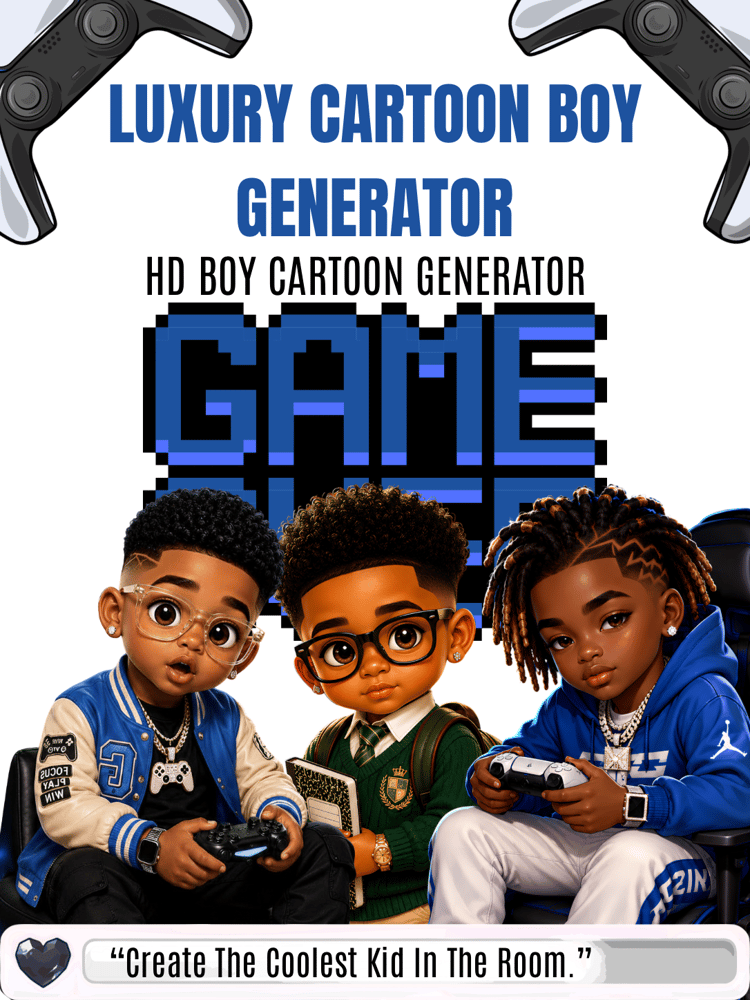
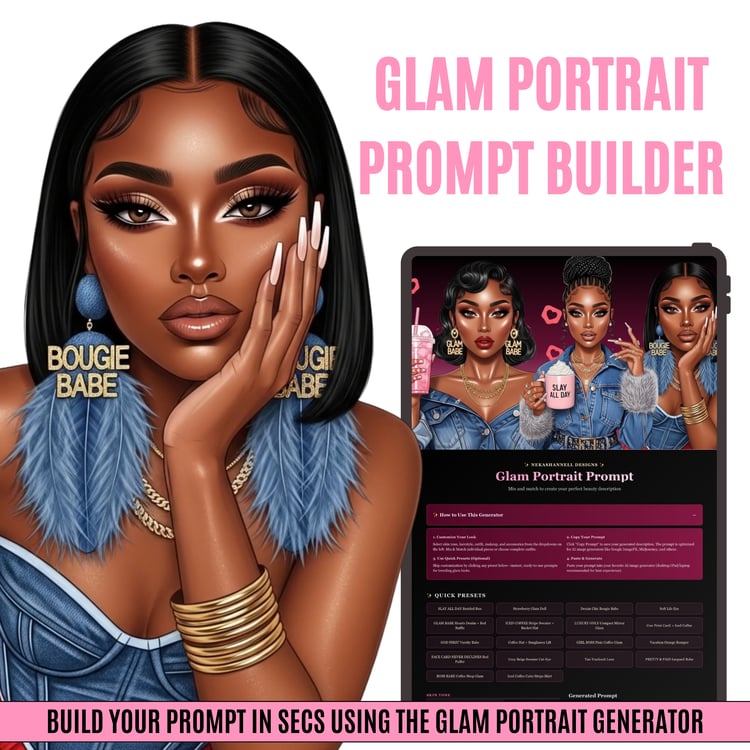
Glam Studio V2™ by NekaShannell Designs is a luxury AI portrait generator designed to create ultra-polished glam doll images with full customization. Build your signature look using dropdowns for hair, outfits, makeup, nails, and more — or enter your own custom styles for complete creative control.
Perfect for digital creators, brand owners, and anyone looking to create high-end, beauty editorial-style AI visuals.
✨ How to Use
- Enter your business name (optional for branding).
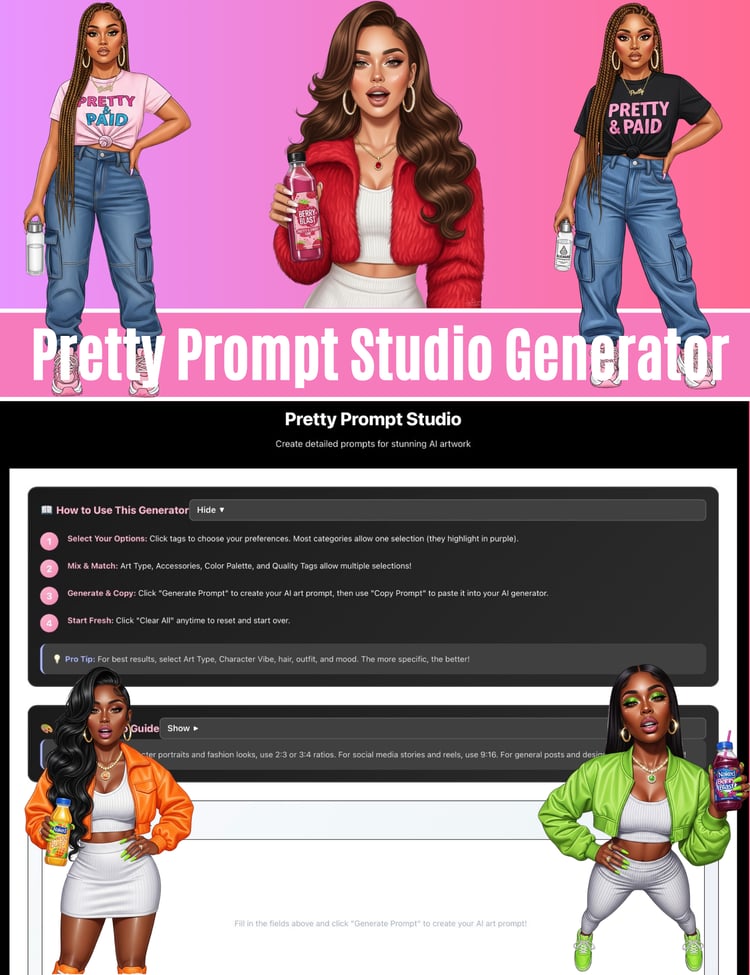
- Select options from the dropdowns (or use custom for your own ideas).
- Click Generate Prompt.
- Copy the prompt and paste it into your AI image generator (Canva,Flow AI,Bing, etc.).For results like mine use FLOW AI
- Generate your image and customize as needed.
This is a digital product, no physical product will be shipped.All sales are final no refunds
How to Use the HTML File
On a laptop:
- Download the HTML file to your computer.
- Locate the file in your Downloads folder.
- Double-click the file to open it in your web browser.
- If it does not open automatically, right-click the file and choose Open With, then select Chrome, Safari, or Edge.
- Use the dropdowns and text boxes inside the generator.
- Click Generate Prompt to create your prompt.
- Copy the prompt and paste it into your AI image generator.
On an iPad:
- Download the HTML file and save it to the Files app.Either download HTML app or
- Open the Files app and find the HTML file.
- Tap the file to preview it.
- If needed, use the Share button and choose Open in Safari or your preferred browser.
- Once open, use the dropdowns and text boxes in the generator.
- Tap Generate Prompt to build your prompt.
- Copy the prompt and paste it into your AI image generator.
Tip: For best results, open the file from Files or in a browser instead of only viewing it inside a message preview.