


Budget vs Actual + Rolling Forecast Excel Model
Launch offer: $20 off every license until 31 December 2026.
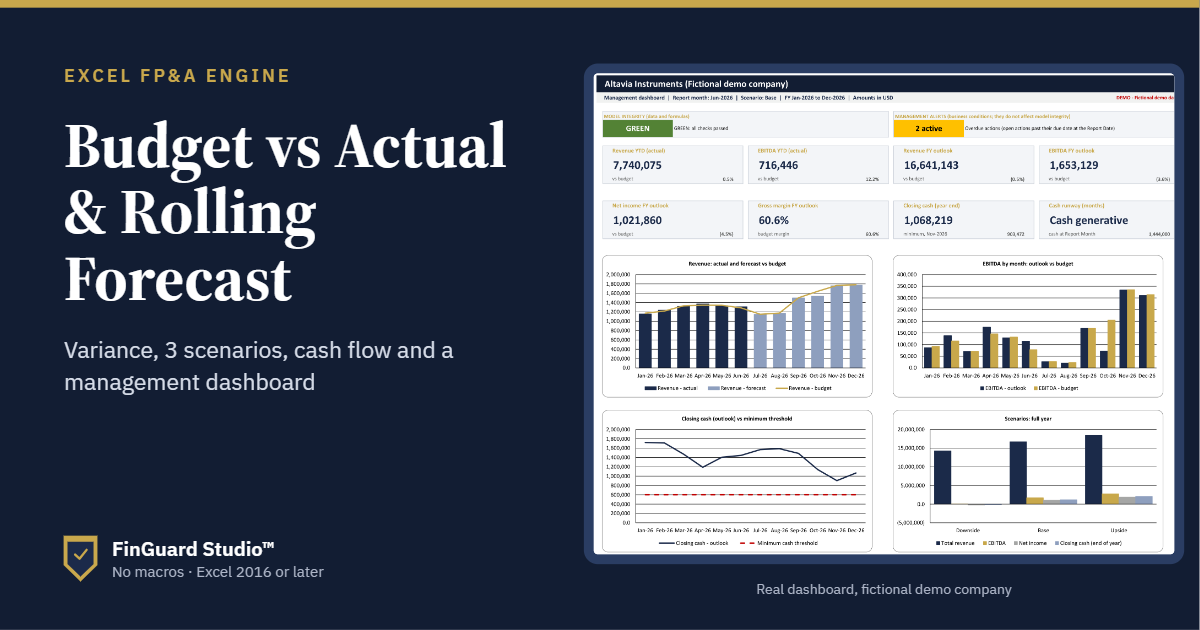
Stop rebuilding your budget vs. the actual report every month. Paste your actuals, pick the month, and the whole model updates: variances, rolling forecast, scenarios, cash runway, and a management dashboard. Built for SMEs, finance teams, and consultants.
✔ Instant download after payment
✔ One-time payment, no subscription
✔ Excel 2016 or later, Windows and Mac. No macros, no add-ins.
✔ Model + full example file + PDF user guide
✔ Questions? Reply to your receipt email, and I will help.
HOW IT WORKS
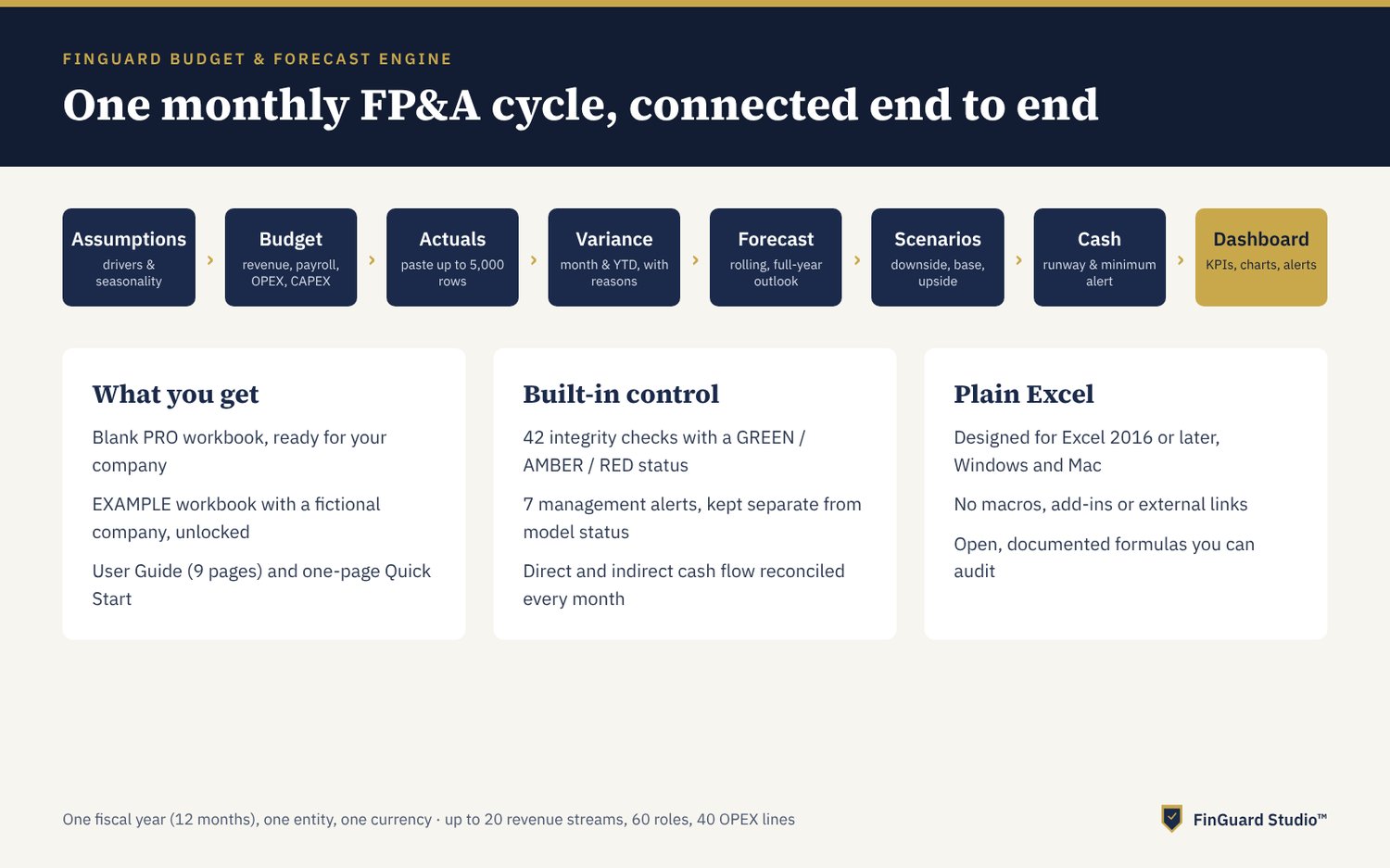
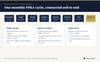
1. Set up your company, fiscal year, and chart of accounts.
2. Build a driver-based annual budget: revenue, payroll, OPEX, and CAPEX.
3. Each month, paste actuals from your accounting system (up to 5,000 rows).
4. Choose the report month. Everything updates automatically.
WHAT YOU GET
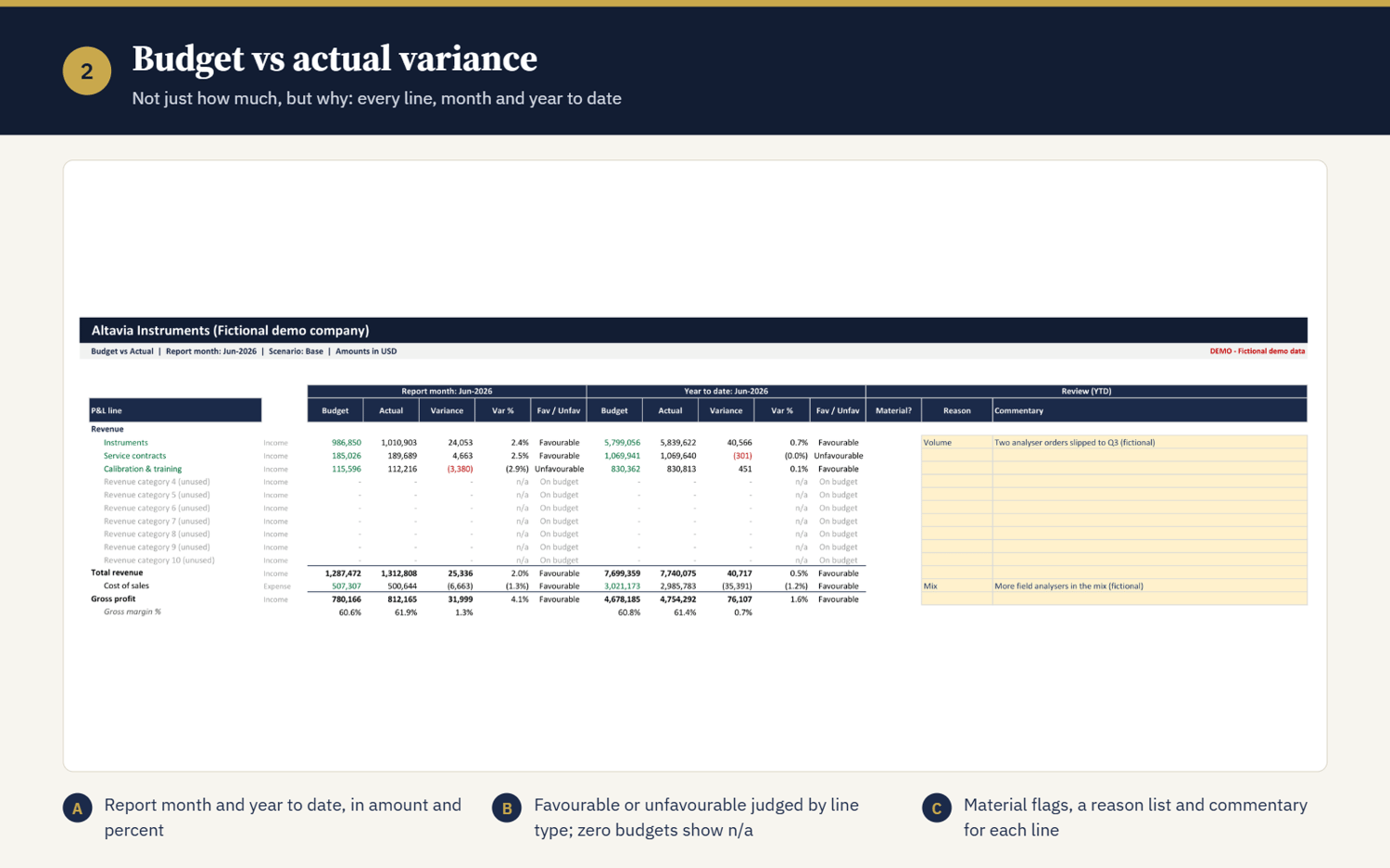
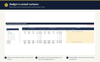
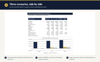
- Budget vs actual for the month and year to date, with favorable and unfavorable flags, materiality, and space for commentary
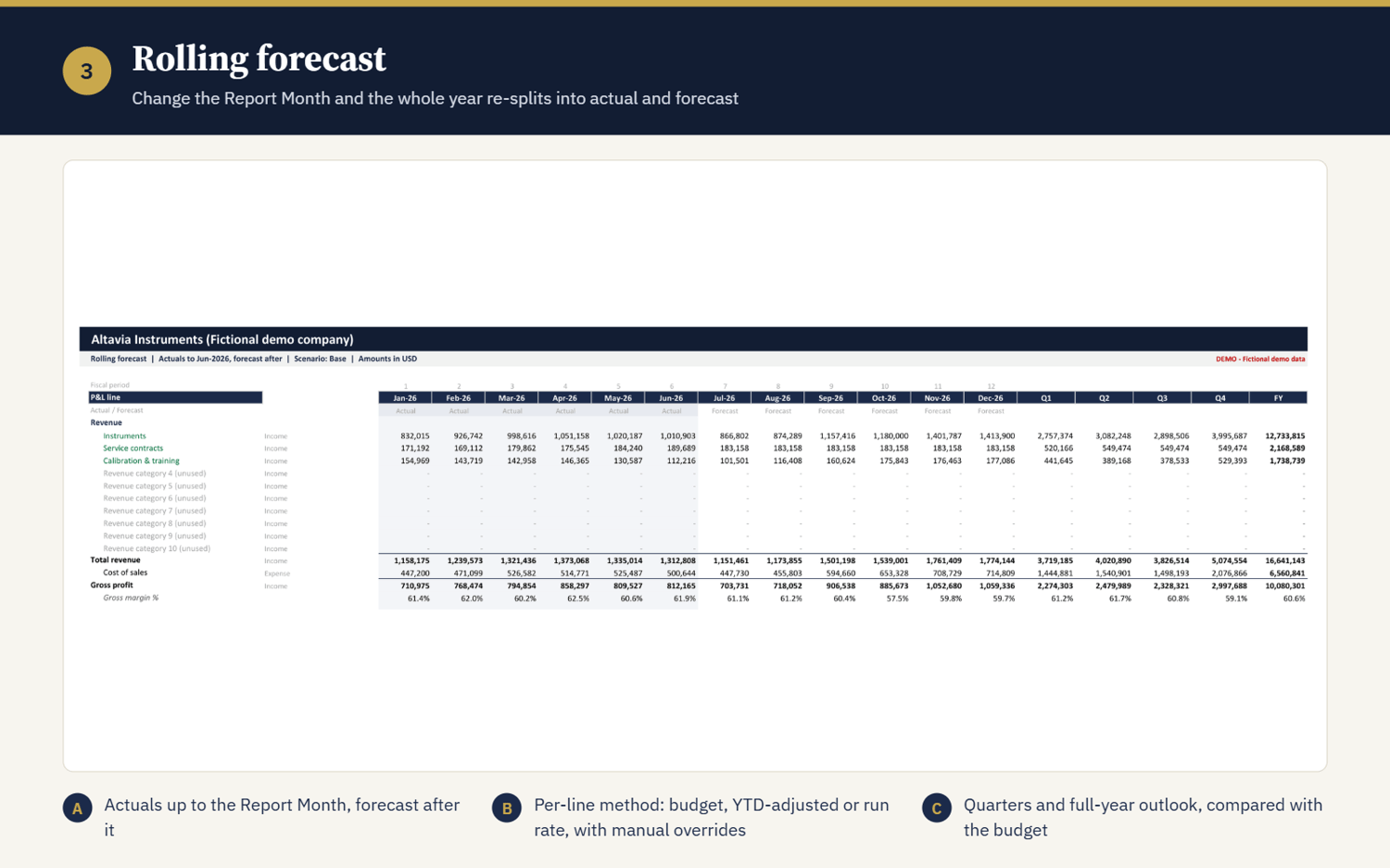
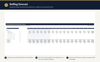
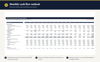
- Rolling forecast that replaces budget with actuals as the year moves on, giving a live full-year outlook
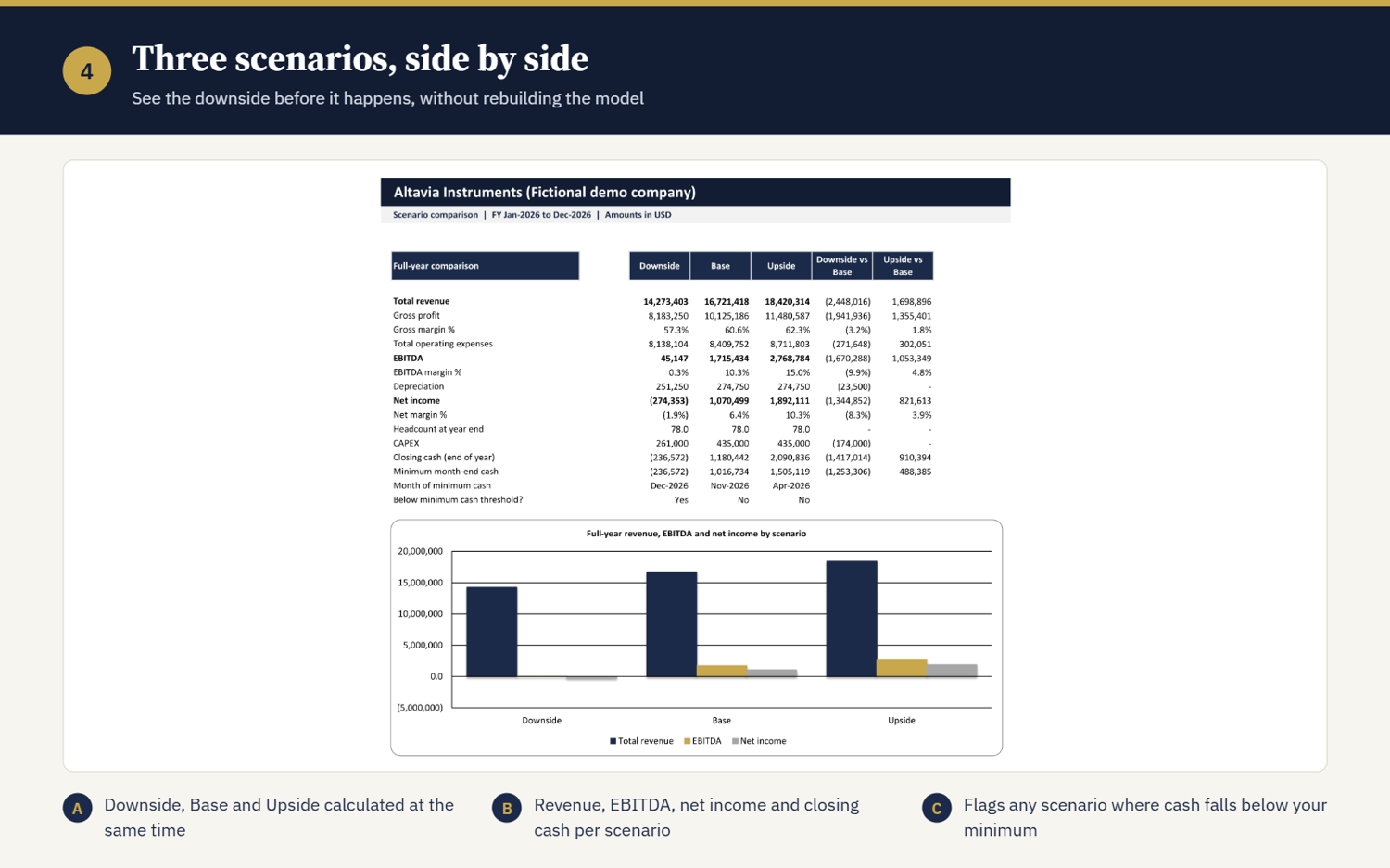
- 3 scenarios (downside, base, upside) side by side
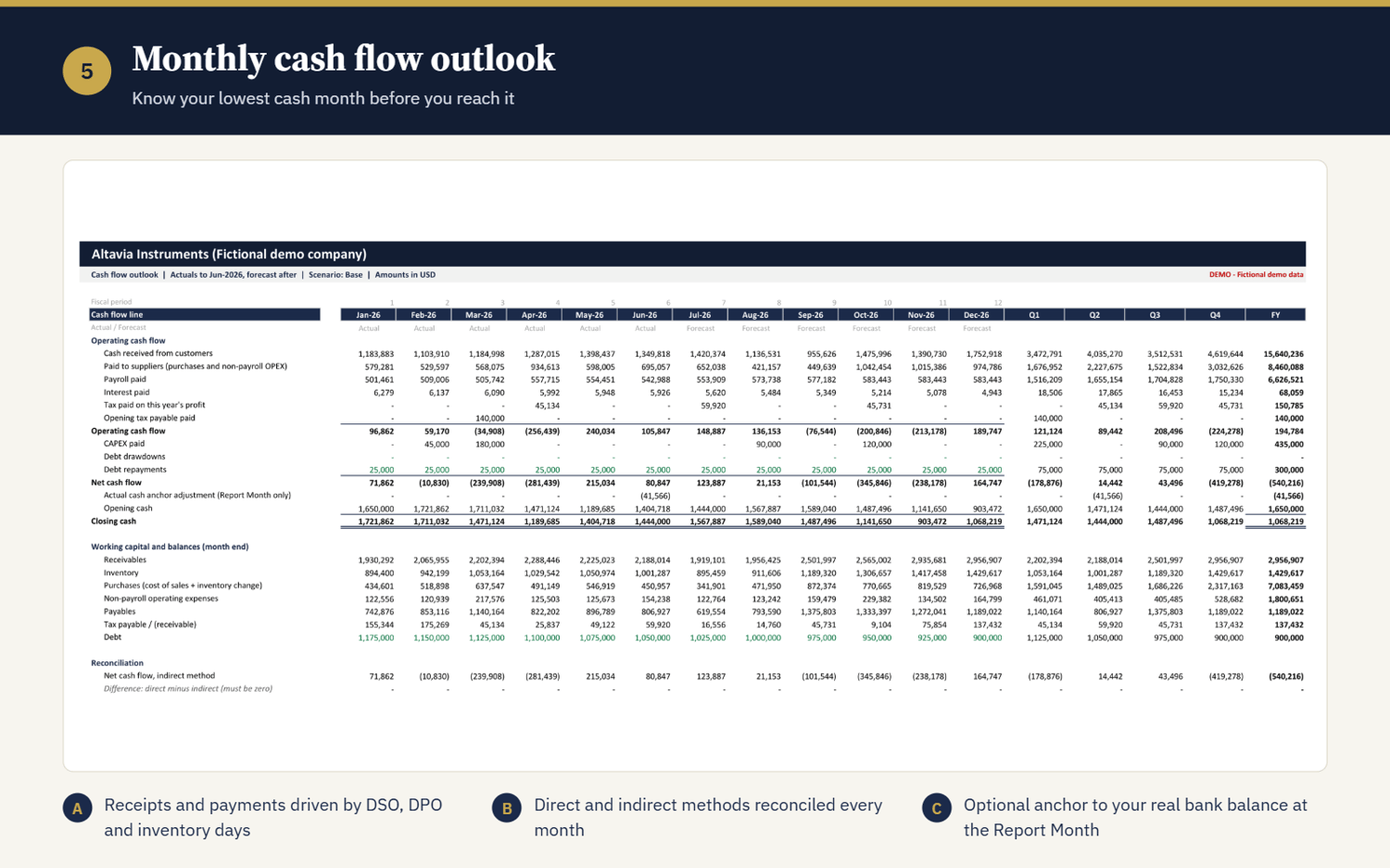
- Cash flow, direct and indirect, reconciled every month, with cash runway and a minimum cash alert
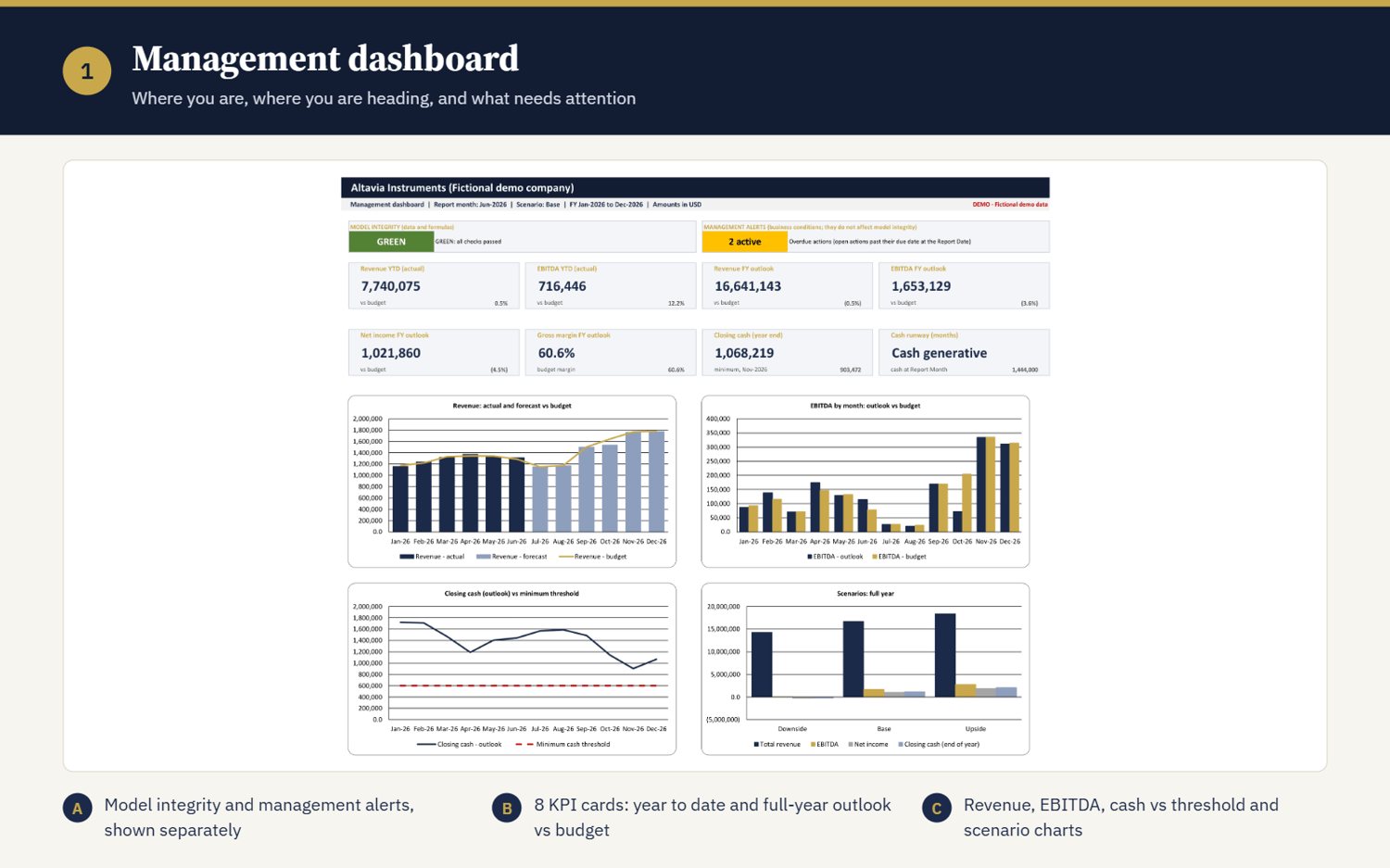
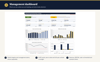
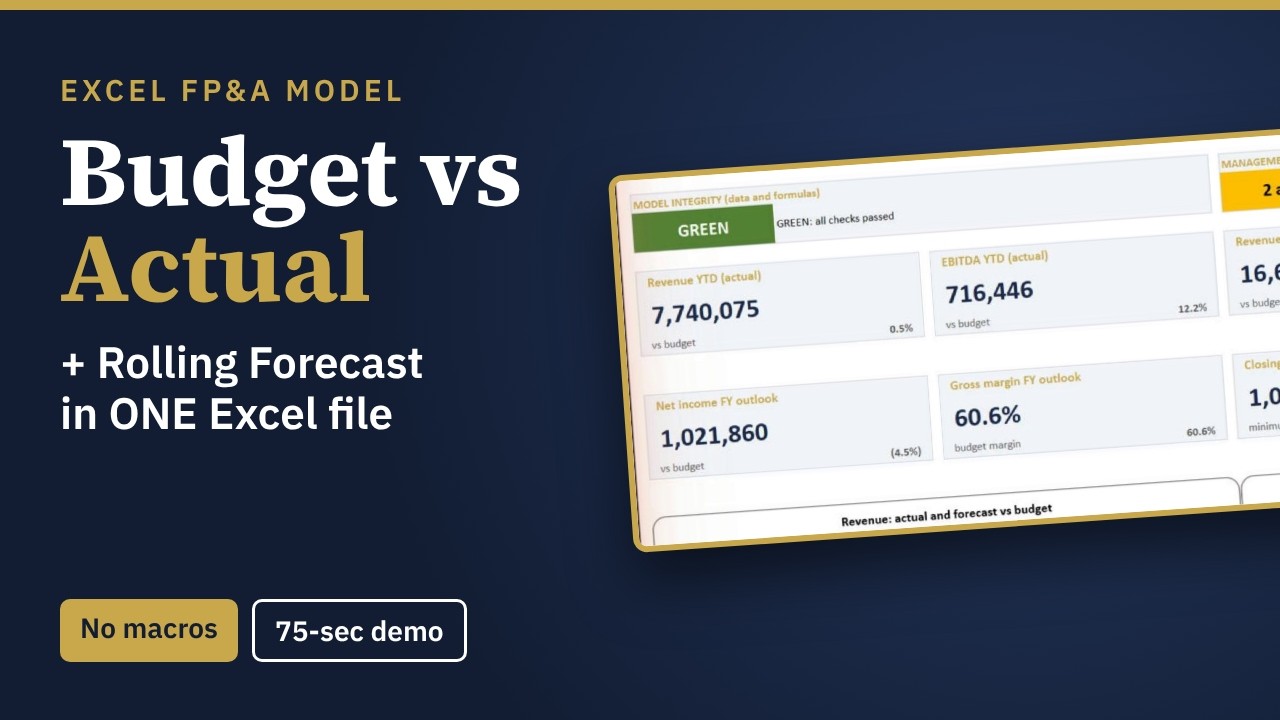
- Management dashboard with KPIs and charts, ready for your monthly meeting
BUILT-IN CONTROL
- 42 integrity checks with a GREEN, AMBER, or RED model status, so you know your numbers tie out before you present them
- 7 management alerts for business issues such as cash pressure or overspend
- Open, documented formulas you can audit. Nothing hidden.
CAPACITY
One fiscal year (12 months), one entity, one currency. Up to 20 revenue streams, 60 payroll roles, and 40 OPEX lines.
WHAT'S IN THE DOWNLOAD
- PRO workbook, blank and ready for your company
- EXAMPLE workbook with a fictional company, so you can see every sheet working
- User Guide (PDF, 9 pages) and one-page Quick Start (PDF)
- Release notes
All example data is fictional.
WHICH LICENCE?
- Single User: one person, for your own work or one company
- Team: up to 5 users in the same company
- Consultant: use the model to deliver budgets and forecasts for your clients.
Want to look first? Tap "Preview" above to download the Quick Start guide.
Made by Monaf Elsayed, MSc, CAMS, CGSS, founder of FinGuard Studio™. Practical, audit-ready Excel tools for finance, risk, and compliance teams.