

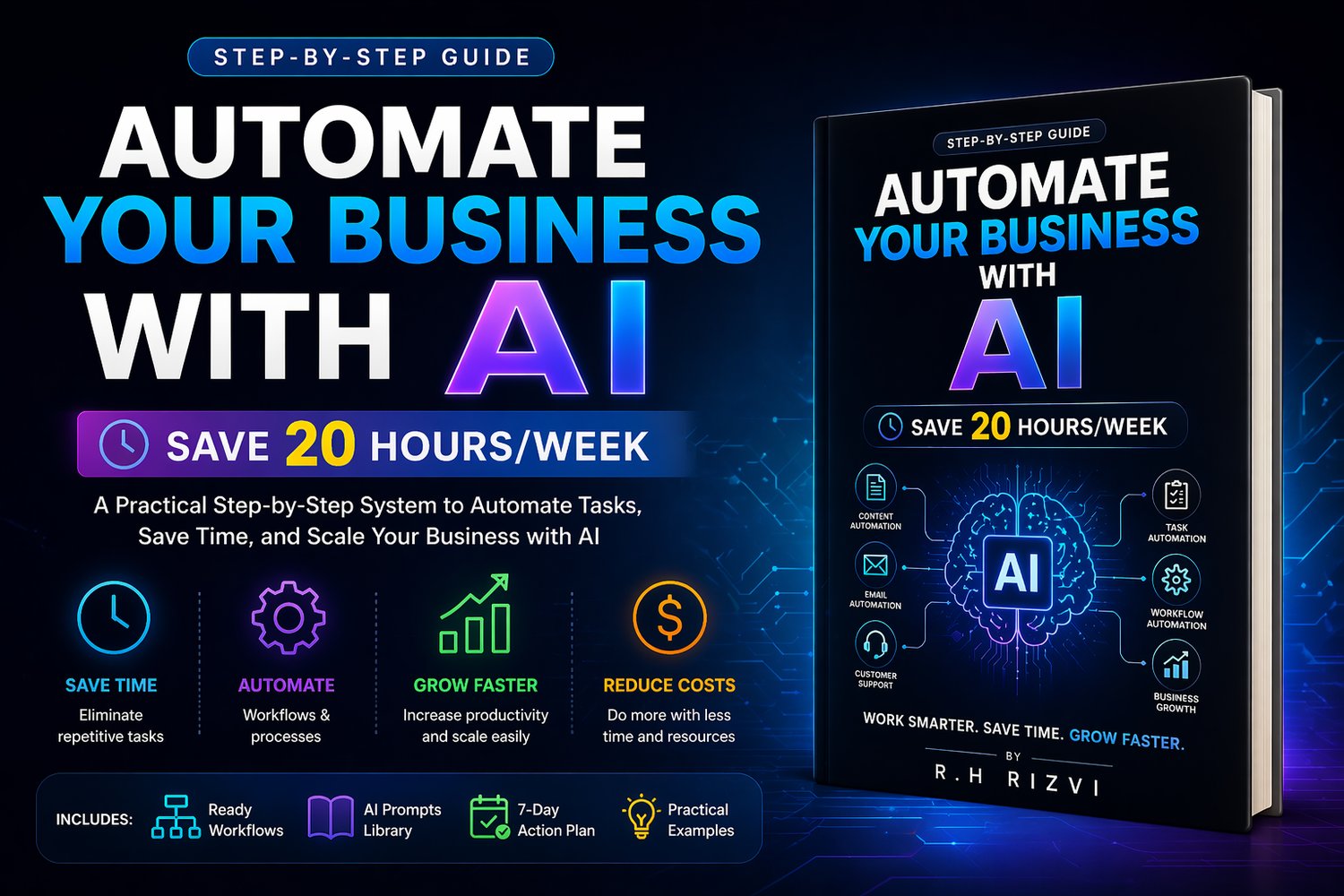
Automate Your Business with AI: Save 20 Hours/Week | Step-by-Step AI Workflow System for Entrepreneurs (2026 Guide)
🚀 Automate Your Business with AI & Save 20+ Hours Every Week
Are you stuck doing repetitive tasks, managing content, emails, and daily operations manually?
This AI Business Automation Guide is a complete, step-by-step system that shows you how to build powerful AI workflows to automate your business and increase productivity—without coding or technical skills.
Learn how to use tools like ChatGPT, Claude, Zapier, Notion, and Canva to create systems that run your business on autopilot.
💡 What You’ll Learn (AI Workflow System)
- How to build AI workflows for business automation
- Automate content creation (30 days in hours)
- Create email systems that run automatically
- Set up AI-powered customer support
- Eliminate repetitive tasks with automation tools
- Build a complete AI productivity system for your business
📦 What You’ll Get
✔ Complete AI automation setup from scratch
✔ 8 ready-to-use workflow systems
✔ AI prompt library with 20+ proven prompts
✔ 7-day action plan for fast implementation
✔ Content, email, support & task automation
🎯 Perfect For
- Entrepreneurs & small business owners
- Freelancers & consultants
- Content creators & marketers
- Anyone looking to make money with AI automation
- People who want to build passive income systems using AI
⚡ Why This Guide is Different
Most guides talk about AI tools.
This guide gives you a complete AI workflow system you can implement immediately:
👉 Input → AI → Automation → Output
So you can save time, increase output, and scale faster.
📱💻 HOW TO OPEN THIS GUIDE (IMPORTANT)
This guide is delivered in HTML format for a clean, fast, and interactive reading experience.
👉 Works on both mobile and desktop devices
✔ Requirements:
- Google Chrome browser (recommended for best experience)
📲 On Mobile:
- Download the file
- Open it using Google Chrome
- Tap the file → it will open like a webpage
💻 On Desktop:
- Download the file
- Right-click → Open with Google Chrome
- The guide will open in your browser
👉 No installation required — instant access