

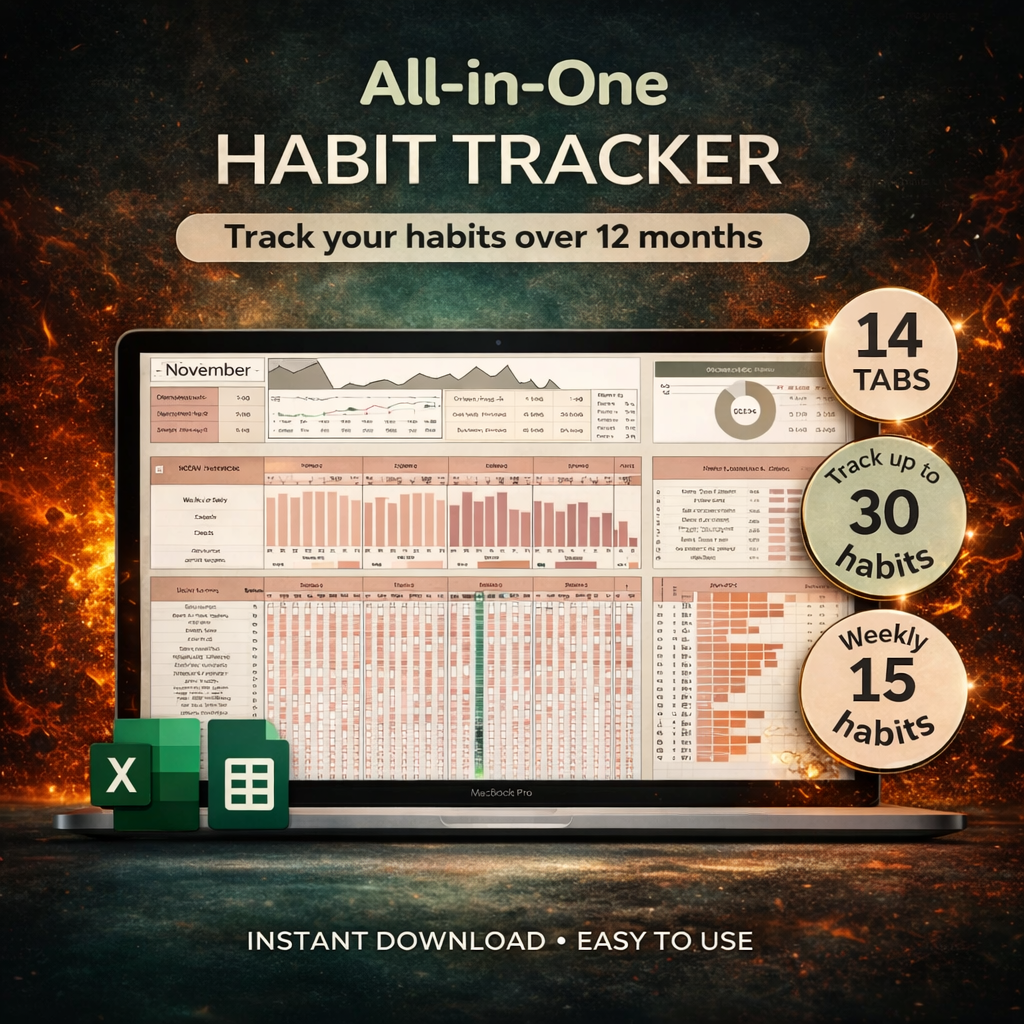
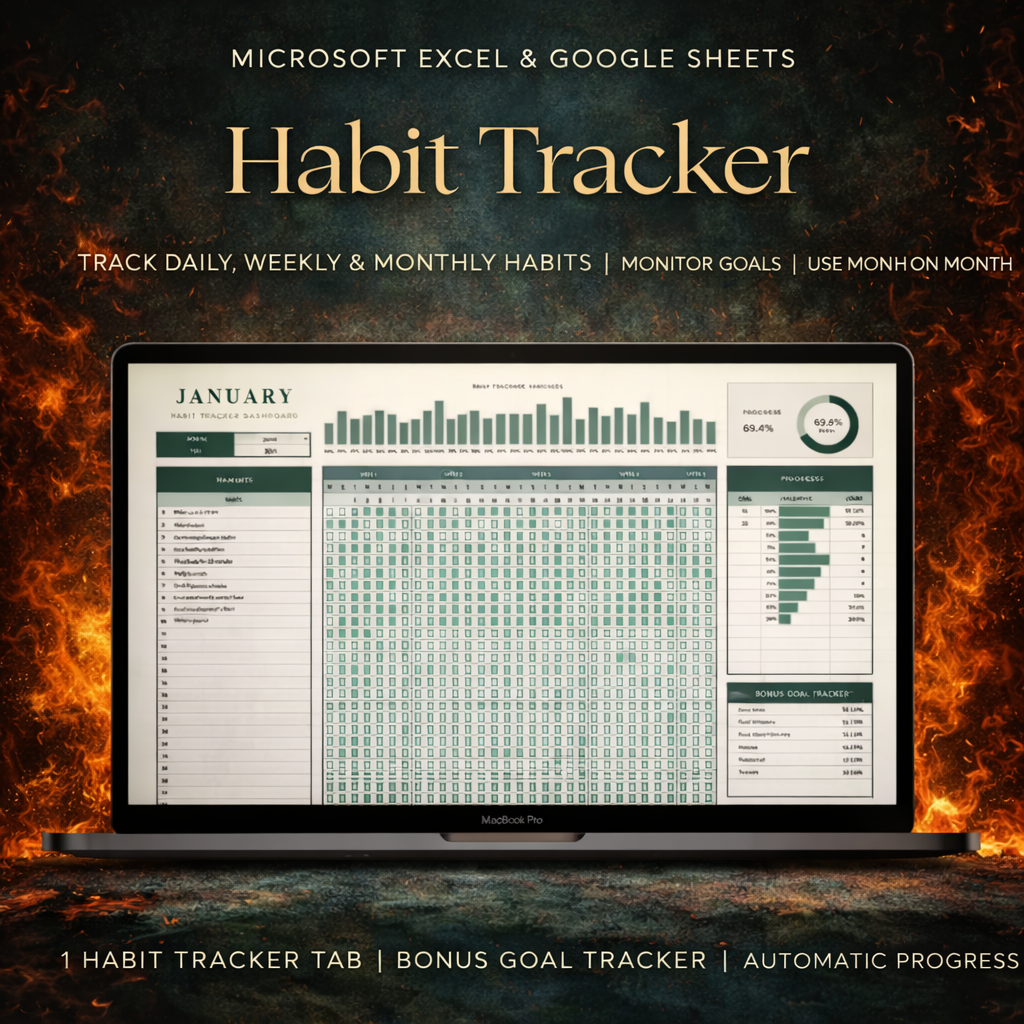


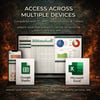

Planora Habit Hub — Habit Tracker Spreadsheet, Dark Mode, Works in Excel, WPS Office & Google Sheets, Daily Habit Planner, Streak Tracker & Goal Dashboard
📊 Planora Habit Hub
⚡ Habit Tracker for Excel, WPS Office & Google Sheets
🌙 Dark mode and light mode — both files included
Tick one box a day. It counts everything else.
❌ No app to download
❌ No subscription
❌ No account to make
✅ One spreadsheet, yours forever
📁 Two .xlsx files — and a ready-made Google Sheets copy. Tap the link in your download, "Make a copy", done.
🚫 WHY MOST TRACKERS DIE IN WEEK THREE
It isn't discipline. It's admin.
❌ Totalling columns by hand
❌ Dragging formulas down every month
❌ Fixing the chart that broke when you added a row
❌ Doing the work twice — once for the habit, once for the sheet
👉 By week three, the tracking costs more than the habit. So you stop.
✅ This one asks one thing a day: tick the box.
🧮 WHAT IT WORKS OUT WHILE YOU TICK
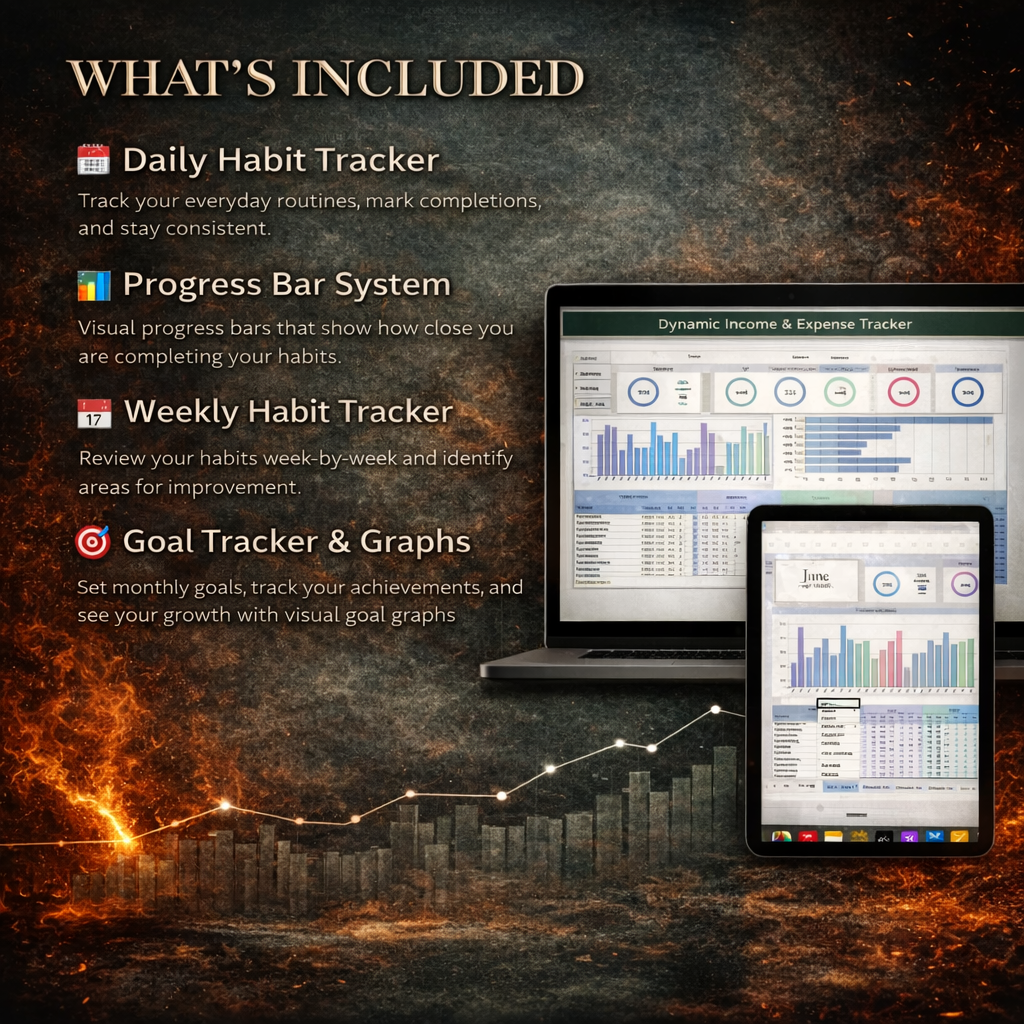
• 🔥 Current streak + longest streak, per habit
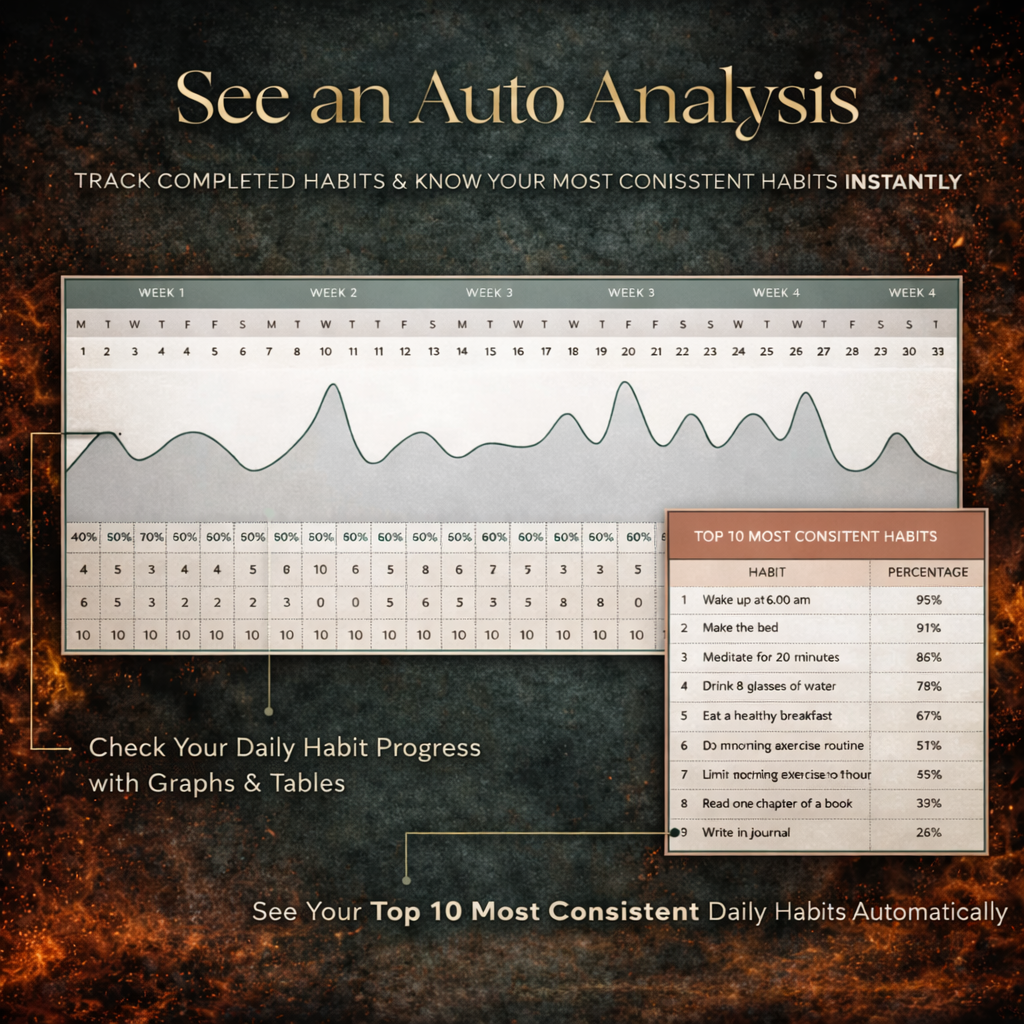
• 📊 Today / week / month / year completion %
• 📅 A full-year heatmap
• ⭐ XP, your level and your rank
• 🏆 12 achievements, unlocking themselves
You tick one box. It does all five.
⚙️ WHAT'S INSIDE
✅ 15 habit slots · 366 days · any year you choose
✅ 8 tabs: Home, Today, Tracker, Habits, Calendar, Analytics, Settings, Read Me
✅ Dark workbook AND light workbook — same tracker, your choice
✅ 12-page Quick Start guide (PDF), troubleshooting page included
✅ 8 example habits already set up, so nothing is blank on day one
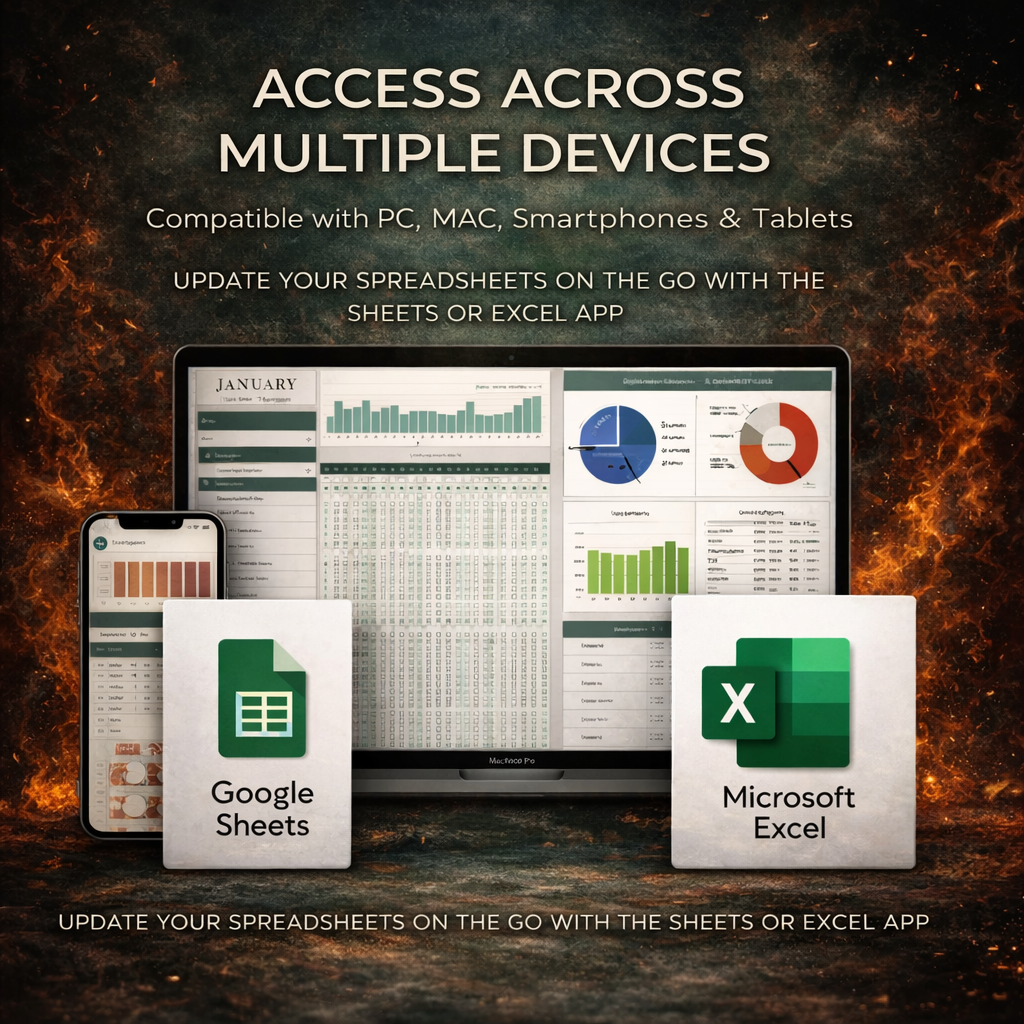
✅ Opens in any spreadsheet app — Excel, WPS Office, LibreOffice, Apple Numbers
✅ A ready-made Google Sheets copy — link inside your download, no import
✅ No macros — nothing to enable, nothing IT will block
🔥 STREAKS THAT SURVIVE A REAL WEEK
Three things almost no other tracker gets right:
• 🛌 Rest days don't break streaks — gym is Mon/Wed/Fri, Tuesday isn't a miss
• 🌗 A reduced version counts — log ~ for half credit, streak lives
• 🔢 6 of 8 glasses = 75%, not a failure
👉 Streaks die on tired days, when the only options are perfect or nothing.
📉 WHY YOUR PERCENTAGES LOOK HIGHER HERE
Most trackers divide by every day of the year.
A weekday-only habit can never beat 71%, however perfect you are.
✅ This one counts only the days a habit was scheduled.
A flawless month of weekday gym sessions reads 100% — because it was.
⭐ XP, LEVELS AND ACHIEVEMENTS
⚡ Every completion earns XP, weighted by difficulty — Easy ×1, Medium ×1.5, Hard ×2
📊 A ~ earns half. A measured habit earns in proportion.
🏆 Twelve levels, Beginner through Immortal
🔓 Twelve achievements to unlock — First Step, Week One, Momentum, Centurion, Sharpshooter, Bounce Back, Fifty, Five Hundred, Consistent, Full House, Disciplined, Elite
✏️ Every number is editable — XP per habit, the multipliers, every level threshold
🗓️ THE YEAR ON ONE SCREEN
📅 53 weeks × 7 days, GitHub-contribution style, darker the better the day
🔄 Month view you flip through by typing a number
🎨 Intensity legend so the shading actually means something
Nothing shows progress like watching a year fill in.
📈 ANALYTICS — THE DEEPER LOOK
• 📊 7 / 30 / 90-day and year-to-date rates
• 🥇 Your best habit and your weakest, named
• 📆 Your most productive weekday — and your worst
• 📉 Full weekday profile, so the pattern is obvious
• 🗓️ Monthly trend, all 12 months
• 🔟 All 15 habits ranked
👉 Every visual is drawn from cells, not chart objects — which is why nothing breaks moving between Excel and Sheets.
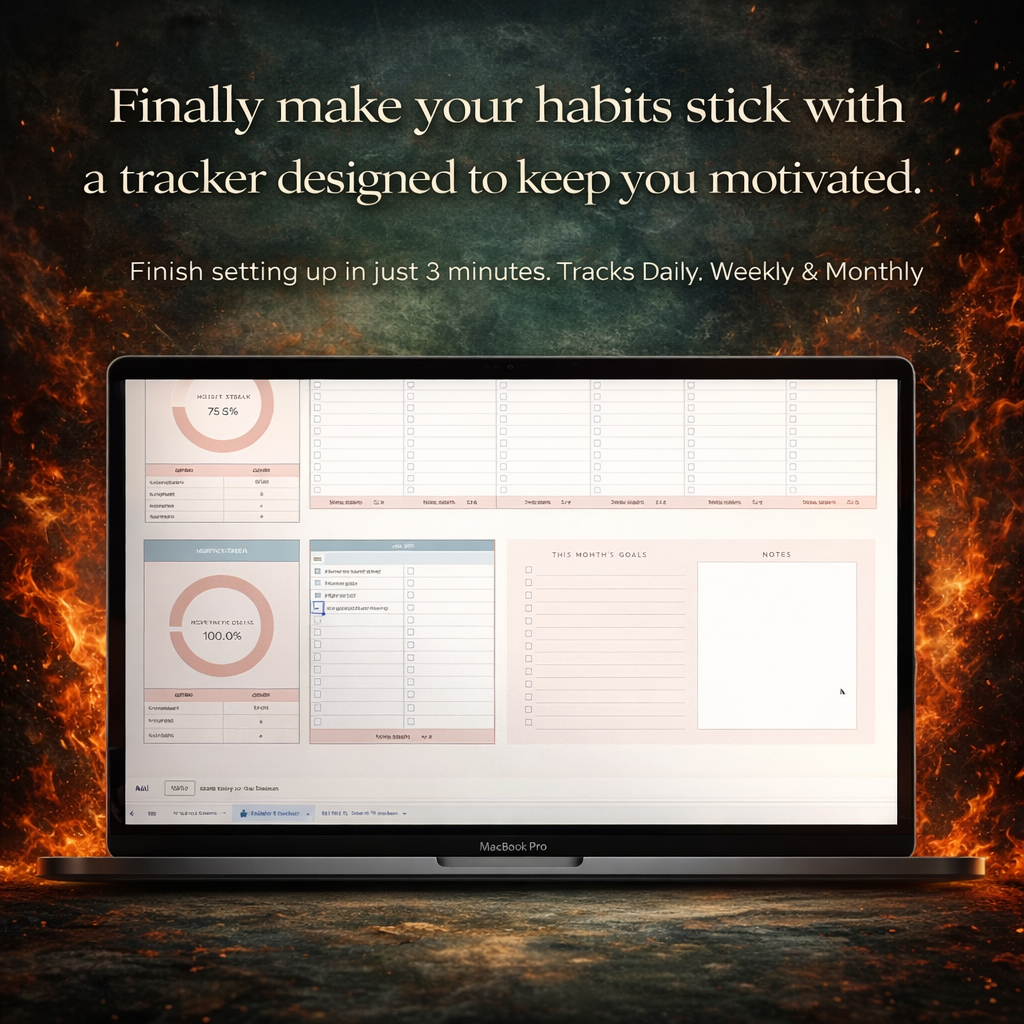
⚙️ SET UP IN THREE MINUTES
1️⃣ Open Settings. Set the year. That's the only setting that has to be right.
2️⃣ Open Habits. Type yours in, or edit the eight examples.
3️⃣ Open Tracker. Today's row is outlined for you. Tick it.
📅 Daily · Weekdays · Weekends · Weekly on a chosen day · Monthly on a date
🔧 Or any pattern you like — type 1010100 for Mon/Wed/Fri
Icon, category, target, difficulty — set them or leave them blank. Only the name is required.
🔒 YOU CAN'T ACCIDENTALLY BREAK IT
✅ The cells you type in are open
🔐 The cells that calculate are protected — a stray paste can't wipe a formula
🔓 No password. Nothing hidden. Unprotect any sheet in two clicks if you want to take it apart
💻 NO MICROSOFT SUBSCRIPTION NEEDED
A standard .xlsx. Any spreadsheet app opens it — including the free ones.
📗 WPS Office — opens directly. Windows, Mac, Android. Free.
📘 Excel 2016, 2019, 2021, 365 — opens directly
📙 LibreOffice Calc — opens directly. Free.
📕 Apple Numbers — opens directly
📊 Google Sheets — a ready-made copy, one tap, nothing to install
👉 No Excel-365-only functions. No macros. No add-ins.
If your app opens spreadsheets, it opens this.
📥 INSTANT ACCESS
📩 Download the moment you pay — 2 workbooks + the PDF guide
📘 Excel or WPS — just open it
📊 Google Sheets — tap the link in the guide, "Make a copy". Done.
📱 Track from your phone — WPS or the Sheets app, both free
🔁 Re-download any time — a clean copy is always one click away
♾️ Free lifetime updates
le
👉 If the tracking is what keeps making you quit, this was built for that.
🎯 WHO IT'S FOR
People who've downloaded a habit tracker before, used it for nine days, and never opened it again.
👉 Start with three habits, not fifteen.
📩 A REAL PERSON ANSWERS
File won't open, or something odd in your version of Excel? Email me. I reply, usually the same day.
— Kavya, Planora Co