
SMM HQ Dashboard
Product Description
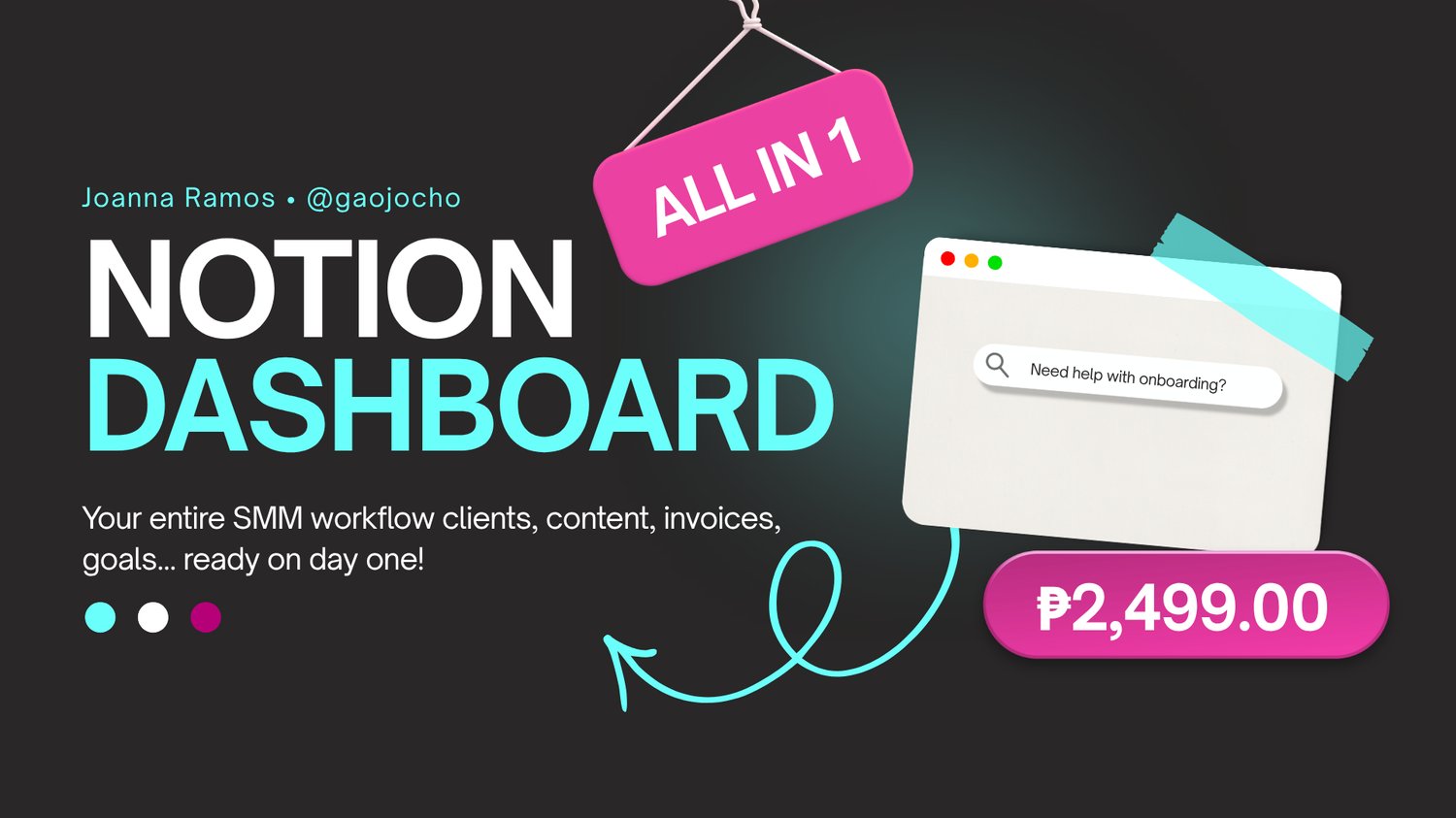
The SMM HQ Notion Dashboard is a fully built client management and content system designed specifically for social media managers who want to run their business like a real operation, not just get by with scattered notes and spreadsheets.
This dashboard was built from nearly 6 years of actual client work. Every section, every database, and every template inside has been tested and used in real projects.
What's Inside:
- Clients — Store all your client information in one master record
- Client Portals — A dedicated workspace per client project
- Service Packages — Your offers, pricing, and deliverables in one place
- Accounts — Track every social media account you manage
- Brand Assets — Logos, fonts, colors, and templates organized per client
- Contents — Plan, track, and manage every piece of content from draft to published
- Meetings — Log every call and strategy session
- Invoices — Track payments, due dates, and billing status
- Reports — Monthly performance reports per client
- Goals — Set and track goals per client
- Resources — Your templates, SOPs, and reference links all in one library
Templates Included:
- Client agreement
- Onboarding and qualifying questionnaires
- Discovery call guide
- Audit and reporting call guide
- Content calendar
- Invoice template
- Pricing explanation document
- Email templates for client communication
How It Works:
Everything in the dashboard is connected. When you fill in one database properly, it flows into all the others automatically through Notion's relation feature. Your homepage gives you a live view of your content pipeline, action items, upcoming meetings, and invoices due, so you always know what needs attention that day.
Who This Is For:
- Social media managers who are tired of managing clients through scattered tools and group chats
- SMMs handling multiple clients who need one system to track everything
- Beginners who want to start with a professional setup from day one
You don't need to be a Notion expert to use this. The dashboard comes with a full setup guide and clear instructions for every database so you know exactly where to start.