

MOCKORA Pro — 36 Logo Mockup Scenes for Photoshop
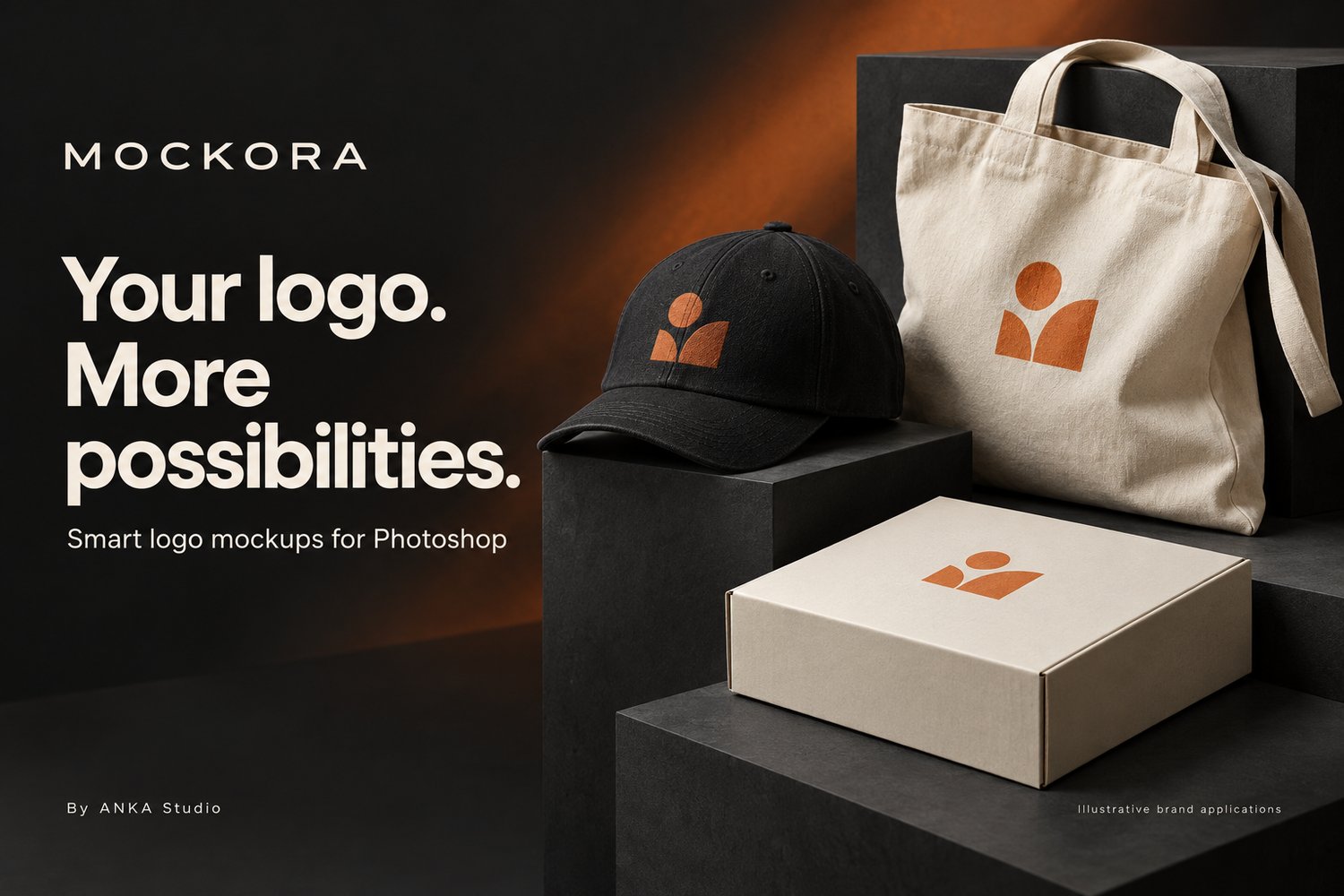
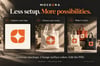
More scenes. More ways to present your logo.
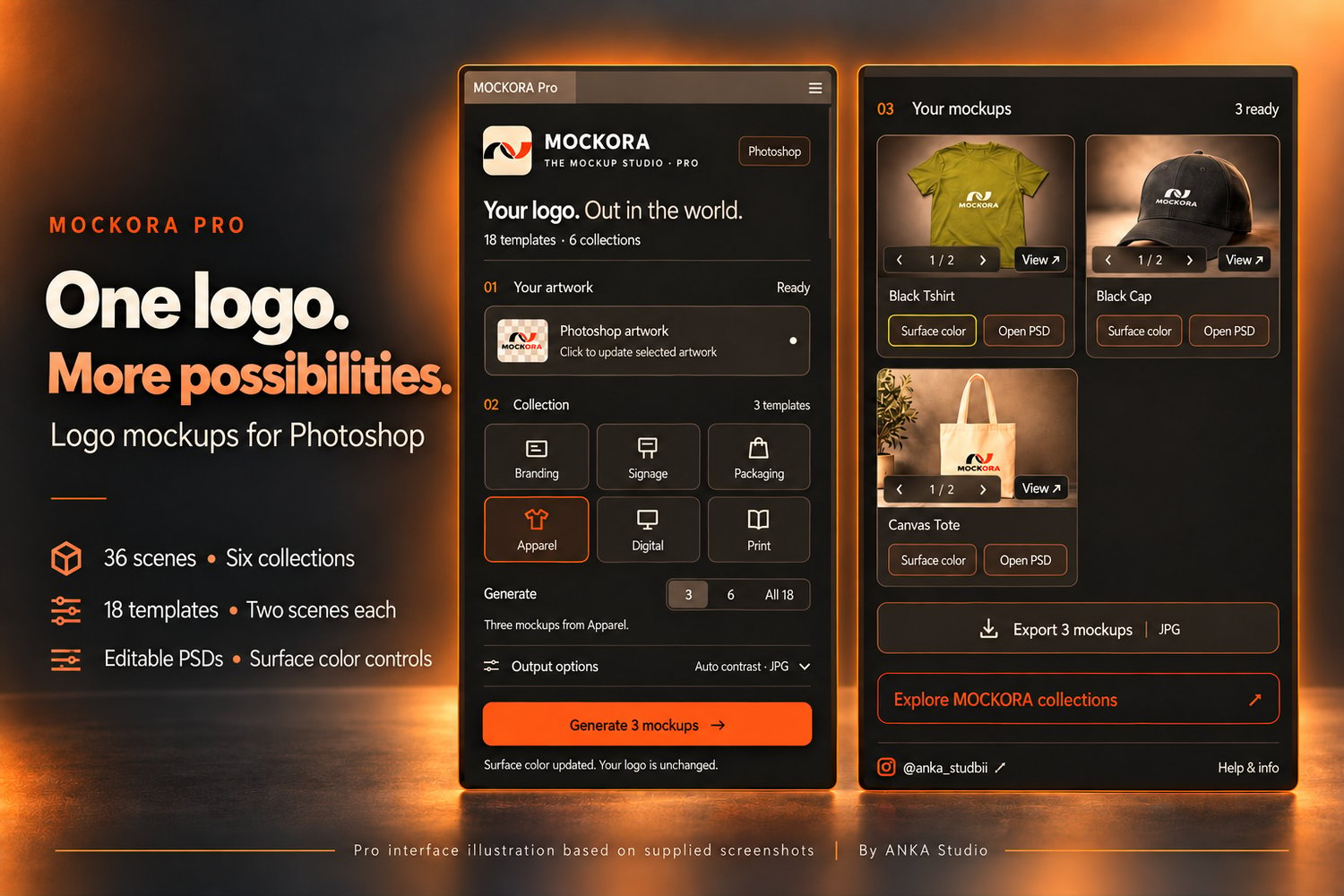
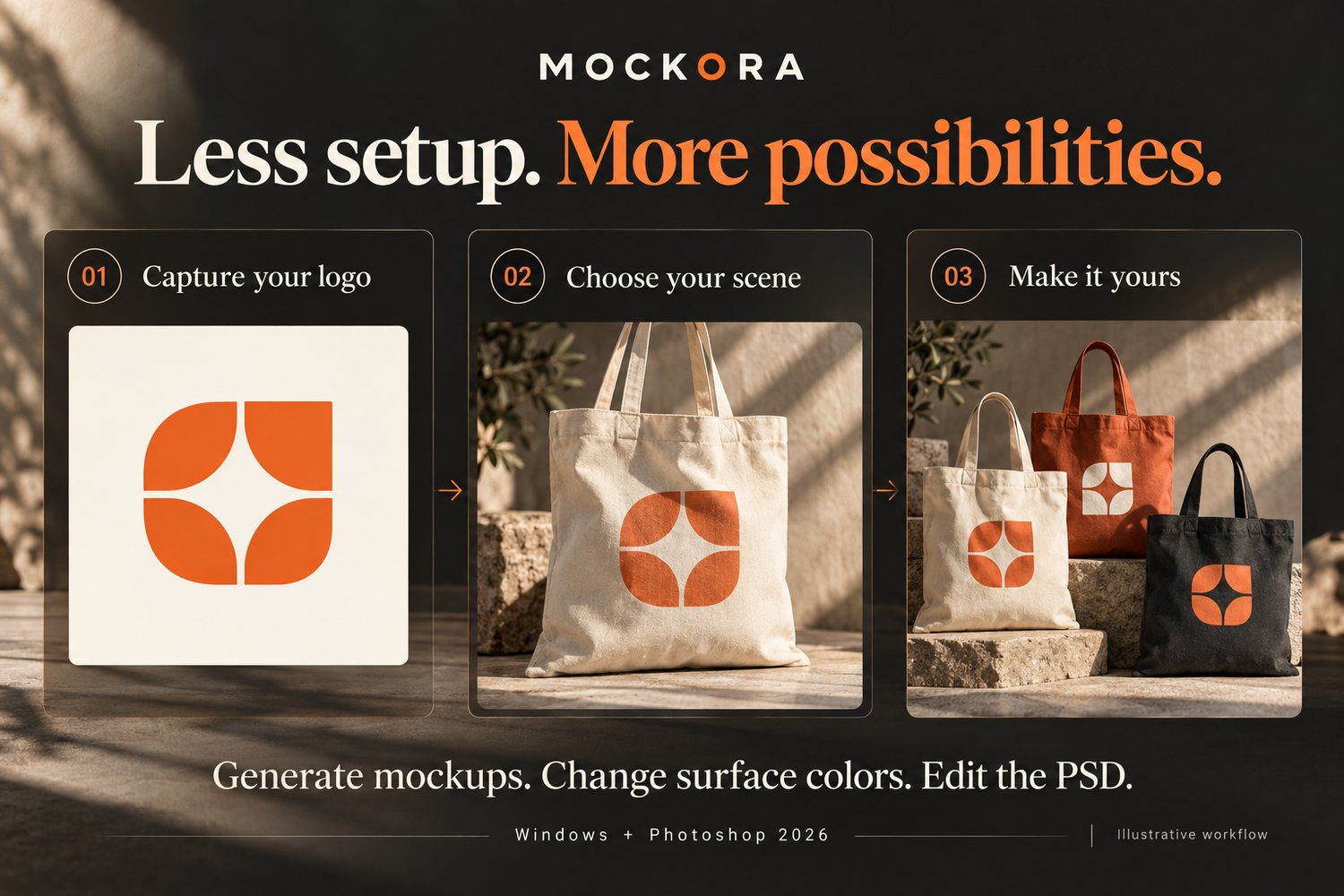
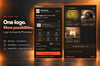
MOCKORA Pro helps you generate and explore logo mockups directly inside Photoshop. Capture your selected artwork, choose a collection, and switch between two scenes for each template to find the presentation that suits your project.
WHAT’S INCLUDED
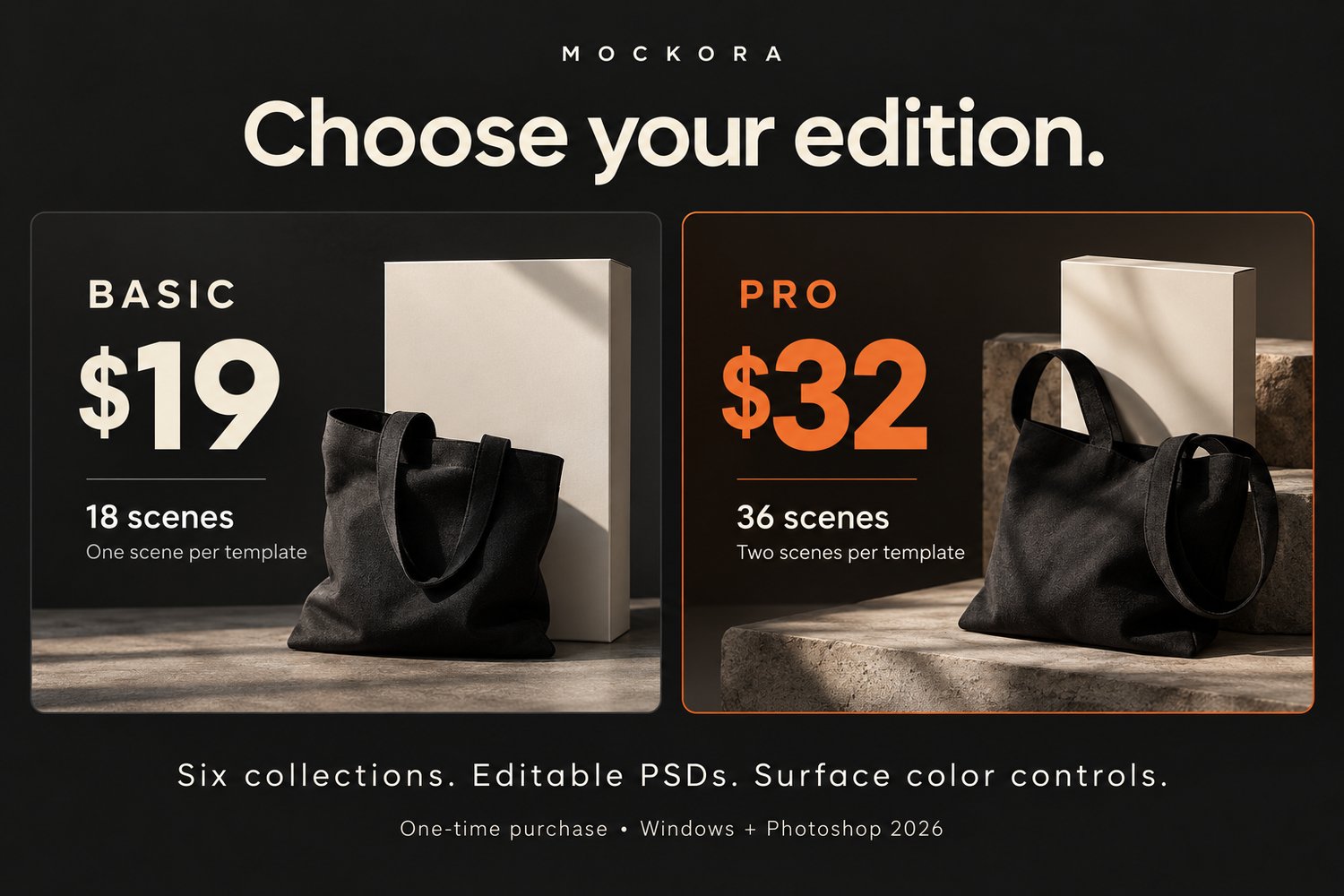
• 18 mockup template types, with two scenes per template — 36 scenes in total.
• Six collections: Branding, Signage, Packaging, Apparel, Digital, and Print.
• Scene switching using the arrows beneath each result preview.
• Logo capture from a selected Photoshop layer or group.
• Original-color and automatic-contrast artwork options.
• Surface color controls for defined product areas.
• Editable PSD results with Smart Objects and template effects.
• Image and PSD export.
• A concise installation and usage guide.
HOW THE 36 SCENES WORK
Pro displays up to 18 result cards. Each card offers two scenes, selected using the arrows and the 1 / 2 counter. The alternate scene is generated when selected. Export uses the currently selected scene on each card.
Pro includes all Basic features. You do not need to purchase Basic separately.
REQUIREMENTS
Windows and Adobe Photoshop 2026. Photoshop is required and is not included. Illustrator and macOS are not supported in this release.
DELIVERY
Digital download: MOCKORA Pro 4.9.2 extension package and documentation. One-time purchase. No subscription or AI API key required. Automatic updates are not included.
NEED HELP?
If you encounter any issue with installation or use, contact me on Instagram: @anka_studioii
https://www.instagram.com/anka_studioii/
Please include your Photoshop version, the template name, and a screenshot or full error message so I can help you troubleshoot.