




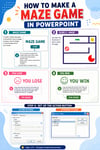





PowerPoint Assignment | Design a Maze Game Project
Pixel the Penguin’s PowerPoint Maze Game Adventure! 🎮
“Hey there, game creators! I’m Pixel the Power-Up Penguin, and I’m here to show you how to build your very own interactive maze game—all inside PowerPoint! 🕹️💻
You don’t need to be a PowerPoint pro to join the fun. Whether you’re a beginner or a slide-show superstar, this activity will teach you cool tricks you’ve never seen before!”
💡 What You’ll Learn:
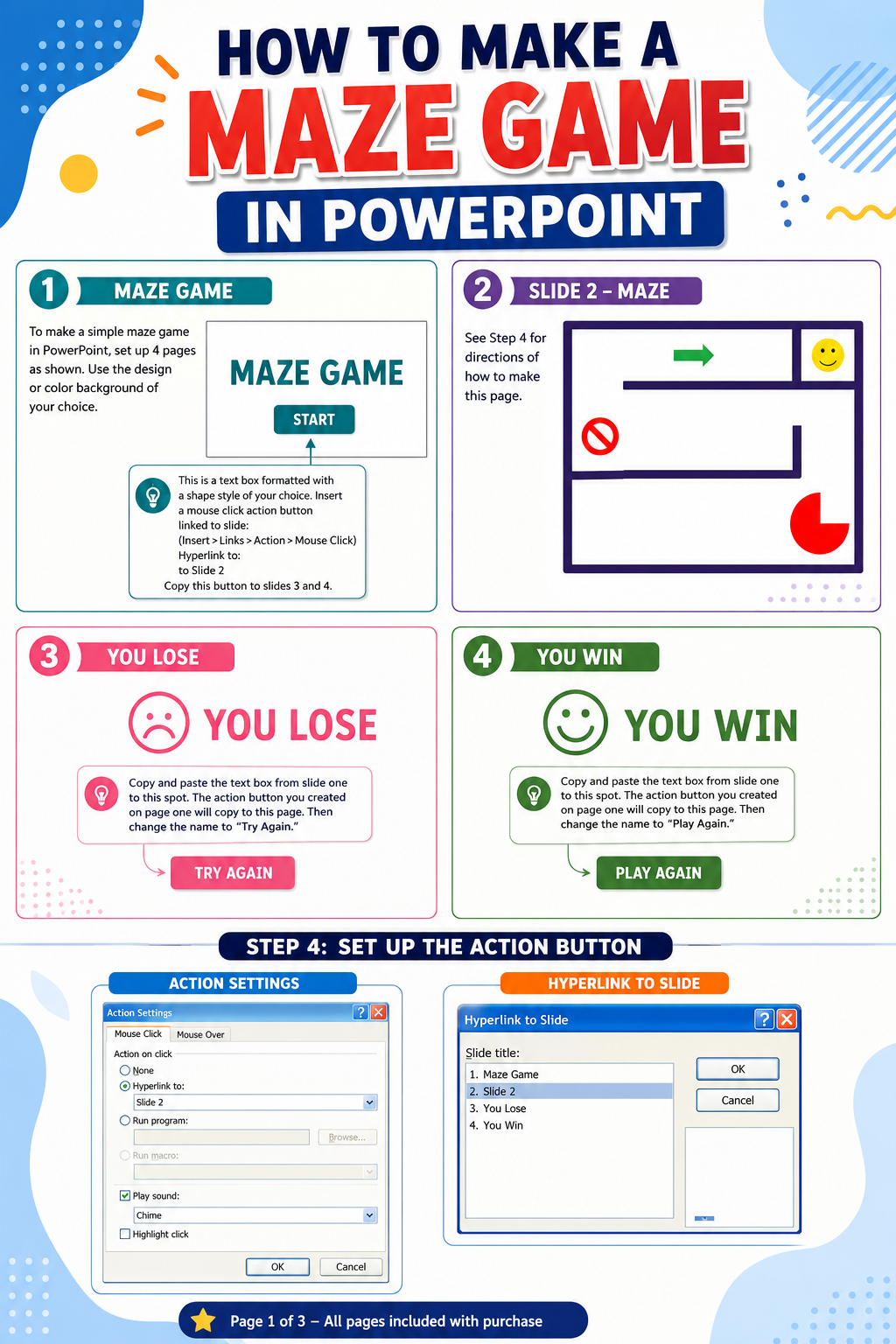
⚡ Create a fully functioning maze game with clickable paths
⚡ Use interactive buttons and hidden slides to control the action
⚡ Discover secret PowerPoint features that even experts don’t know!
🎯 Why It’s Awesome:
✅ Perfect for all skill levels—everyone learns something new
✅ Students who finish early can keep creating (no more “I’m done, now what?”!)
✅ A classroom favorite that keeps kids engaged and excited
✅ Works great as a substitute lesson or a project to revisit all semester
🖥️ What’s Included in the Download:
🎥 Step-by-step videos to guide your game design
📄 Printable instructions for easy reference
🎯 Teacher notes & FAQ sheet with pro tips
🏆 Grading rubric to track your progress
✨ Pixel’s Power-Up Tip:
Start by building a maze, but don’t stop there! You can design puzzles, trivia games, treasure hunts, and more using the same PowerPoint magic.
🚨 Tech Check:
This project works best on PowerPoint for PC (games play on Mac, but some features for building aren’t available).
🎉 Ready to Play?
Grab your creativity, open PowerPoint, and let’s build a game that’s way more fun than just playing one!
Pixel the Penguin is waiting to help you power up your slides! 🐧🎮