




Retro Private Offline Budget Planner mini web app
Retro Budget Studio
Private Offline Budget Planner
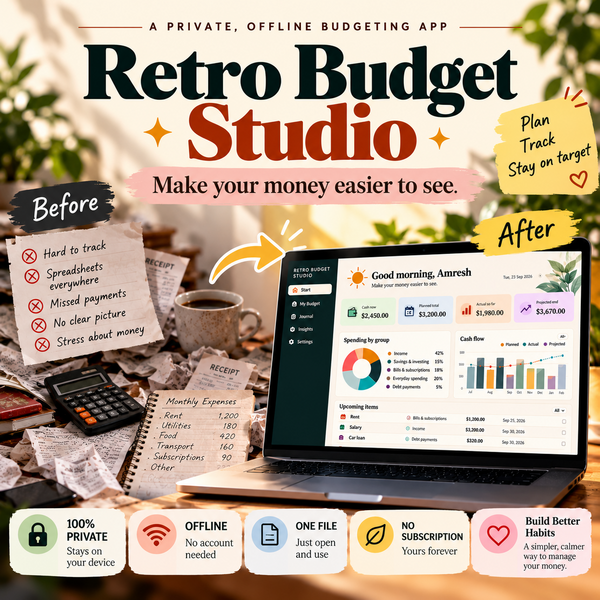
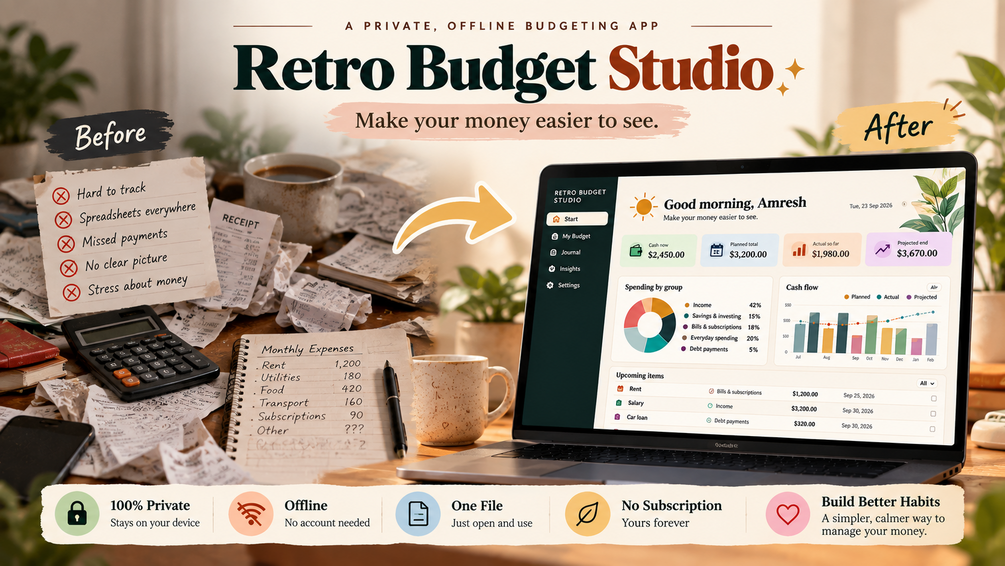
💰 MAKE YOUR MONEY EASIER TO SEE.
$19.99 → $9.99 🔥
🎉 50% OFF — SAVE $10
Private. Offline. Simple. No subscription.
🔒 Your numbers stay on your device
📴 No account or internet required
📊 Plan, track & understand your money
♾️ One-time purchase — no monthly fee
⏳ Offer available for a limited time only.
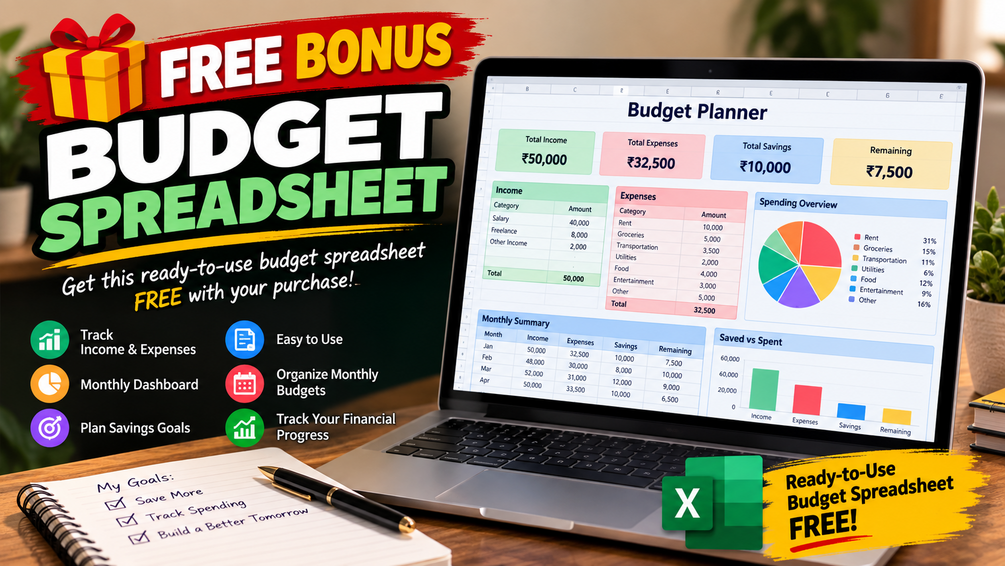
🎁 FREE BONUS — Budget Spreadsheet
Get a Bonus Budget Spreadsheet FREE with your purchase!
Along with Retro Budget Studio, you’ll also receive a ready-to-use budgeting spreadsheet to help you organize your income, expenses, savings, and monthly spending.
🎁 Bonus Value: FREE
No extra payment. No subscription. Just an additional budgeting resource included with your purchase.
Take control of your money without accounts, subscriptions, or complicated budgeting software.
Retro Budget Studio is a calm, private, browser-based budget planner designed to help you plan your money, record transactions, track spending, and understand your cash position — all without needing an internet connection.
No account.
No subscription.
No server.
Just open the HTML file in your browser and start planning.
💰 A Simpler Way to See Your Money
Budgeting can become unnecessarily complicated.
Multiple apps.
Cloud accounts.
Subscriptions.
Too many dashboards.
Too much information.
Retro Budget Studio takes a different approach.
It gives you one focused workspace for:
Plan → Record → Review
Create a budget period, organize your income and expenses, record transactions, and use the dashboard to understand where your money is going.
Your budget data stays in your browser.
✨ What Makes Retro Budget Studio Different?
🔒 Private by Design
The app runs locally in your browser and stores your budget data using browser storage.
There is no account or server required to use the planner.
🌐 Works Offline
Once you have the HTML file, you can open the app in a modern browser without needing an internet connection.
📊 See Your Cash Position
The dashboard helps you understand:
- Current cash position
- Planned cash
- Projected cash
- Income activity
- Outflows
- Spending patterns
- Cash movement across the budget period
🧾 Record Your Transactions
Use the transaction journal to record real financial activity and connect transactions to your budget categories.
💾 Keep Your Own Backups
Download your budget as a JSON backup whenever you want.
You can later import the backup again.
📅 Plan Different Periods
Create new budget periods and carry forward category names and planned amounts.
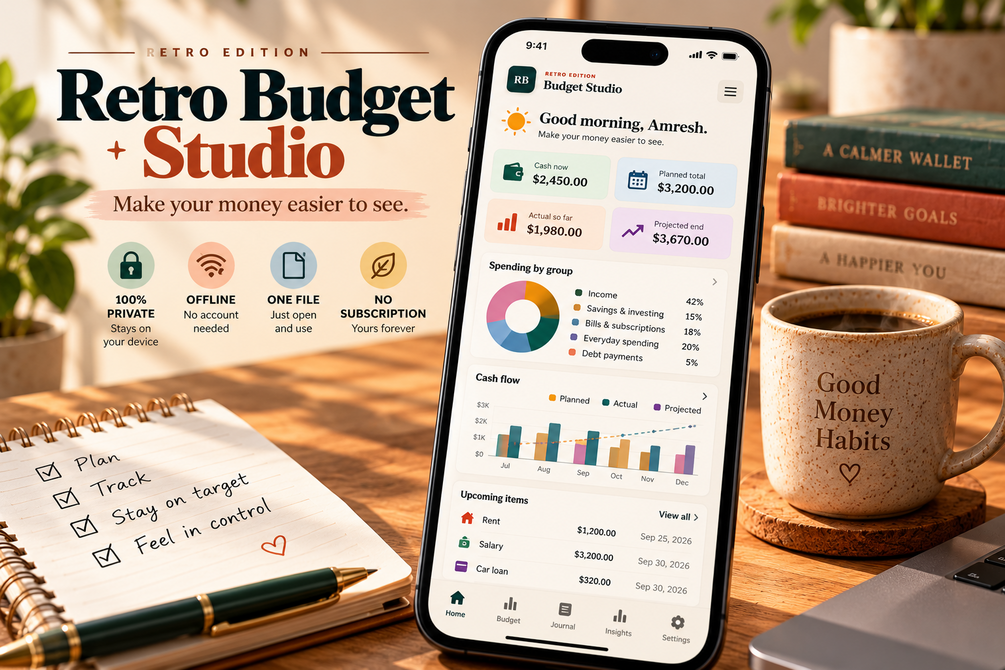
📱 Responsive Interface
Designed to work across:
- Desktop
- Tablet
- Mobile
🖨️ Print-Friendly
The app includes dedicated print styling so your budget can be printed when needed.
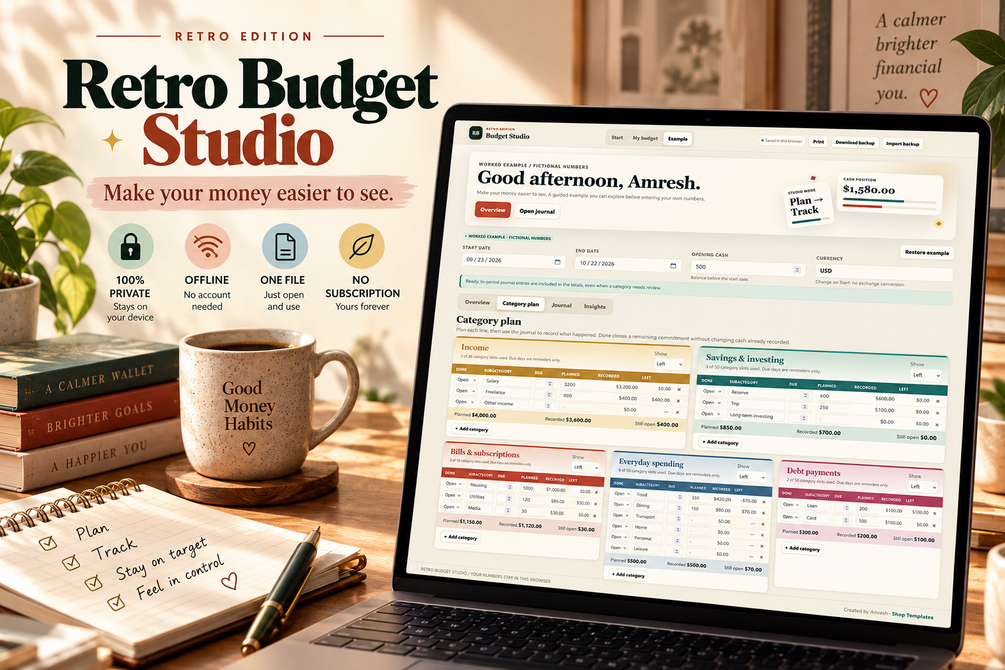
🗂️ Five Budget Groups
Retro Budget Studio organizes your financial plan into five groups:
01 — Income
Track salary, freelance income, and other sources of money.
02 — Savings & Investing
Plan emergency funds, trips, investments, and other savings goals.
03 — Bills & Subscriptions
Organize recurring obligations such as housing, utilities, internet, phone plans, subscriptions, and insurance.
04 — Everyday Spending
Track groceries, dining, transportation, household expenses, personal care, leisure, and other everyday spending.
05 — Debt Payments
Keep debt-related payments visible alongside the rest of your budget.
You can also rename the group labels to fit your own system.
📊 Powerful Budget Dashboard
Instead of only showing a list of numbers, Retro Budget Studio turns your budget into a visual workspace.
The dashboard includes:
- Cash position
- Planned cash
- Projected cash
- Income vs. outflows
- Category spending
- Budget progress
- Cash-flow visualization
- Spending rankings
- Transaction review information
- Daily cash movement
The goal is simple:
Make your money easier to see.
🧾 Transaction Journal
Record your financial activity directly inside the app.
Each journal entry can include:
- Date
- Amount
- Budget group
- Category
- Note
The journal supports up to 500 transaction entries.
The app also checks entries for issues such as:
- Invalid dates
- Invalid amounts
- Missing groups
- Incorrect categories
- Transactions outside the selected period
This helps you catch mistakes before relying on the numbers.
📈 Cash Forecasting
Retro Budget Studio doesn't only look at what has already happened.
It also provides a projected view based on your budget plan and remaining amounts.
The dashboard distinguishes between:
Current Cash
What your recorded activity indicates now.
Planned Cash
What the period could look like based on your planned income and outflows.
Projected Cash
A forward-looking calculation using recorded activity plus remaining planned amounts.
This gives you a clearer picture of where your budget is heading.
🗃️ Flexible Categories
The planner supports up to 176 category slots across the five budget groups.
You can:
- Name categories
- Set planned amounts
- Add optional due days
- Track actual activity
- Mark items as completed
- Customize group names
Create a system that matches the way you actually manage money.
💾 Backup & Restore
Your budget data is stored locally in your browser.
That's convenient — but it also means you should maintain your own backups.
Retro Budget Studio includes:
Download Backup
Export your budget data as a JSON file.
Import Backup
Restore your saved JSON data whenever needed.
CSV Journal Export
Export journal entries as CSV for use with spreadsheets or other tools.
Important
Always download a backup before clearing browser/site data.
If browser storage is cleared, locally stored budget information may be lost.
🧪 Includes a Worked Example
You don't have to start with an empty budget.
The included sample data lets you explore the planner with fictional numbers.
The example contains:
- A September 2026 budget
- 20 categories
- 27 transactions
- Income
- Savings
- Bills
- Everyday spending
- Debt payments
- Working dashboard data
Open the app, import the sample JSON, and explore how the system works before entering your own numbers.
When you're ready, start a fresh period.
📦 WHAT YOU GET
Your purchase includes:
1. Retro-Budget-Studio.html
The complete offline budget planner application.
2. Quick-Start-Guide.pdf
Step-by-step instructions for getting started.
3. Sample-Data-Restore.json
Pre-filled fictional budget data so you can explore the app.
4. README.txt
Getting-started instructions, feature information, backup guidance, and license information.
🚀 HOW IT WORKS
Step 1
Open Retro-Budget-Studio.html.
Step 2
Choose your currency and personalize your setup.
Step 3
Create your budget period.
Step 4
Add planned amounts to your categories.
Step 5
Record your transactions.
Step 6
Review the dashboard.
Step 7
Download a backup of your data.
That's it.
No complicated installation process.
👤 WHO IS IT FOR?
Retro Budget Studio is ideal for:
- Students
- Freelancers
- Creators
- Remote workers
- Young professionals
- Families
- Budget-conscious households
- People managing variable income
- Anyone who wants a private budgeting tool
- Anyone who prefers offline tools over subscription apps
Especially useful if you want a straightforward way to:
Plan your month → Track your money → Review your cash position.
🚫 WHO SHOULD NOT BUY?
This product may not be the right fit if you need:
- Automatic bank-account synchronization
- Real-time bank transactions
- Cloud-based multi-device synchronization
- A financial advisor
- Investment management
- Tax preparation
- Automatic financial institution connections
- A native iOS/Android application
Retro Budget Studio is a browser-based personal budget planner, not a bank-connected financial platform.
🔐 PRIVACY & DATA
Your budget data is stored in your browser using local browser storage.
The app does not require an account or server to function.
For safety:
Download a backup regularly.
Especially before:
- Clearing browser data
- Resetting your browser
- Moving to another device
- Making major changes to your setup
🌎 BROWSER SUPPORT
The product is designed to work with modern:
- Google Chrome
- Microsoft Edge
- Mozilla Firefox
- Apple Safari
It is also responsive for desktop, tablet, and mobile screens.
❓ FREQUENTLY ASKED QUESTIONS
- Internet required? No. Works offline in a modern browser.
- Account required? No.
- Bank connection? No bank synchronization.
- Where is data stored? In your browser’s local storage.
- Mobile support? Yes, it is mobile-responsive.
- Can I change currency? Yes. Supports USD, EUR, GBP, INR, CAD, AUD, and more.
- Multiple budget periods? Yes, saved periods are supported.
- Backup available? Yes. Export/import data as JSON.
- Export transactions? Yes, as CSV.
- Can I print it? Yes, with print-friendly styling.
- Sample data included? Yes, fictional sample data is included.
- Is it a spreadsheet? No. It is a browser-based HTML budget planner.
- Installation required? No. Just open the HTML file in a compatible browser.
- Can I resell/share the files? No. Personal use only; redistribution and resale are not permitted.
⚠️ IMPORTANT
Retro Budget Studio is a personal budgeting and organization tool.
It is not financial, investment, tax, accounting, or professional financial advice.
The calculations are intended to help you organize and understand the numbers you enter.
Always verify important financial decisions independently.
💡 WHY YOU'LL LOVE IT
Private
Your budget stays in your browser.
Offline
No internet connection is required to use the planner.
Simple
Plan, record, review.
Flexible
Customize categories and budget groups.
Visual
See your cash position and spending through dashboards and charts.
Portable
Use JSON backups to preserve or move your data.
Subscription-Free
No recurring software subscription is required for the planner itself.
Your Money. Your Browser. Your Budget.
You don't need another complicated financial system.
You need a clear place to see:
What comes in.
What goes out.
What you're saving.
What you're spending.
What you owe.
And where your cash is heading.
Start Building a Budget You Can Actually See.
Get Retro Budget Studio