

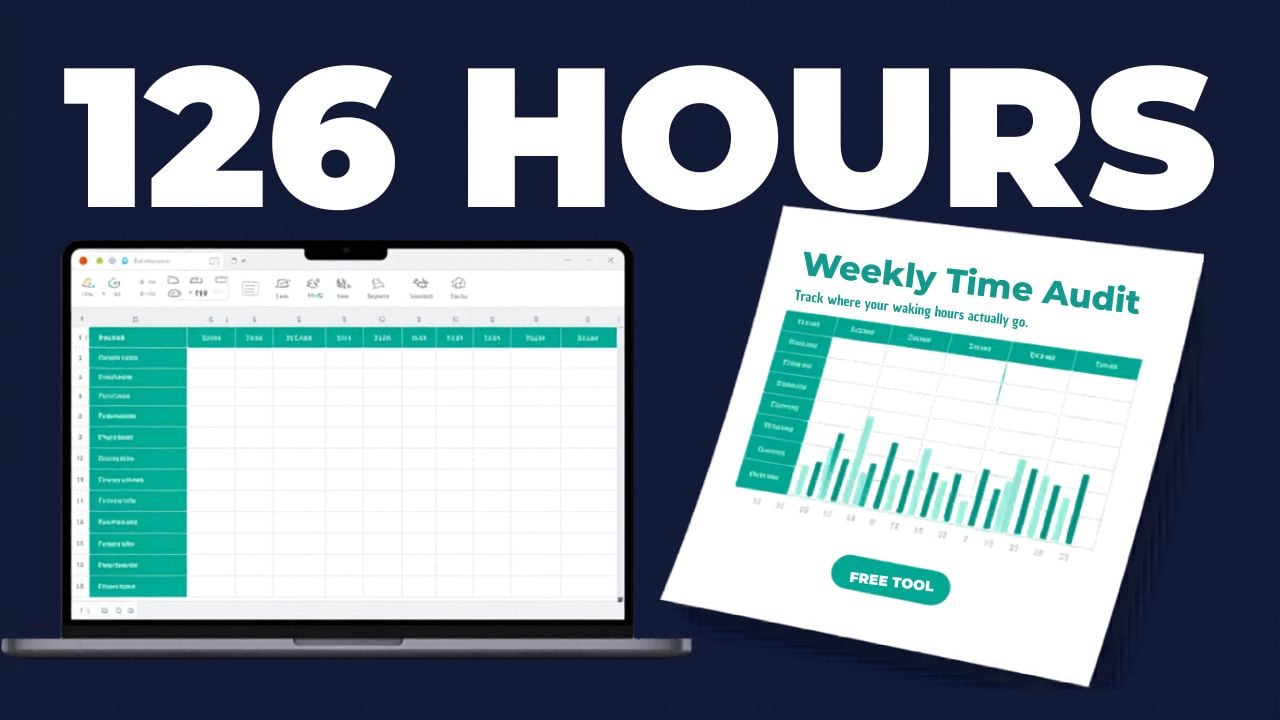
Where Does My Day Actually Go? - Time Audit Sheet
You think you know where your time goes. You don't.
Everyone says they don't have enough time. But when you ask them where it actually goes, they can't tell you. Not really. They'll say "work" and "sleep" and wave their hands at the rest.
The rest is where the problem lives.
That hour of scrolling that felt like ten minutes. The three trips to the store that could have been one. The 45-minute meeting that delivered five minutes of value. The evening you planned to read but spent watching clips on your phone instead.
None of these feel like a big deal in the moment. But multiply them across a week and you're looking at 10, 15, sometimes 20+ hours you can't account for.
This tool makes the invisible visible.
How it works:
For seven days, you log what you did each hour using one of 13 simple categories. Deep Work, Meetings, Screen Time, Exercise, Waiting/Wasted, and so on. No complicated tracking app. No 15-minute increments. Just one category per hour, once a day.
At the end of the week, the Excel dashboard calculates everything automatically. Total hours per category. Percentage of your week. Daily averages. Your biggest time drain. How much of your awake time actually went to focused work.
Then you look at the numbers. And the numbers don't lie.
What's inside:
Excel Workbook (3 tabs):
- Instructions tab with full category legend, step-by-step guide, and tips for an honest audit
- 7-Day Audit tab with an 18-hour daily grid (6 AM to midnight), dropdown menus for all 13 categories, and auto-calculated daily totals using COUNTIF formulas
- Dashboard tab with weekly breakdown table (hours, % of week, daily average per category), auto-identified biggest time category, Screen Time and Waiting/Wasted totals, Deep Work as a percentage of your awake hours, a color-coded bar chart, and guided reflection questions
Print-Ready PDF Companion (3 pages):
- Page 1: Instructions and full category legend with short codes for quick logging
- Page 2: Blank 7-day grid for paper tracking with a tally section at the bottom
- Page 3: Time breakdown table to transfer your totals, plus 5 reflection questions with writing space
The 13 categories:
Sleep, Deep Work, Meetings, Admin/Email, Commute, Meals/Cooking, Exercise, Family/Social, Screen Time, Errands, Self-Care, Waiting/Wasted, Other
Who this is for:
- Anyone who feels like their days disappear and wants to know where they actually go
- Professionals who want more deep work time and less noise
- People who say "I don't have time for X" but suspect that's not entirely true
- Managers who want their team to audit how meetings and admin eat into productive work
- Productivity enthusiasts who've tried apps but want something simpler
- Anyone who's curious about Lean thinking and wants to start with the most personal process there is: their own day
Who this is NOT for:
- People looking for an automated time tracking app (this is manual and intentional, that's the point)
- Anyone who wants to track in 5-minute increments (hourly blocks keep it practical, not obsessive)
Why it's free:
Because awareness is the first step, and the first step shouldn't cost anything. If it changes how you see your week, pass it along. That's how better thinking spreads.