
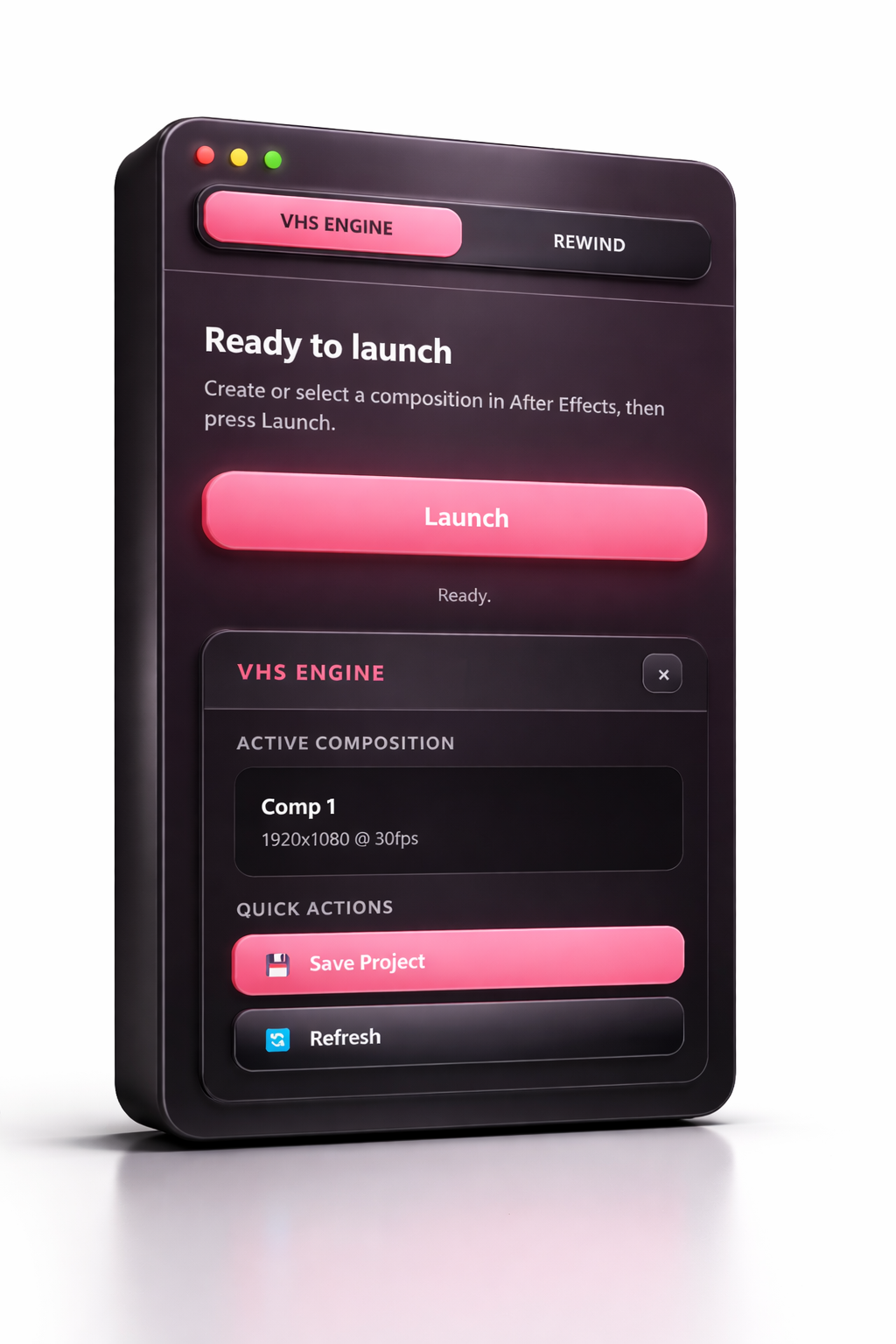
VHSengine
🔥 Product Description
Bring authentic retro vibes to your edits with this powerful VHS & Rollback panel for Adobe After Effects.
This CEP panel lets you create stunning VHS effects and smooth rollback (rewind) animations with just one click—no complex setup needed. Whether you're working on cinematic edits, social media content, or creative projects, this tool makes it fast and effortless.
✨ Features:
🎬 One-click VHS effect
⏪ Easy-to-use rollback (rewind) effect
🎛 Fully customizable settings
📼 9 VHS texture variations (glitch & overlay)
⚡ Fast workflow with a clean, simple UI
💻 Compatibility:
Works perfectly with Adobe After Effects on:
🪟 Windows
🍎 macOS (MacBook supported)
🚀 Why you’ll love it:
Save time and achieve professional-looking retro effects without complicated plugins. Everything is designed to be simple, fast, and flexible.
⚙️ Installation Guide
Follow these steps to install the panel in Adobe After Effects.
🪟 Windows:
- Download and unzip the file
- Copy the panel folder
- Go to:
- C:\Program Files (x86)\Common Files\Adobe\CEP\extensions
- Paste the folder into the extensions directory
- Open Adobe After Effects
- Go to: Window → Extensions → [Your Panel Name]
🍎 macOS (MacBook):
- Download and unzip the file
- Copy the panel folder
- Go to:
- /Library/Application Support/Adobe/CEP/extensions
- Paste the folder into the extensions directory
- Open Adobe After Effects
- Go to: Window → Extensions → [Your Panel Name]
⚠️ If the panel doesn’t show up:
You may need to enable unsigned extensions.
🪟 Windows:
Open Regedit → Go to HKEY_CURRENT_USER\Software\Adobe\CSXS.10 (or CSXS.9 / CSXS.11 depending on your version) → Add a new String Value: PlayerDebugMode = 1
🍎 macOS:
Open Terminal and run:
defaults write com.adobe.CSXS.10 PlayerDebugMode 1
✅ Restart Adobe After Effects and your panel should appear under Extensions.