

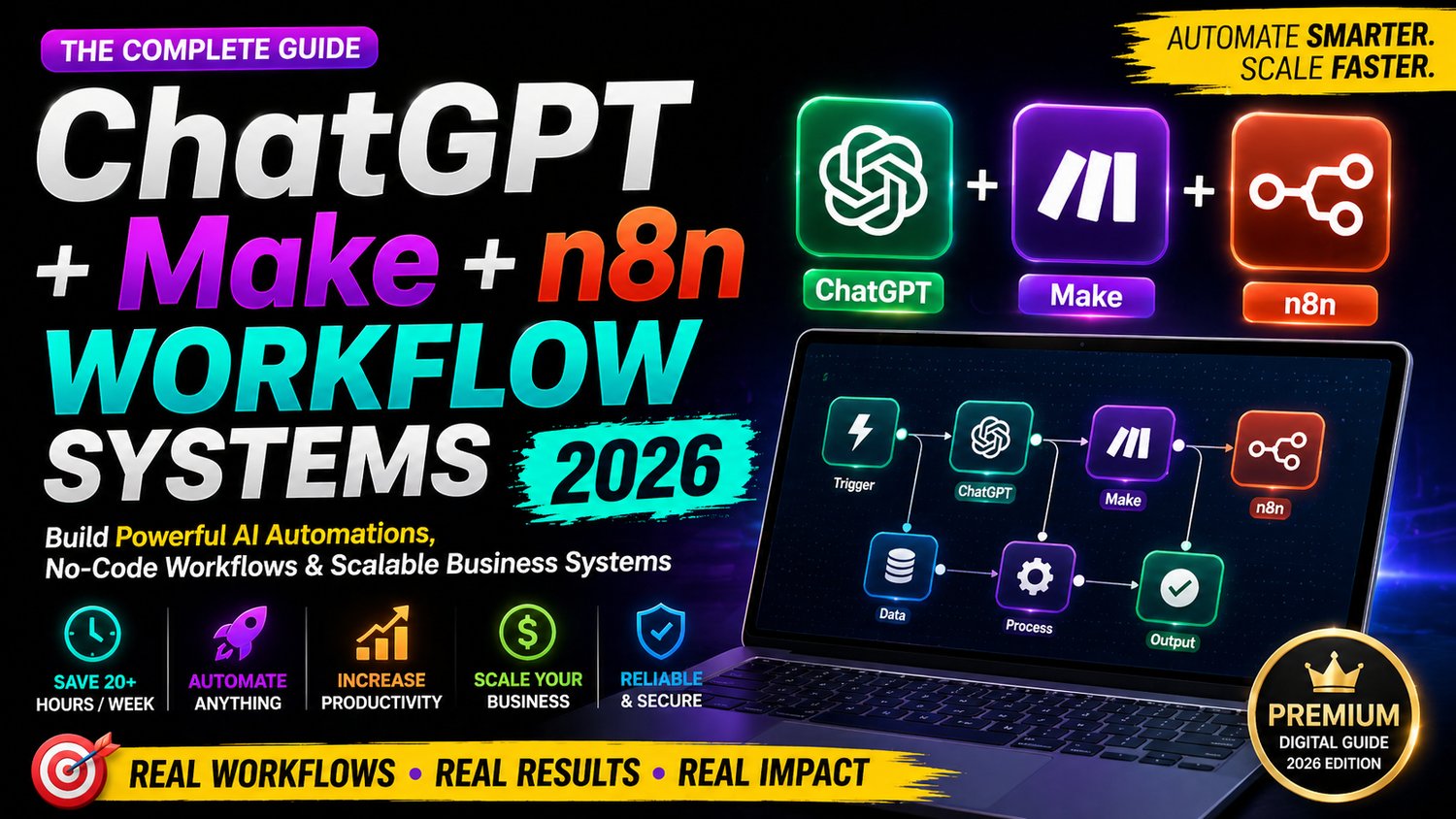
ChatGPT + Make + n8n Workflow Systems 2026: Build Powerful AI Automations, No-Code Workflows & Scalable Business Systems (Save 20+ Hours/Week)
Build, automate, and scale your business with the ultimate AI workflow system.
This premium guide reveals how to combine ChatGPT, Make, and n8n to create powerful no-code automation systems that save time, increase productivity, and unlock new income opportunities in 2026.
Whether you're a freelancer, agency owner, no-code builder, or entrepreneur, this guide will help you design real-world automation workflows for lead generation, client onboarding, content creation, CRM systems, and more—without writing complex code.
🔥 What You’ll Learn
✔ How to combine ChatGPT + Make + n8n for advanced automation
✔ Build scalable AI workflows for business & clients
✔ Automate lead generation, emails, CRM & operations
✔ Create smart no-code systems that run 24/7
✔ Save 20+ hours every week using automation
✔ Design high-value automation services you can sell
✔ Step-by-step workflow systems with real use cases
⚡ Who This Guide Is For
- Freelancers & automation consultants
- Agency owners & service providers
- No-code developers & beginners
- Online business owners & creators
- Anyone who wants to earn using AI automation
💼 What Makes This Guide Premium
✔ Real-world workflow systems (not theory)
✔ Beginner-friendly + advanced insights
✔ Clean, structured, easy-to-follow format
✔ Designed for real business use cases
✔ Helps you build, scale & monetize AI automation
💰 Use This Guide To:
- Start your AI Automation Agency
- Offer high-paying automation services ($500–$2000+)
- Automate your own business workflows
- Increase productivity & reduce manual work
- Build scalable systems that run on autopilot
📱💻 How to Open & Use This Guide
This guide is provided in HTML format, which means it opens like a website—no installation needed 😊
👉 Works on both mobile and desktop devices
👉 For the best experience, use Google Chrome
📲 On Mobile (Android / iPhone)
- Download the HTML file to your device
- Open it using Google Chrome
- Tap the file → it will open instantly like a webpage
💻 On Desktop (Laptop / PC)
- Download the HTML file
- Right-click on the file
- Select “Open with → Google Chrome”
- The guide will open in your browser
⚠️ Important Tips
- Use Google Chrome for best performance
- Avoid opening in unsupported apps
- No software or setup required
🎯 Final Result
By the end of this guide, you’ll have a complete system to build, automate, and scale your workflows using AI—and turn it into a profitable skill or business.