
No Prep Interactive Digital Workbook Self Checking Database Activities
Turn your databases unit into a fully interactive, self-grading experience! This Databases Explained: Interactive Digital Workbook takes students through seven hands-on digital activities covering every key databases concept — keywords, sorting, filtering, data capture forms, real-world uses, data types, and field length — with instant feedback on every task and zero grading for you.
This resource includes:
- A fully self-contained, browser-based interactive workbook — no apps, no accounts, no logins
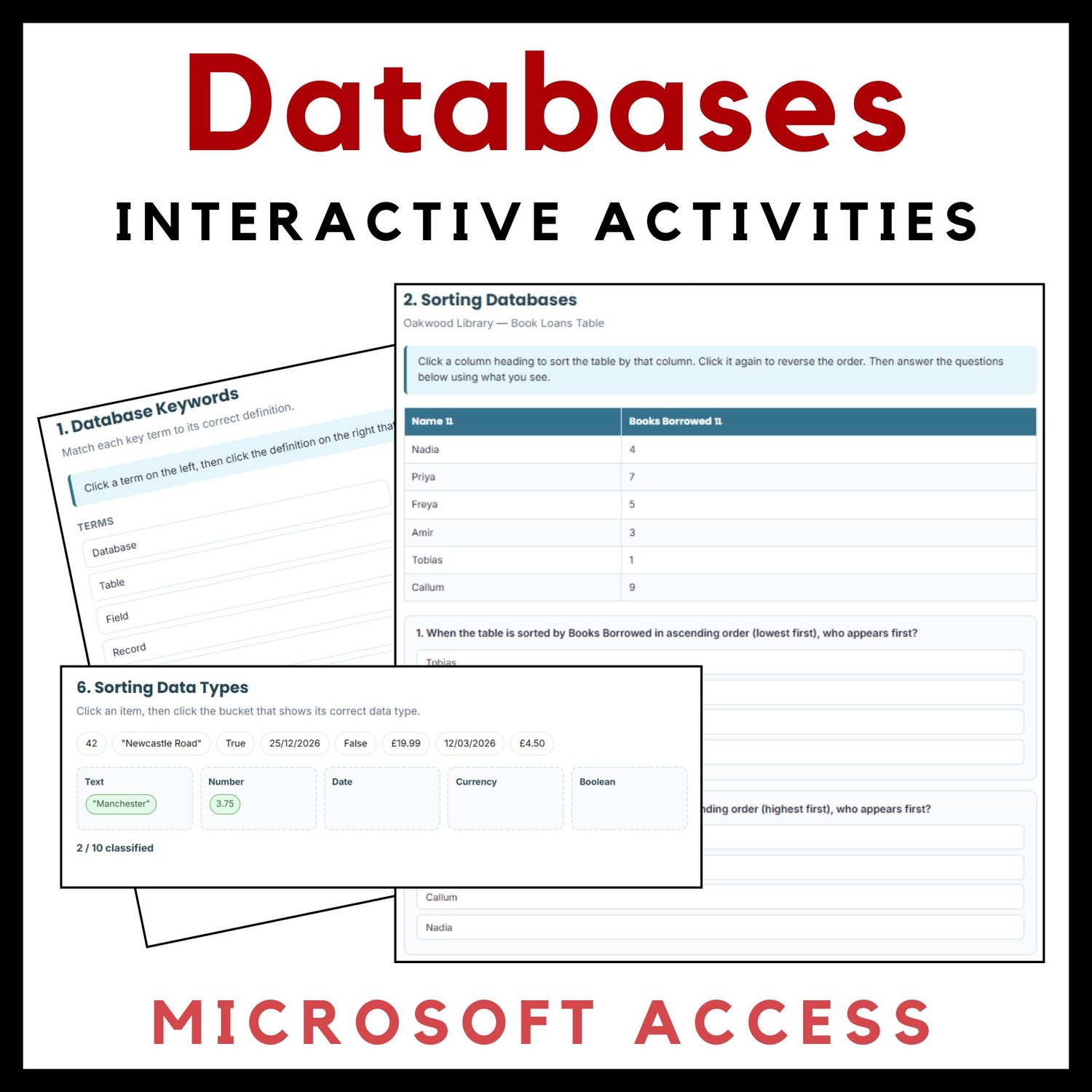
- Activity 1 — Database Keywords: A click-to-match game pairing 10 essential terms (database, table, field, record, primary key, query, sort, filter, data type, data capture form) with their definitions
- Activity 2 — Sorting Databases: A genuinely sortable data table (click any column heading to sort ascending or descending) built from an original library loans dataset, followed by three checkpoint questions
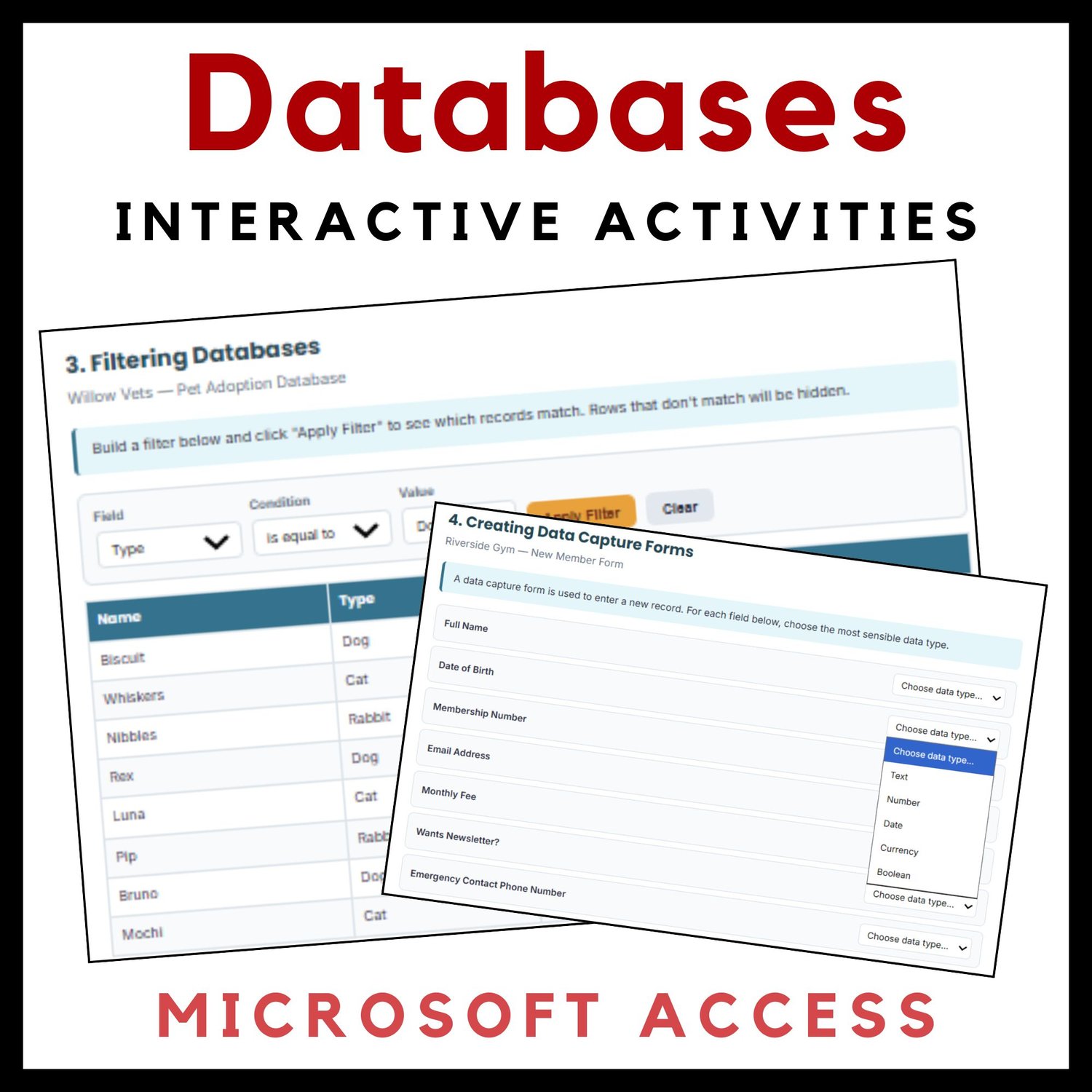
- Activity 3 — Filtering Databases: A working filter builder where students choose a field, condition, and value to filter a pet adoption database in real time, followed by three checkpoint questions requiring them to reason about the results
- Activity 4 — Creating Data Capture Forms: Students choose the correct data type (Text, Number, Date, Currency, Boolean) for each field on a realistic gym membership form
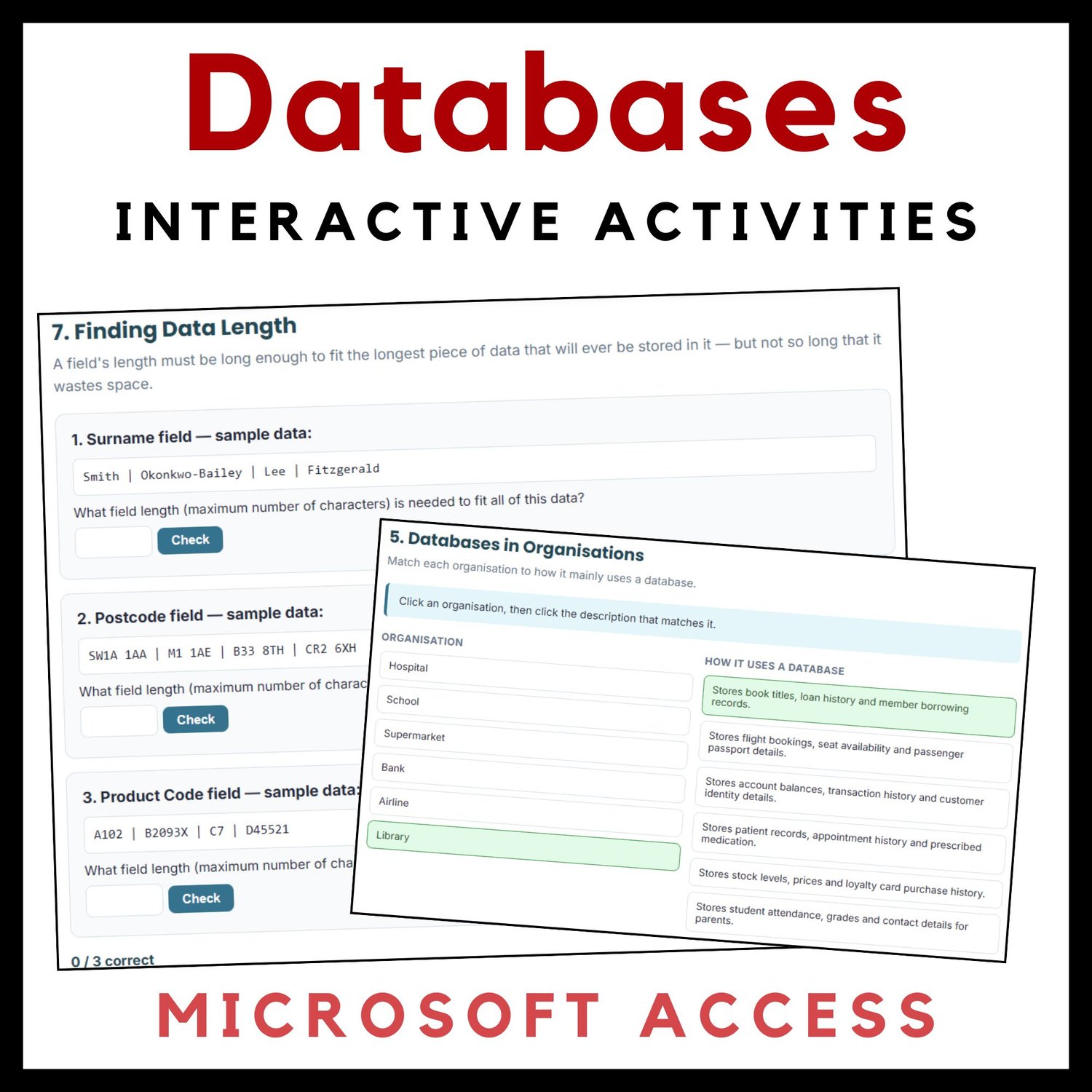
- Activity 5 — Databases in Organizations: A matching activity connecting six real-world organizations (hospital, school, supermarket, bank, airline, library) to how they actually use a database
- Activity 6 — Sorting Data Types: A drag-free click-to-classify activity sorting 10 sample data values into the correct data type bucket
- Activity 7 — Finding Data Length: Three practical challenges where students calculate the correct field length from real sample data
- A live progress bar with a star tracker showing how many of the 7 activities are complete
- Instant, built-in answer checking on every activity — right answers lock in green, wrong answers get an immediate nudge to try again
- A one-click Reset button so the same file can be reused across multiple classes or periods
- Clean, modern design with a tech-inspired color palette and no Comic Sans in sight
Why this works:
Databases are usually taught through static worksheets that require full teacher grading. This resource keeps every one of those core topics but makes them genuinely interactive: students actually sort a table, actually build and apply a filter, and get told immediately whether they've classified a data type correctly — no waiting for the teacher to check. Because everything self-grades, you can use this as an independent task, a homework assignment, or a whole-class follow-along with zero prep and zero grading.
Perfect for:
- Introducing or reinforcing a databases unit in a Middle School Computer Science or Technology course
- Homework or independent/remote learning tasks
- Computer lab lessons or 1:1 device classrooms
- Test prep and review before a databases assessment
- A high-engagement sub plan that needs no explanation
Grade level: Designed for grades 6–8, covering foundational databases concepts appropriate for an introductory unit — no software or computer required to complete the concepts, though the resource itself runs beautifully on any device.
Format: One self-contained HTML file — simply open it in any browser (Chrome, Safari, Edge, or Firefox) on a computer, Chromebook, or tablet. A separate answer key is available for teacher reference.
Give your students a genuinely interactive way to master how databases work!