
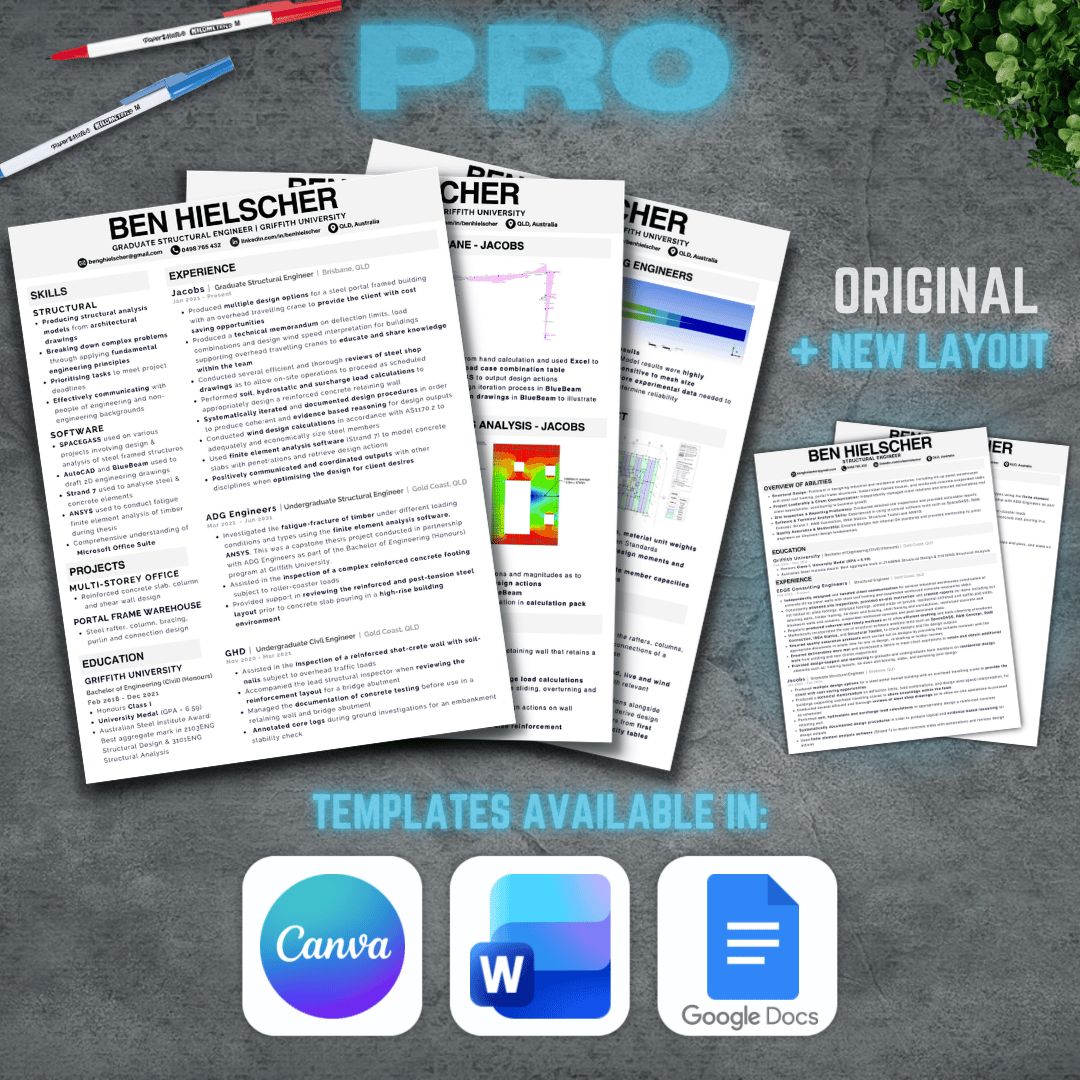
Engineering Resume & Portfolio Template - Pro Version
Over the last 7 years, I’ve created and refined many different civil and structural engineering resumes and portfolios. Throughout that process, I’ve learned what works and what hiring managers actually care about.
This Pro version builds on the original free template and is designed to save you time and give you flexibility, no matter how or where you prefer to edit your documents.
This version simply removes friction by giving you multiple proven formats, layouts, and file types, ready to use.
Pro version includes:
2-Column Resume & Portfolio (original format)
- Canva resume template
- Canva portfolio template
- Microsoft Word resume template
- Microsoft Word portfolio template
- Google Docs resume template
- Google Docs portfolio template
1-Column Resume (updated format)
- Canva resume template
- Microsoft Word resume template
- Google Docs resume template
To get the most out of these templates, I strongly recommend watching the videos below, where I explain how each section should be structured and share my personal tips for tailoring your resume and portfolio effectively.
Related videos:
How to Create a Civil Structural Engineering Resume
https://youtu.be/9IFDTMRuc7M
How to Create a Civil Structural Engineering Portfolio
https://youtu.be/Aq__jharnKw
How to Create a Top Civil Engineering Resume with ChatGPT
https://youtu.be/G7knGMMQ7y8
If you’re happy using Canva only, the free version will get you there.
If you want Word and Google Docs versions, plus a clean 1-column resume option, this Pro version is designed to help you finish the process faster and with confidence.
Note: By downloading this product you agree to be added to my monthly email newsletter which covers all things engineering and more :)