

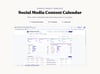
Social Media Content Calendar (Dashboard + Kanban Board + Calendar ) Google Sheets Web App
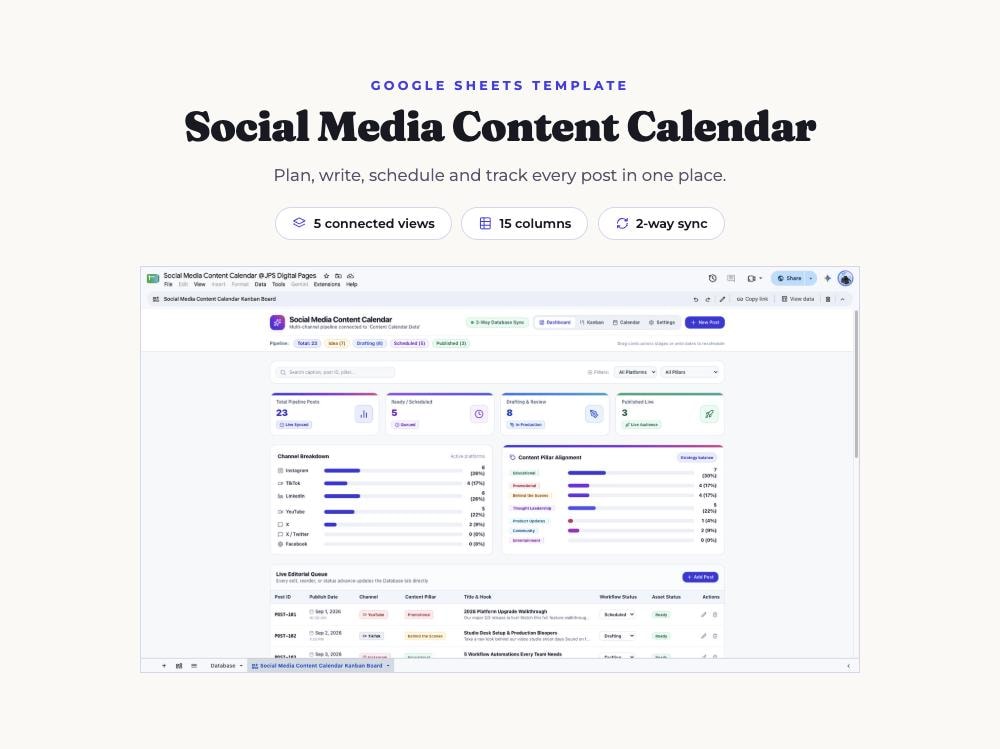
Plan a whole month of social media in one afternoon, then move every post from idea to published without losing track of it.
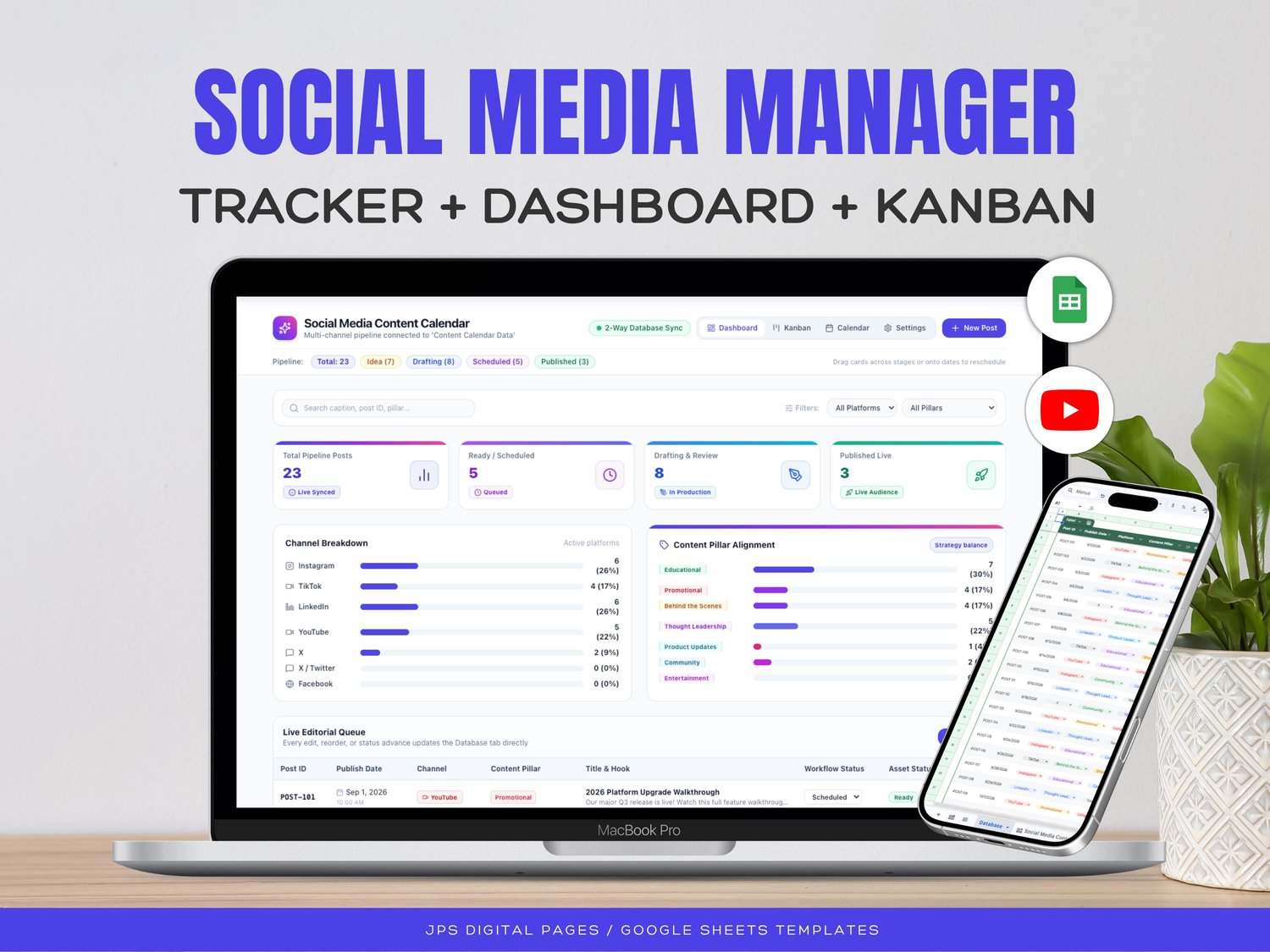
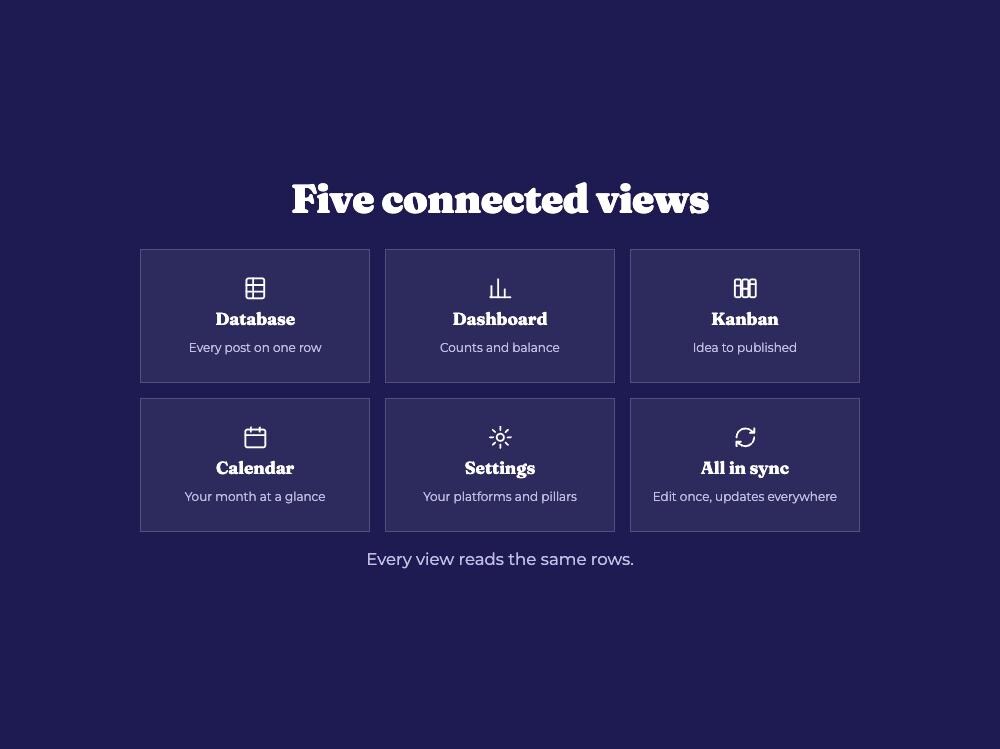
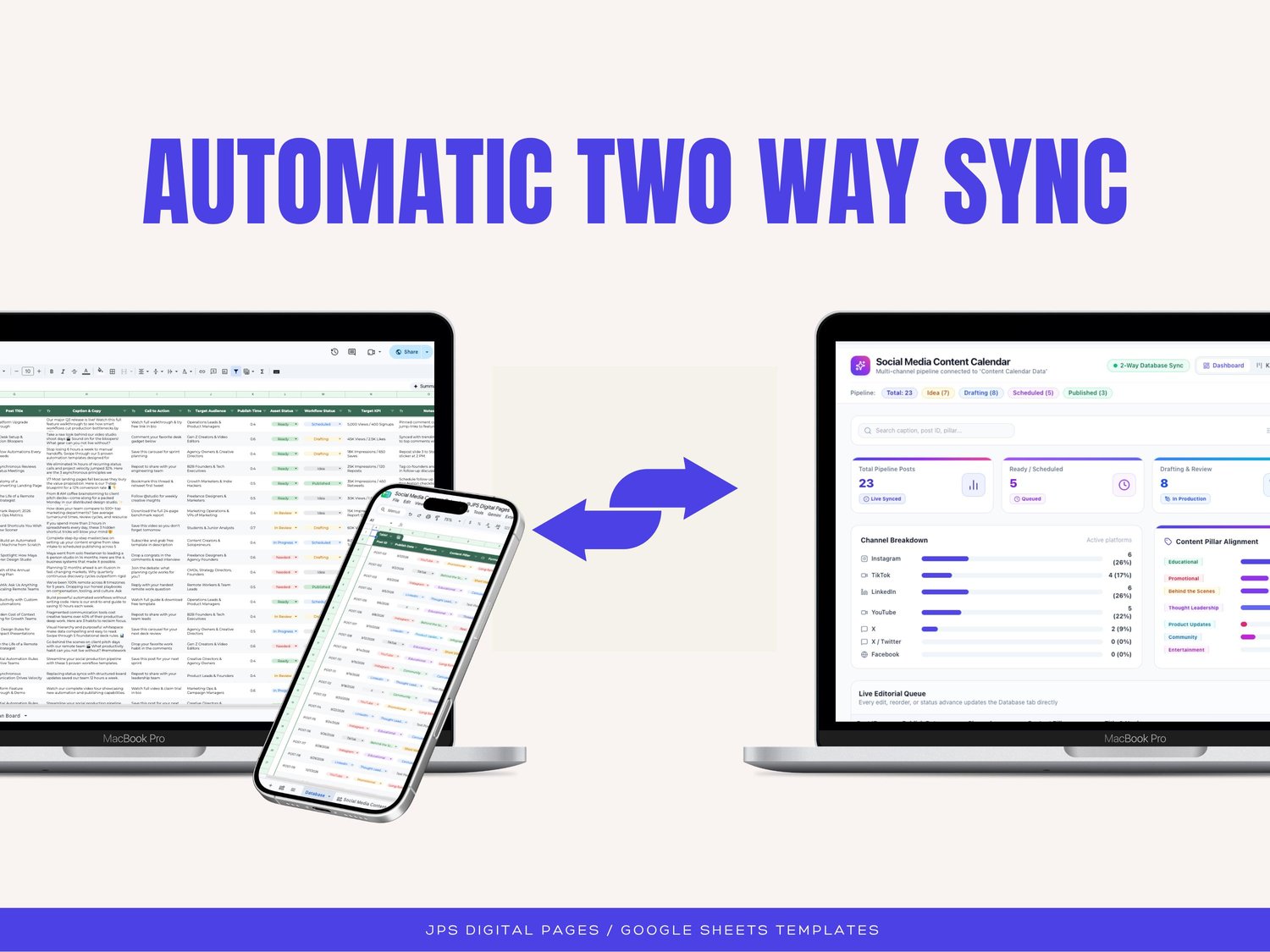
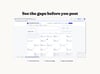
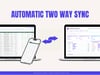
This is a Google Sheets content calendar with a connected workspace on top of it: a data sheet, a dashboard, a kanban board, a month calendar and a settings tab that all read from the same rows. Edit a post in one view and every other view updates.
WHAT'S INCLUDED
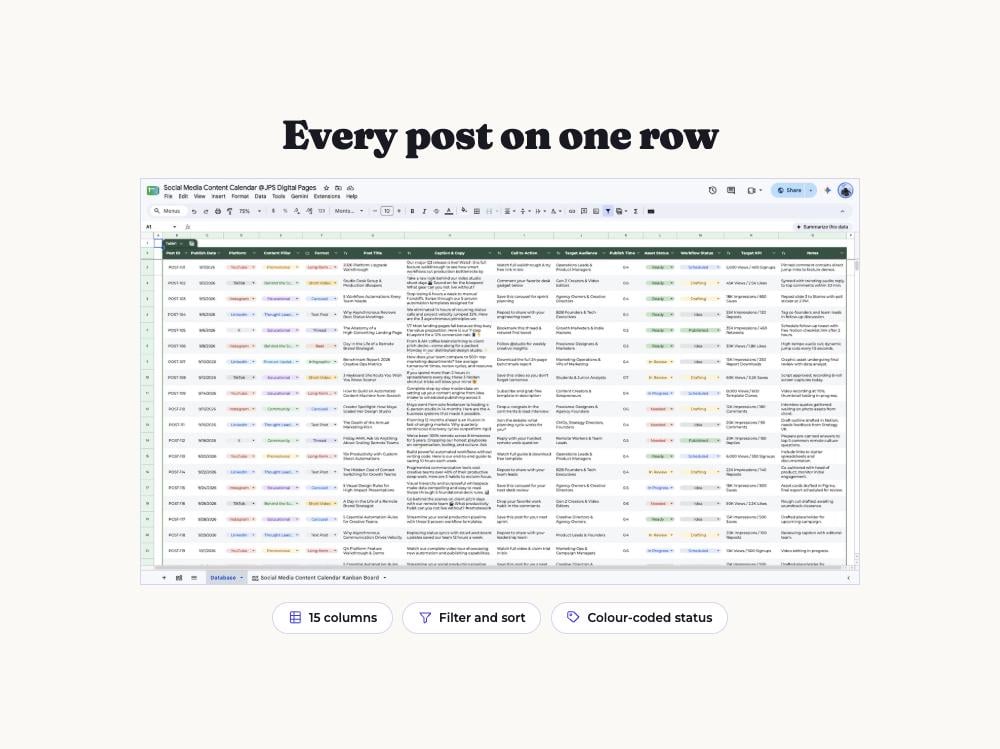
• Database tab with 15 planning columns for every post
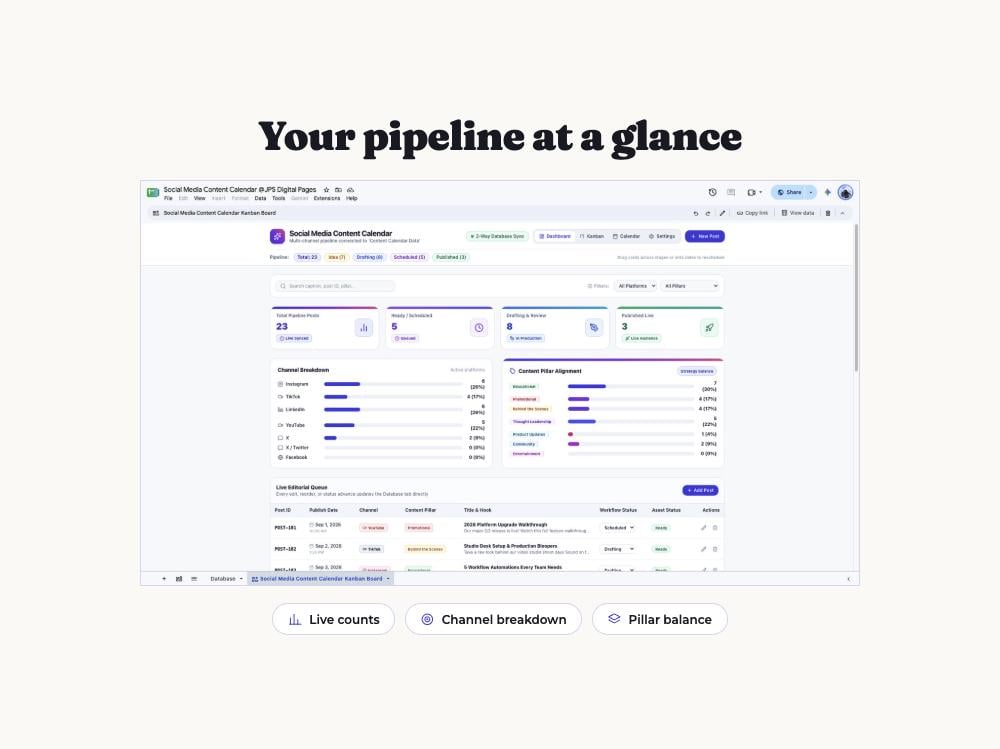
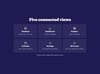
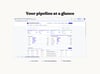
• Dashboard with live pipeline counts, channel breakdown and content pillar balance
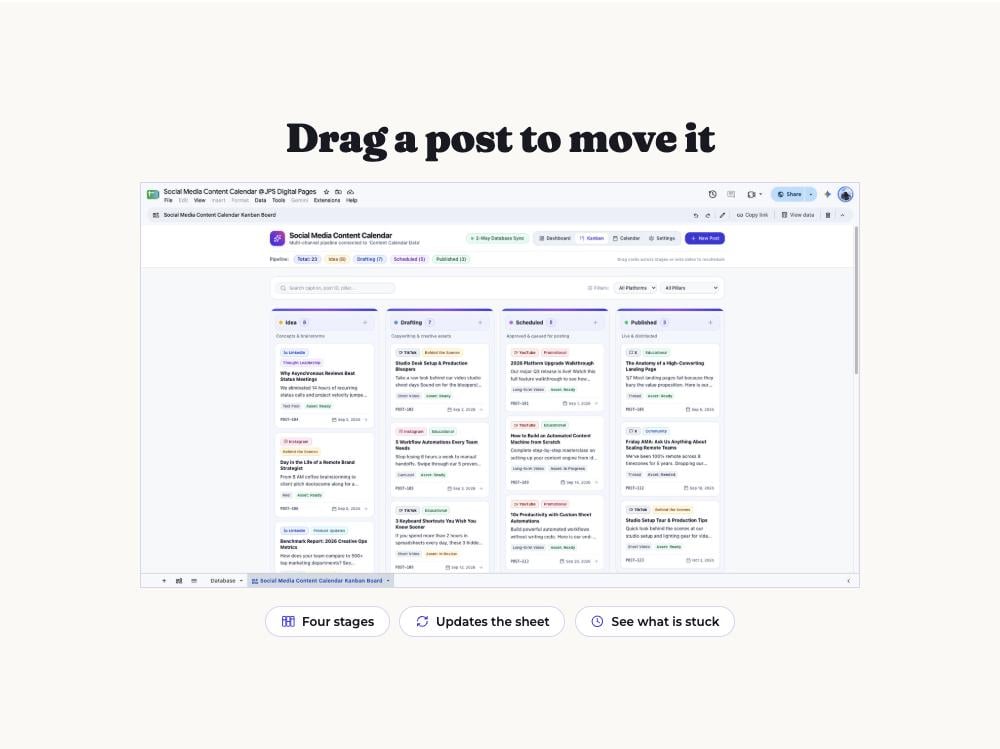
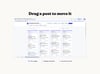
• Kanban board with Idea, Drafting, Scheduled and Published stages
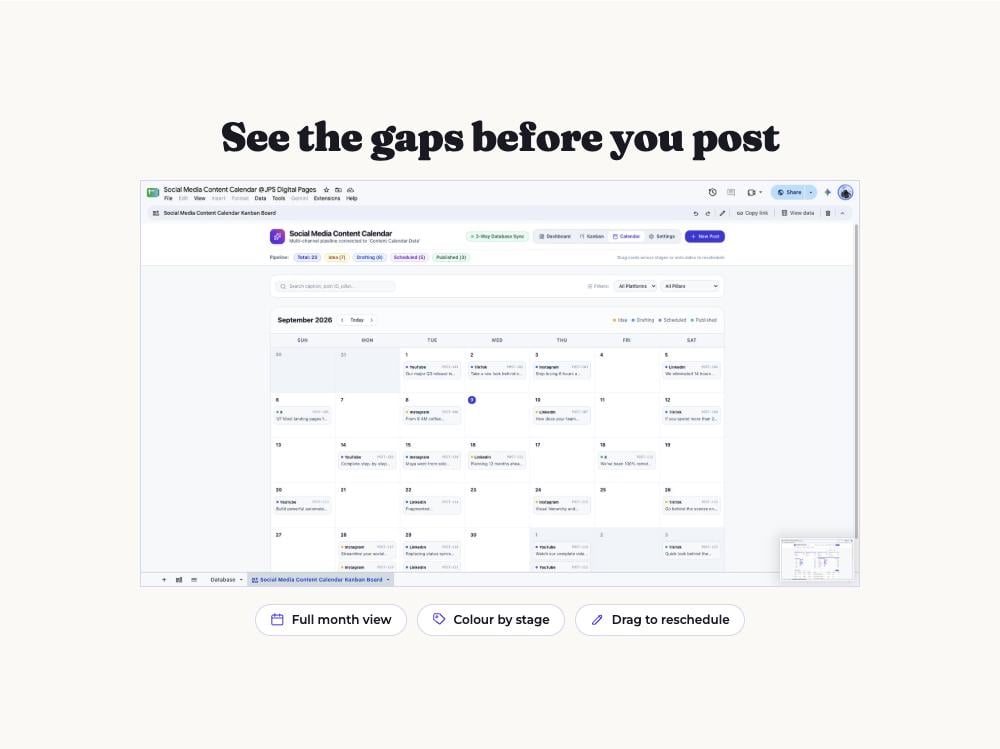
• Month calendar view, colour coded by workflow stage
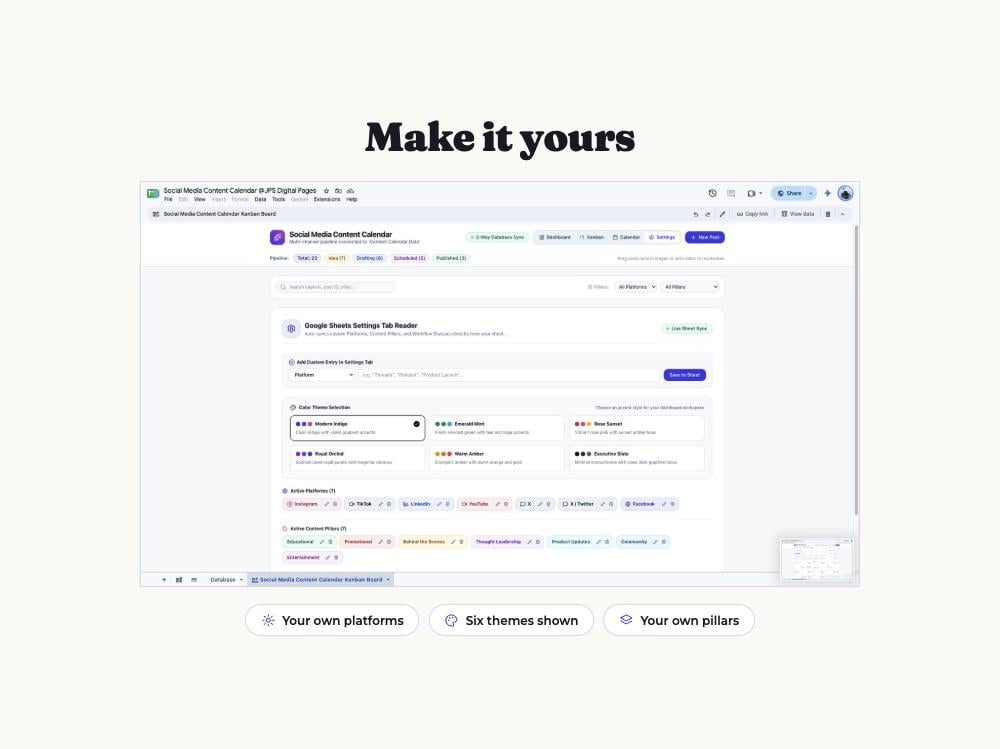
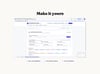
• Settings tab for your own platforms, content pillars and workflow statuses
• Six colour themes for the workspace
• A sample month of demo posts so you can see how it works, cleared in one step
THE 15 COLUMNS
Post ID, publish date, publish time, platform, content pillar, format, post title, caption and copy, call to action, target audience, asset status, workflow status, target KPI, and notes.
HOW TO USE IT
1. Download your file and open the access link inside.
2. Choose File, then Make a copy, to save it to your own Google Drive.
3. Add your platforms and content pillars in the Settings tab.
4. Fill in your first row and watch it appear on the board and calendar.
COMPATIBILITY
Google Sheets only. This template is not compatible with Microsoft Excel, Numbers or OpenOffice, because the dashboard, kanban board and calendar are built with Google Sheets features. A free Google account is required. Best set up on a computer; quick edits work in the Google Sheets mobile app.
Please note: all figures and posts shown in the listing images are sample data included for demonstration.