

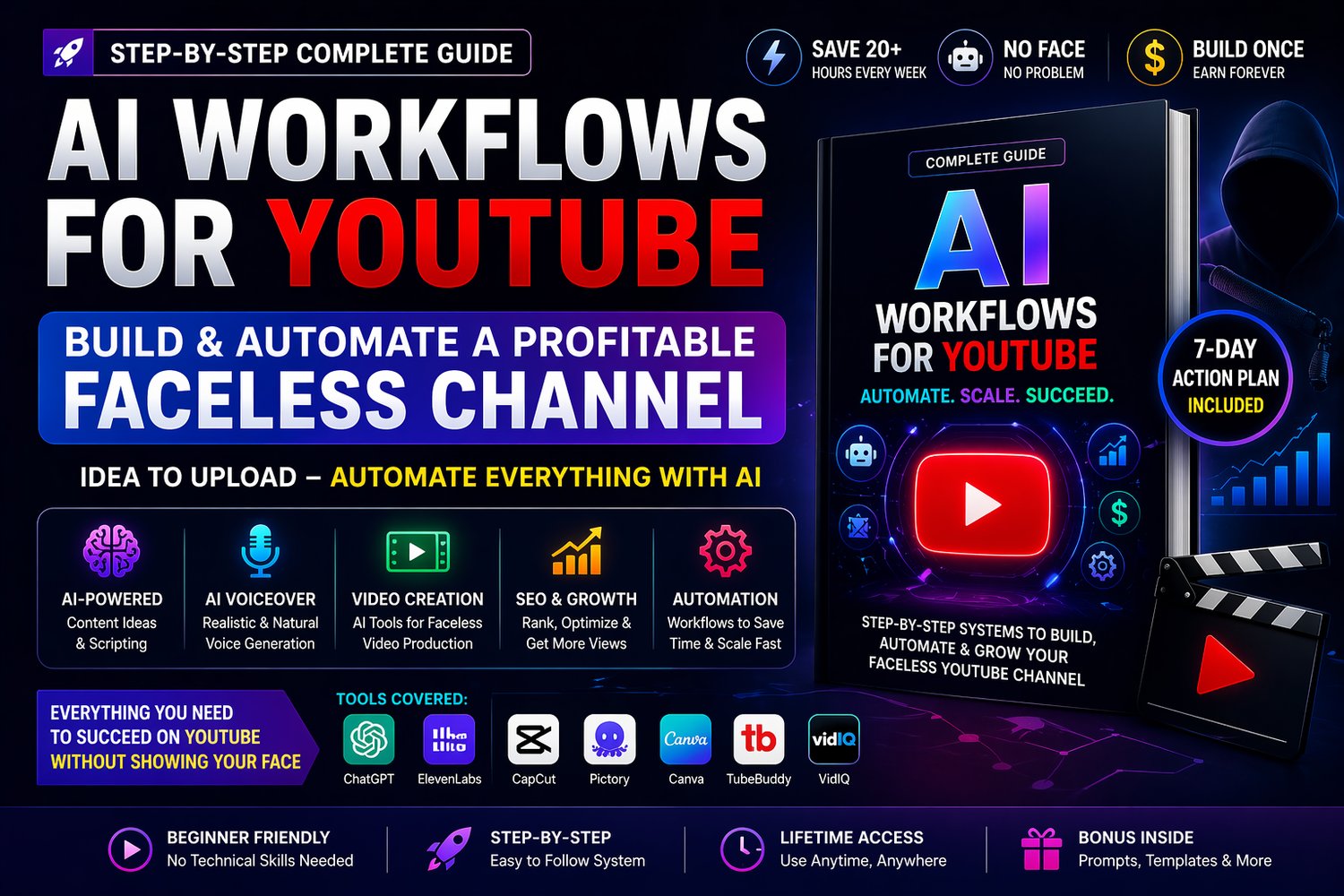
AI Workflows for YouTube: Build & Automate a Profitable Faceless Channel (Step-by-Step System to Grow & Monetize Fast)
🎯 Build & Automate a Profitable YouTube Channel Without Showing Your Face
What if you could start and scale a faceless YouTube channel using AI—without recording videos, hiring editors, or spending hours on content creation?
This powerful step-by-step guide reveals how to use AI workflows to automate your entire YouTube process—from idea to upload.
👉 No experience needed
👉 No face required
👉 No complex tools
Just proven systems that work
⚡ What You’ll Learn
✔ Find viral video ideas using AI
✔ Generate high-retention scripts instantly
✔ Create realistic AI voiceovers
✔ Produce videos without editing skills
✔ Design high-CTR thumbnails
✔ Optimize videos for SEO & growth
✔ Automate your entire YouTube workflow
📦 What You’ll Get
✔ Complete step-by-step YouTube automation system
✔ AI workflow from idea → upload
✔ Faceless channel strategy (proven model)
✔ Tools list (ChatGPT, ElevenLabs, CapCut, Canva, VidIQ)
✔ 7-day action plan to launch your channel
✔ Bonus prompts, templates & systems
🚀 What Makes This Guide Powerful
Most YouTube tutorials are confusing and incomplete.
This guide gives you a clear automation system:
👉 Idea → Script → Voice → Video → Upload → Growth
So you can:
✔ Save time
✔ Scale faster
✔ Build passive income
🎯 Perfect For
- Beginners starting YouTube
- Content creators & freelancers
- Anyone who wants to earn from faceless channels
- People who want to automate content with AI
💰 What You Can Achieve
- Build a faceless YouTube channel
- Automate content production
- Grow faster with AI tools
- Create long-term income streams
🔥 Why This is Trending
Faceless YouTube + AI automation is one of the fastest-growing online income models in 2026
👉 And this guide gives you the exact system to start
📈 Start Your YouTube Automation Journey
Stop wasting time on manual editing and content creation
Start building a fully automated YouTube system powered by AI
📱💻 How to Open & Use Your Guide
Your guide is delivered in HTML format, which means it opens just like a webpage—no apps or installation needed 😊
👉 It works smoothly on both mobile and desktop devices
👉 For the best experience, use Google Chrome
📲 On Mobile (Android / iPhone)
- Download the HTML file to your phone
- Open the file using Google Chrome
- Tap the file → it will open like a normal webpage
💻 On Desktop (Laptop / PC)
- Download the HTML file
- Right-click on the file
- Select “Open with → Google Chrome”
- The guide will open in your browser
⚠️ Quick Tips
- Always use Chrome for best layout and performance
- Avoid opening the file in unsupported apps