

Vybex-ULTIMATE
Advanced Image Privacy & Optimization — directly in your browser.
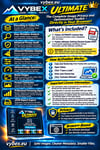
Vybex Ultimate is the complete Vybex image privacy and optimization toolkit for users who want deeper metadata analysis, stronger privacy controls, advanced optimization and professional processing reports — directly in their browser.
With Vybex Ultimate you can analyze images, identify privacy-sensitive metadata, clean and optimize images, resize and convert files, process multiple images and verify your results — all locally in your browser.
What you get:
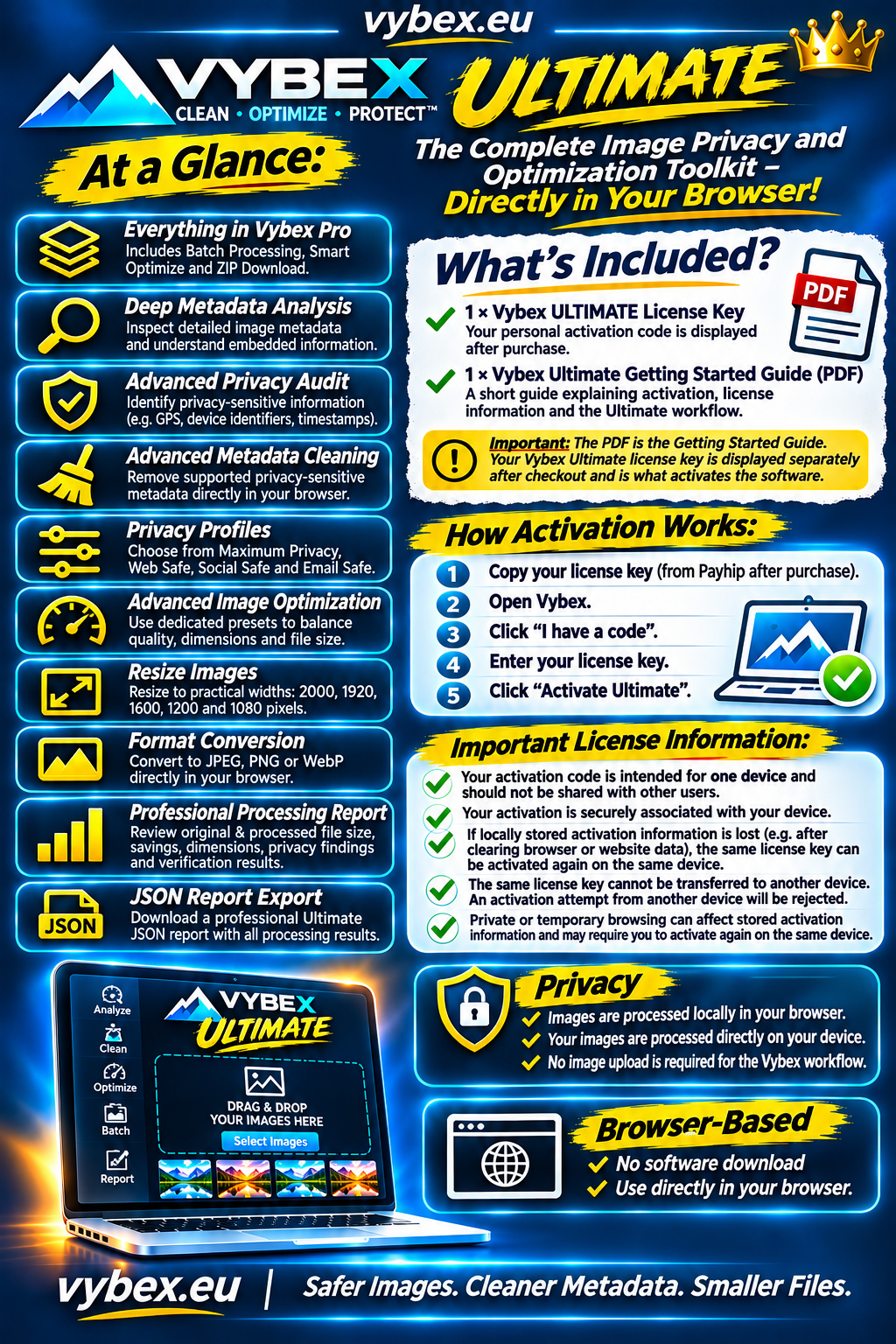
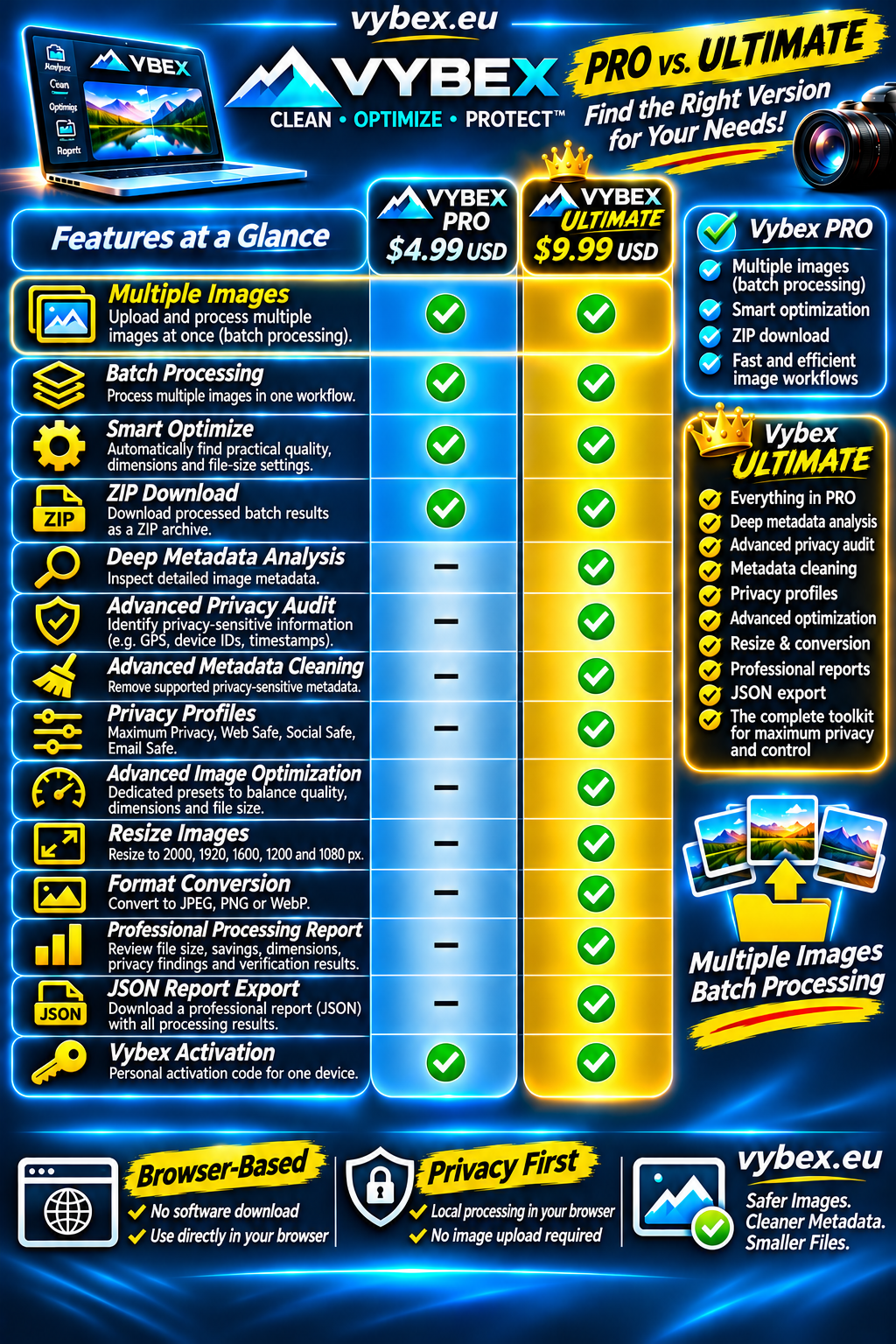
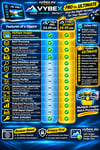
✓ Everything in Vybex Pro
All Vybex Pro features are included in Ultimate, including Batch Processing, Smart Optimize and ZIP Download.
✓ Deep Metadata Analysis
Inspect detailed image metadata and understand what information is embedded in your images.
✓ Advanced Privacy Audit
Identify privacy-sensitive information such as GPS coordinates, device identifiers and timestamps before sharing your images.
✓ Advanced Metadata Cleaning
Remove supported privacy-sensitive metadata directly in your browser before sharing or publishing your images.
✓ Privacy Profiles
Choose from Maximum Privacy, Web Safe, Social Safe and Email Safe profiles for different sharing scenarios.
✓ Advanced Image Optimization
Use dedicated optimization presets to balance image quality, dimensions and file size.
✓ Resize Images
Resize images to practical maximum widths including 2000, 1920, 1600, 1200 and 1080 pixels.
✓ Format Conversion
Convert supported images to JPEG, PNG or WebP directly in your browser.
✓ Professional Processing Report
Review original and processed file size, savings, dimensions, privacy findings and verification results in one place.
✓ JSON Report Export
Download a professional Ultimate JSON report containing the processing and verification results.
✓ Batch Processing
Process multiple supported images in one workflow and clean, optimize and verify them locally.
✓ Smart Optimize
Automatically find practical quality, dimension and file-size settings for your target.
✓ ZIP Download
Download processed batch results together as a ZIP archive.
✓ Vybex Ultimate activation
Your purchase includes one personal activation code for one device.
How activation works:
After completing your purchase, Payhip will display your personal Vybex Ultimate License Key.
- Copy your license key.
- Open Vybex.
- Click “I have a code”.
- Enter your license key.
- Click “Activate Ultimate”.
That's it. Your complete Vybex Ultimate toolkit is unlocked.
Important license information:
Your personal activation code is intended for one device and should not be shared with other users.
Your activation is securely associated with your device.
If locally stored activation information is lost, for example after clearing browser or website data, the same Ultimate license key can be activated again on the same device.
The same license key cannot be transferred to another device. An activation attempt from another device will be rejected.
Private or temporary browsing can affect locally stored activation information and may require you to activate your license again on the same device.
If you experience an activation problem, please contact Vybex support.
What is included with your purchase?
1 × Vybex ULTIMATE License Key
Your personal activation code is displayed after purchase.
1 × Vybex Ultimate Getting Started Guide
A short guide explaining activation, license information and the Ultimate workflow.
Important: The PDF is the Getting Started Guide. Your Vybex Ultimate license key is displayed separately after checkout and is what activates the software.
Privacy
Vybex is designed to process images locally in your browser rather than requiring an image upload to a processing server.
Your images are processed directly on your device.
No image upload is required for the Vybex processing workflow.