

Attendance Toolkit: Intelligence Edition
On Sale
$29.00
$29.00
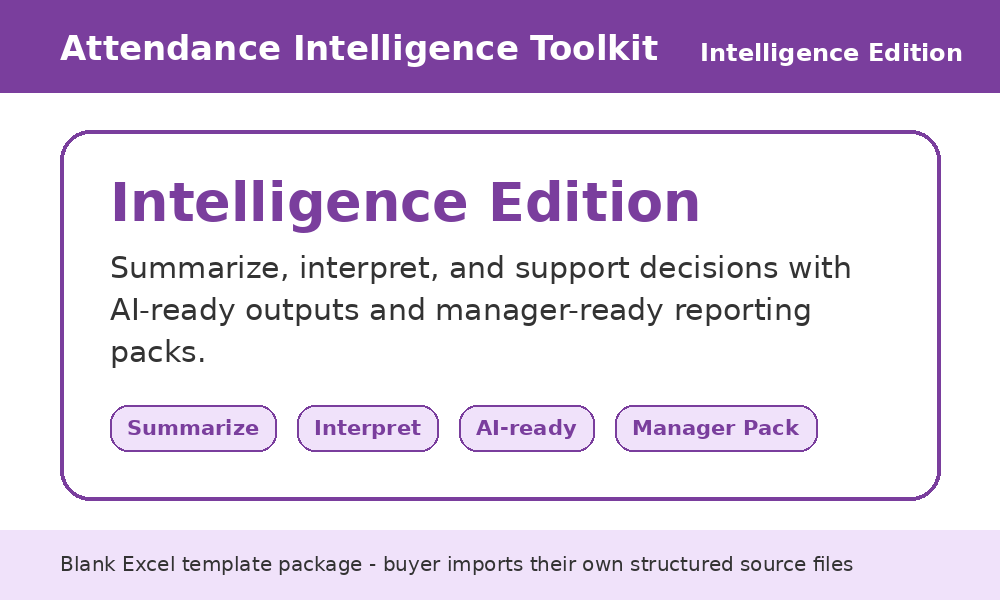
Streamline Your Attendance Analysis with Our AI-Ready Excel Template
Effortlessly streamline your attendance analysis using our comprehensive Excel template. Automate the consolidation of attendance, leave, and overtime data for quick review and reporting.
What you’ll achieve
- Effortless data consolidation.
- AI-ready summaries and reports to speed up analysis and communication.
- Time saved on manual formatting; macros handle data import and cleaning.
What’s inside
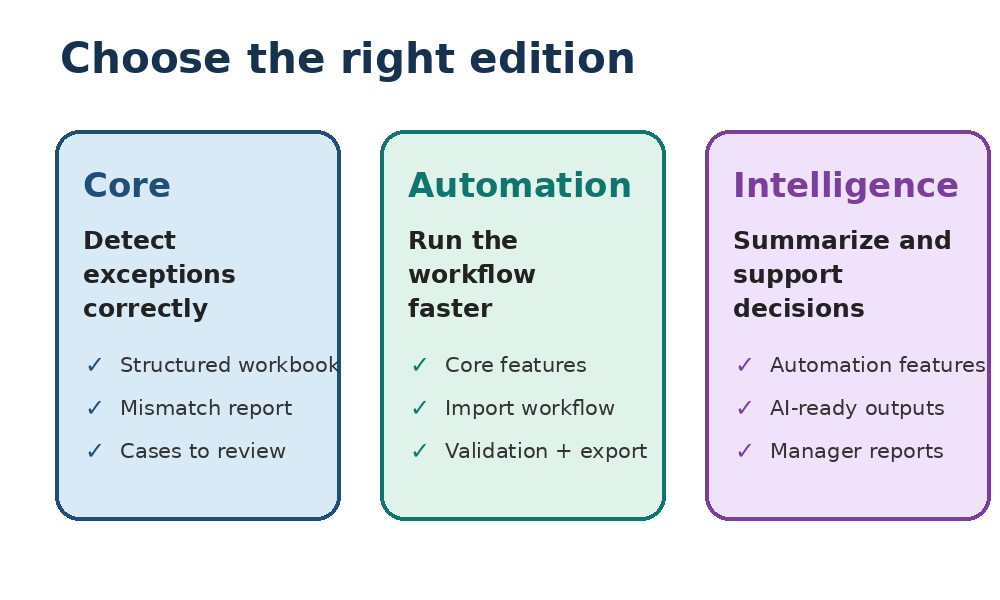
- Comprehensive macro-enabled Excel workbook including attendance, leave, and overtime inputs, mismatch report, summary dashboard, AI-ready summaries, executive summary, manager report, and review pack export.
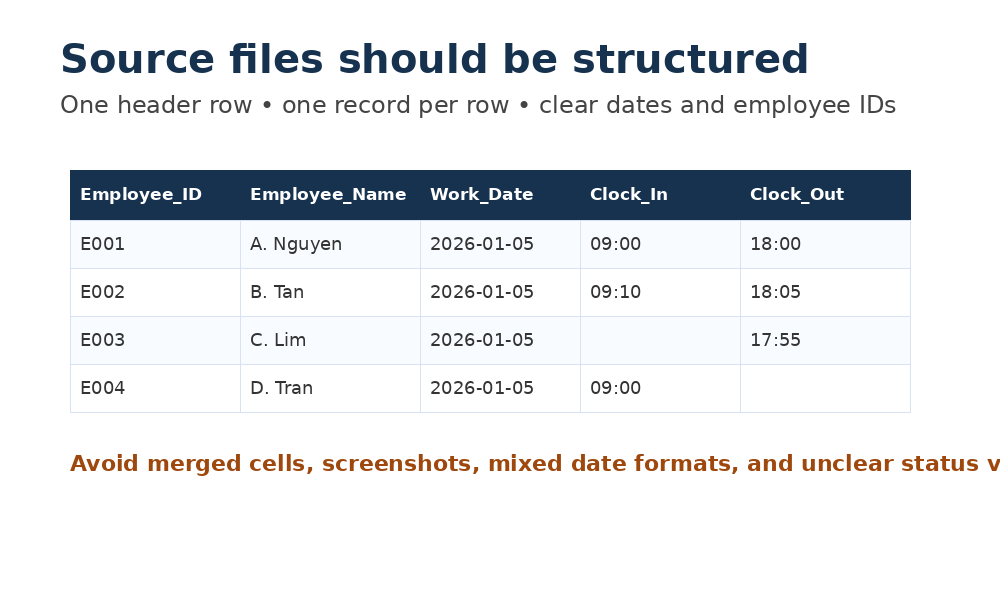
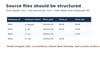
- Quick Start guide, README, and Source format guide.
- Macro scripts to import CSV files and generate outputs.
How it works
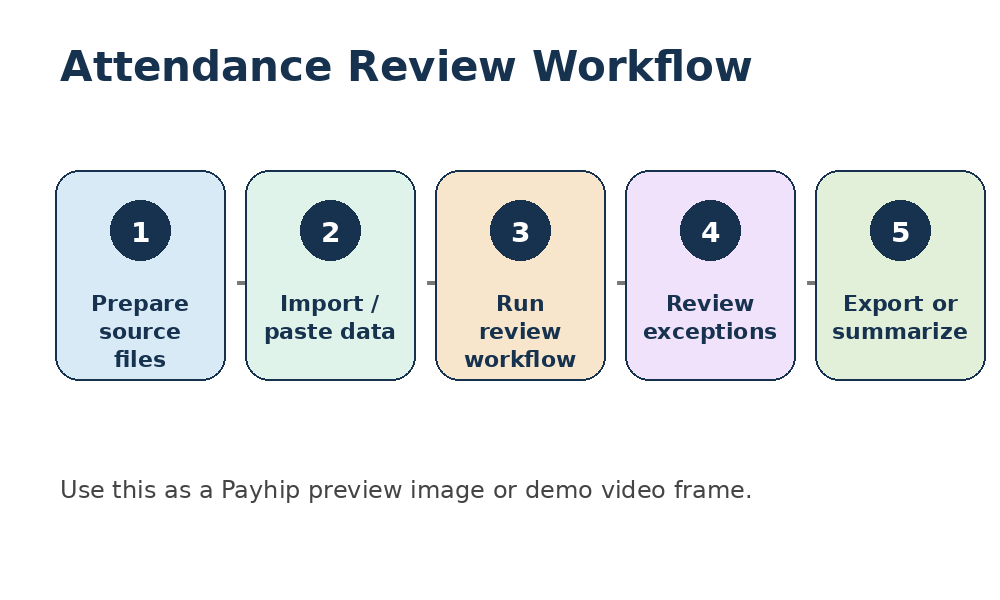
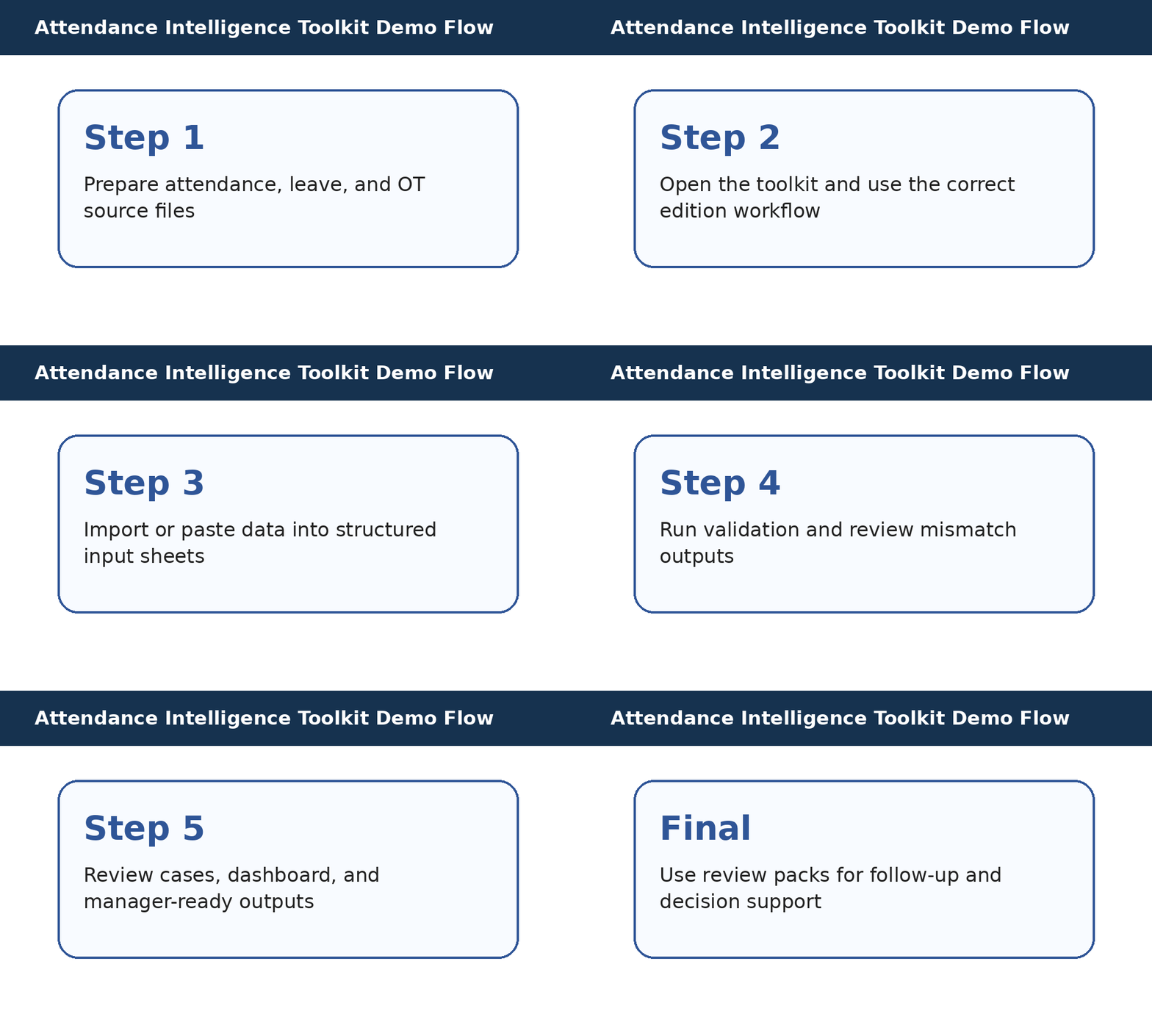
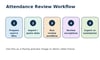
- Prepare your attendance, leave, and overtime files as per the source format guide.
- Import each file via Control Panel macros; the toolkit merges and validates the data.
- Review the Mismatch Report and Summary Dashboard for exceptions and totals.
- Refresh the AI-ready outputs and export the review pack, executive summary, and manager report.
- Copy the AI-ready summary into your AI tool, apply your own prompt, and refine the generated report.
- Always perform a human review of the AI-generated output.
Who this edition is for
- Ideal for HR managers, payroll specialists, team leads, operations managers, and small business owners looking to streamline their attendance analysis with AI-ready summaries.
Who this edition is not for
- Not suitable if you're tracking attendance manually or prefer fully automated systems without manual review.
Important
- This is a macro-enabled Excel workbook. Macros only run on Windows desktop versions of Excel.
- You must import your own attendance, leave, and overtime files and verify the results.
- The AI-ready outputs are prompts for your AI tool; no AI services are included.
- Always anonymise sensitive data and check AI-generated content before using it.
- This template does not provide legal or HR advice.
Recommended tools
- Microsoft Excel desktop (Windows) – for running macros and editing the workbook.
- ChatGPT, Copilot, Claude or another large-language model – to interpret the AI summary.
- A word processor (Word/Google Docs) – to edit the executive summary and manager report.
FAQ
Does this include AI?
No. It prepares AI-ready summaries and reports. You will need to paste them into your preferred AI tool.
Do I need a paid AI account?
Not necessarily. You can use a free tier, although paid versions may handle longer inputs better.
Is it fully automated?
The macros automate import and validation, but you must still review mismatches and refine the AI output.
Can I use it for team or client updates?
Yes. The manager report and review pack are designed for internal or client updates. Always anonymise data before sharing with AI or others.