
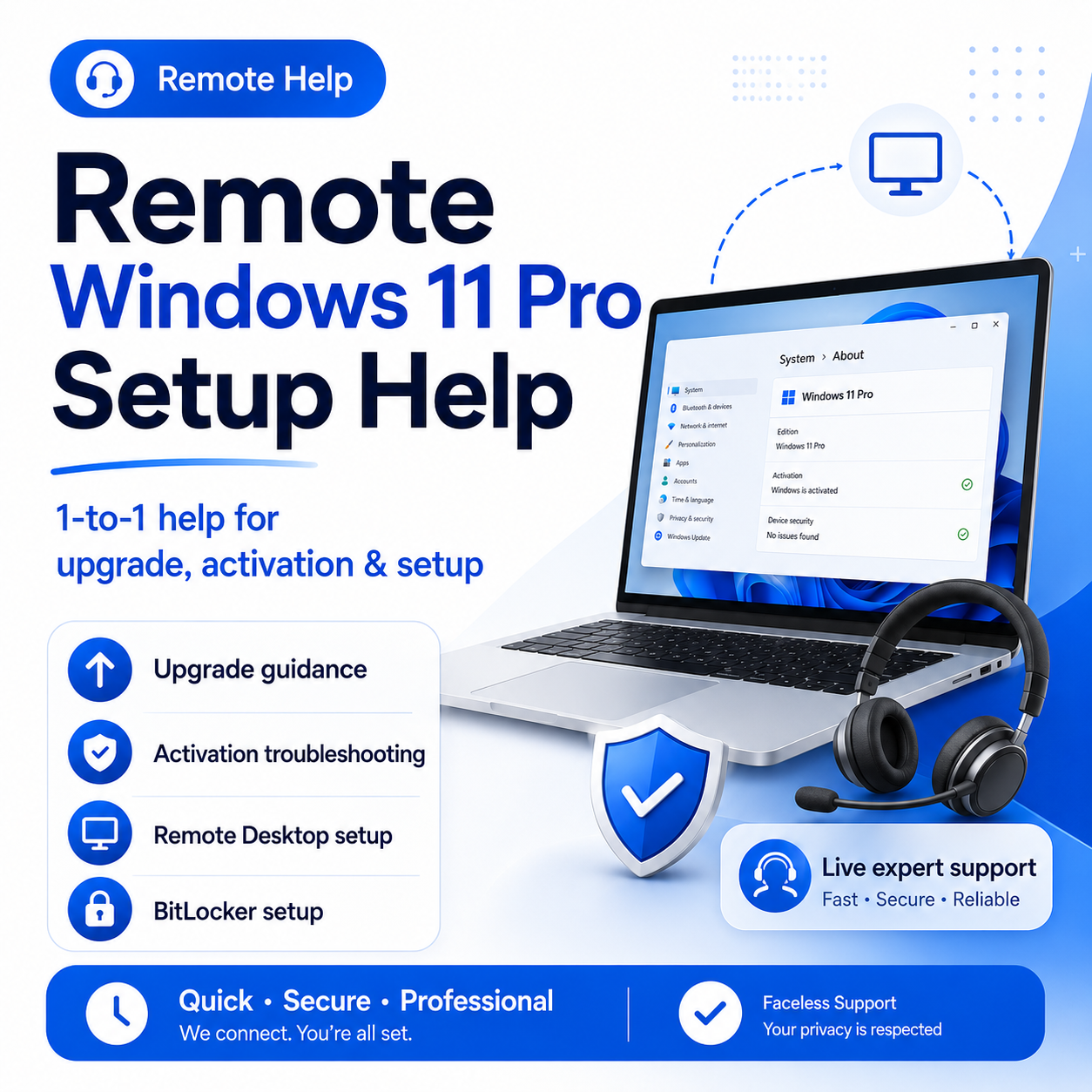
Remote Windows 11 Pro Setup Help
Remote Windows 11 Pro Setup Help
Upgrading from Windows 11 Home to Windows 11 Pro can be confusing, especially if you are not sure whether you bought the right license, what steps to follow, or why activation is not working.
This remote setup help session is designed to guide you through the process clearly and safely.
I can help you:
- Check whether Windows 11 Pro is right for your device
- Prepare your PC before upgrading
- Understand the Windows 11 Home to Pro upgrade process
- Troubleshoot common activation messages
- Set up Remote Desktop
- Set up BitLocker safely
- Review basic security and privacy settings
- Make sure your setup is cleaner and easier to manage
This is ideal if you want Windows 11 Pro features like Remote Desktop, BitLocker, business setup tools, or better device security, but you do not want to waste hours guessing through settings.
Important:
This service does not include a Windows license, product key, cracked software, activation bypass, or unauthorized activation method.
You must provide your own legitimate Windows license or product key.
Before the session, please back up important files, make sure your internet connection is stable, and close private documents or sensitive tabs before screen sharing.
Price: $49
After purchasing, get in contact with me through the Contact section and send:
1. Your current Windows edition: Home or Pro
2. What you need help with: upgrade, activation, Remote Desktop, BitLocker, or general setup
3. Your device type: laptop or desktop
4. Any activation error screenshots
5. Whether you already have a legitimate Windows 11 Pro license or product key