
One Tab Expenses Tracker
On Sale
$12.00
$12.00
Expense Tracker Template – Excel & Google Sheets Spending Log
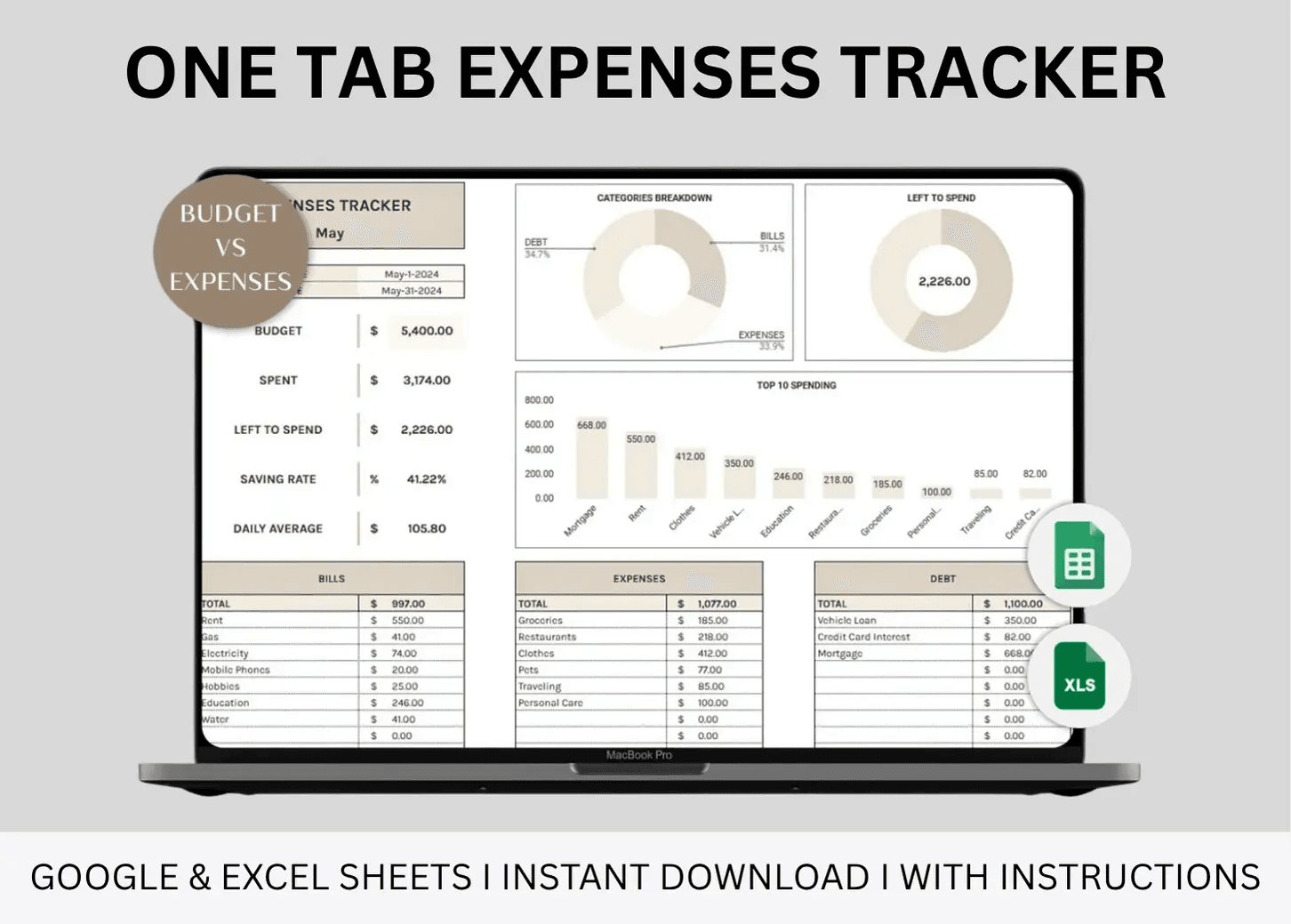
One spreadsheet to log every expense, track spending patterns, and stay in control of your money — without complicated tools.
Who it’s for
Anyone who wants to monitor and reduce spending, identify wasteful habits, and understand exactly where their money goes.
What it helps you do
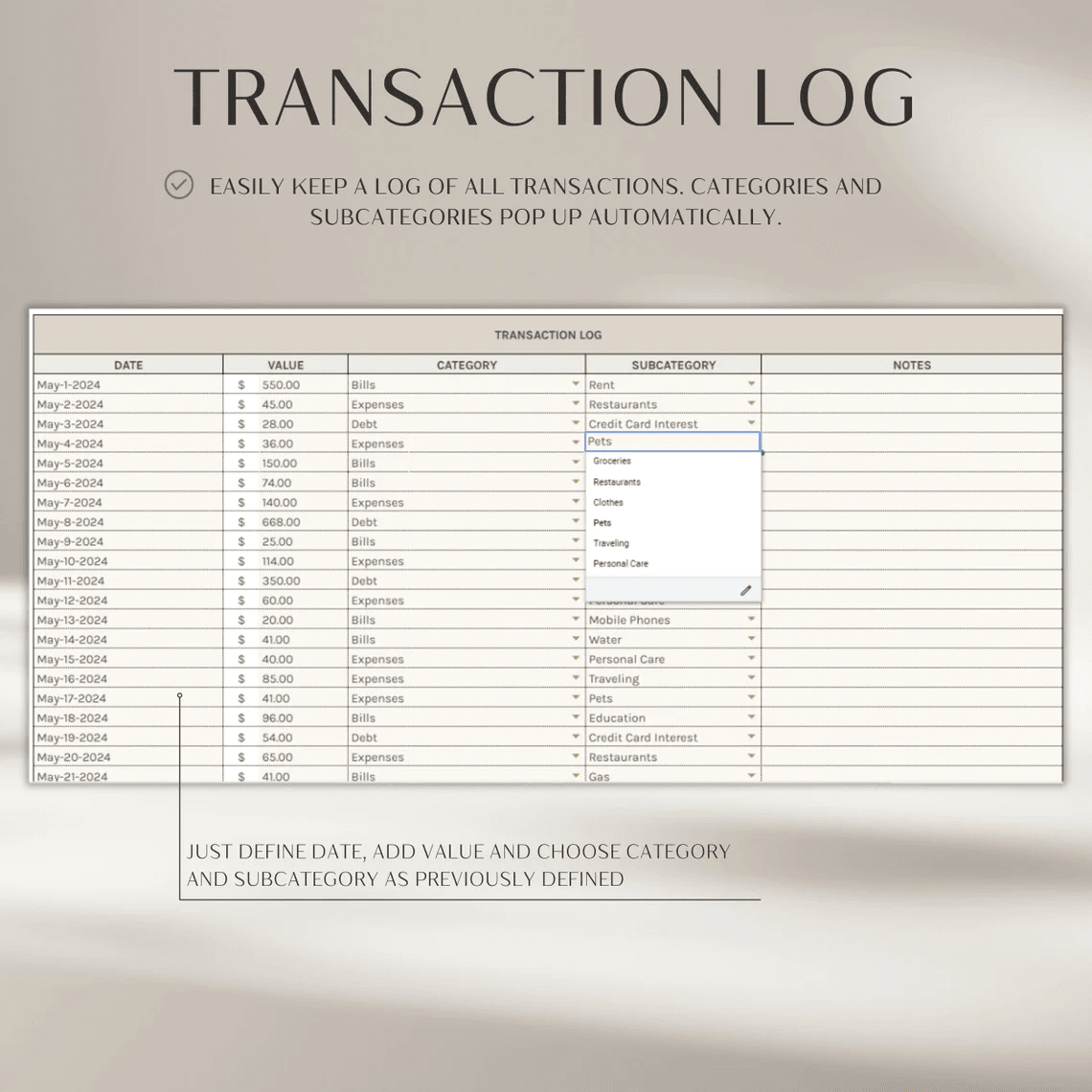
- Record expenses, bills, and debt payments in one place
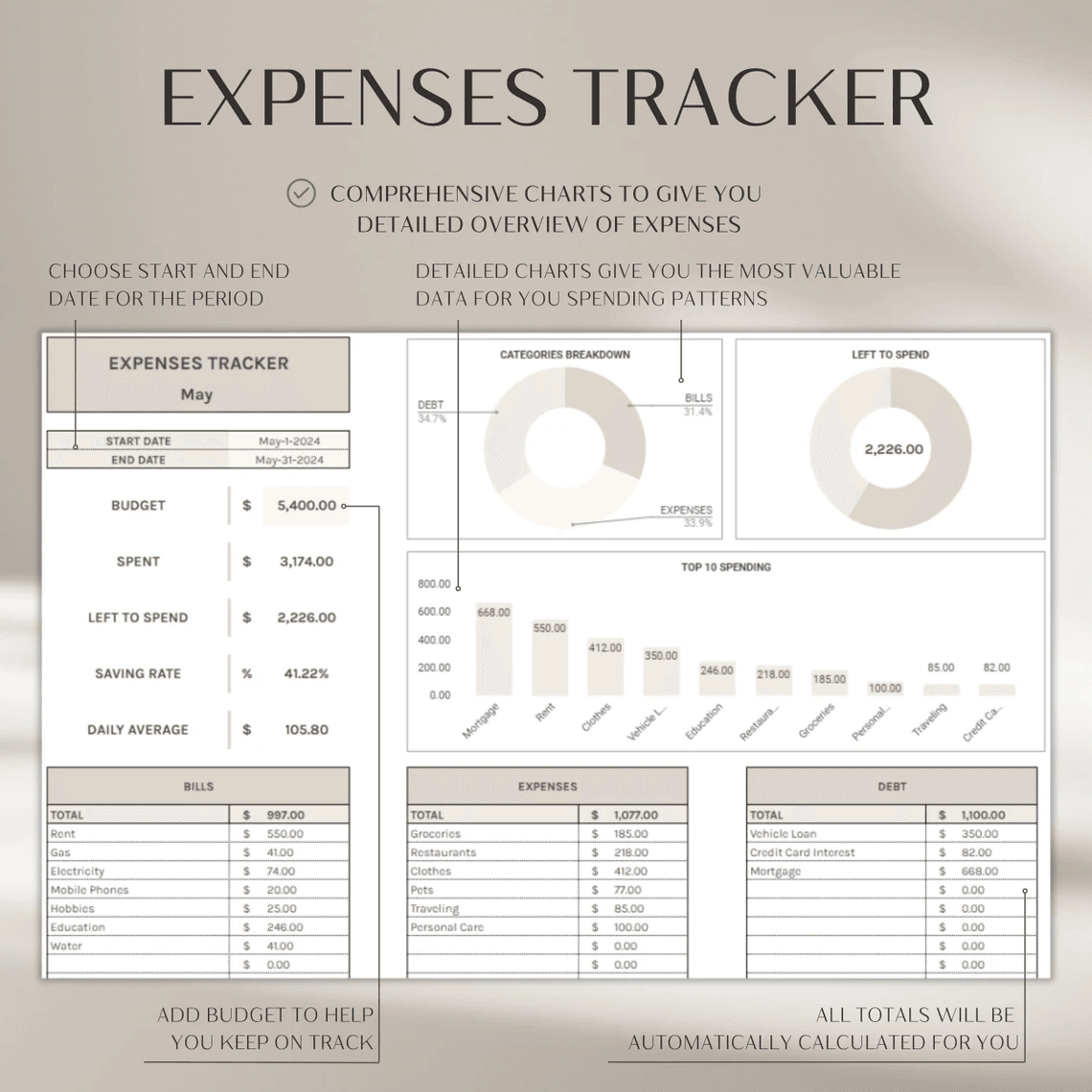
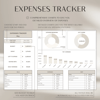
- View automated totals and category breakdowns
- Spot spending trends through visual charts
- Track weekly, biweekly, monthly, or custom periods
- Duplicate tabs for unlimited tracking periods
What’s included
- 2-tab Spending Tracker (Google Sheets + Excel)
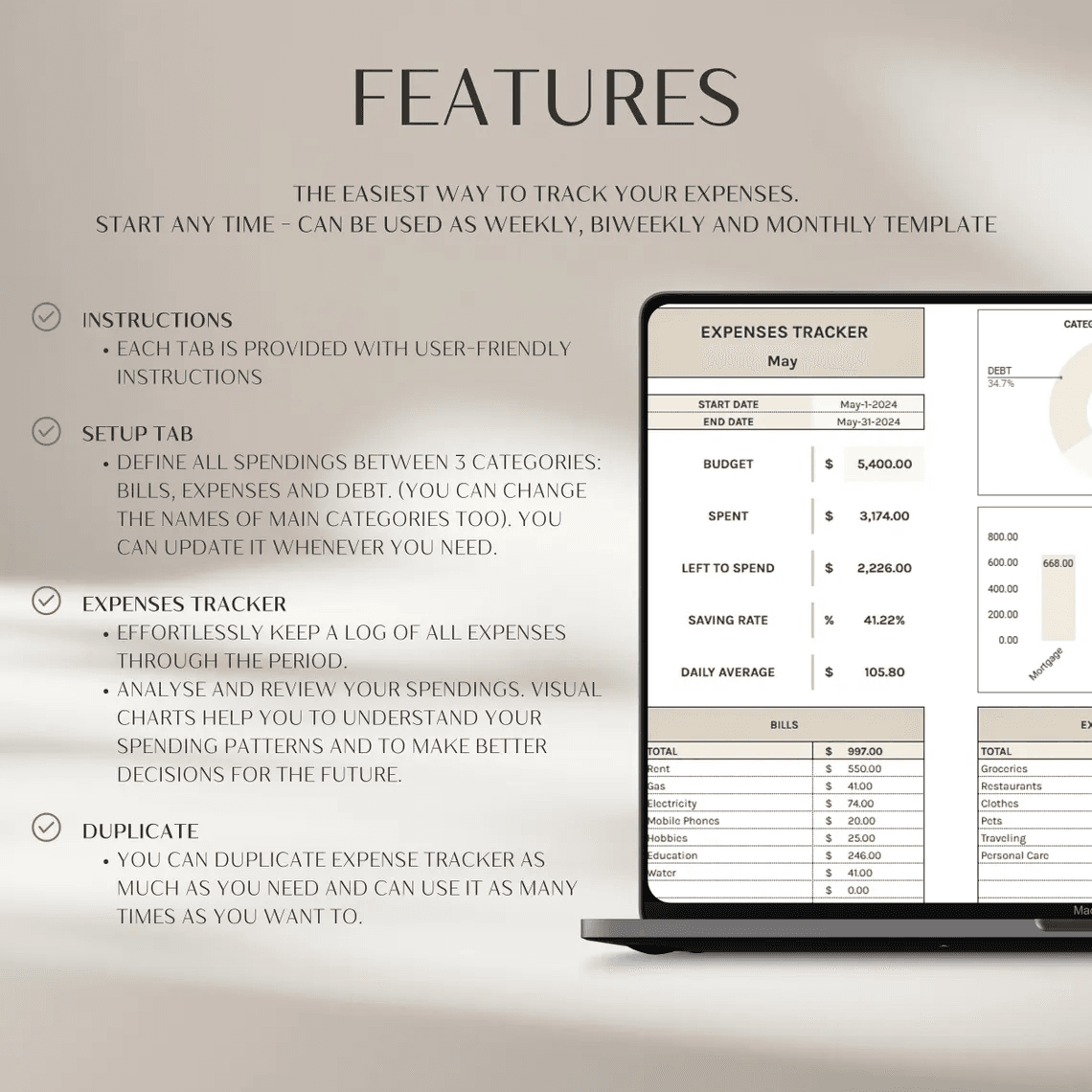
- Instructions Tab – quick start guide
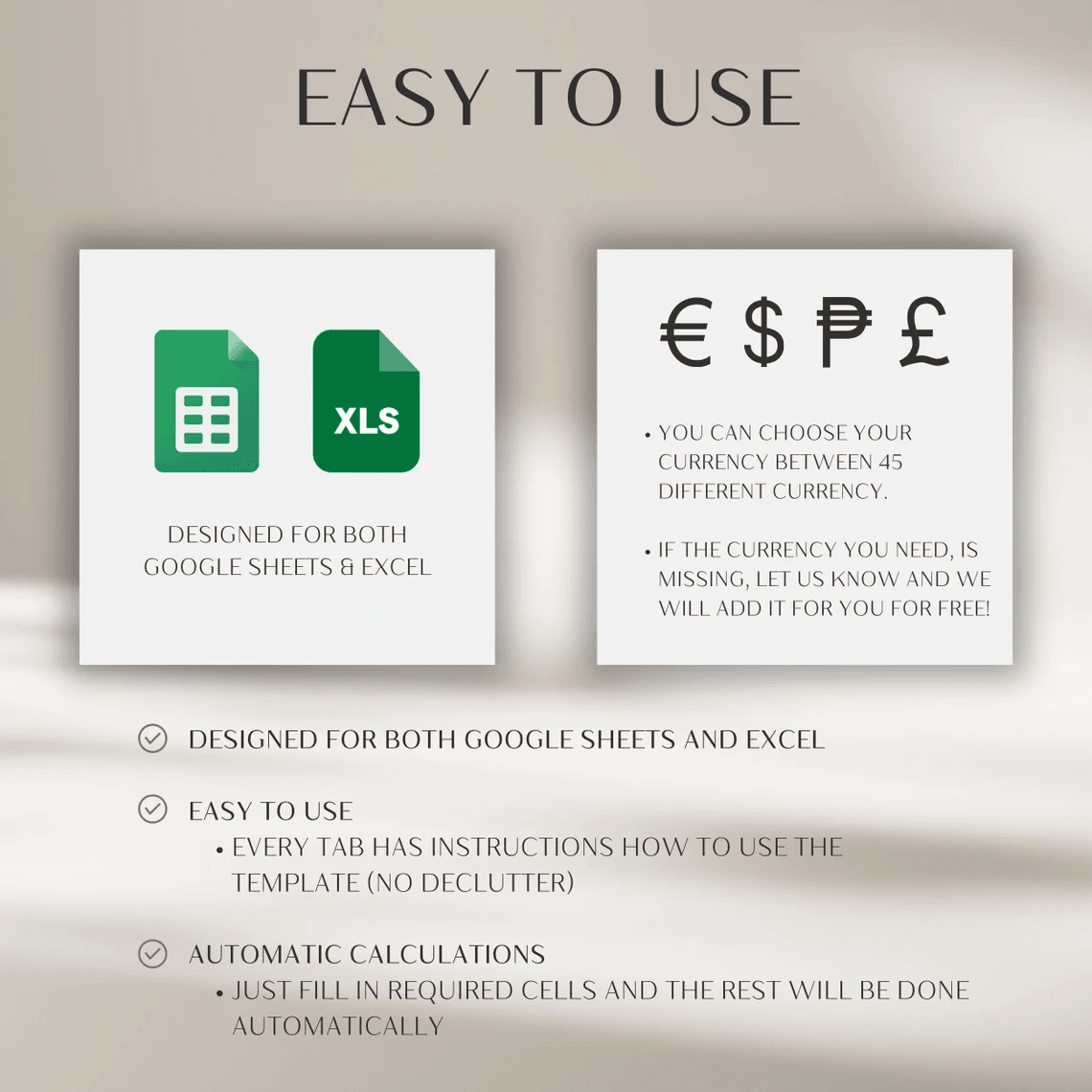
- Currency Changer – supports 45+ global currencies
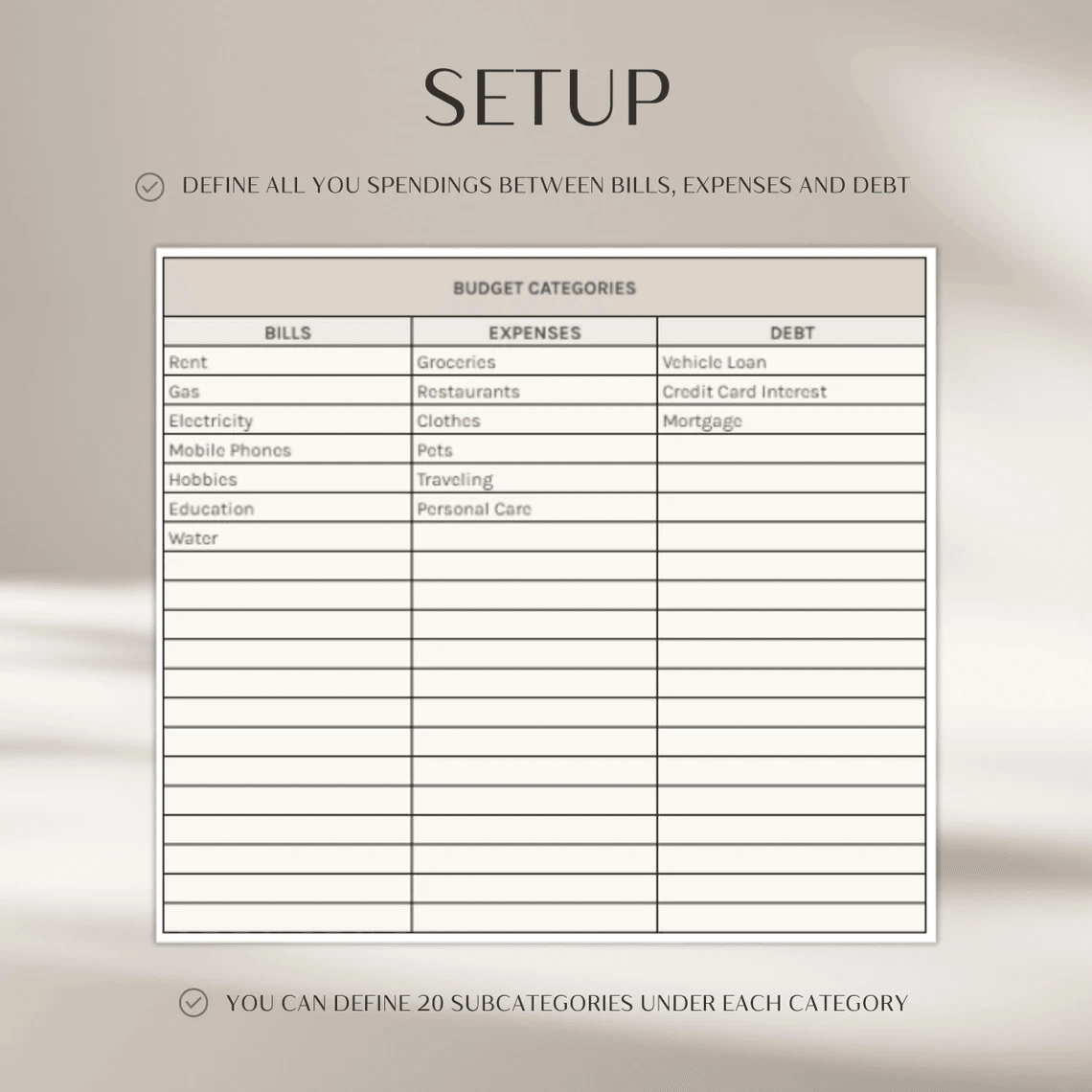
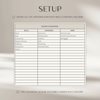
- Setup Tab – define expense and bill categories
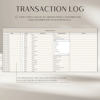
- Transaction Log – record all expenses and payments
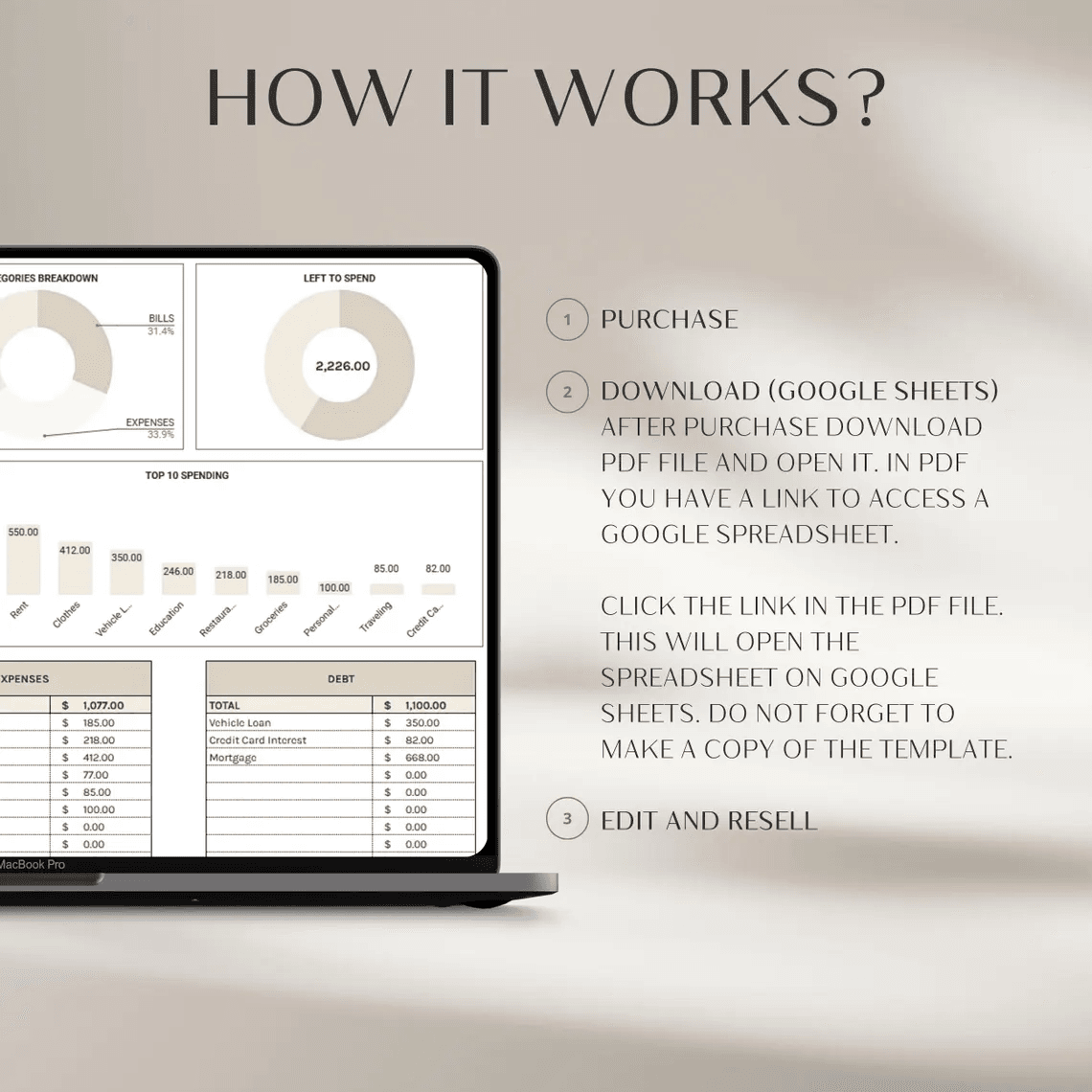
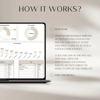
- Expense Tracker Dashboard – view totals, category breakdowns, and visual charts
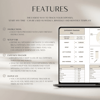
Features
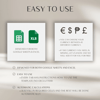
- Works in Excel & Google Sheets
- Auto-calculations – no manual formulas needed
- Fully editable – change colors, fonts, and categories
- Supports any currency
- Desktop optimized & mobile accessible
- Use for any year or period
How it works
- Purchase & download instantly
- Open in Google Sheets or Excel
- Set your categories, log your expenses, and start tracking
Digital delivery
- Instant download – no physical items
- Includes both Excel and Google Sheets versions
- For personal or internal business use only
Terms & Support
Final Sale
This is a digital product – all sales are final.
Usage
For personal or internal business use only. No reselling, sharing, or redistribution.
Need Help?
Email: contact@theboringrich.com I Contact us