


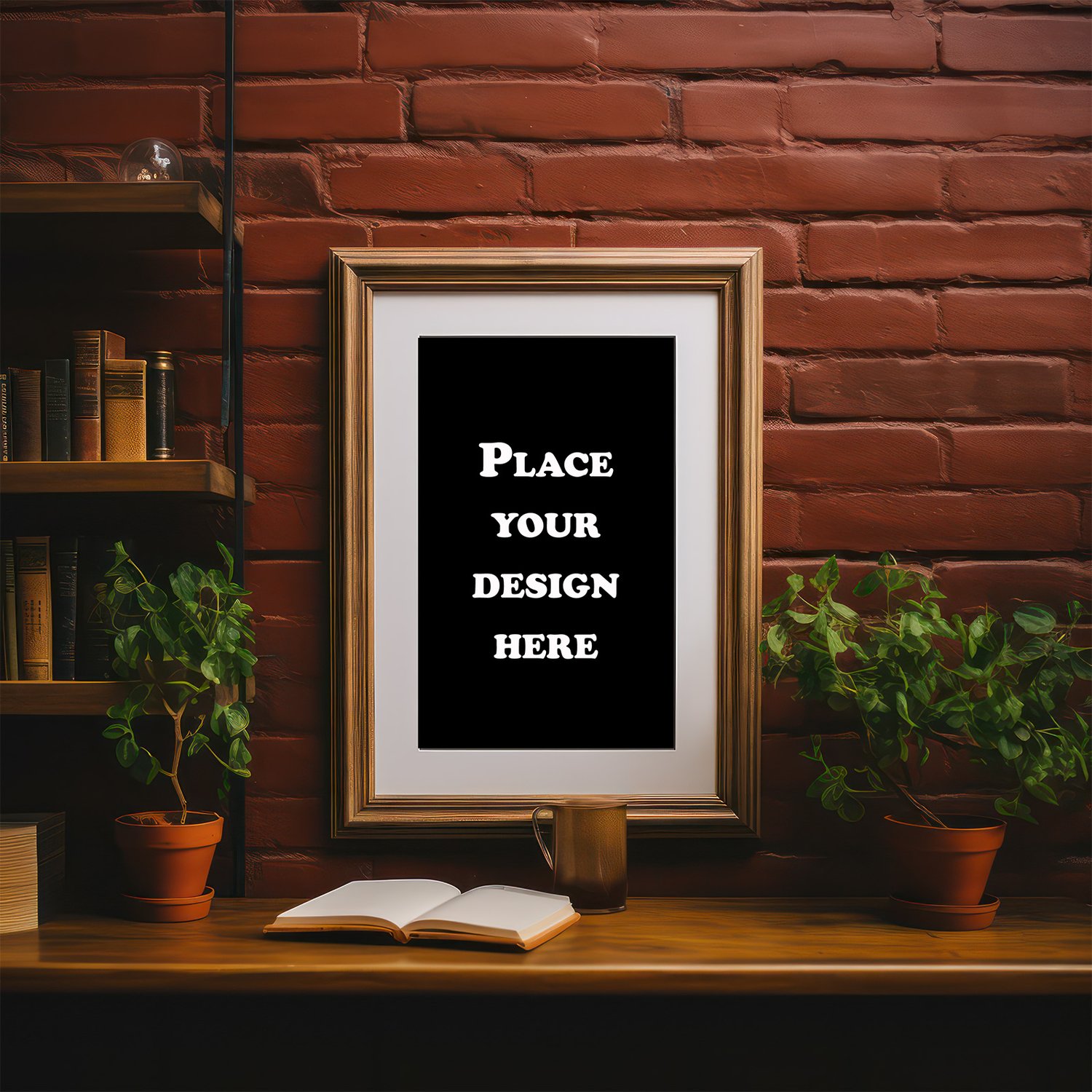
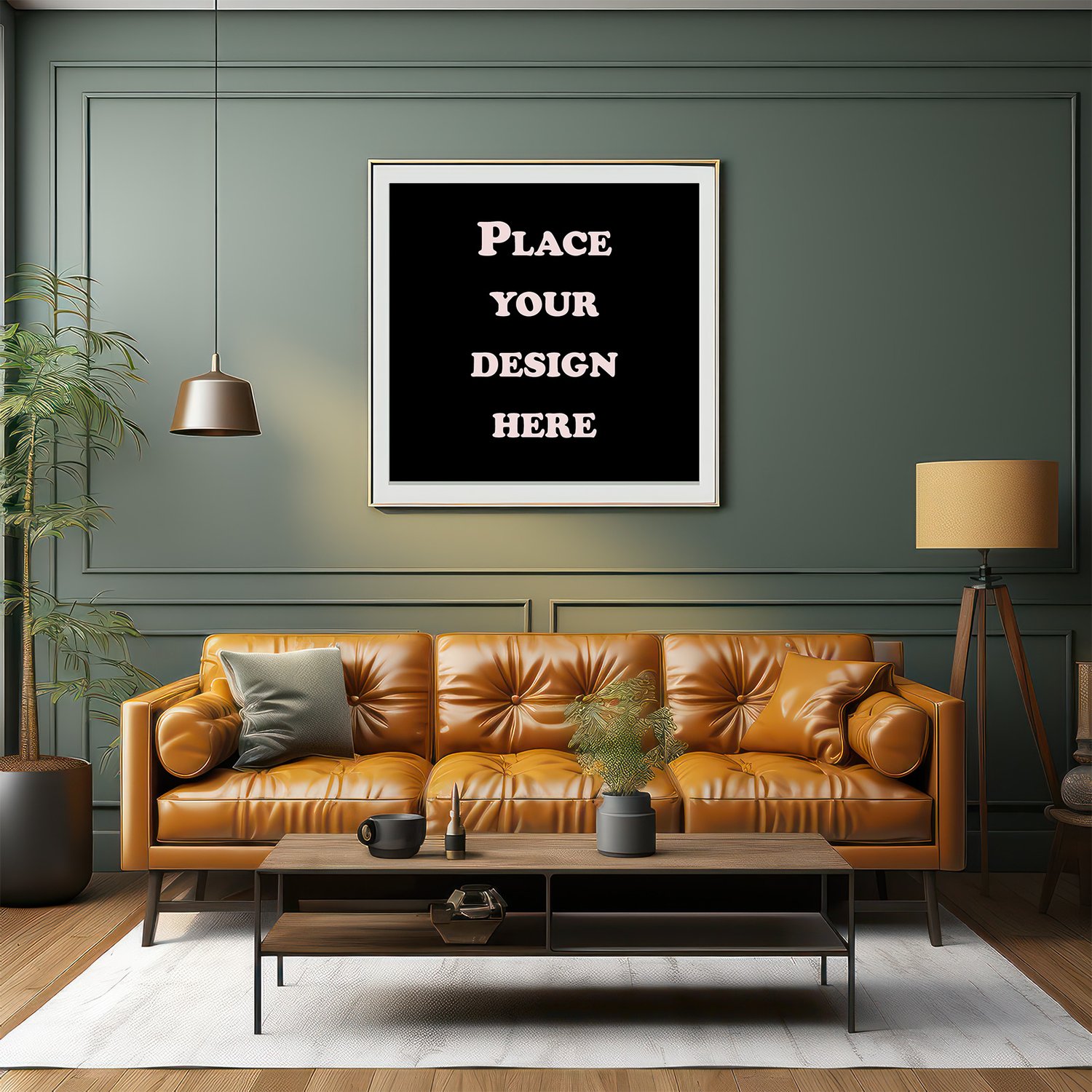




Mockup 3 PSD Smart Object
On Sale
$5.00
$5.00
A digital package containing three organized PSD files with Smart Object functionality for quick and professional design insertion. Ideal for displaying logos, posters, or artwork on a realistic mockup without complex editing.
How to Use
Open the PSD file in Adobe Photoshop.
Locate the custom Smart Object layer (often named "Your Design Here").
Double-click the layer to open it, then place your design or logo inside the new file.
Save the changes (Ctrl+S or Cmd+S), then close the window.
Your design will appear directly in the mockup in high quality.