




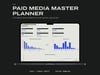


Paid Media Master Planner
A media plan you can hand to a client: budget by channel, placements logged line by line, pacing against the ideal spend line, and a report block at the end of it.
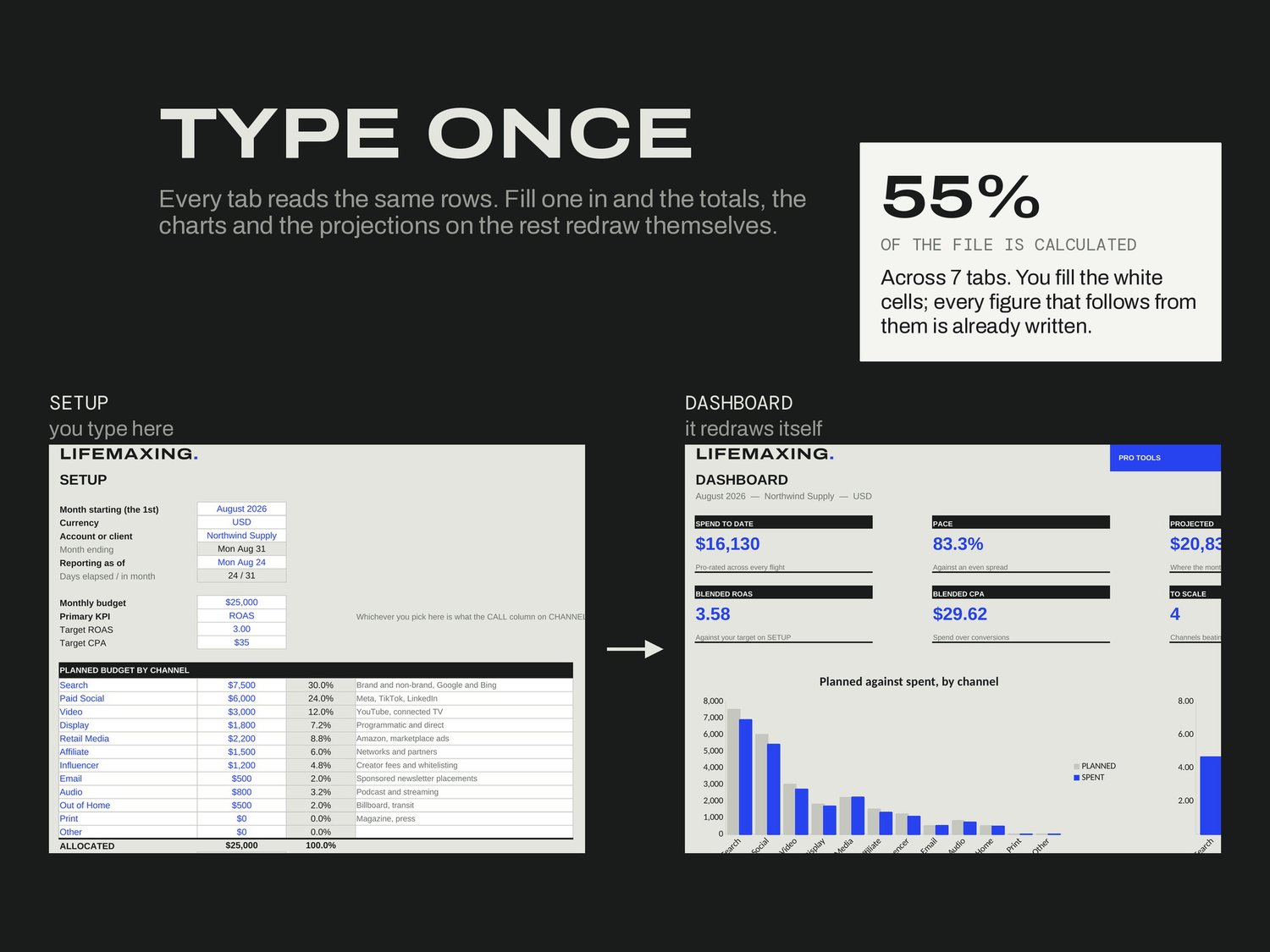
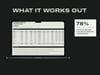
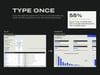
Setup takes the month, the budget, the planned split across twelve channels, and your primary KPI. That KPI choice is load-bearing, because it decides how every channel gets judged later. Placements is one row per line item with flight dates, spend, impressions, clicks, conversions and revenue; the six efficiency metrics calculate themselves.
WHAT'S INSIDE
Start Here - how the file works, and what each metric is for
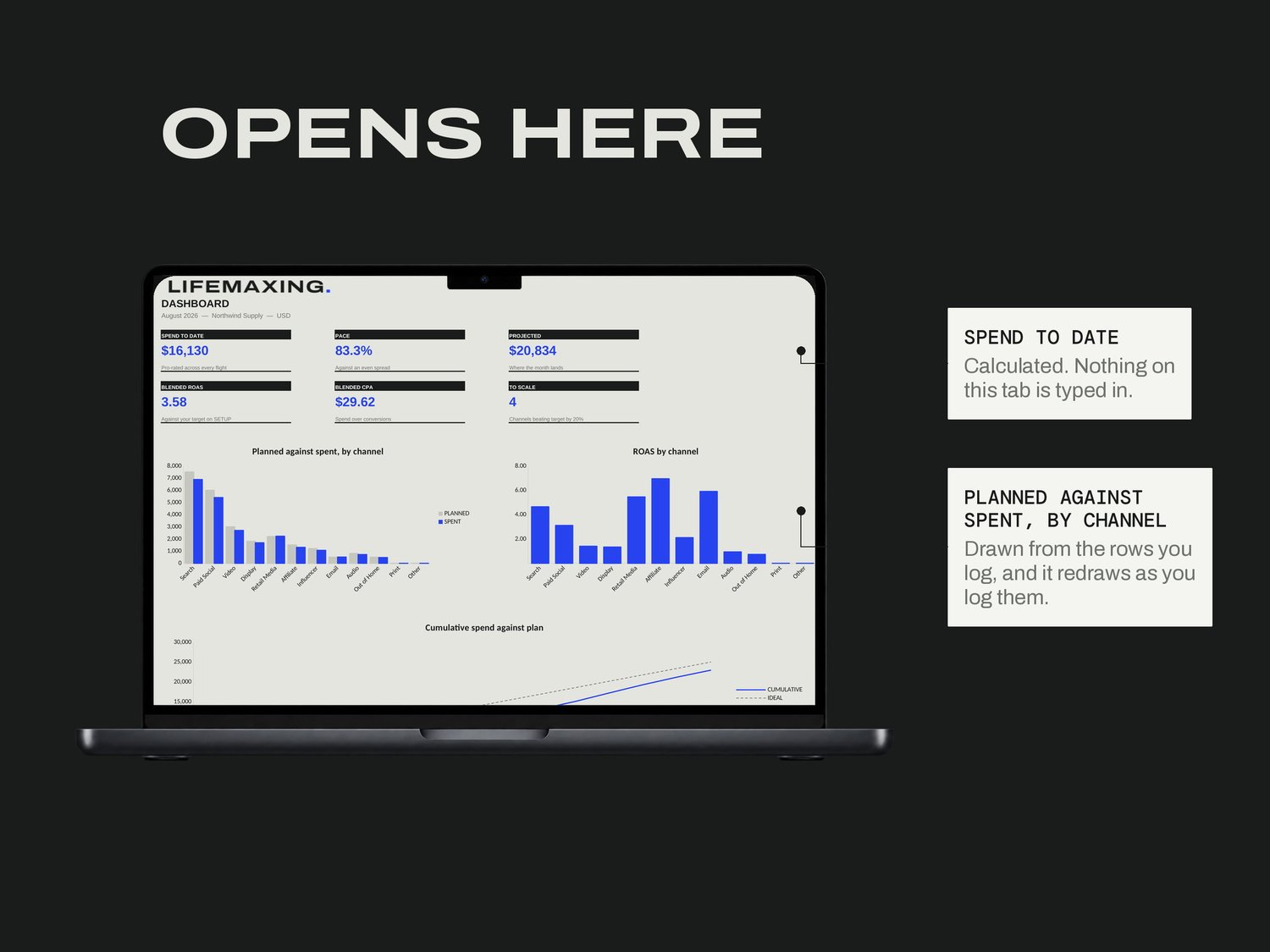
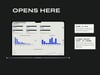
Dashboard - the month in six numbers and three charts
Setup - month, budget, channel split, primary KPI
Placements - one row per line item
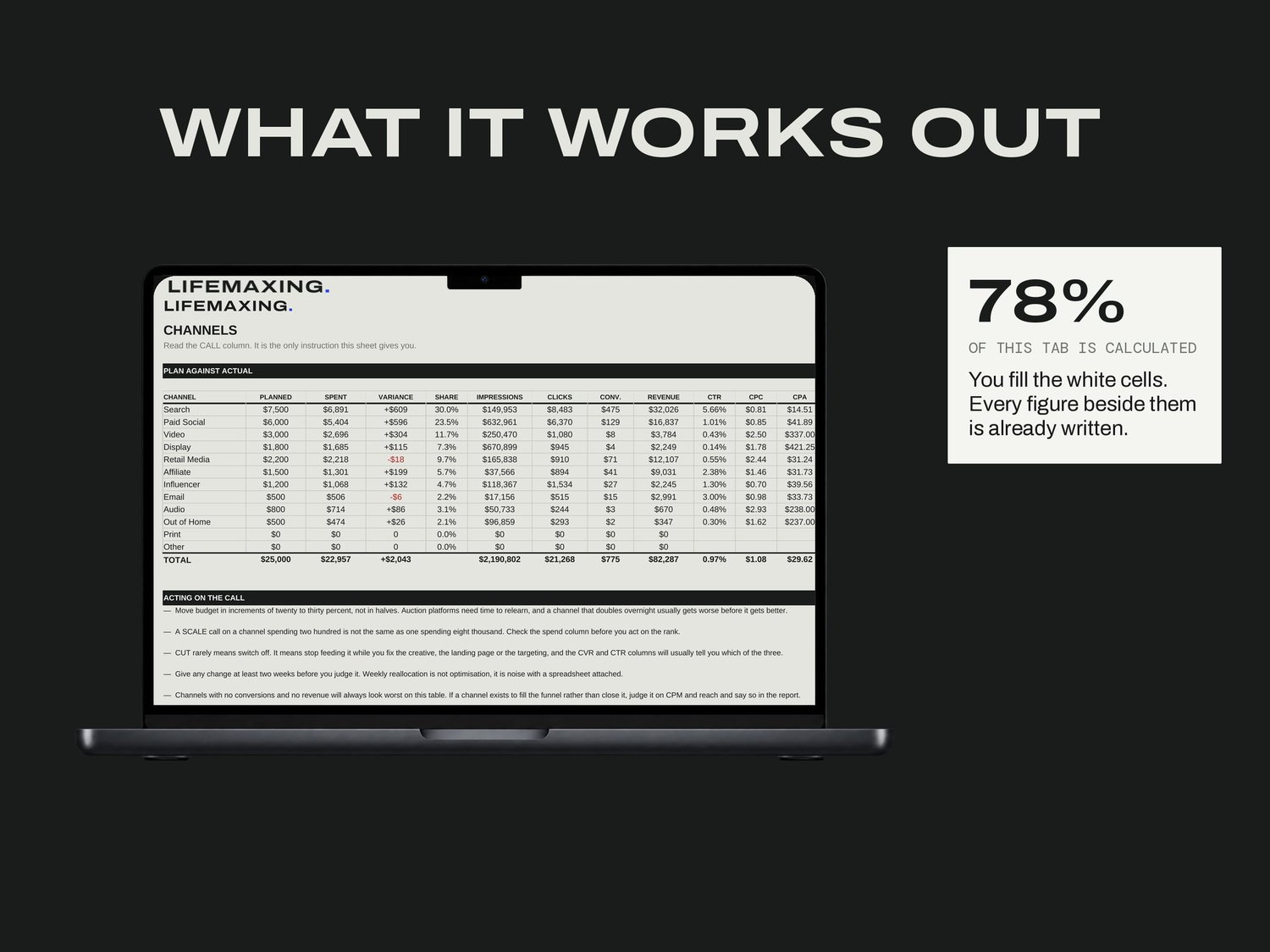
Channels - plan against actual, with the CALL column
Pacing - daily spend against the ideal line, and the projection
Report - a clean summary block for whoever asks
THE PART NOBODY ELSE BUILDS
Impressions, clicks and conversions are three separate columns on purpose. Most budget templates collapse them into one, which makes every cost-per figure meaningless, because you cannot tell what it is a cost per. The Start Here tab also says plainly what ROAS is not: revenue over spend is not profit, and a 3.0 on a forty per cent margin product is roughly break-even once cost of goods is counted. Pacing exists for the failure nobody writes about, which is underspending a budget by twenty per cent and finding out in the last week.
WHAT YOU GET
Excel workbook (.xlsx)
Google Sheets template - one click to copy
Setup instructions (PDF)
Free updates for life
BEFORE YOU BUY
Works in Microsoft Excel 2016 and later, and in Google Sheets. No platform connections and no imports. It is not an allocator: the channel split is typed by hand, and the file judges and paces rather than deriving your budget. Digital download, all sales final.