
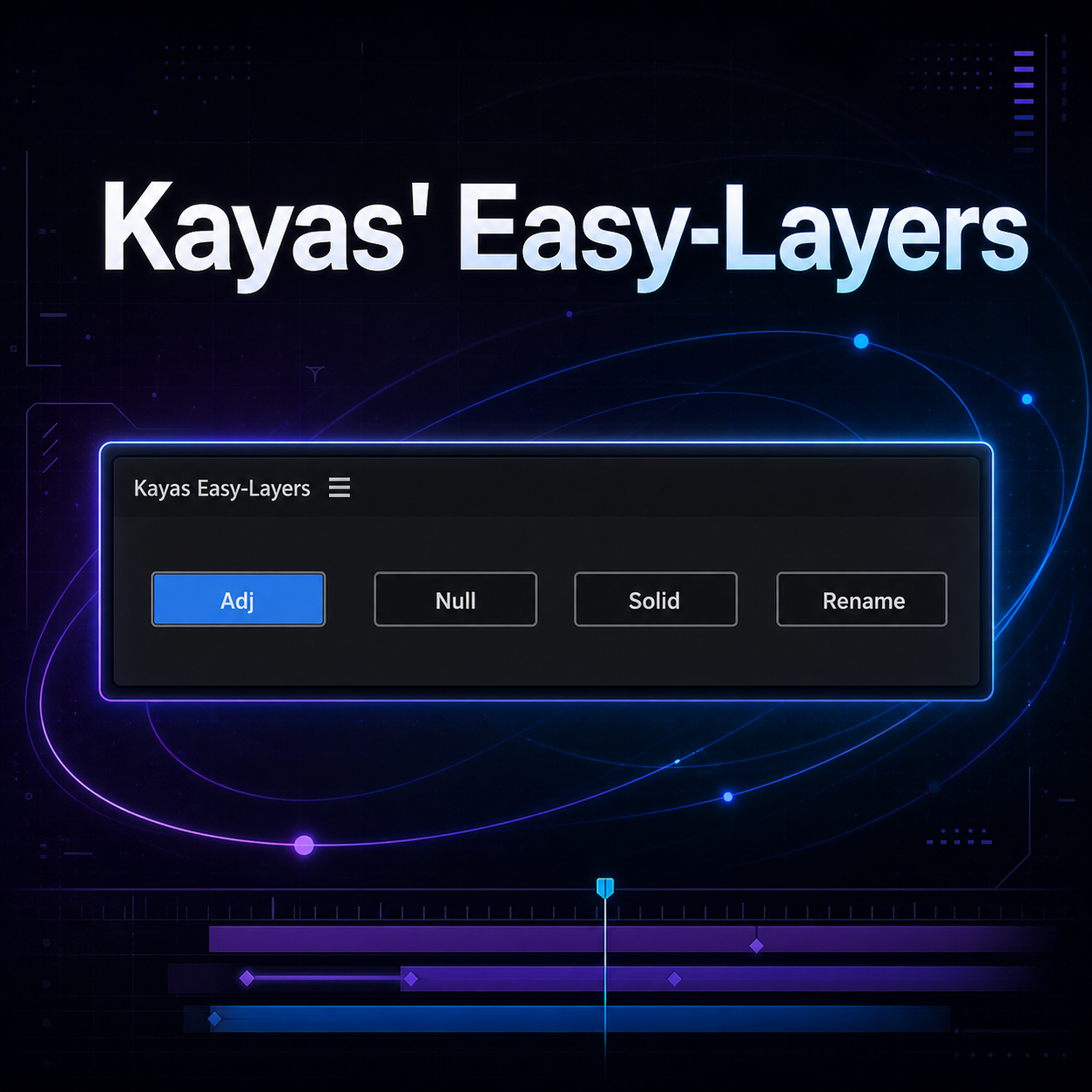
Kayas' Easy Layers
Kayas' Easy-Layers - fast layer workflow tool for Adobe After Effects.
A simple AE panel for quickly creating adjustment layers, nulls, solids and keeping your timeline organised.
What's Included
⚡ Fast Adjustment Layer
◆ Fast Null
■ Fast Solid
✦ Smart Rename
📁 1 simple AE panel
🚀 One-click layer creation and cleanup
🔄 Free future updates
Adjustment Layer
Creates an adjustment layer and automatically trims it to the selected layer. If nothing is selected, it creates a full-comp adjustment layer.
Null
Creates a null for your selected layer, adds transform keyframes and Motion Tile, then automatically parents the layer to the null.
Solid
Creates a black solid and trims it to the selected layer. If nothing is selected, it creates a full-comp solid.
Smart Rename
Automatically cleans up layer names based on the layer type or effects being used.
For example: Adj, Solid, Null, 1framer, Glow, Curves, Motion Tile or Glow+Curves.
Plugin Requirements
- Easy-Layers uses native After Effects scripting, so no third-party plugins are required.
- Smart Rename can recognise both stock AE effects and third-party plugin effects already being used in your project.
Compatible with Adobe After Effects.