

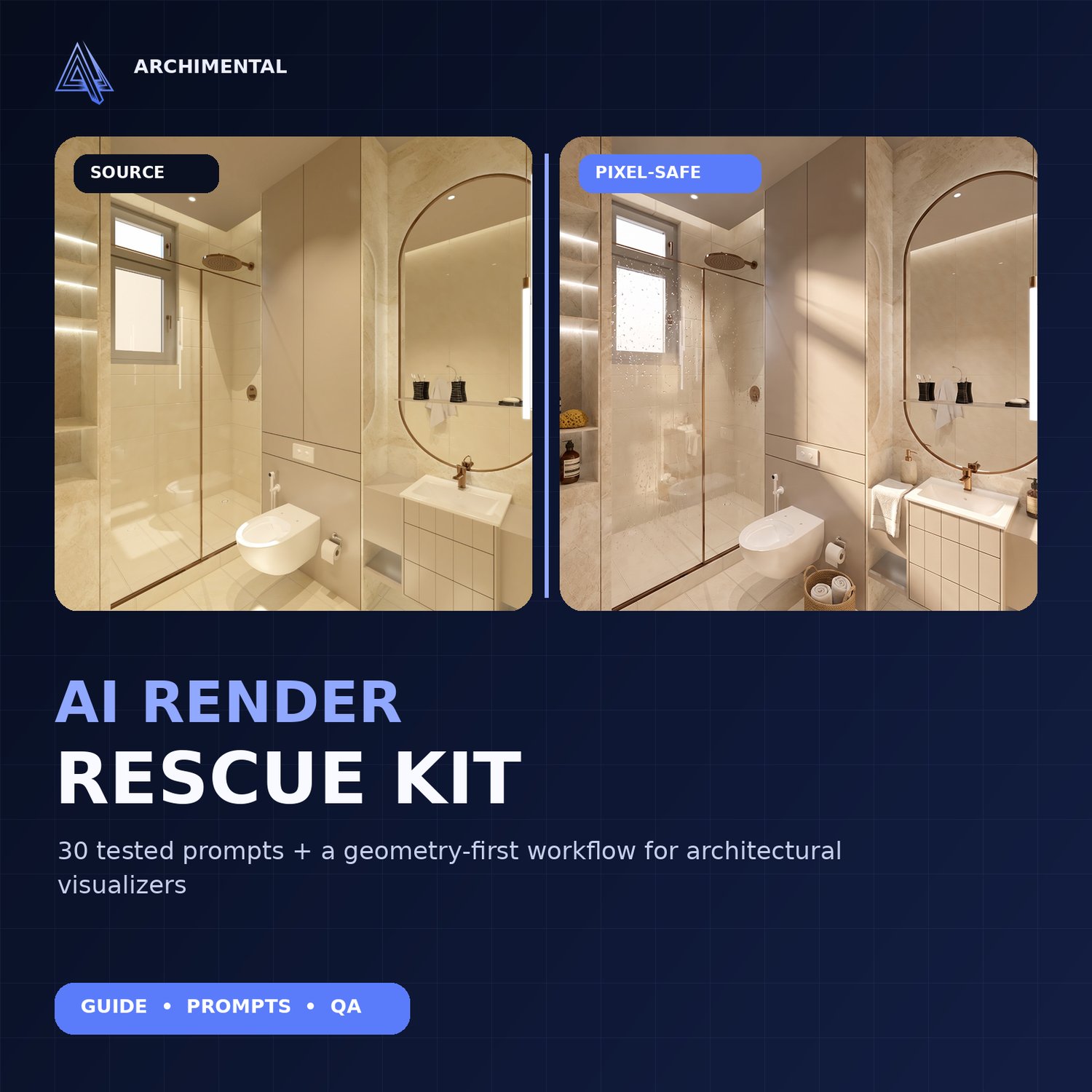
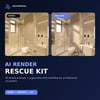
AI Render Rescue Kit — 30 Prompts + Geometry First Workflow
Make architectural renders client-ready without gambling with the design.
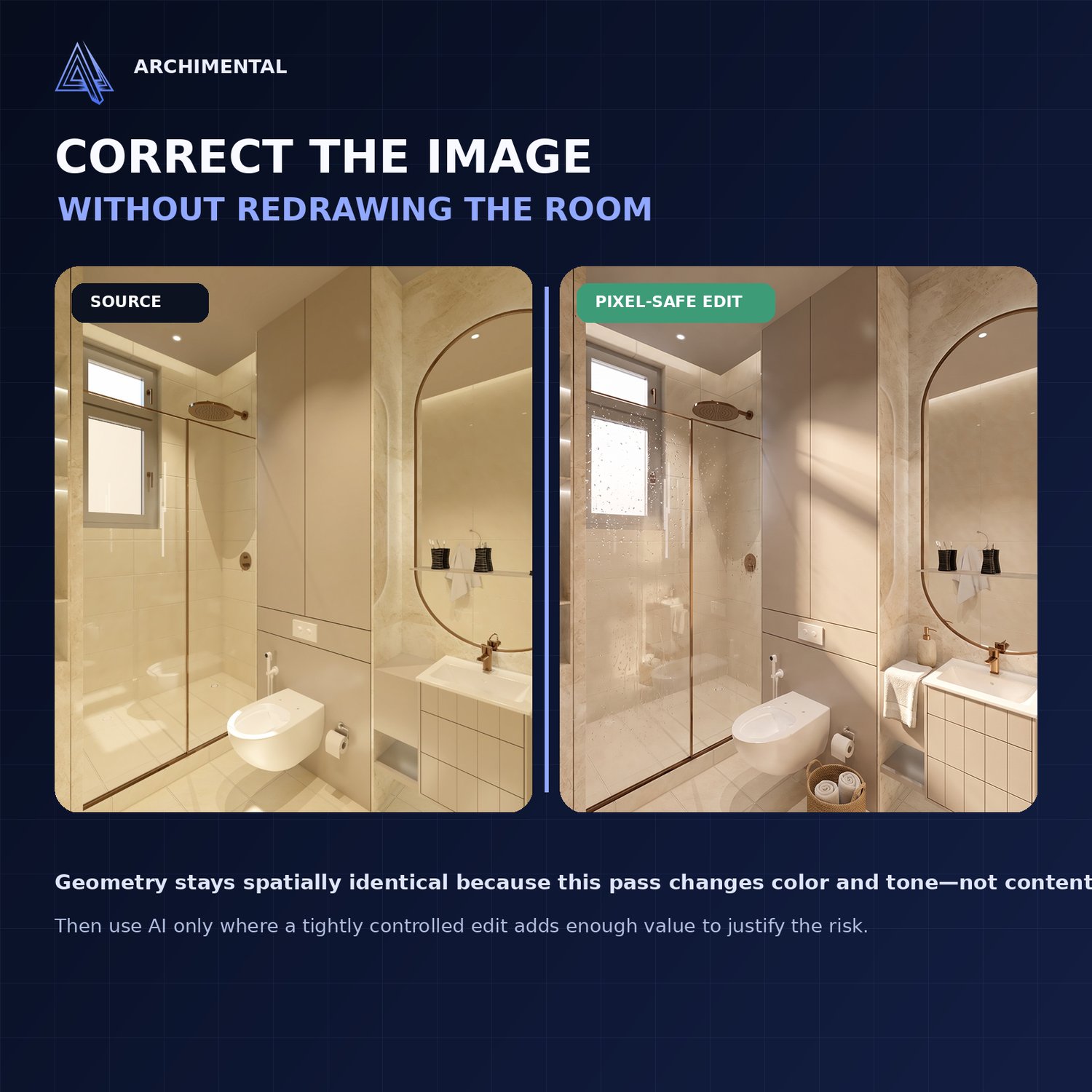
AI image tools can improve materials and mood — but they can also quietly redraw furniture, openings, mirrors, signage and fine details. The Archimental AI Render Rescue Kit gives architects, interior designers and 3D visualizers a practical system for deciding what to correct safely, what to edit with AI, and what to reject.
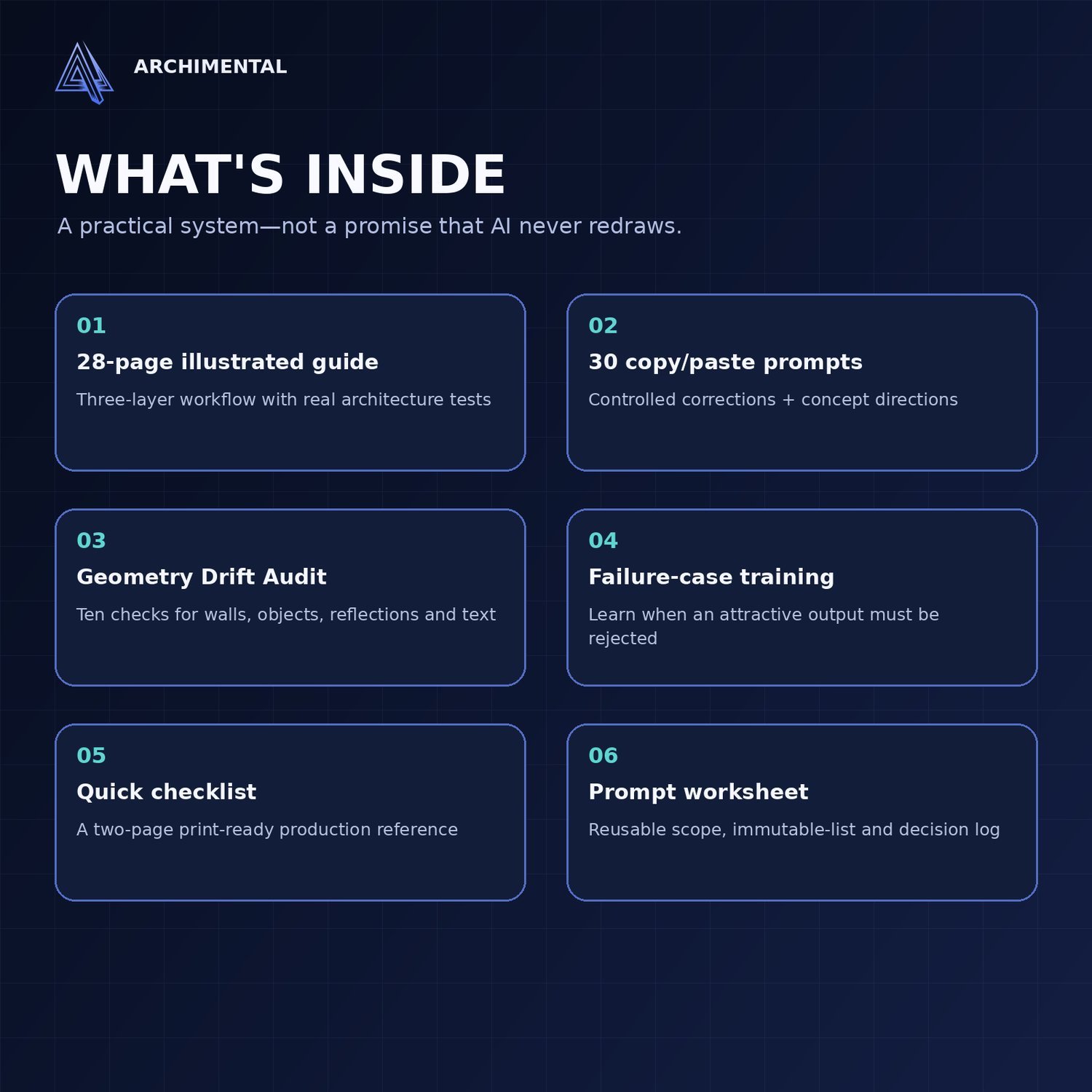
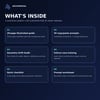
WHAT'S INSIDE
✓ 28-page illustrated guide with real architectural case studies
✓ 30 copy/paste prompts for controlled corrections and concept directions
✓ Geometry Drift Audit with 10 checks for walls, objects, reflections and text
✓ Two-page print-ready quick checklist
✓ Reusable prompt test worksheet and decision log
✓ Single-seat commercial-use license
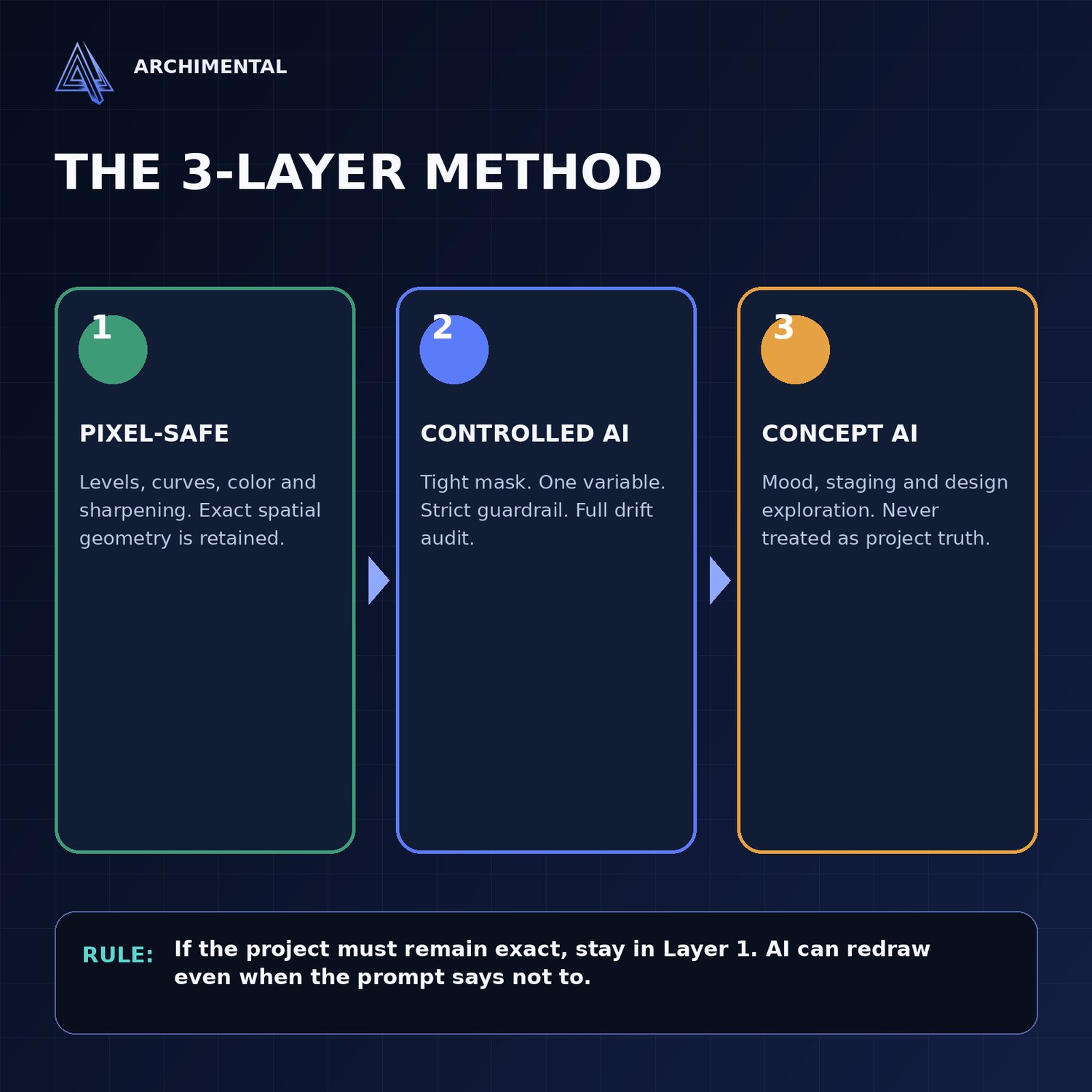
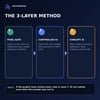
THE 3-LAYER METHOD
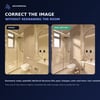
1. Pixel-safe correction — improve tone, color, contrast and sharpness without generating new content.
2. Controlled AI — use a tight mask, one variable, a strict guardrail and a full drift audit.
3. Concept AI — explore mood, staging and materials while clearly treating the result as a visual study.
BUILT FOR
• Architects and interior designers
• 3D artists and architectural visualizers
• Revit, SketchUp, 3ds Max, Blender, Lumion, Enscape, D5 and Twinmotion workflows
• Freelancers preparing client presentations or portfolio images
FORMAT
One downloadable ZIP containing PDF, TXT, DOCX and Markdown files. The workflow is tool-agnostic. Pixel-safe examples use ordinary browser-based photo editing; AI prompts can be adapted to image tools that support editing or masking.
IMPORTANT
Generative AI can still alter geometry, objects, text and reflections. This kit does not promise perfect AI preservation. It teaches a controlled workflow, including when to reject an attractive result. Your original CAD/BIM model and source render remain the authority. Tool availability and limits can change.
Launch price: $9.