

Creating an Animated GIF in Adobe Photoshop | Distance Learning Activity & Tutorial
Pixel the Gif Genie’s Animated Adventure!
“Hello, young creators! I’m Pixel the Gif Genie, and I’m here to grant you the power to make your very own animated GIF using Adobe Photoshop! 💻
With a sprinkle of creativity and a few simple Photoshop skills, you’ll transform ordinary photos or clip art into a moving masterpiece that loops forever!”
🎯 What You’ll Learn:
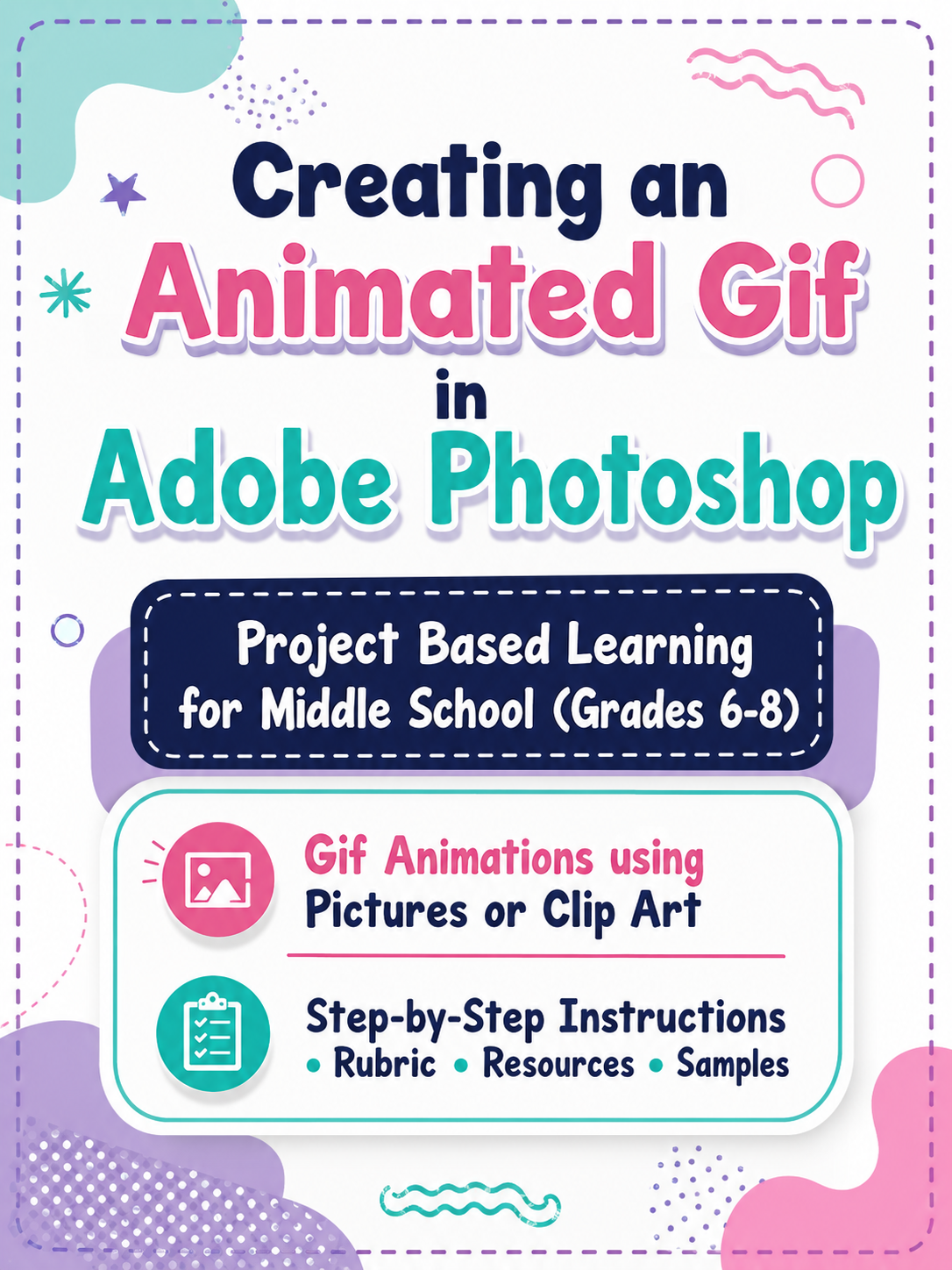
✅ Step-by-step instructions for making an animated GIF
✅ How to use Photoshop’s layers and animation features
✅ Cool tips to improve your Photoshop skills while having fun
💡 What’s Included in the Project Pack:
🎓 Teacher Notes & Resources – Everything your teacher needs to guide you
⚡ Quick Start Photoshop Tutorial – Perfect for beginners
🖼️ Animated Gif Project Guide & Rubric – Follow along and track your progress
📂 Sample Project Files – A real Photoshop (.psd) file and finished GIF to inspire your design
🎨 Why Students Love It:
✨ It’s a fun way to level up Photoshop skills while creating something you can share with friends
✨ Perfect for grades 6–12 (and even adults!)
✨ Great for distance learning—upload to Google Classroom, Canvas, Edmodo, or share on Google Drive
💡 Pixel’s Genie Tip:
Start with simple photos or clip art, then add your own creative touches to make your animation pop! 🌈
🎉 Ready to Make Your Magic?
Open Photoshop, follow the steps, and let Pixel the Gif Genie help you turn your imagination into a moving masterpiece!