

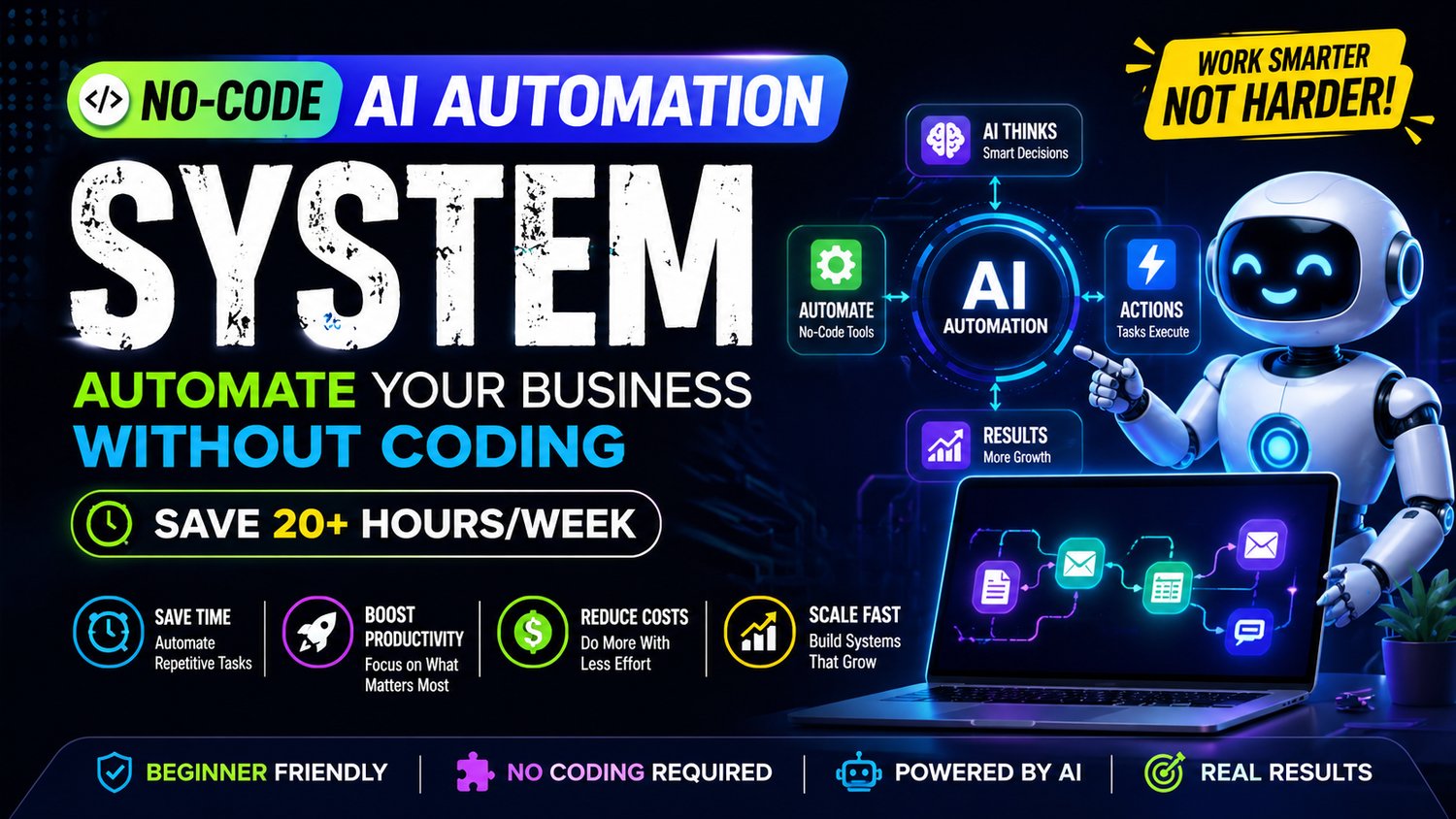
No-Code AI Automation System 2026 – Automate Your Business Without Coding | Save 20+ Hours/Week with AI Workflows
🤖 Automate Your Business Without Coding & Save 20+ Hours Every Week
What if you could automate your entire business—without writing a single line of code?
This powerful step-by-step No-Code AI Automation System shows you how to use AI tools and automation platforms to handle repetitive tasks, streamline workflows, and scale your business faster.
👉 No coding skills required
👉 No technical experience needed
👉 No complex setup
Just simple, powerful automation systems that work
⚡ What You’ll Learn
✔ How to automate your daily business tasks using AI
✔ Build powerful no-code workflows (step-by-step)
✔ Automate content creation, emails & operations
✔ Use AI tools to reduce manual work
✔ Create systems that run your business on autopilot
📦 What You’ll Get
✔ Complete no-code automation system
✔ Step-by-step workflow setup guide
✔ AI tools & automation stack explained
✔ 7-day implementation plan
✔ Ready-to-use templates & automation ideas
🎯 Who This Guide Is For
- Entrepreneurs & small business owners
- Freelancers & consultants
- Content creators
- Anyone who wants to save time & scale faster with AI
🚀 What Makes This Guide Different
Most automation guides are complicated and technical.
This guide gives you a simple, actionable system:
👉 Task → AI → Automation → Output
So you can:
✔ Save time
✔ Increase productivity
✔ Scale your business
⏱ Results You Can Expect
- Save 20+ hours every week
- Automate repetitive work
- Improve efficiency
- Build scalable AI-powered systems
🔥 Why This is Trending
No-code automation + AI is one of the fastest-growing business trends in 2026
👉 And this guide gives you the exact system to start
📱💻 How to Open & Use This Guide
This guide is provided in HTML format, which means it opens like a website—no installation needed 😊
👉 Works on both mobile and desktop devices
👉 For the best experience, use Google Chrome
📲 On Mobile (Android / iPhone)
Download the HTML file to your device
Open it using Google Chrome
Tap the file → it will open instantly like a webpage
💻 On Desktop (Laptop / PC)
Download the HTML file
Right-click on the file
Select “Open with → Google Chrome”
The guide will open in your browser
⚠️ Important Tips
Use Chrome browser for best performance
Avoid opening in unsupported apps
No software or setup required
🚀 Start Automating Today
Stop wasting time on repetitive tasks.
Start building AI-powered systems that work for you 24/7
👉 Download now and transform your productivity