
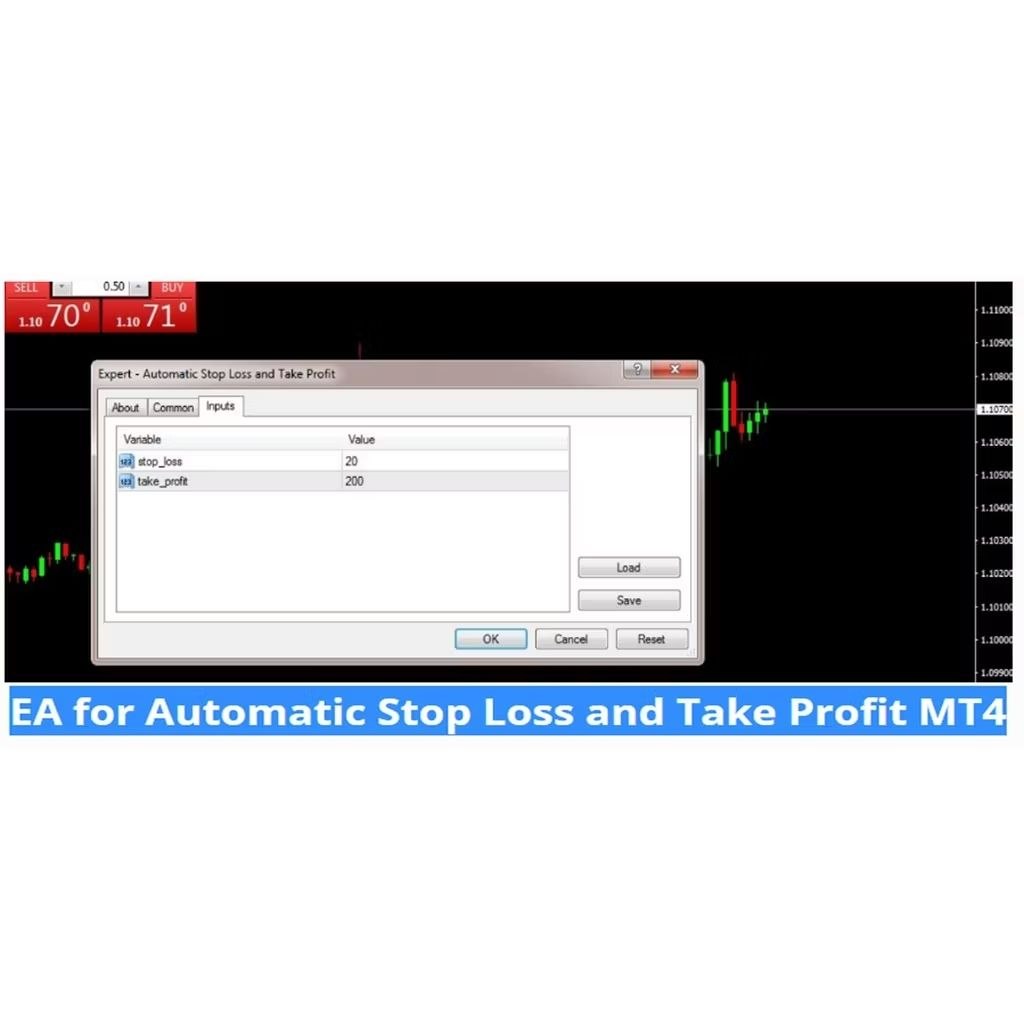
Automatic Stop Loss and Take Profit
1. Copy the EA to your MT4 experts folder and that’s it!
2. File –> Open data folder –> MQL4 –> Experts
Characteristics of This EA
Set automatically stop loss and take profit for every new order.
You can Set SL and TP values in EA settings option.
This EA works for all of the orders on the platform so there is no need to attach it on every chart.
This is very useful for intraday traders and scalpers.
Recommended Brokers: FXTM, FBS and OctaFx
How to use this Superb EA
Follow these Steps
Step 1
Open the ” Automatic Stop Loss and Take Profit” EA by double click on it.
Step 2
Go to Common Tab and enable “Live Trading”
Step 3
Go to ” Input” Tab and here you can set your Stop loss and Take Profit Values.
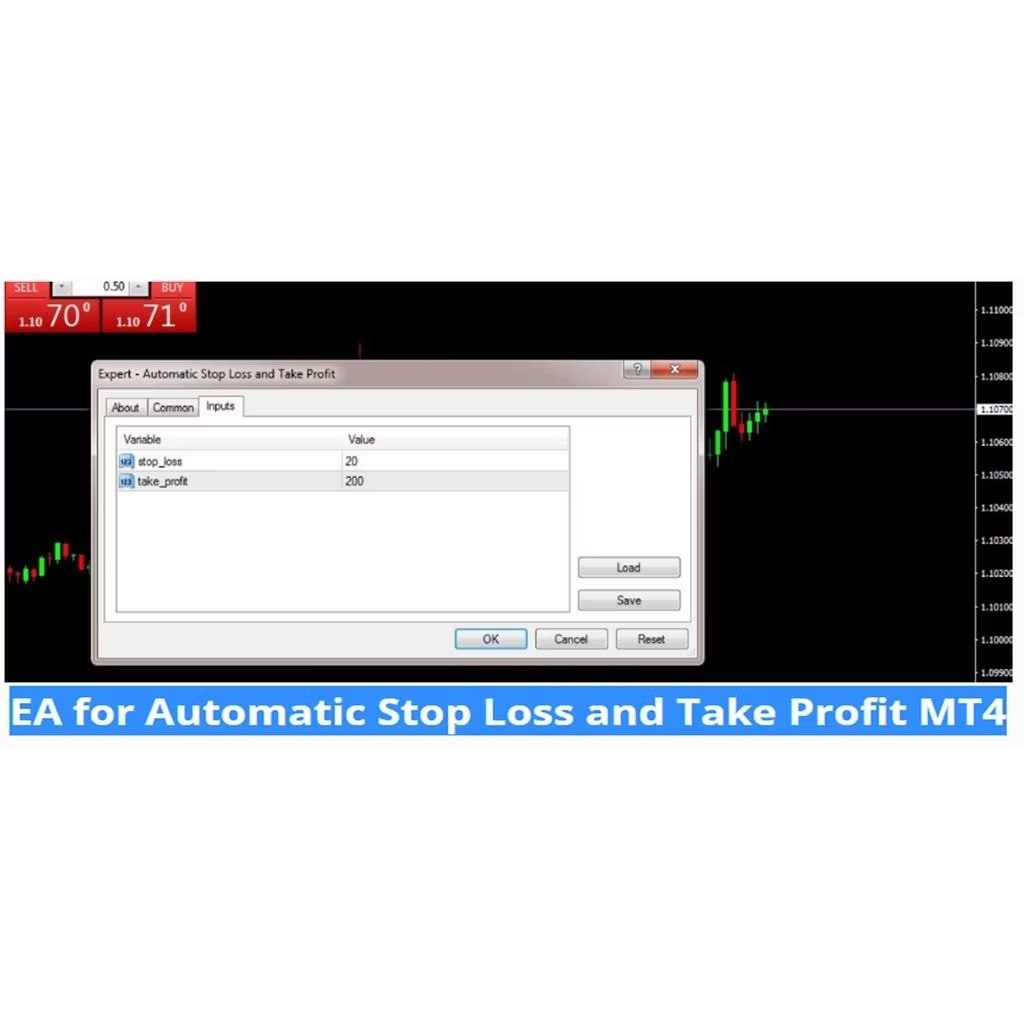
For example if you want to set
Stop loss: 10 Pips
Take Profit: 30 Pips
Adjust these values here