

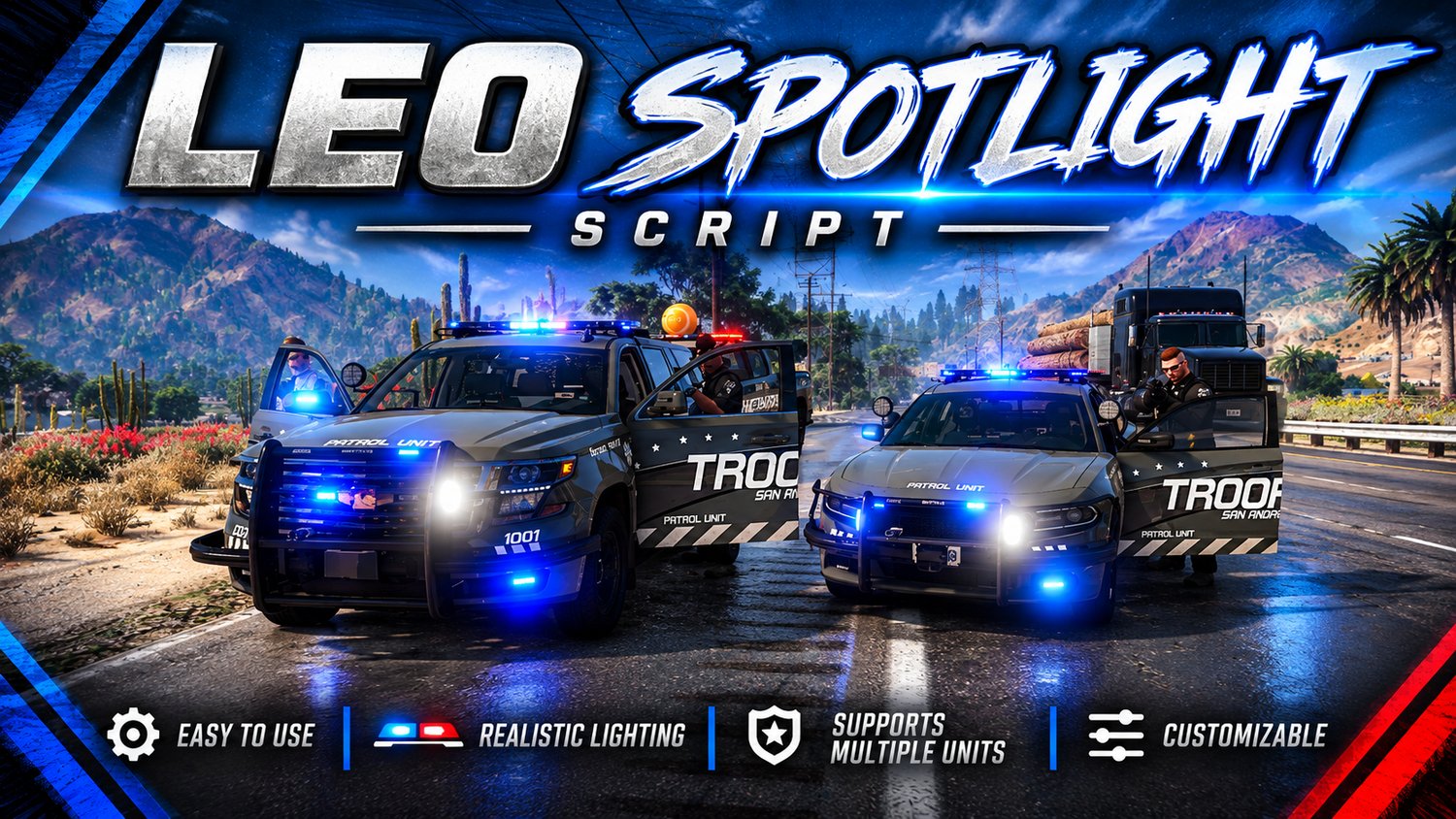
LEO Spotlight
On Sale
$10.00
$10.00
LEO Vehicle Spotlight
Bring added realism to your FiveM patrol vehicles with the LEO Vehicle Spotlight script!
This standalone resource adds a functional vehicle-mounted spotlight that follows your camera while aiming and can be locked into position for continued use while driving.
Features
- Standalone resource.
- Compatible with Qbox and other frameworks.
- Camera-controlled spotlight aiming.
- Lockable spotlight direction.
- Network synchronization.
- Adjustable beam brightness, distance, and radius.
- Configurable spotlight mounting position.
- Optional emergency vehicle restriction.
- Smooth spotlight movement.
Controls
- Hold H: Turn on the spotlight and aim it using your camera.
- Press E while holding H: Lock the spotlight in its current direction.
- Release H: Turn off the spotlight if it has not been locked.
- Hold H again: Resume aiming or turn off the spotlight by releasing without locking.
Installation
- Place the resource folder into your server's resources directory.
- Add ensure leo_spotlight to your server.cfg.
- Restart your server or start the resource.
Configuration
Customize the spotlight through config.lua, including:
- Hold key.
- Emergency vehicle restrictions.
- Mounting position.
- Light brightness.
- Light distance and radius.
- Network synchronization and smoothing.
Important Information
- No separate vehicle model or spotlight asset is included.
- Spotlight beam is generated through scripted GTA lighting.
- This is a standalone resource and does not require a specific framework.
Developed and distributed by xStanton Designs.
© 2026 xStanton Designs. All Rights Reserved.