

BatchFilter AI
On Sale
₹449.00
₹449.00
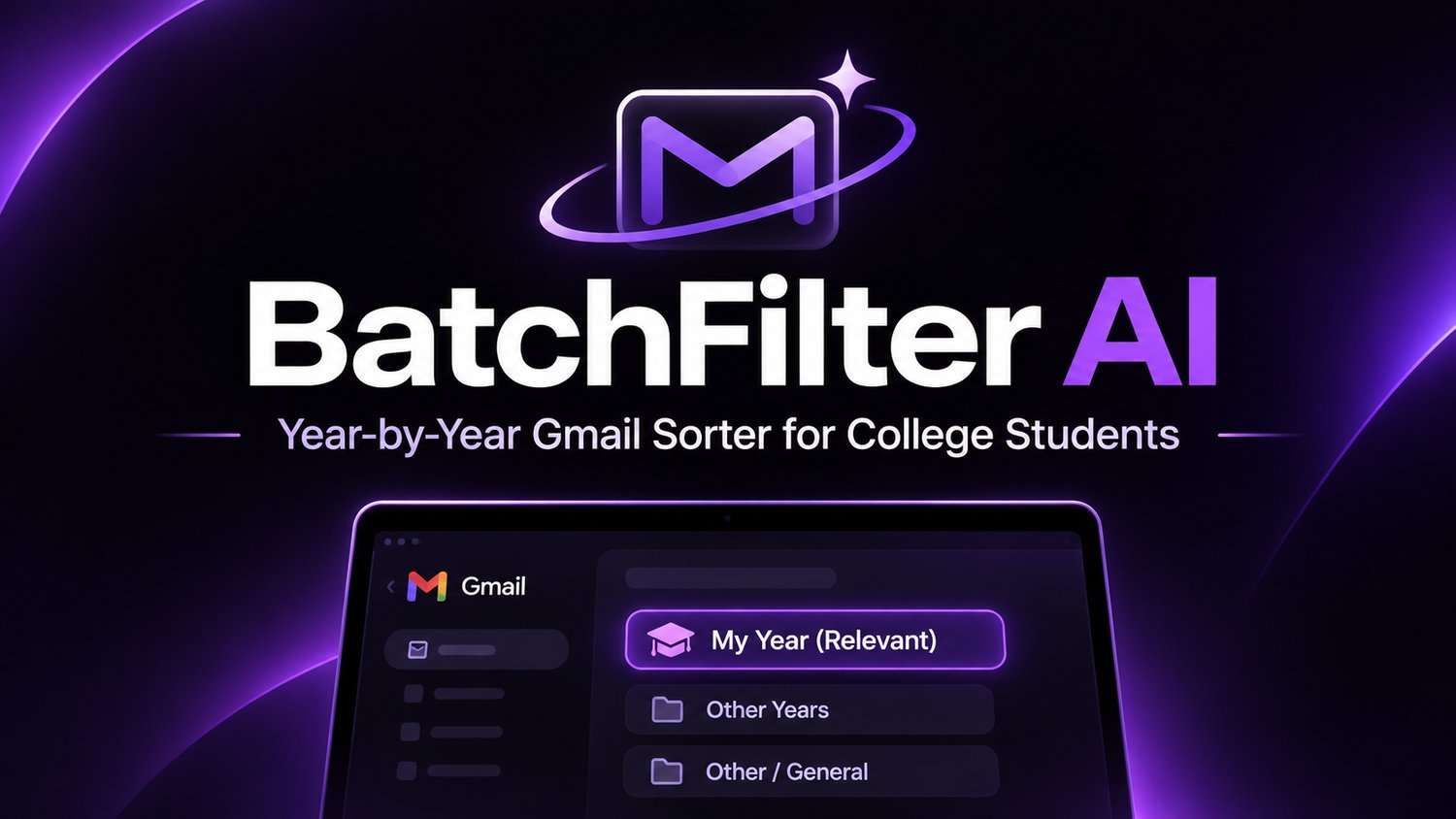
BatchFilter AI
Year-by-Year Smart Gmail Sorter for College Students
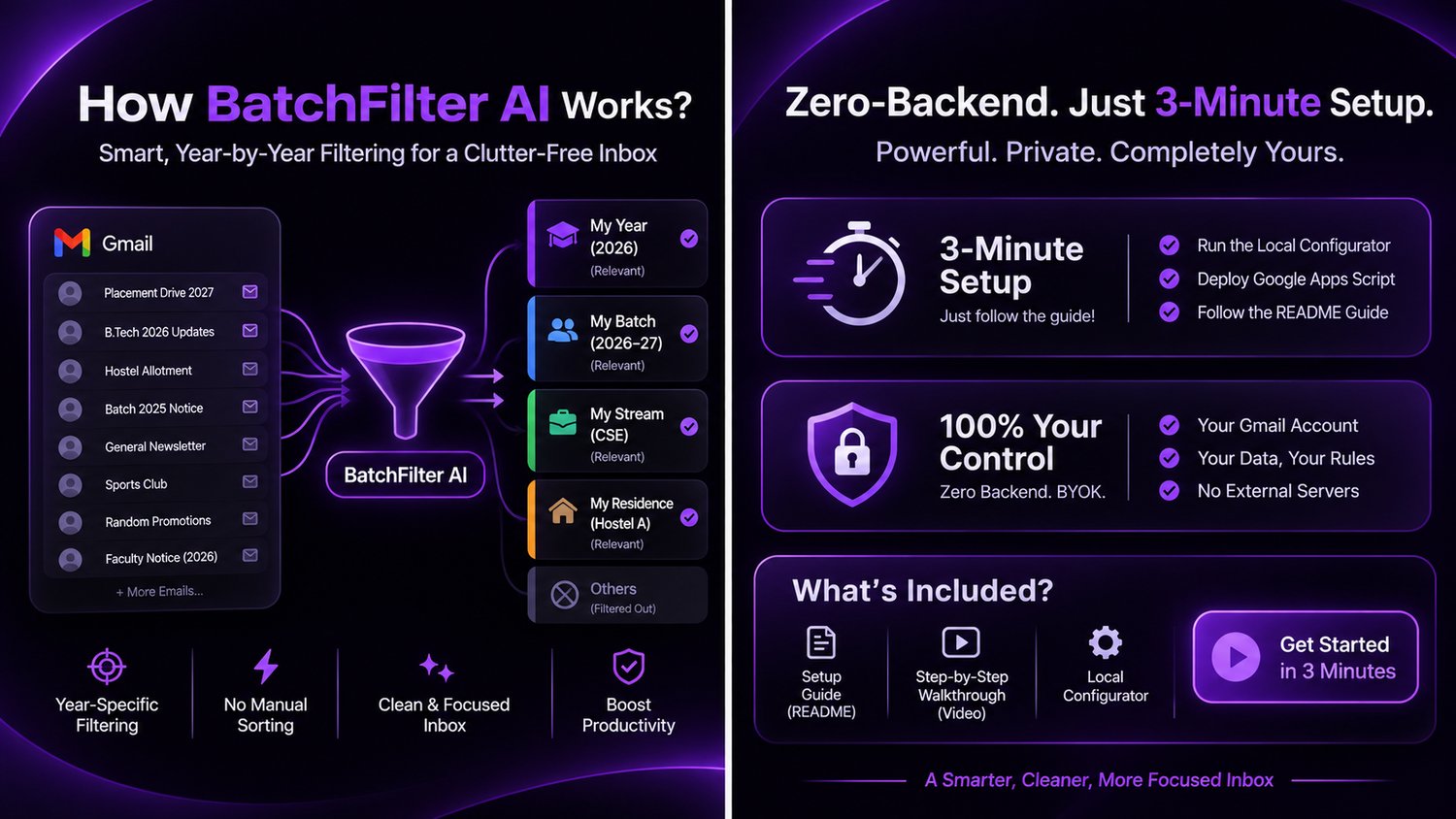
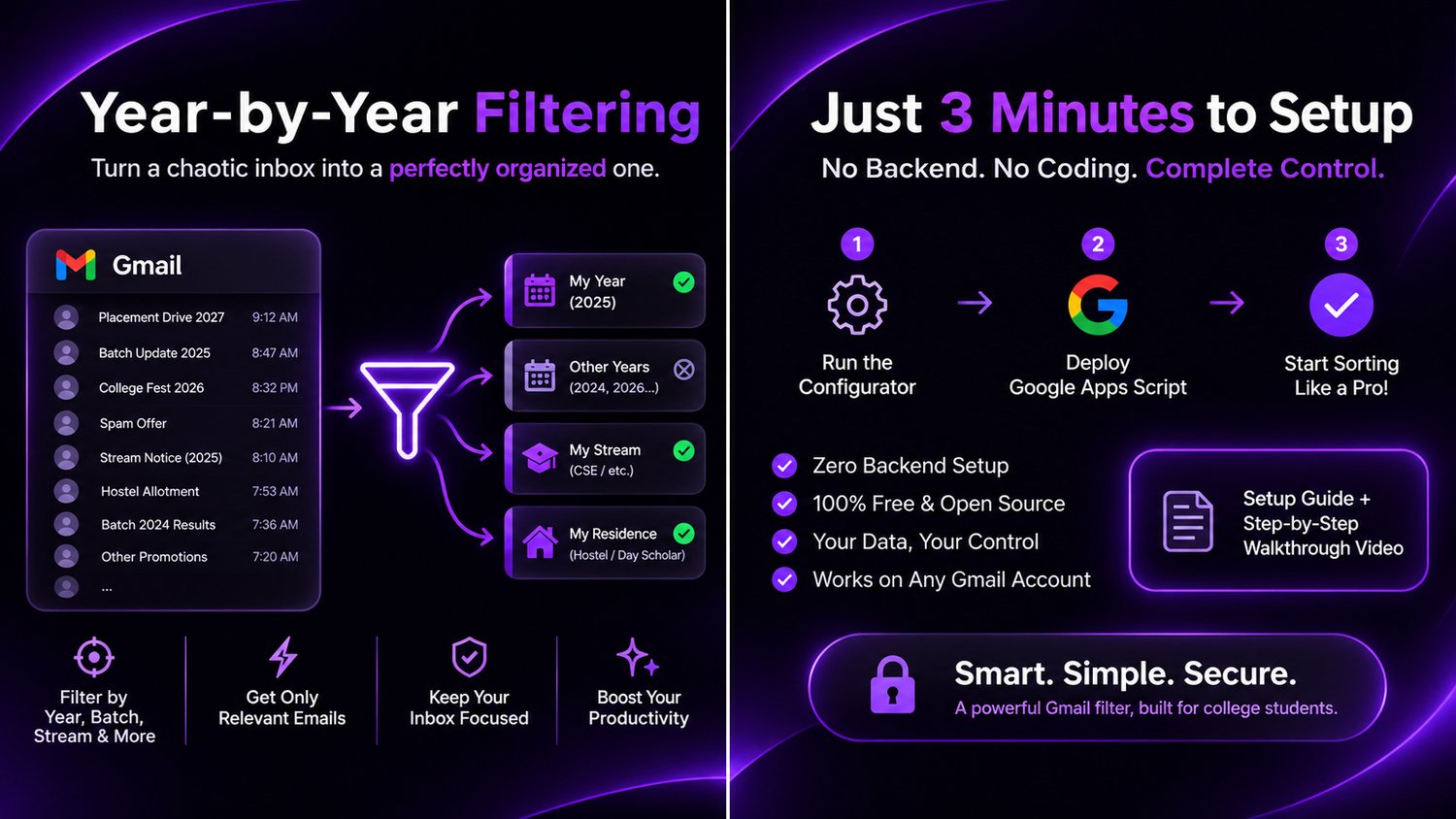
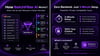
Stop drowning in hundreds of irrelevant college emails. BatchFilter AI automatically sorts incoming and existing college emails so you see what actually applies to your year, batch, stream, and residence—while separating other-year notices, campus noise, and spam.
⚠️ READ THIS FIRST — HOW THIS PRODUCT WORKS
BatchFilter AI is a local configurator (index.html) + step-by-step setup video + written guide (README.txt) — NOT a hosted SaaS app or login website.
- You open index.html on your computer, fill in your college details and API key, and click Generate script to get your custom Google Apps Script code.
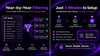
- Setup takes ~3 minutes and just a few clicks inside Google Apps Script.
- Watch the included step-by-step setup video and follow README.txt to paste the script, approve Google permissions once, and run setup so your inbox automation starts working smoothly.
Why Students Use BatchFilter AI
- Year & Batch Relevance First: Checks whether an email targets your year/batch (1st Year to 4th Year), stream/branch, residence (Hosteller / Day Scholar), and college before anything else—so 2nd-year students aren't buried in freshers' orientation emails, and freshers aren't flooded with senior placement drives.
- Clean, Automatic Gmail Labels: Creates clean labels directly from your categories (such as My Year & Actionable, Deadlines & Exams, Other Years (Freshers / Seniors), and Low Priority & Noise) plus custom categories you add yourself.
- Auto-Archive & Auto-Star: Automatically archives other-year/low-priority noise out of your main Inbox (while keeping it findable under its label or All Mail) and stars urgent/deadline emails relevant to your profile.
- Backlog Cleaner + 24/7 Ongoing Sorting: Run cleanExistingBacklog in batches to clear large existing unread inboxes, then let processCollegeInbox automatically sort newly arriving emails on your chosen schedule (1, 5, 10, 15, or 30 minutes).
- Zero Monthly Subscriptions (BYOK): Works with your own Google Gemini (free tier available), OpenAI, Anthropic Claude, or OpenRouter API key—no recurring platform fees and no third-party backend holding your inbox data.
Safe Google Permissions & "Don't Panic" Troubleshooting
Why You See the Google Permission Screen (And Why It's Safe)
When you click Run in Google Apps Script (script.google.com) for the first time, Google asks you to Review permissions.
- It is completely safe because you are running your own script inside your own Google account—it is a personal automation script on your own Google Apps Script project, not an external third-party app collecting your data.
- When Google shows the unverified-app warning on your own script, click Advanced → Go to project (unsafe) → Allow, and check the permission boxes so the script can create Gmail labels, sort/archive/star threads, run background triggers, and call your chosen AI API. (The included setup video walks through this exact screen click by click.)
Don't Panic If You Hit an API / Connection Error
- Test button says fetch was blocked in browser: Opening index.html locally (file://) or using a browser extension/VPN can block browser test requests. That does not stop Google Apps Script, because the script runs on Google's servers via UrlFetchApp.
- Temporary 429 (rate/quota limit) or 503 (high demand / temporary spike): The script is built to retry and fall back across backup models automatically. If a run stops due to temporary limits or quota, don't panic—nothing breaks; just wait a few minutes and run again, or switch to a lighter/free model option in the configurator.
- 401 / 403 or 404: Usually means an incorrect/expired API key (401/403) or an invalid/retired model ID (404). Double-check your key or pick another model from the dropdown / type a valid model ID and regenerate.
What's Included in Your Download (.ZIP)
- index.html — Zero-backend dark & electric purple configurator (Student profile, Categories, API key, and Script with final check, Copy/Download, and step-by-step instructions).
- Setup_Walkthrough_Video.mp4 — Complete step-by-step screen recording showing how to configure index.html, get a free API key, paste the script into Google Apps Script, approve permissions safely, and verify your sorted Gmail labels.
- README.txt — Complete written setup guide covering API keys, running setupBatchFilter / runManualTest / cleanExistingBacklog, pausing/removing labels, updating next year, and troubleshooting.
Requirements & Important AI Disclaimer
- Requires a Gmail account (personal or Google-hosted college mail), a desktop/laptop browser for setup, and a free or paid API key from Google Gemini, OpenAI, Anthropic, or OpenRouter.
- AI Limitation & Liability Disclaimer: BatchFilter AI uses third-party artificial intelligence models to classify and label emails automatically. AI tools can and do make mistakes—they may misclassify, miss, archive, or star an email incorrectly, and third-party AI APIs or Google services may change models, rate limits, or availability. Always verify important exam dates, fee deadlines, placements, attendance/hostel notices, and official communications directly in your inbox and original emails. By purchasing or using BatchFilter AI, you agree that the product is provided "as is" without warranties and the creator/seller is not liable for missed emails, mislabeled messages, schedule changes, lost opportunities, API usage/billing charges, or account/service issues.