

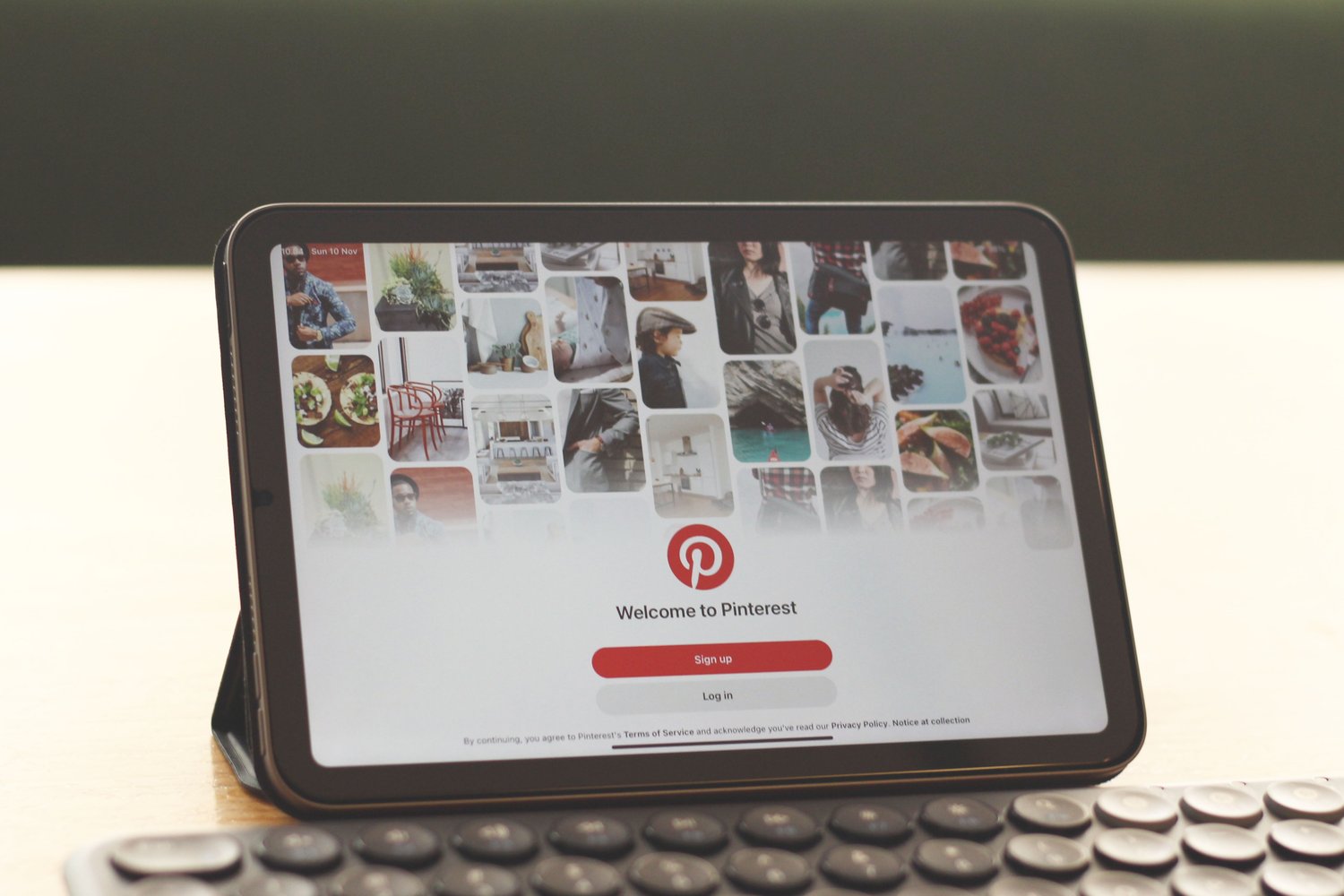
Pinterest isn't just another social media platform—it's a visual search engine where one great Pin can continue driving traffic for months or even years.
If you've ever wondered why some Pins get thousands of clicks while others barely receive any impressions, you're in the right place. The good news is that viral Pinterest Pins aren't based on luck. They follow proven design principles, SEO strategies, and consistency.
In this guide, you'll learn exactly how to create Pinterest Pins that attract attention, earn saves, and generate clicks in 2026.
What Makes a Pinterest Pin Go Viral?
A viral Pin is one that Pinterest continues recommending because users interact with it.
Pinterest looks at signals such as:
- Saves
- Outbound clicks
- Close-up views
- Engagement rate
- Relevance to search keywords
- Fresh content
The more people engage with your Pin, the more Pinterest distributes it to new audiences.
Step 1: Start with Keyword Research
Before designing anything, know what people are searching for.
Use Pinterest's search bar and begin typing your topic.
Examples:
- Pinterest marketing
- Healthy recipes
- Home organization
- Budget planner
- Wedding checklist
Pinterest will automatically suggest popular searches.
Use these keywords naturally in your:
- Pin title
- Pin description
- Blog title
- Image file name
Keyword research is the foundation of Pinterest SEO.
Step 2: Create an Eye-Catching Pin Design
Pinterest is highly visual.
Your design has only a few seconds to grab attention.
The best Pins usually include:
- Bold headline
- High-quality image
- Brand colors
- Easy-to-read fonts
- Plenty of white space
- Clear visual hierarchy
Avoid clutter.
Instead, focus on one clear message that immediately tells people what they'll gain by clicking.
Save hours of design time: Instead of creating every Pin from scratch, you can use my 👉 700+ Ready to Use Pinterest Pin Canva Templates. They're fully customizable, professionally designed, and make it easy to create scroll-stopping Pins in minutes.
Step 3: Use the Ideal Pinterest Pin Size
Pinterest recommends a 2:3 ratio.
Best size:
1000 × 1500 pixels
Avoid:
- Square graphics
- Horizontal images
- Extremely long Pins
Vertical Pins occupy more screen space, increasing visibility and click potential.
Step 4: Write Headlines That Spark Curiosity
Your Pin headline matters as much as the design.
Instead of:
"Pinterest Tips"
Try:
- 15 Pinterest Secrets Every Blogger Should Know
- The Pinterest Strategy That Doubled My Traffic
- Stop Making These Pinterest Mistakes
- How to Get More Pinterest Clicks in 2026
- Pinterest SEO Checklist
Strong headlines promise a clear benefit and encourage users to click for more information.
Step 5: Focus on Pinterest SEO
Pinterest is a search engine.
That means SEO plays a huge role.
Include your target keyword in:
- Pin title
- Description
- Board title
- Board description
- Blog post title
- Alt text (if applicable)
Avoid keyword stuffing.
Instead, write naturally while keeping your main keyword near the beginning.
Step 6: Design Fresh Pins
Pinterest rewards fresh content.
Instead of repeatedly publishing the exact same image, create multiple versions for the same blog post.
Change things like:
- Colors
- Headlines
- Background photos
- Fonts
- Layouts
Each new design gives Pinterest another opportunity to distribute your content.
Creating dozens of unique Pins is much easier with a ready-made template library. My 700+ Ready to Use Pinterest Pin Canva Templates let you quickly customize different layouts so you can publish fresh designs consistently without starting from a blank canvas.
Step 7: Add a Clear Call to Action
Never assume users know what to do next.
Include simple calls to action such as:
- Read More
- Learn More
- Discover How
- Get the Checklist
- See the Full Guide
Small changes like these can improve click-through rates.
Step 8: Use High-Quality Images
Blurry photos reduce trust instantly.
Choose images that are:
- Bright
- Clean
- High resolution
- Relevant to your topic
Lifestyle images often perform better because they help users imagine the result they're looking for.
Step 9: Publish Consistently
Pinterest rewards consistency over volume.
Instead of uploading 50 Pins in one day and disappearing for weeks, aim to publish fresh content regularly.
A consistent schedule helps Pinterest understand that your account is active.
Step 10: Track What Works
Don't guess.
Check Pinterest Analytics to see:
- Best-performing Pins
- Top keywords
- Click-through rates
- Saves
- Outbound clicks
Create more content based on what's already working.
The Pinterest Strategy Most Beginners Miss
Many creators spend hours making beautiful Pins but never develop a system for growing their reach.
Successful Pinterest creators follow a repeatable strategy that includes:
- Keyword research
- Pin design
- Content planning
- Publishing schedule
- SEO optimization
- Performance analysis
If you'd like a step-by-step roadmap instead of figuring everything out through trial and error, my
👉 Pinterest Starter Kit walks you through a practical Pinterest growth strategy that you can implement at your own pace.
Common Pinterest Mistakes to Avoid
Avoid these mistakes if you want more clicks:
- Using unreadable fonts
- Writing vague headlines
- Ignoring keywords
- Posting inconsistent content
- Reusing the exact same Pin repeatedly
- Designing cluttered graphics
- Forgetting a call to action
- Not analyzing performance
Small improvements in each area can make a noticeable difference over time.
Final Thoughts
Creating viral Pinterest Pins isn't about chasing trends or hoping for luck. It's about combining smart SEO, compelling design, strong headlines, and consistent publishing into a repeatable process.
As you build your Pinterest strategy, having the right resources can save you time and help you stay consistent. If you're ready to speed up your workflow, the 👉 700+ Ready to Use Pinterest Pin Canva Templates make it easy to create professional-looking Pins quickly. And if you want a complete roadmap for growing your Pinterest traffic and turning it into results, the 👉 Pinterest Starter Kit provides a structured strategy you can follow from start to finish.
Focus on creating value for your audience, keep testing new ideas, and continue refining your approach.
Over time, those small improvements can lead to Pins that consistently attract clicks, saves, and long-term traffic.