

Introduction
In the dynamic realm of design, effectively conveying ideas to clients is a pivotal challenge. Bridging the gap between imagination and realization requires a powerful tool - Mockups. This article explores how utilizing mockups can significantly enhance client engagement and presents best practices for showcasing designs with finesse.
What are Mockups?
Mockups are authentic representations of design concepts, crafted using digital tools or physical prototypes. They offer clients a visual preview of the final product's look and functionality. From static images to interactive prototypes, mockups streamline communication, reduce misunderstandings, and enable valuable client feedback.
The Benefits of Using Mockups
Visual Communication
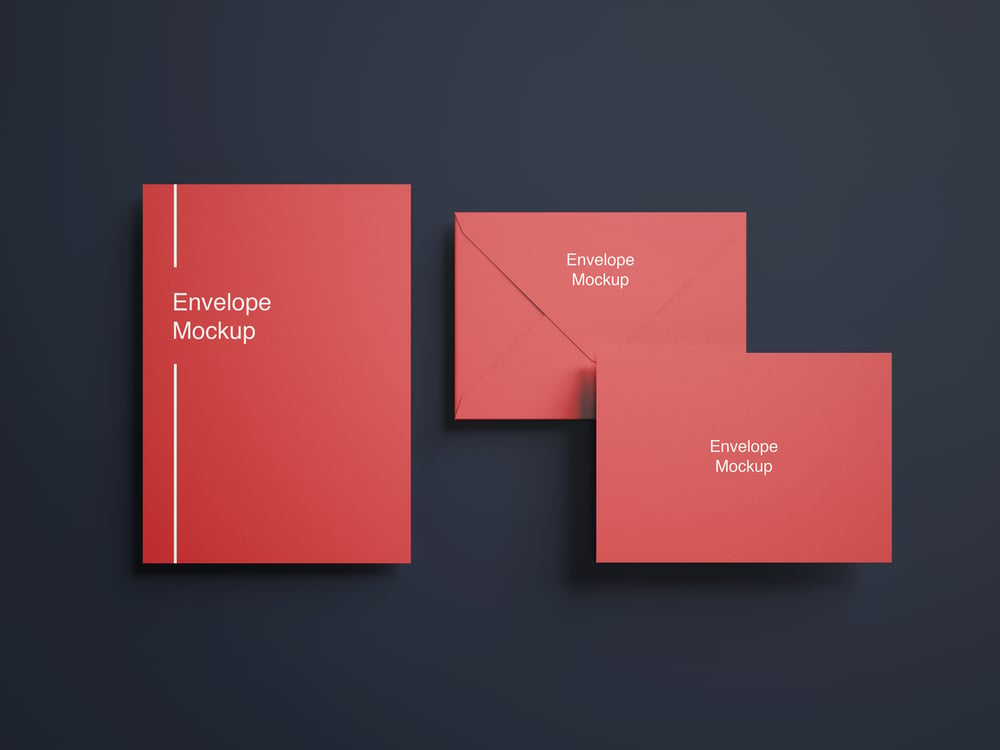
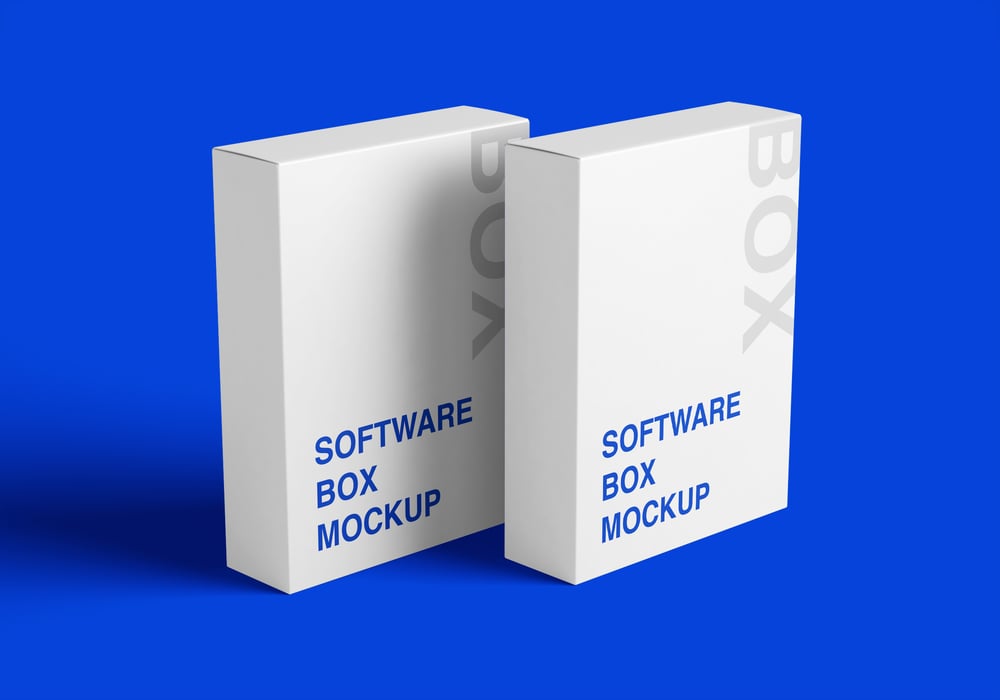
Mockups empower designers to convey ideas visually, eliminating the need for lengthy explanations. Clients gain a clearer understanding, increasing approval rates and reducing the potential for revisions. Explore a variety of FREE mockups at Freepik and GraphicsRegion.
Realistic Representation
Providing a realistic preview, mockups showcase details such as layout, colors, typography, and user interactions. Clients can evaluate aesthetics and functionality, ensuring alignment with expectations.
Iterative Feedback
Mockups facilitate a collaborative feedback process. Clients can offer specific comments, aiding designers in refining their work. This iterative approach ensures the final design aligns with client requirements, minimizing revisions and project delays.
Best Practices for Design Presentation
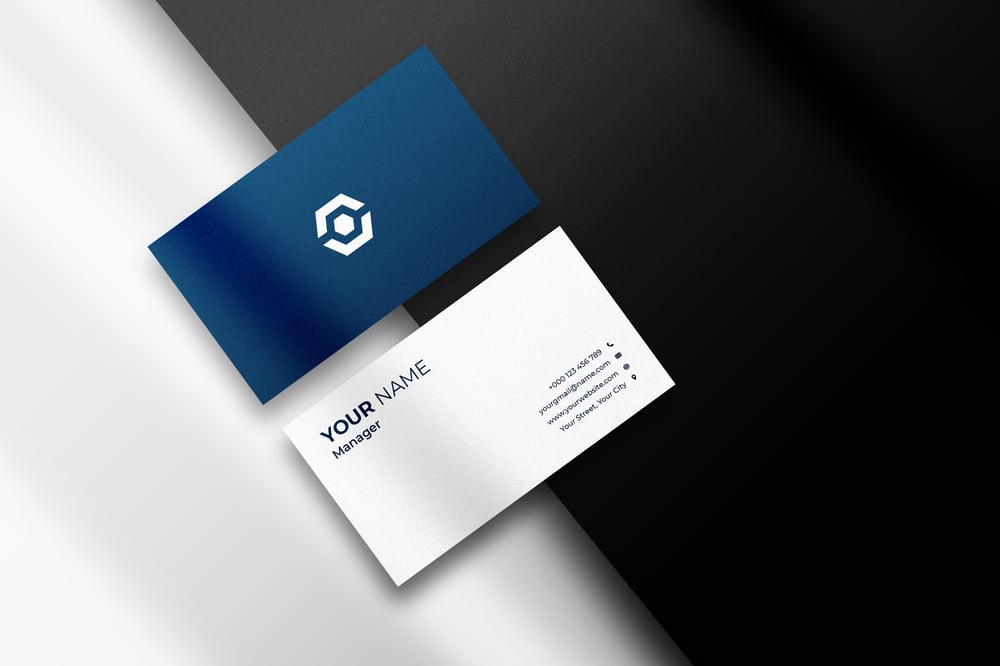
Choose the Right Mockup Type
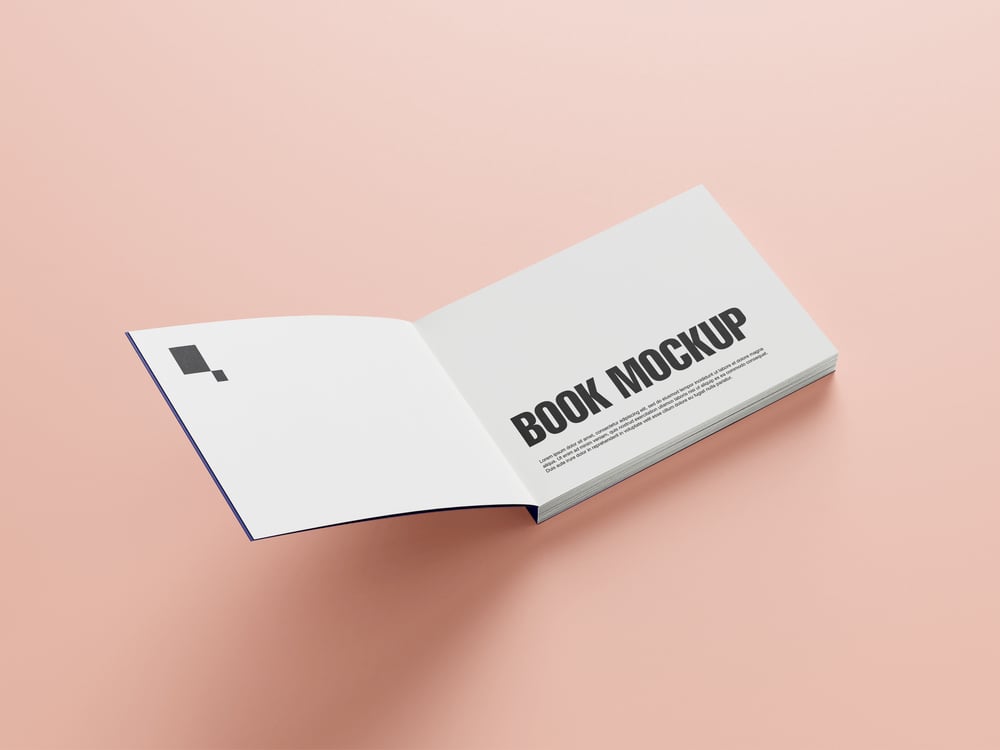
Select a format aligning with the design concept and project requirements. Options range from static images and wireframes to interactive prototypes. Tailor the choice to the complexity of the design.
Keep it Simple
Avoid overwhelming clients with unnecessary details. Present clean, well-organized mockups highlighting essential project aspects. Focus on core features, user interface elements, and key interactions for clarity and coherence.
Demonstrate Interactivity
Create interactive mockups for a hands-on client experience. Use tools like Adobe XD, InVision, or Figma to test functionalities and understand user flow.
Highlight Key Features
Emphasize unique selling points through annotations or callouts. Showcase elements differentiating your solution from competitors, helping clients grasp the value proposition.
Incorporate Branding Elements
For designs intended for a specific brand, integrate visual identity elements such as logos, colors, and typography. This aids clients in visualizing designs within their brand context.
Provide Context
Present mockups in the context of the target environment. For websites, showcase designs in browser windows or on various devices. Contextualizing helps clients envision design appearance and functionality in real-world scenarios.
Frequently Asked Questions
Q: Where can I find an extensive collection of free mockups?
A: Explore a vast collection at GraphicsRegion and Freepik offering mockups, patterns, illustrations, scene creators, and DIY scenes for Photoshop, Sketch, and Figma.
Q: How can I create stunning high-resolution mockups easily?
A: Utilize Smartmockups to create stunning high-resolution mockups directly in your browser across multiple devices.
Q: Where can I download free premium mockups for personal and commercial use?
A: Mockups Design offers a variety of free premium mockups suitable for both personal and commercial projects.
Conclusion
Mockups emerge as invaluable assets for designers, enhancing client engagement, ensuring a clear understanding of design concepts, and gathering valuable feedback. Remember to choose the appropriate mockup format, keep presentations simple and focused, demonstrate interactivity, and highlight key features.
Comments ()