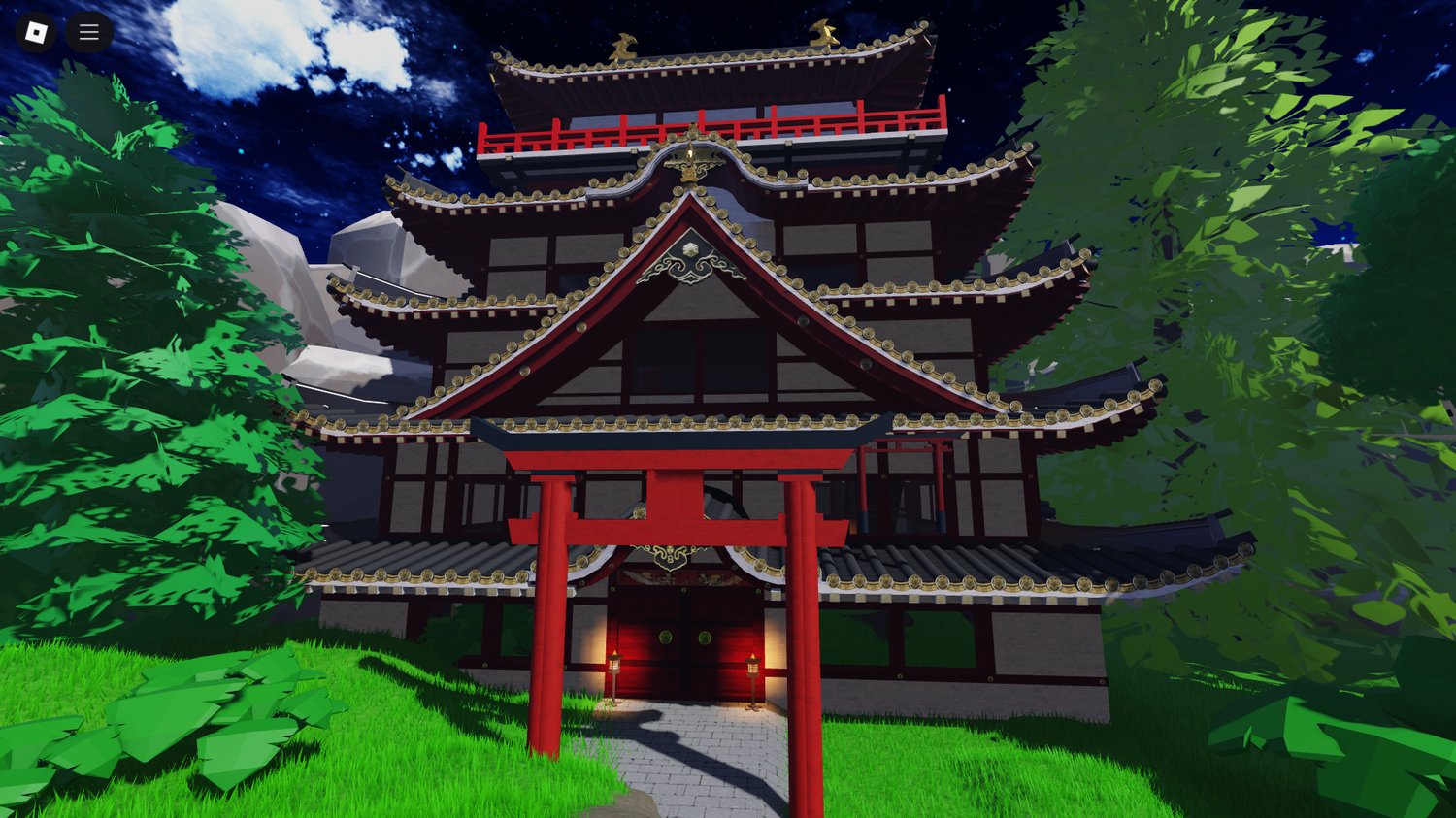
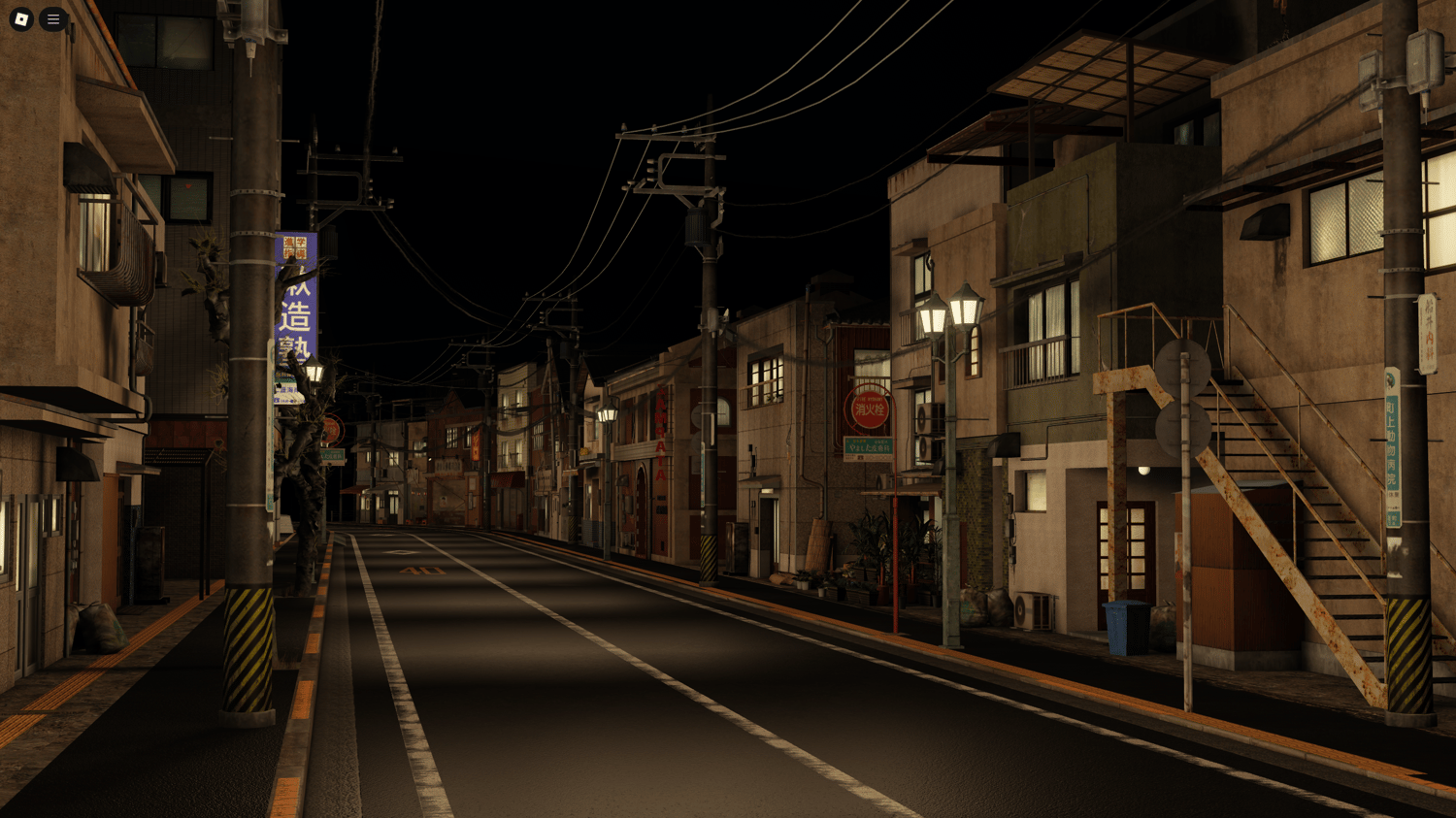
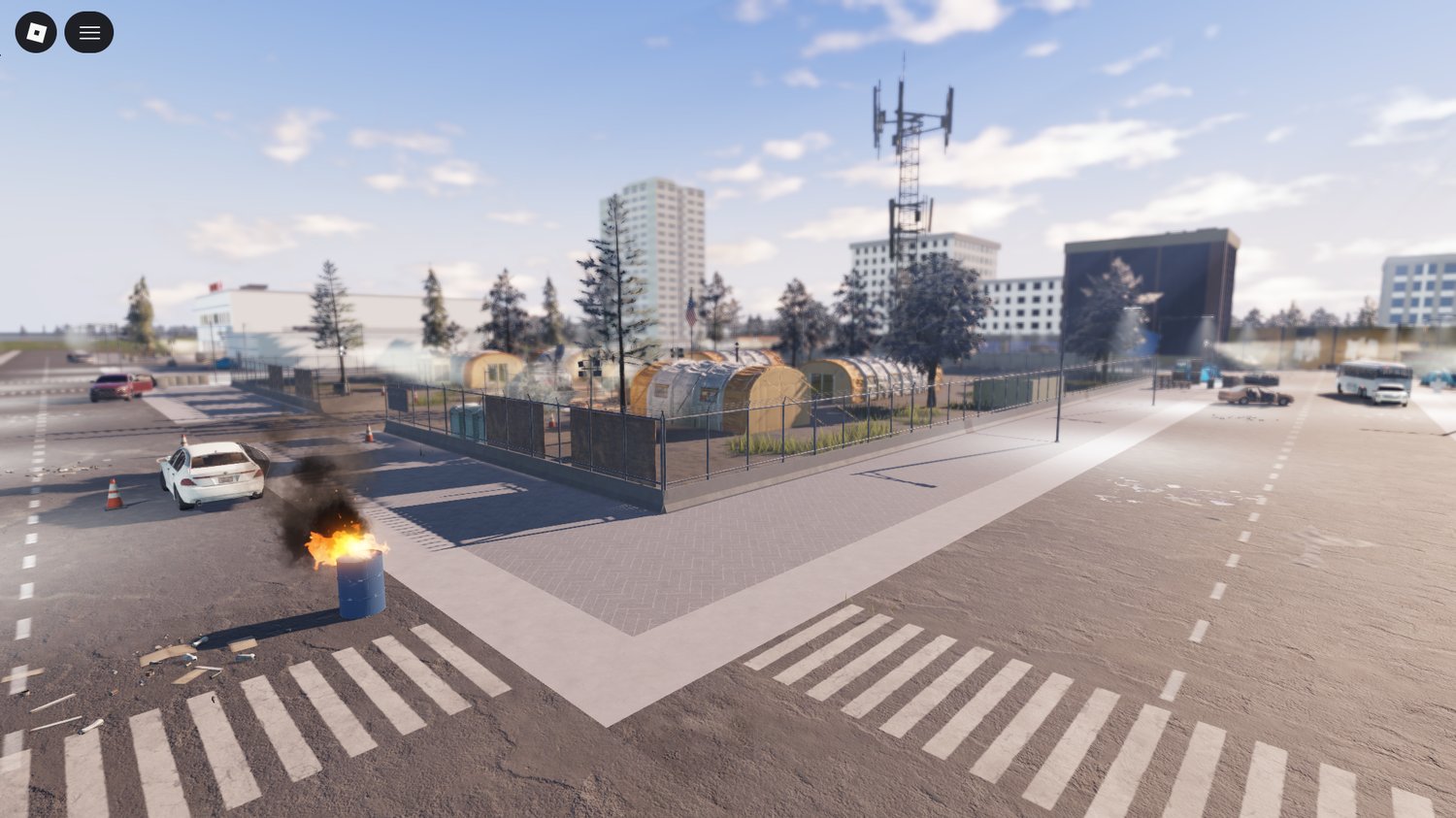
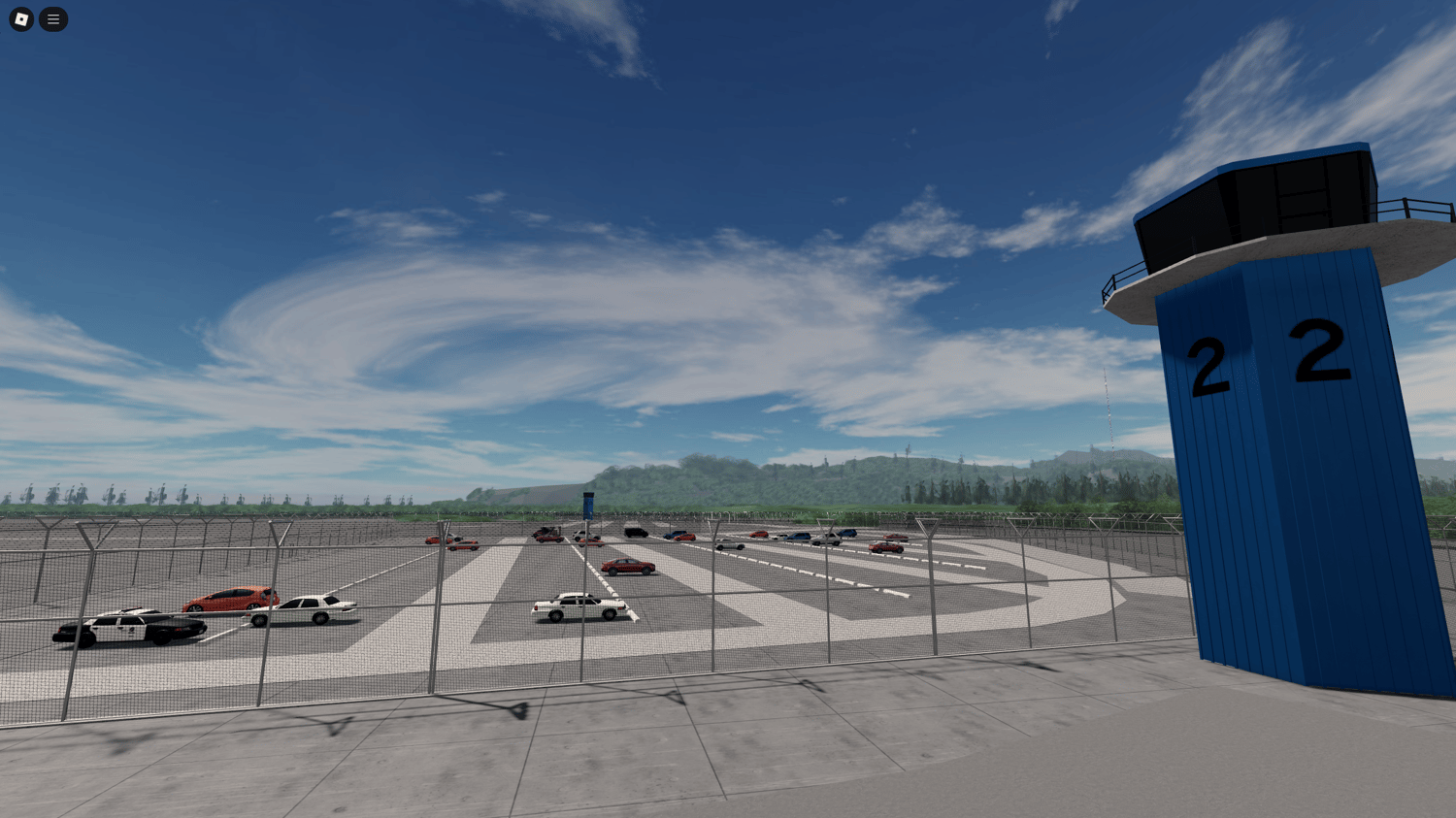
Most Roblox developers don’t realize how much time environment building actually consumes—until it starts slowing down the entire project.
Not because building is inherently difficult, but because it’s structurally inefficient at scale.
You can spend hours modeling buildings that:
- Don’t meaningfully affect gameplay
- Don’t improve retention or engagement
- Get replaced, optimized, or removed later
At a certain point, building everything manually stops being craftsmanship and becomes production overhead.
Where Development Time Actually Disappears
The real issue isn’t creating one building, it’s multiplying that process across an entire game world.
A single structure is manageable. A full environment introduces exponential complexity:
- Street layouts require consistent spacing and alignment
- Interiors require collision logic, navigation flow, and scale accuracy
- Terrain-based builds demand blending, elevation consistency, and performance control
Each additional structure compounds:
- Testing time
- Adjustment cycles
- Performance impact
And critically—most of that time does not translate into a better player experience.
Players don’t evaluate:
- Polygon counts
- Time spent modeling
- Micro-detail accuracy
They respond to:
- Movement flow and readability
- Interaction density
- System depth and progression
This mismatch is why experienced developers treat environment work differently.
The 2026 Shift: From “Building Assets” to “System Components”
A clear shift has emerged in modern Roblox development workflows.
Buildings are no longer treated as standalone creative projects—they’re treated as functional components inside a system.
Instead of:
Build → Detail → Rework → Repeat
Developers now operate closer to:
Place → Test gameplay → Adjust → Iterate
This changes priorities:
- Speed of placement becomes more valuable than uniqueness
- Layout clarity becomes more important than visual detail
- Iteration cycles replace perfectionism
This is not a shortcut—it’s a structural optimization of the development process.
What Makes a Building Model “Studio-Ready”
There’s a critical distinction between a usable asset and a production-ready asset.
A model that looks good in isolation can still fail inside a real project.
A properly optimized Roblox building model should meet these technical criteria:
1. Scale Accuracy
- Must align with Roblox character proportions (R15 standard)
- Doorways, stairs, and interiors should support natural movement
2. Clean Hierarchy & Organization
- Logical grouping (Models, folders, naming conventions)
- Minimal need for restructuring after import
3. Performance Efficiency
- Controlled part count
- Proper use of unions vs. meshes
- Avoidance of unnecessary collisions
4. Smart Mesh Usage
- Meshes used where they reduce complexity—not increase it
- Balanced between detail and rendering cost
5. Functional Design
- Hitboxes make sense
- Navigation is intuitive
- No hidden geometry issues
If these are missing, the “free” asset often becomes a time liability instead of a time saver.
Where Free Building Models Actually Add Value
Free building assets are most powerful when used strategically, not passively.
They are best suited for:
- Rapid prototyping (testing gameplay early)
- Expanding map scale quickly
- Learning environment design patterns
- Filling non-critical areas of a map
For example, curated collections like:
https://kwstudio.org/free-roblox-building-models
allow developers to:
- Instantly test layout ideas
- Build playable environments within hours instead of days
- Validate gameplay loops before committing to custom design
The key is intentional usage.
Treat free models as:
- Structural frameworks
- Layout tools
- Iteration accelerators
—not final, untouched assets.
When Prefab Buildings Are the Optimal Choice
Using prebuilt structures is not a compromise, it’s often the most rational decision.
They are especially effective when:
- You need a playable version of your game quickly
- You’re building large or open-world environments
- You’re working solo or in a small team
- Your core value lies in gameplay systems, not visuals
In these scenarios, building everything from scratch introduces unnecessary friction.
When Custom Building Still Matters
Prefab usage isn’t universal.
You should build custom structures when:
- Your game depends on a distinct visual identity
- Environment design directly affects mechanics (e.g., parkour, line-of-sight combat)
- You are optimizing for tight performance constraints
In these cases, buildings are no longer “background assets”, they are part of the gameplay system itself.
The Real Advantage: Iteration Speed
The biggest gain from using structured building models isn’t just time saved, it’s what that time enables.
Faster environment setup leads to:
- Earlier gameplay testing
- Faster identification of design flaws
- More iteration cycles before release
And iteration—not initial quality—is what defines successful games.
Most high-performing Roblox experiences didn’t launch perfect.
They improved through:
- Testing
- Feedback
- Refinement
Prefab-supported workflows allow that process to start earlier—and run more often.
A More Effective Development Philosophy
Modern Roblox development is shifting toward efficiency-driven design:
- Build only what directly impacts gameplay
- Use prebuilt assets where uniqueness is unnecessary
- Prioritize iteration over initial perfection
This approach doesn’t reduce quality.
It reallocates effort toward what players actually experience.
Final Insight
Building everything from scratch is no longer the default—it’s a deliberate choice.
The real question is not:
“Did I build this myself?”
It’s:
“Did this move my game forward?”
If a prefab building accelerates your progress, it’s the correct tool.
If custom work creates meaningful differentiation, it’s worth the investment.
But treating effort as a proxy for quality is one of the most common development mistakes.
Players remember how a game feels, not how its buildings were made.