
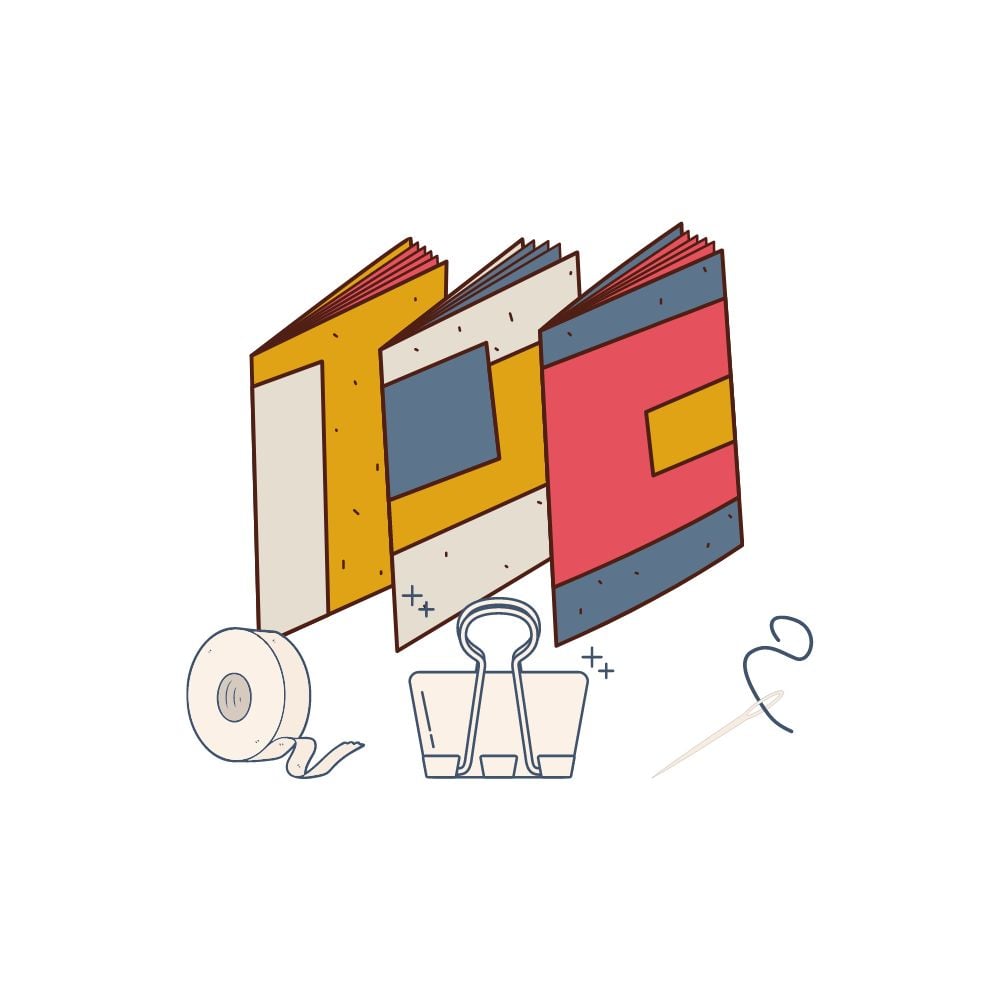
Printing A5 sized PDFs at home is a great way to create small booklets
All our planners come in A5 as well as A4 and US letter
(please note Workbooks and a few others are only Available in A4 or US letter,
Please check in descriptions)

PART 1 - GUIDE TO PRINTING
Here's a step-by-step tutorial on how to best print A5 sized PDFs using a home printer:
- Check your printer specifications: Before you start printing, check if your printer is capable of printing A5 sized paper. If it does, check the printer manual or website for the recommended paper thickness, weight, and type.
- Choose your PDF: Open your PDF document and check that it's set to A5 paper size. If not, you can change the paper size in the "Print" menu or by going to "File > Print Setup" and selecting "A5" under the paper size options
- Adjust the print settings: In the print menu, select "Print Settings" and choose the appropriate printer, paper size, and orientation. Set the print quality to "High" or "Best" to get the best print quality.
- Print a test page: Before printing multiple copies of your document, print a test page to check if the settings are correct. Use plain paper to save your ink and paper until you are sure the document is printing as you expect.
- Print your document: If the test page looks good, print your document. You can print one copy at a time or use the "Multiple Pages per Sheet" option in the print settings to print two pages per sheet (useful for booklets or flyers). Use the printer's duplex printing setting if it's available to print double-sided documents.
- Finishing: Once the document is printed, allow it to dry completely before folding or stapling to avoid smudging the ink. You can also use a paper cutter or scissors to trim the edges of your booklet for a professional finish.
Following these simple steps will help you achieve the best results when printing A5 sized PDFs at home. Remember to choose the right paper and ink, use the highest print quality setting, and always print a test page before printing multiple copies of your document
Part 2 - A step by step guide to binding a booklet coming soon!
Let us know how you get on!
Comments ()