

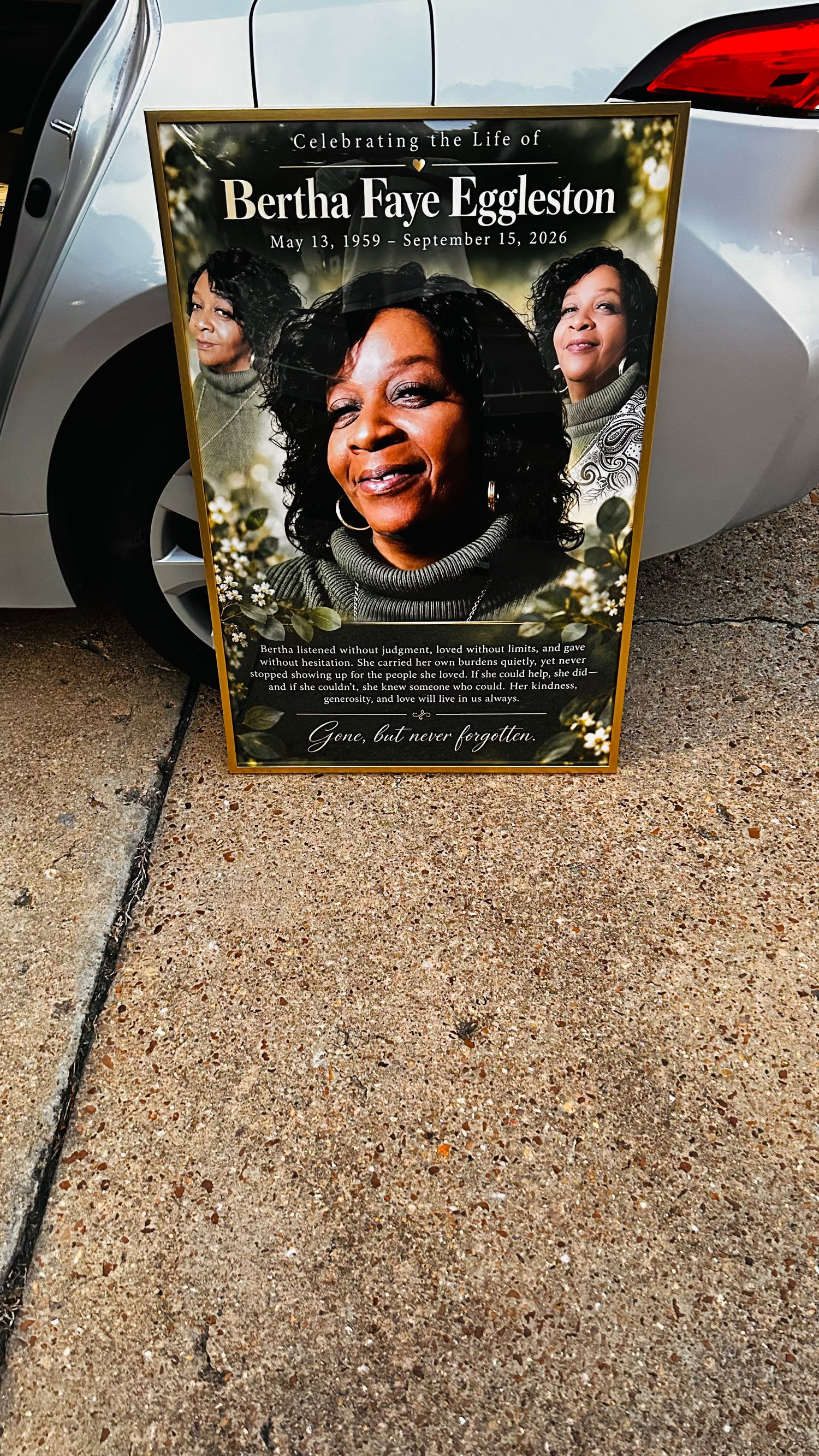
Let’s get these photos off your phone and onto your wall. Save the images to files so you can see the size of each image.
This is how I order a 24 × 36 poster using the Walgreens Photo website on my phone.
Before We Start: This post is not sponsored, and these are not affiliate links. I don’t get paid to recommend the stores or products mentioned here. I’m simply sharing what I use and how I do it. Use what works for you, your budget, and your project.
Stress Saver: Call First
I needed a same-day print, placed my order, and received a text saying it was ready for pickup. I get to the store and they tell me they don’t have the paper needed for my 24 × 36 print. I had to go to another Walgreens.
So before you place your order, call the photo department at the Walgreens where you want to pick up your poster. Ask if they can print a 24 × 36 poster for same day pickup. If they can’t, ask which nearby location might be able to do it. Call that store and confirm. Then make sure you select that location before submitting your order.
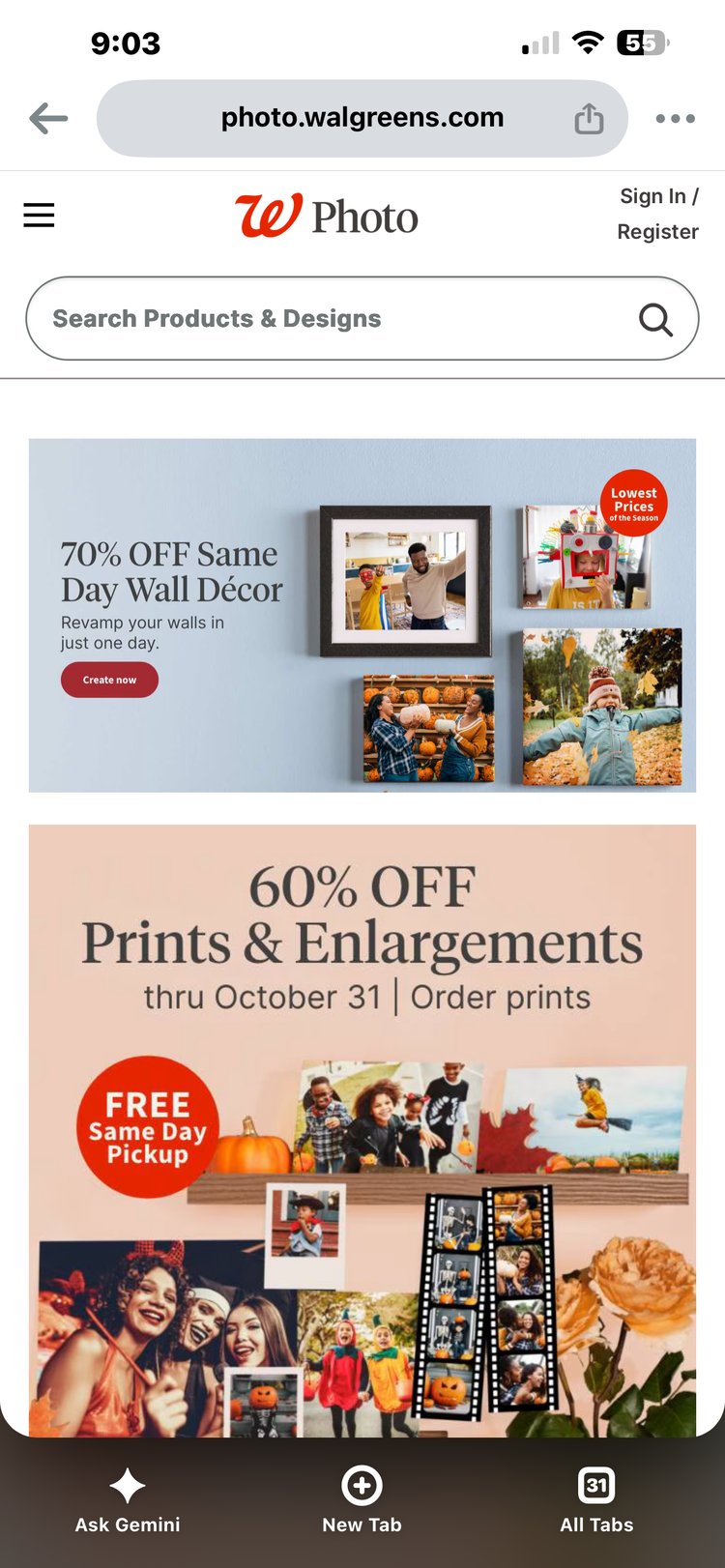
Log in or create an account
photo.walgreens.com
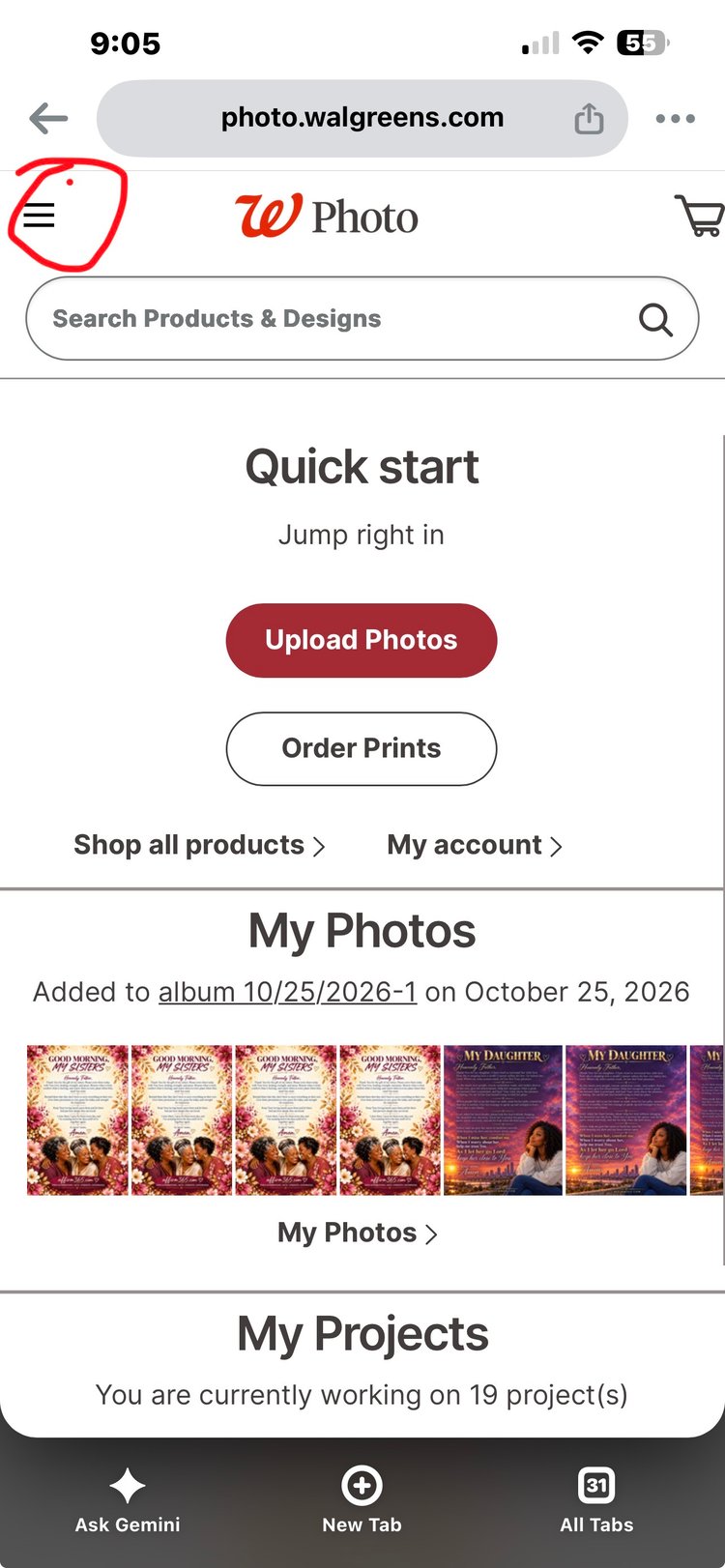
Tap the three horizontal lines
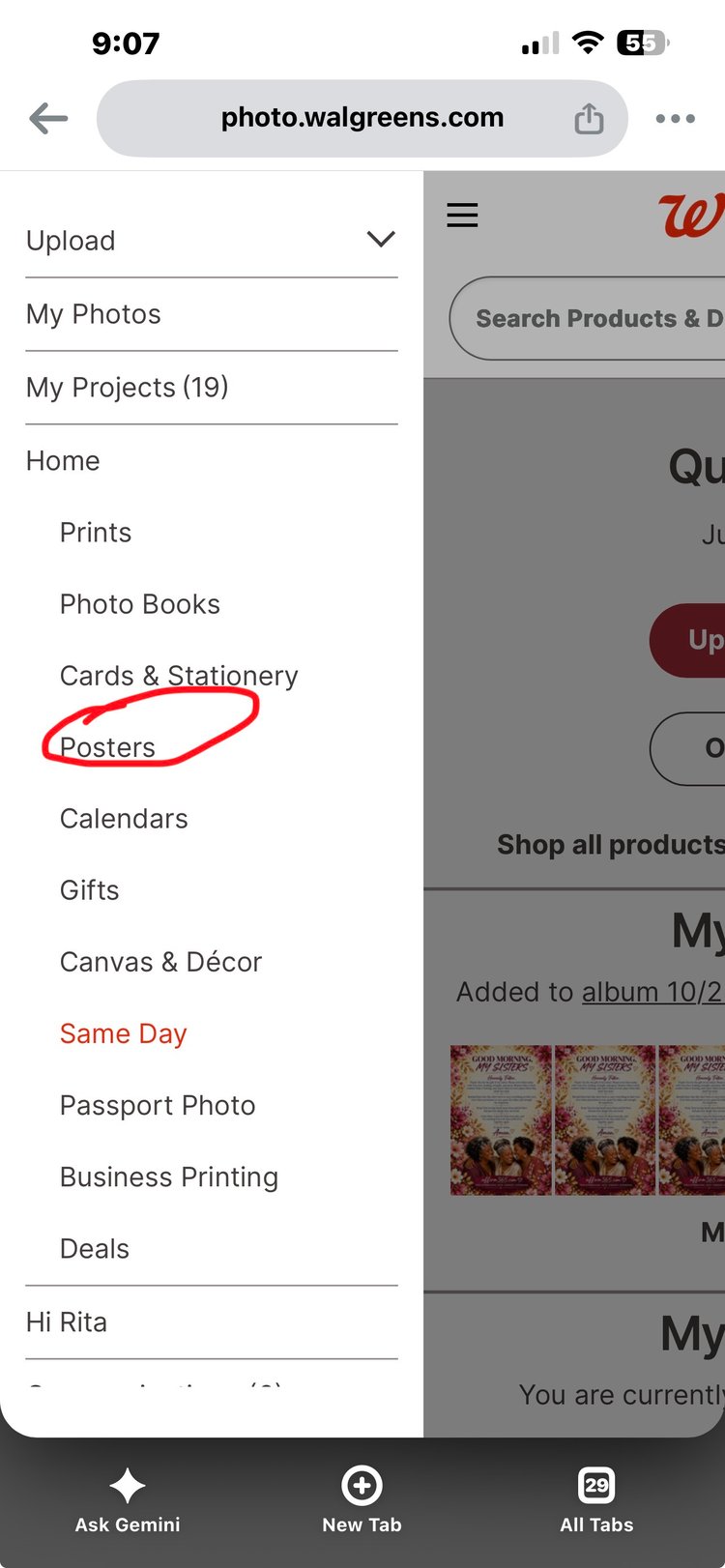
Tap on Posters
You may see a coupon banner near the top. Copy the coupon code or write it down to use when you check out
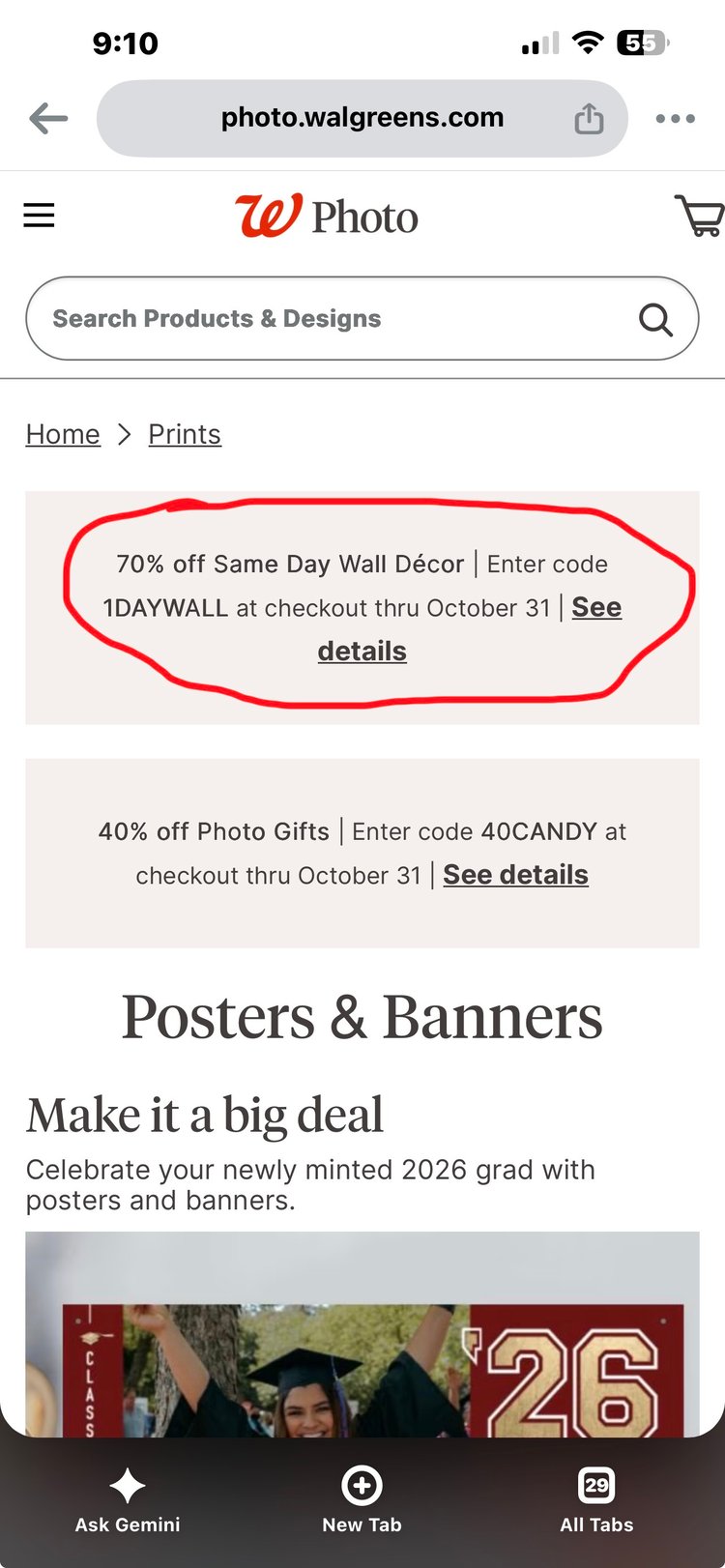
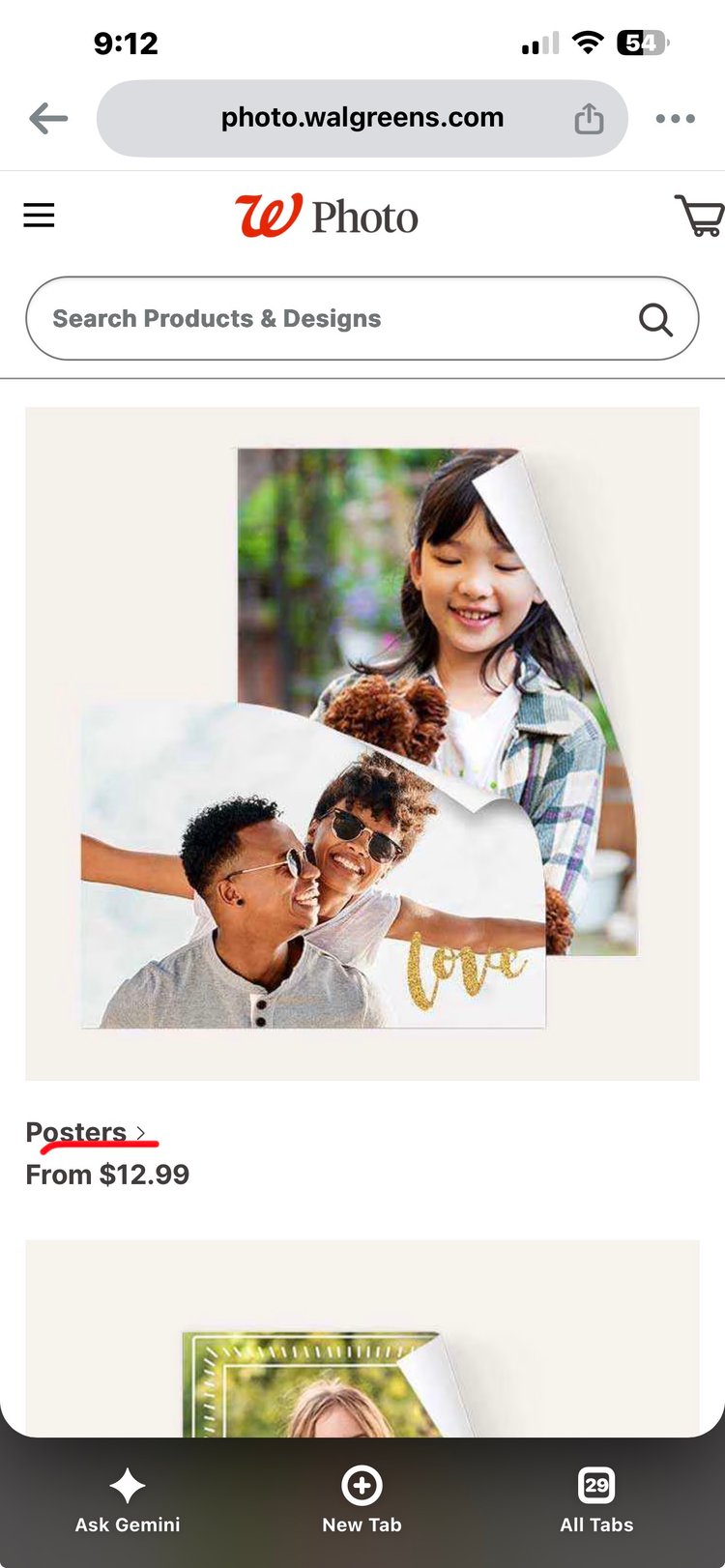
Scroll down a little bit and then tap on Posters from $12.99
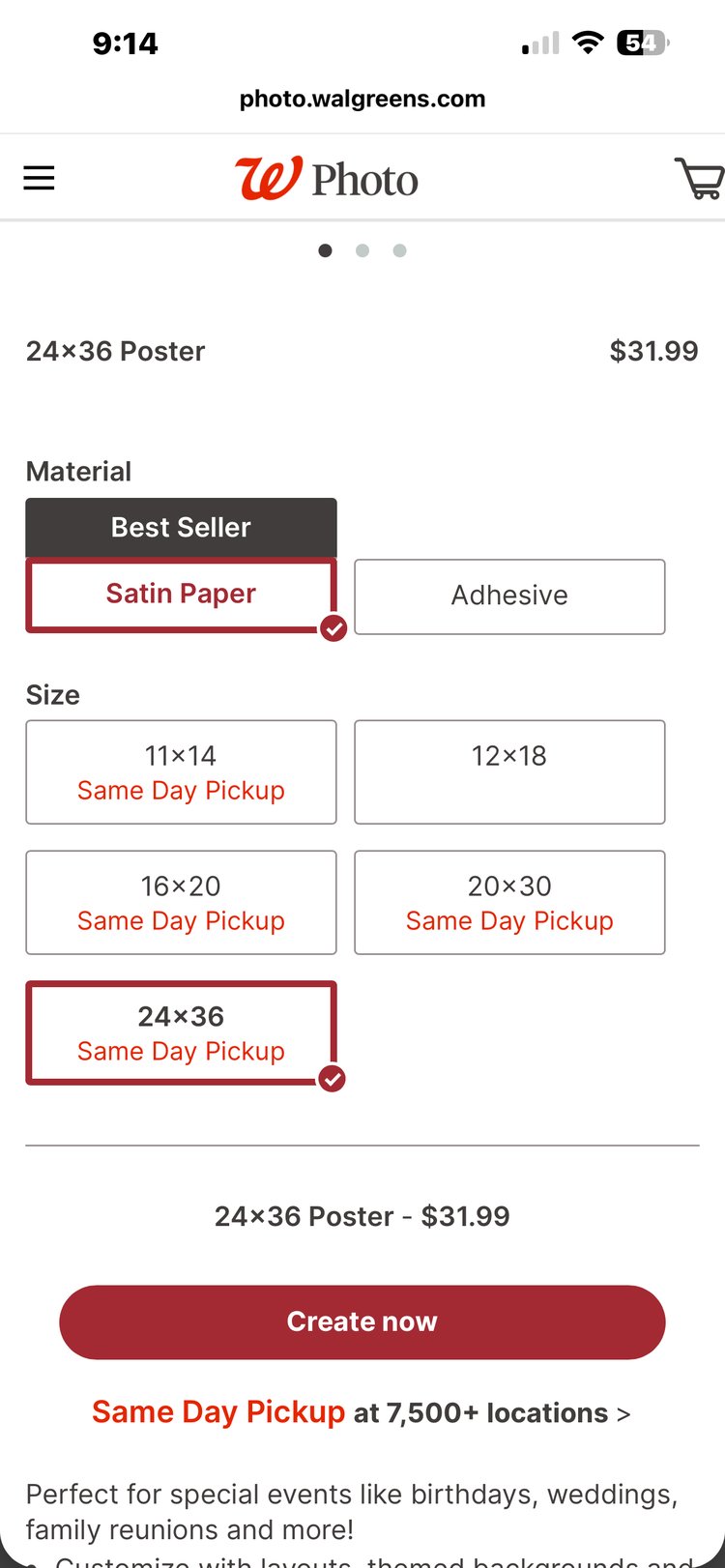
For this print, I’m choosing satin paper size 24 x 36.
After you tap Create now, tap Select photos. You will see this screen
Tap Upload photos
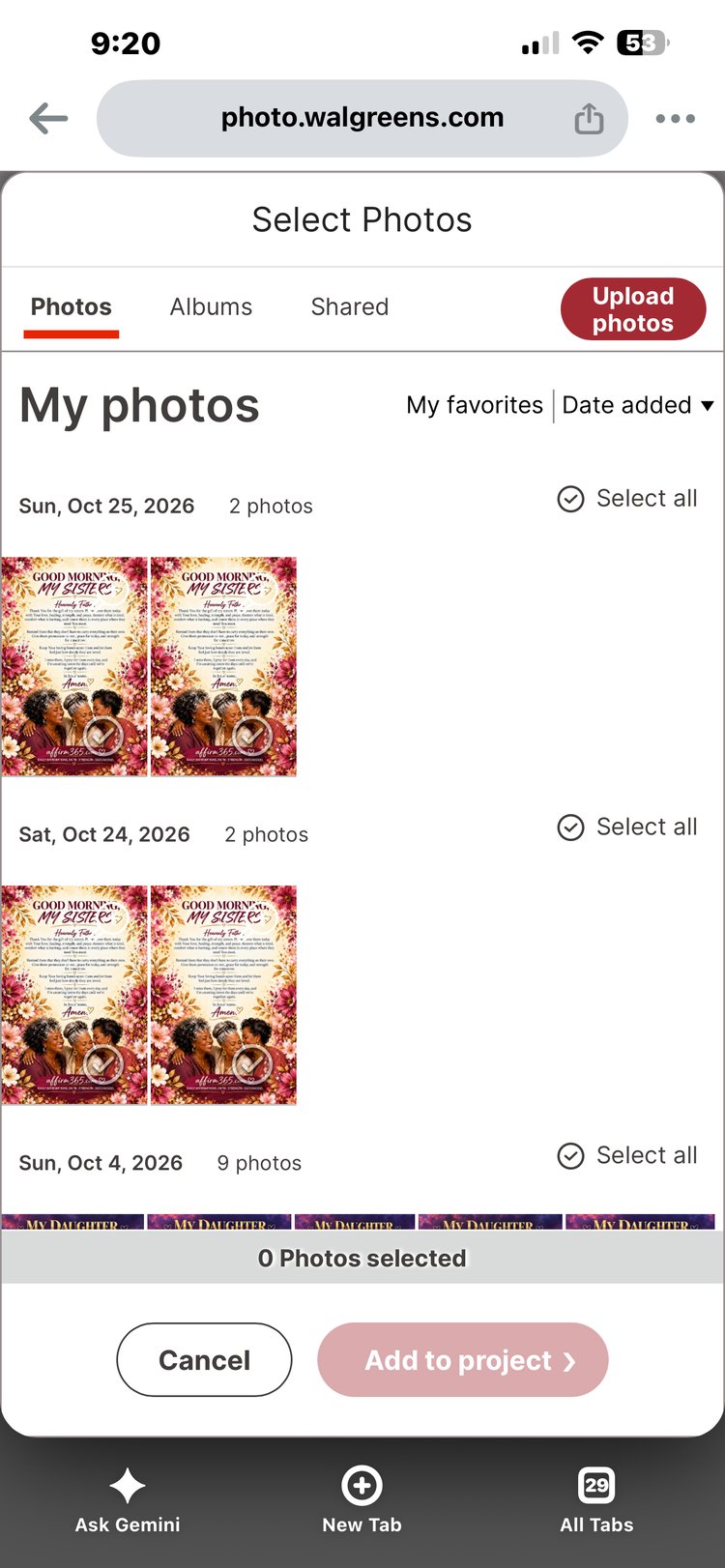
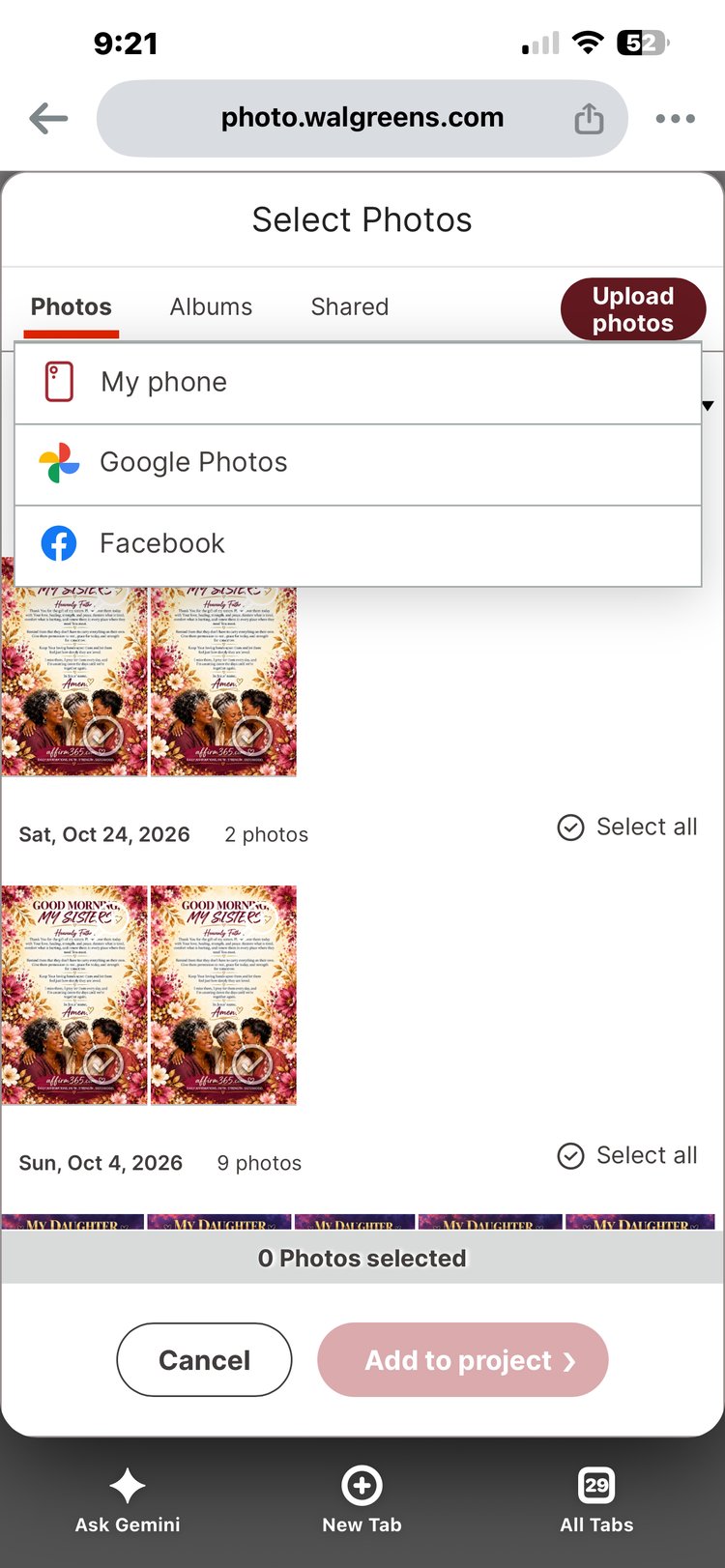
Tap My phone
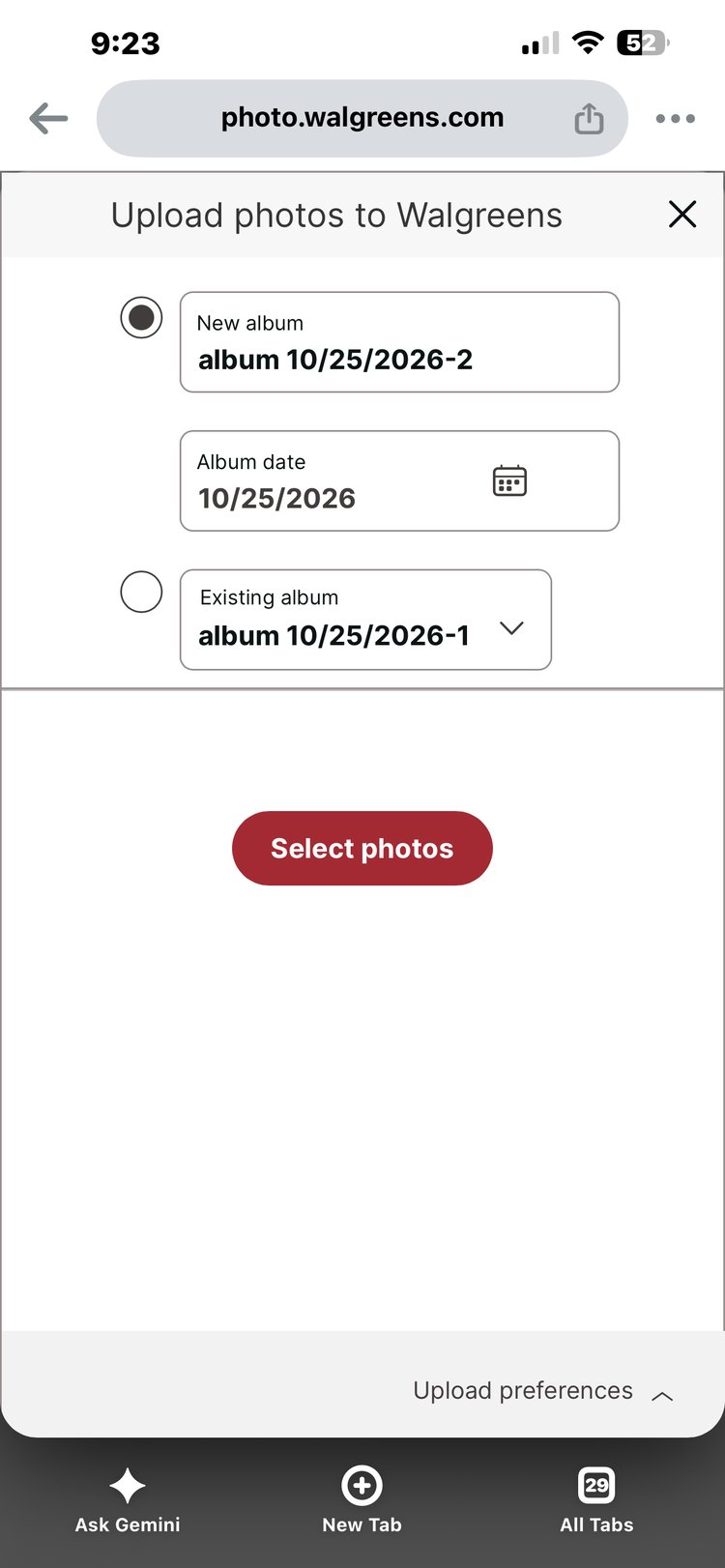
Tap Select photos
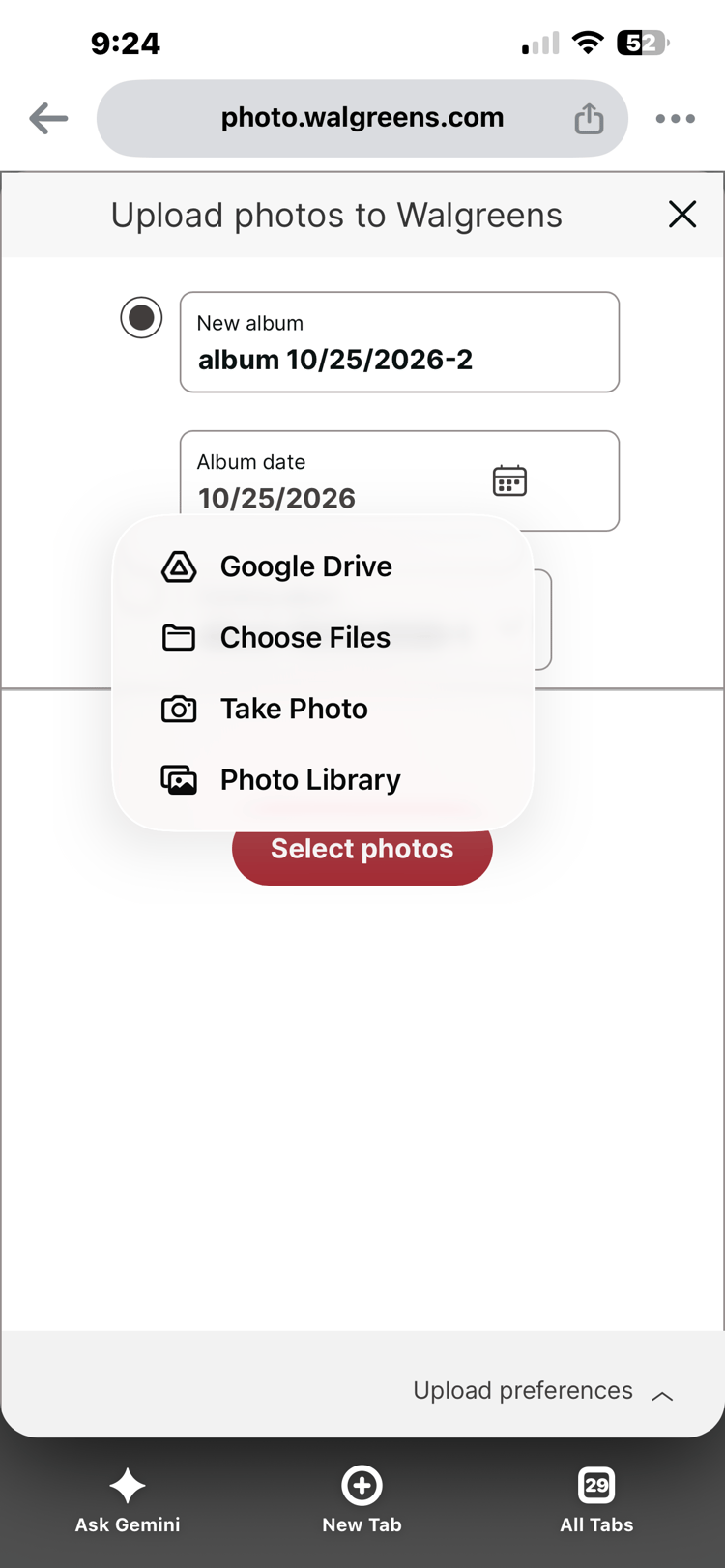
Tap Choose Files
Select the image you want to print and tap Open
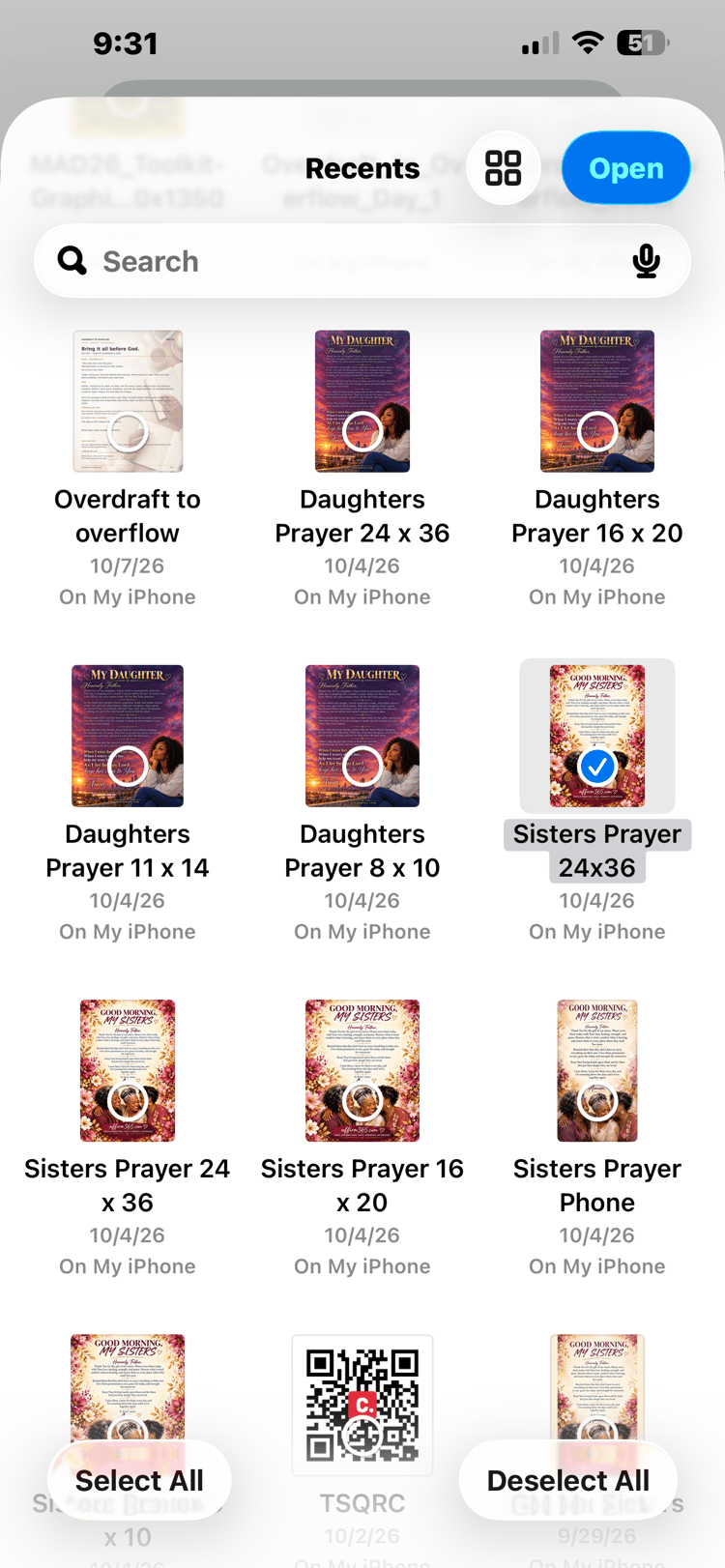
After the image uploads tap done
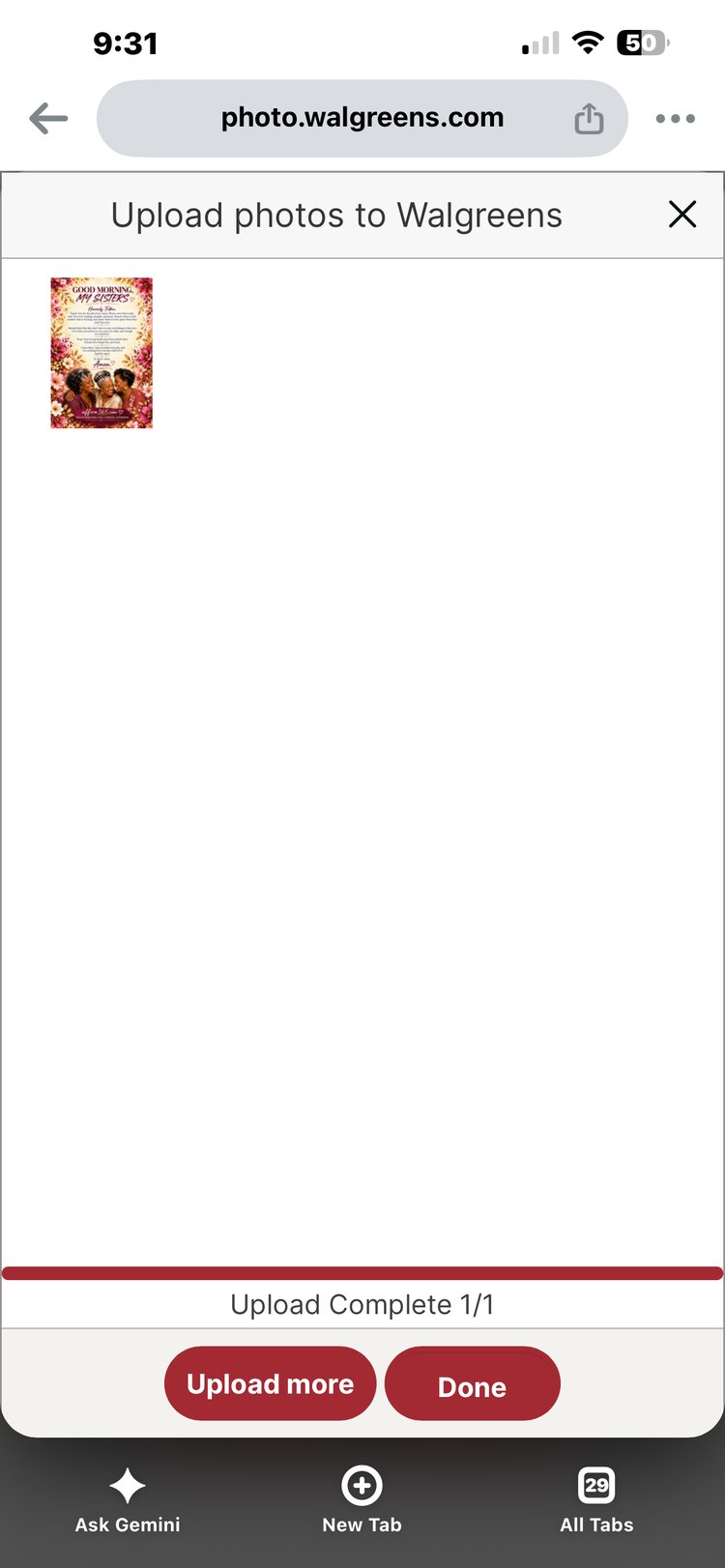
Tap Add to project
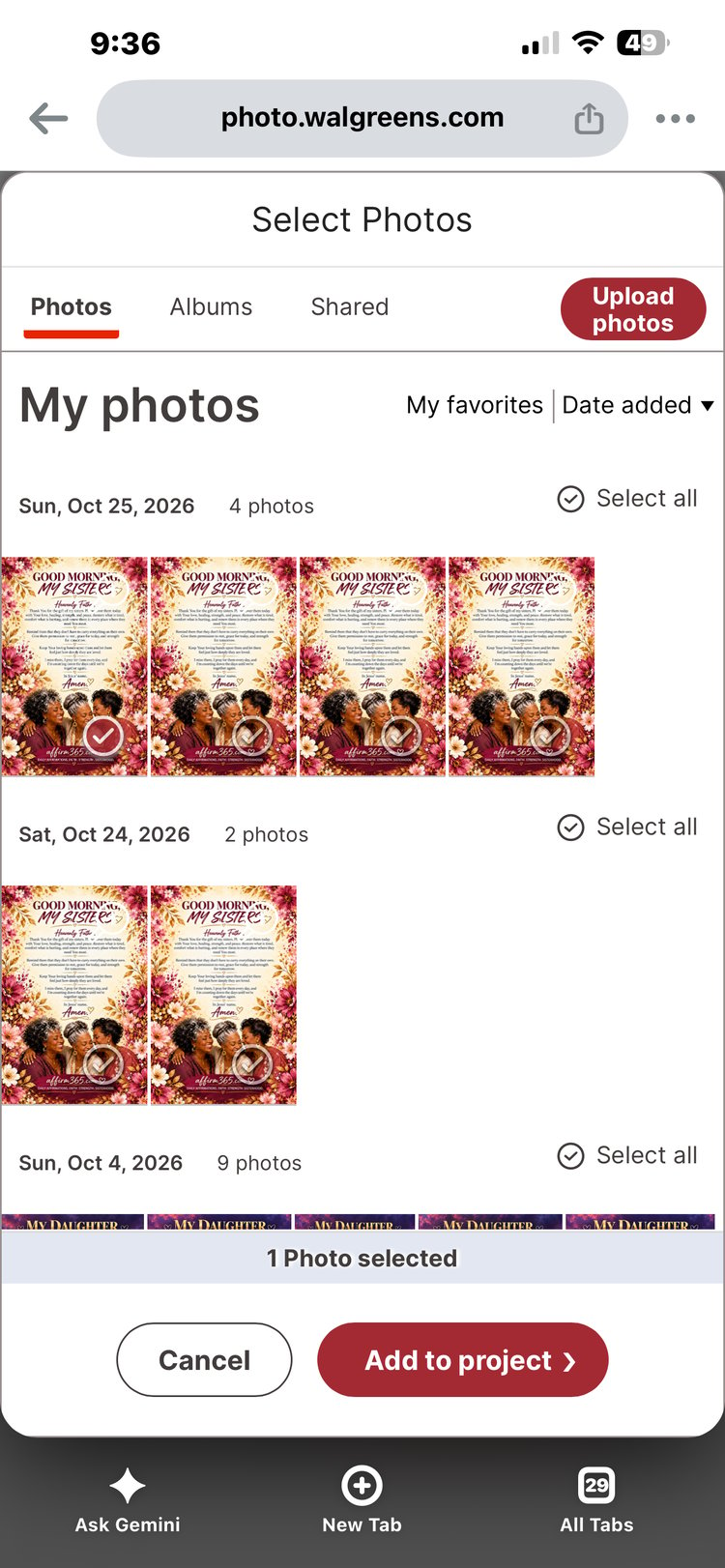
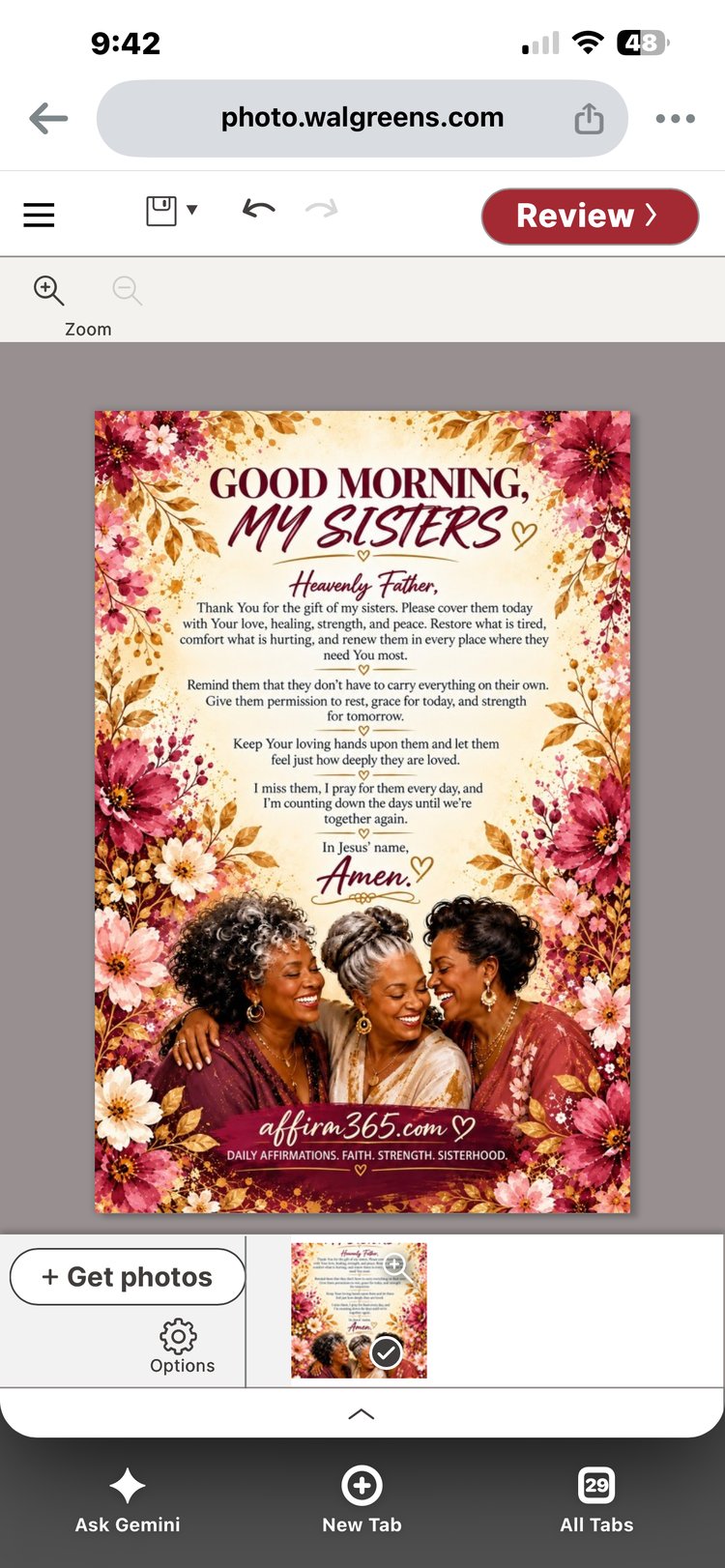
If your screen doesn’t look like this, just drag the image from the bottom up to the darker gray area
then tap Review
Tap Proceed to cart
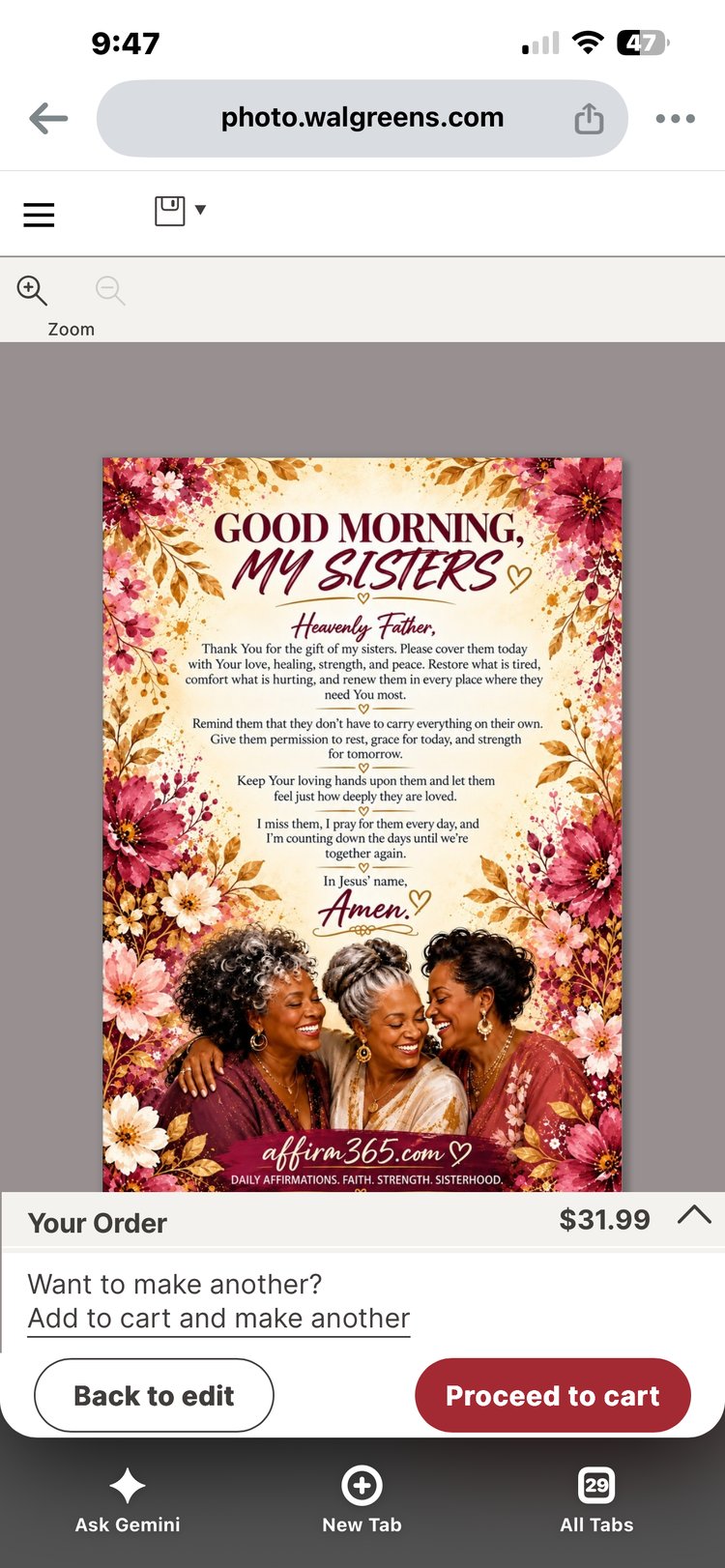
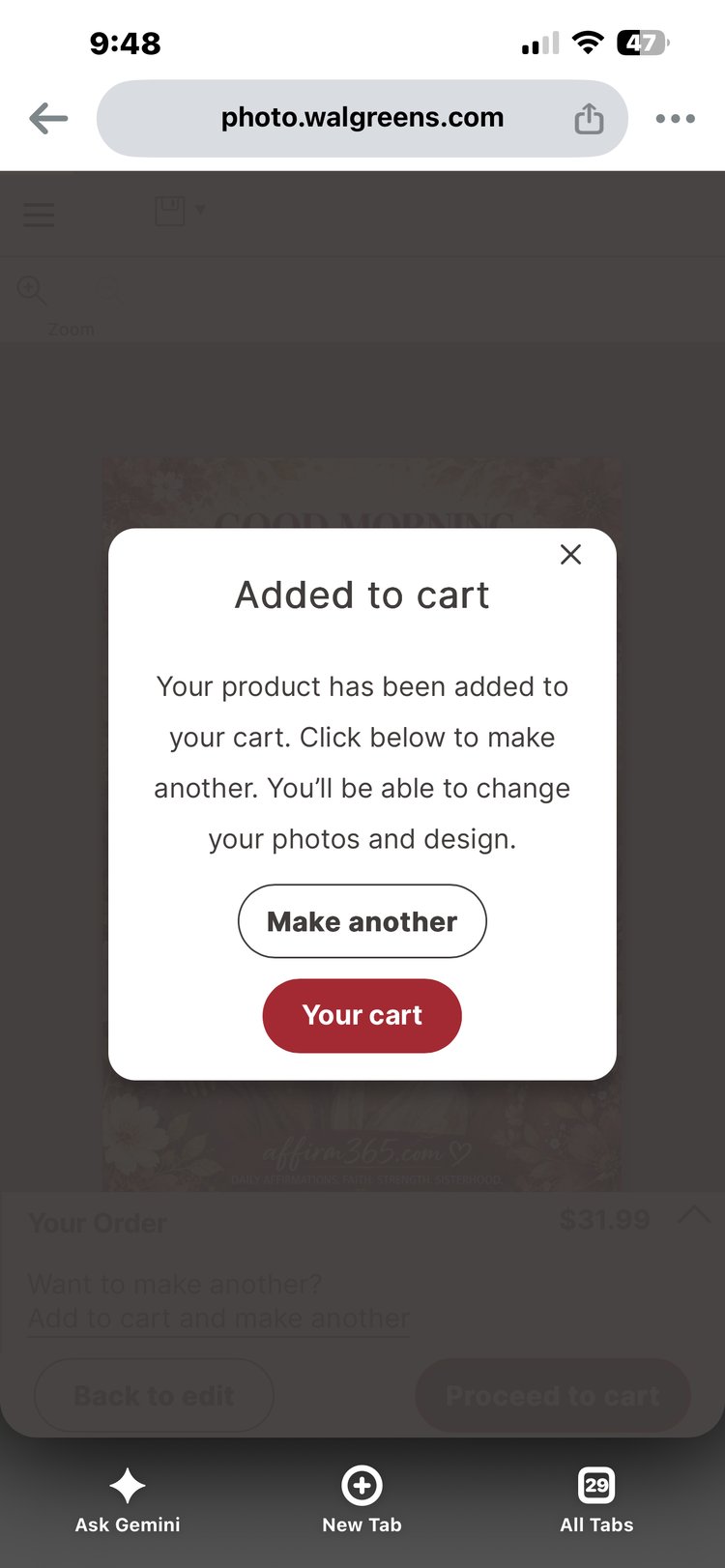
Tap Your cart
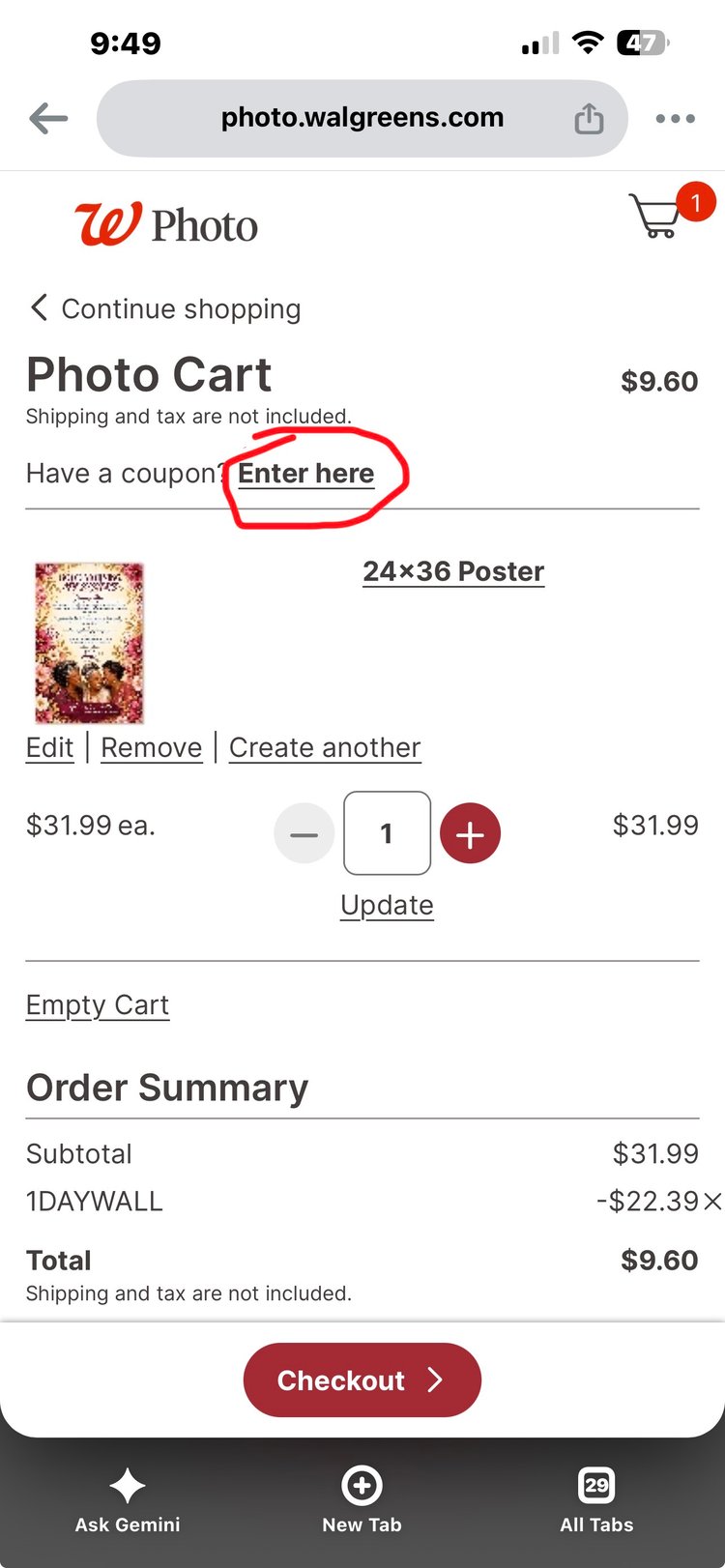
This is where you enter the coupon code. Sometimes the discount is automatically applied. Sometimes you’ll have to enter the coupon code.
Tap Checkout
Verify your store or change to your preferred pickup location then tap Continue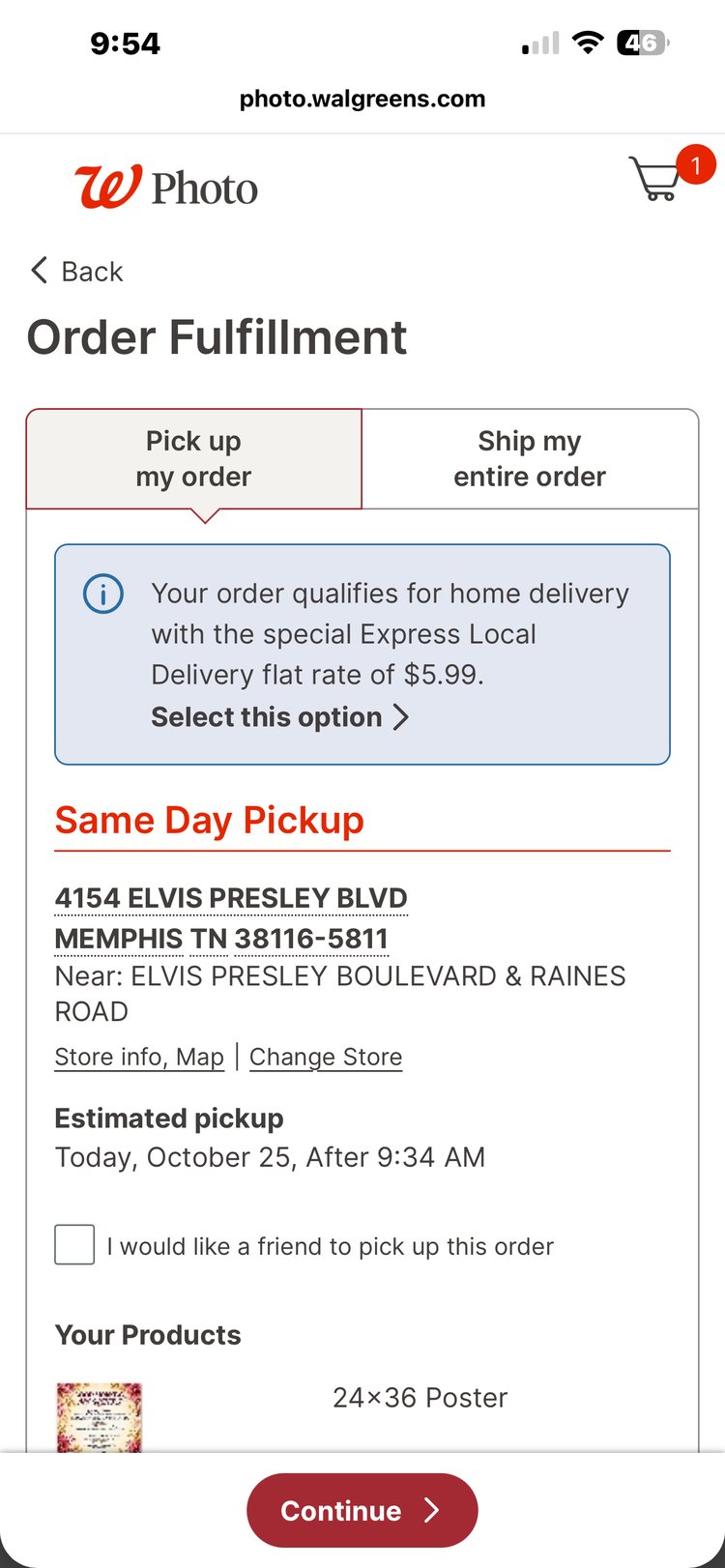
Verify details are correct then Submit order. Walgreens will text when your order is ready for pick up.
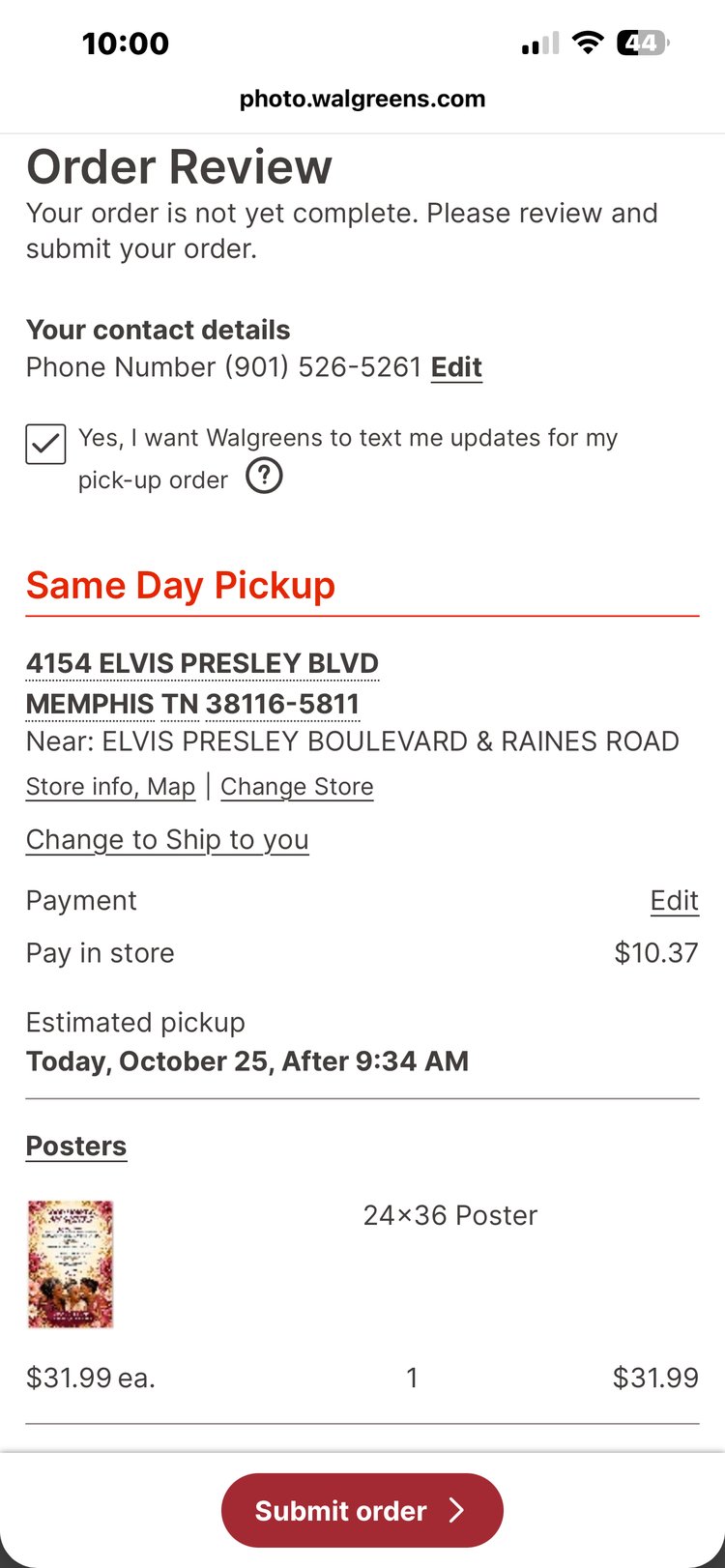
Enjoy Your Print!!
It takes a few minutes to work through the steps, but once you’ve done it, you’ll know your way around the process.
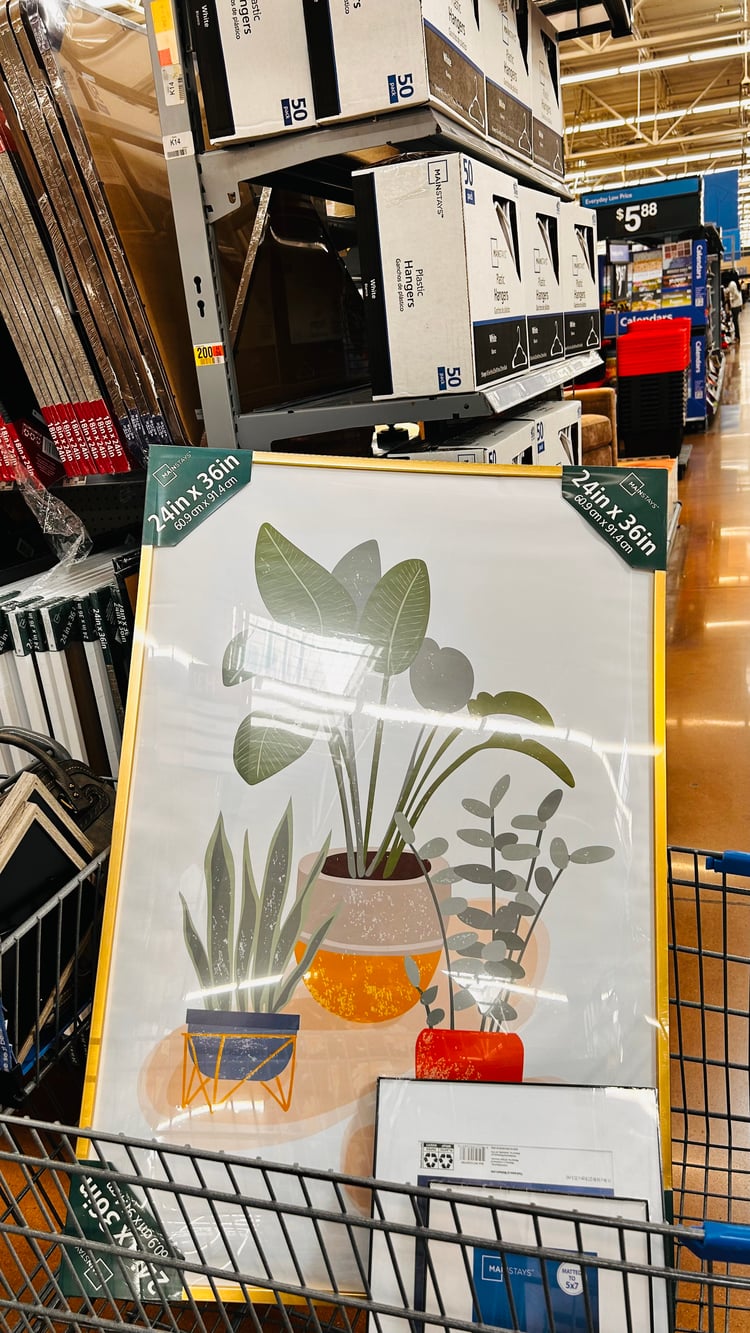
I usually get 24 x 36 frames in store at Walmart. They have the black and gold colored frames for under $20.
If this quick guide helped you bring one of my digital products to life, I’d appreciate an honest review of your purchase. Thank you for supporting Affirm365!
Helpful Links
https://photo.walgreens.com/store/deals