

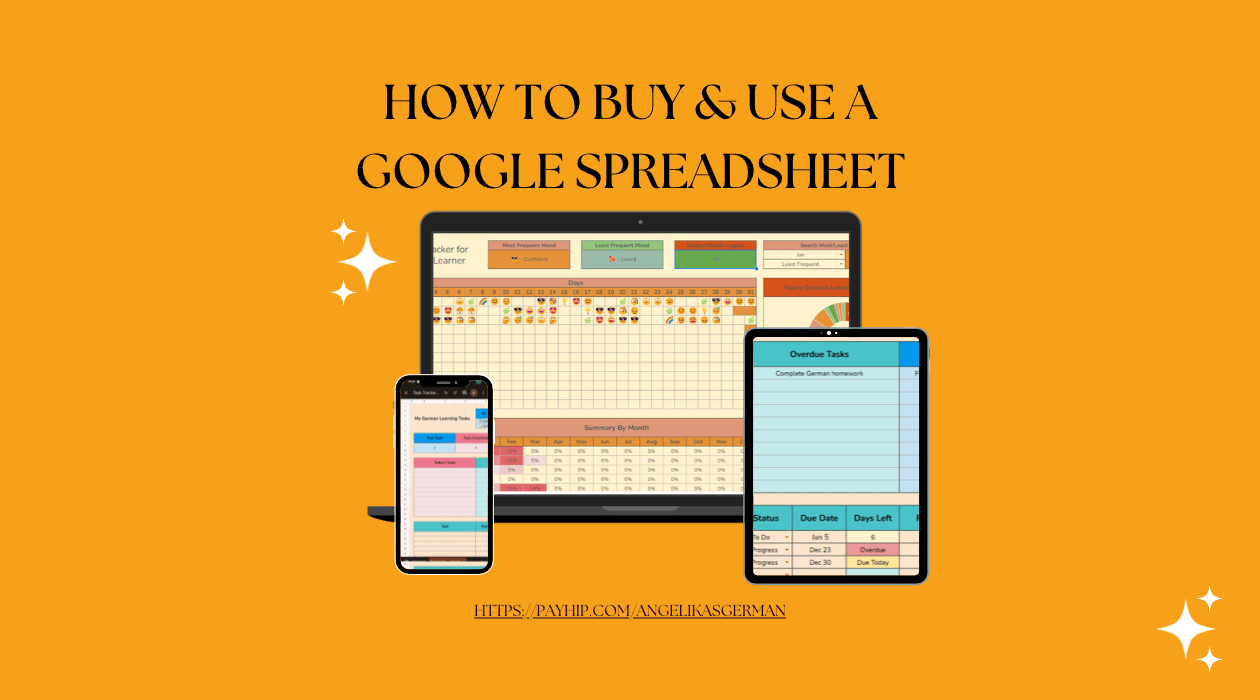
If you wish to buy one of my Google spreadsheets you will need a FREE Google account, which you can sign up for at google.com.
The following text has been taken from Google:
What You Get for Free
Gmail Address: You can create a new @gmail.com address at no cost.
Use Existing Email: You do not have to make a Gmail address; you can link an existing non-Gmail email (such as Outlook, Yahoo, or a custom domain) to a free Google Account.
Free Storage: You get 15 GB of free cloud storage shared across Gmail, Google Drive, and Google Photos.
Google Apps: Free access to web tools including Google Docs, Sheets, Slides, Calendar, YouTube, and Google Play.
How to Sign Up
Go to the Google Account Sign-Up Page.
Click Create account and choose ‘for my personal use’ (or for a child/business).
Enter your name, date of birth, and preferred username or current email address.
Follow the remaining prompts to create a password and verify your email.
All my spreadsheet planners were specifically created for Google Sheets.
So don’t convert yours to an Excel file, as some formulas/features may not work. I highly recommend not using this planner in Excel.
When you buy a Google spreadsheet, you will get a PDF with a link. Click on this link which allows you to make a copy of my original spreadsheet.
You now have your own version. Have a look around the spreadsheet to familiarise yourself with it, especially the first page which has further instructions of how to use it.
The really nice feature of Google spreadsheets:
You can use the Google Sheets planners/ trackers on any device: computers, tablets, and smartphones.
You'll need to download the Google Sheets app for tablets or smartphones. For computers, sign into your Google Sheets account using a web browser.
Your Google Sheets planner will sync across all your devices.
And here are the ones I have already created: https://payhip.com/AngelikasGerman/collection/google-spreadsheets
Comments ()