

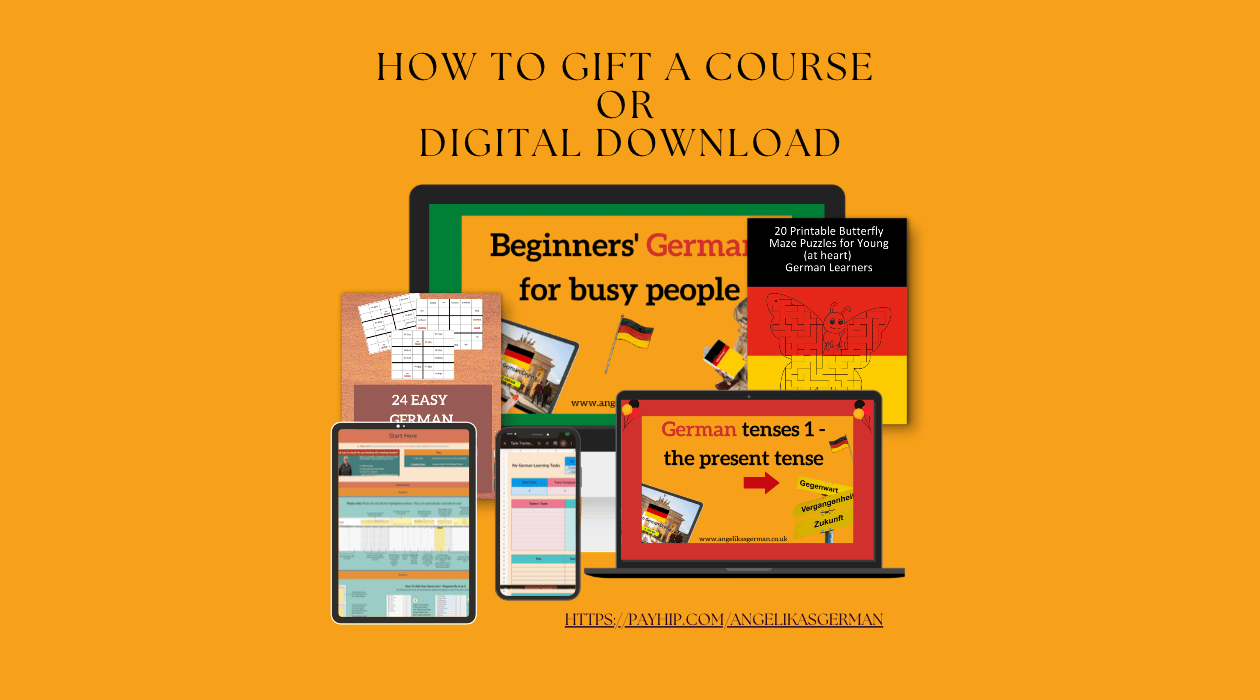
You’ve seen one of my resources and you know somebody who would like to own them, what can you do?
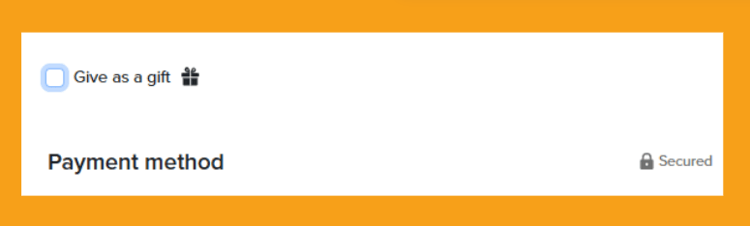
If you wish to gift one of my Google spreadsheets, printables or the Barnaby resources, you can easily gift them. Click ‘add to cart’ on your chosen item, then ‘checkout’. There you can click ‘Gift as a gift’.
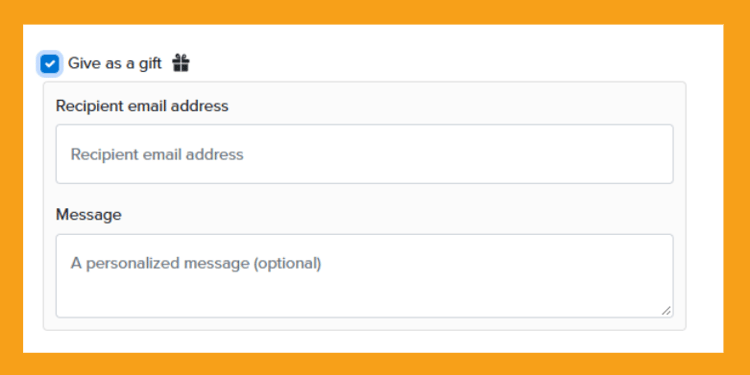
That opens a new box where you can give the email address of the person you wish to gift the item and a message for them.
As soon as you have paid, the gift recipient will then be sent an email explaining who sent them the gift, and the message you have included. Along with the download page link they can use to download.
Gifting a course is currently not available automatically via Payhip.
So if you wish to gift one of my courses (or bundles), you can only do it by buying the course in the recipient’s name and with their email address. They will then get an email as if it was them who bought it.
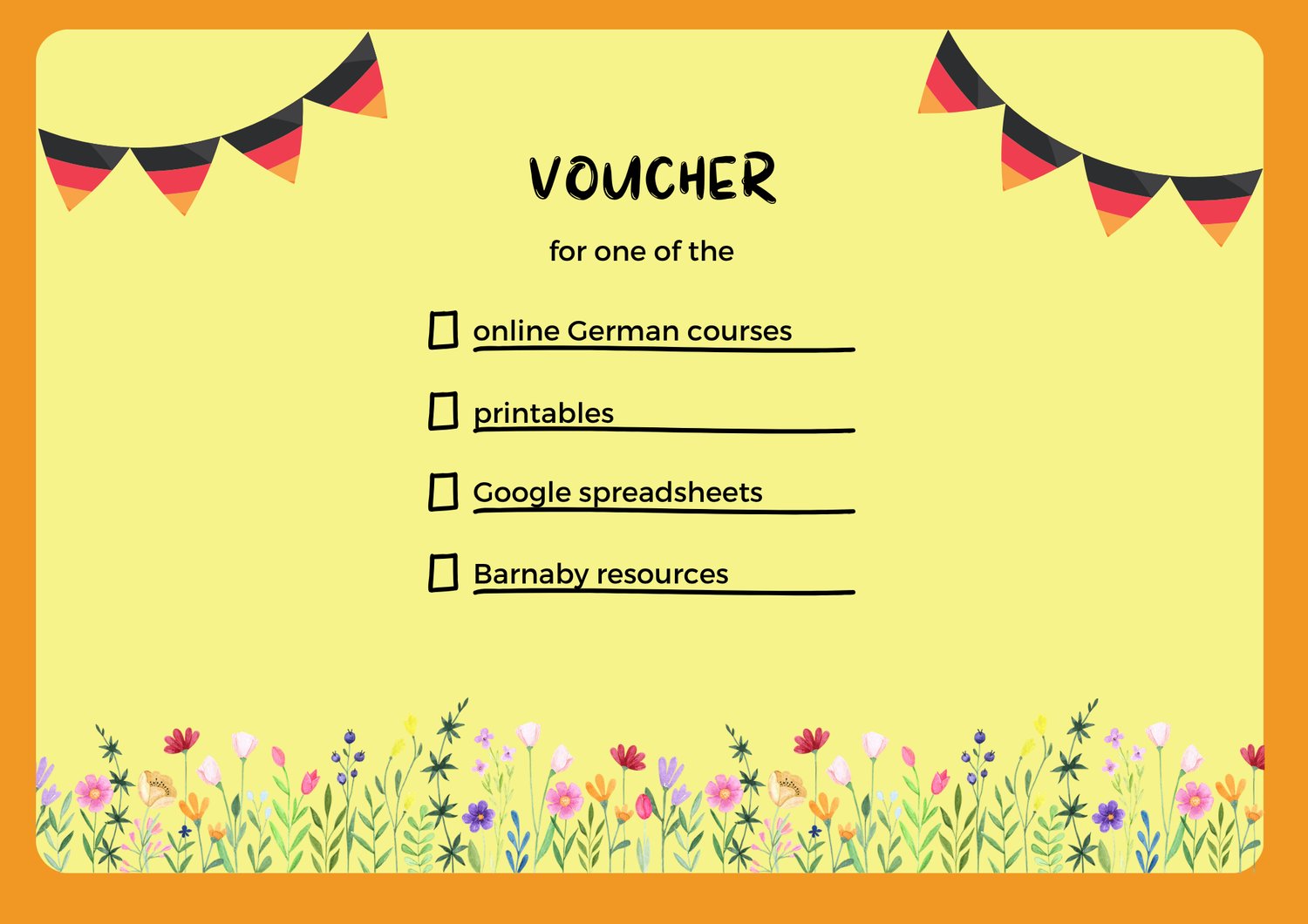
Both of these options are fine if you don’t mind them getting the email immediately. If you’d like it to be more of a surprise, I suggest you prepare a voucher which tells them what they are about to receive. Make your own voucher, buy one in the shops or take a screenshot of this one I made. Then print it and fill it in.
Comments ()