

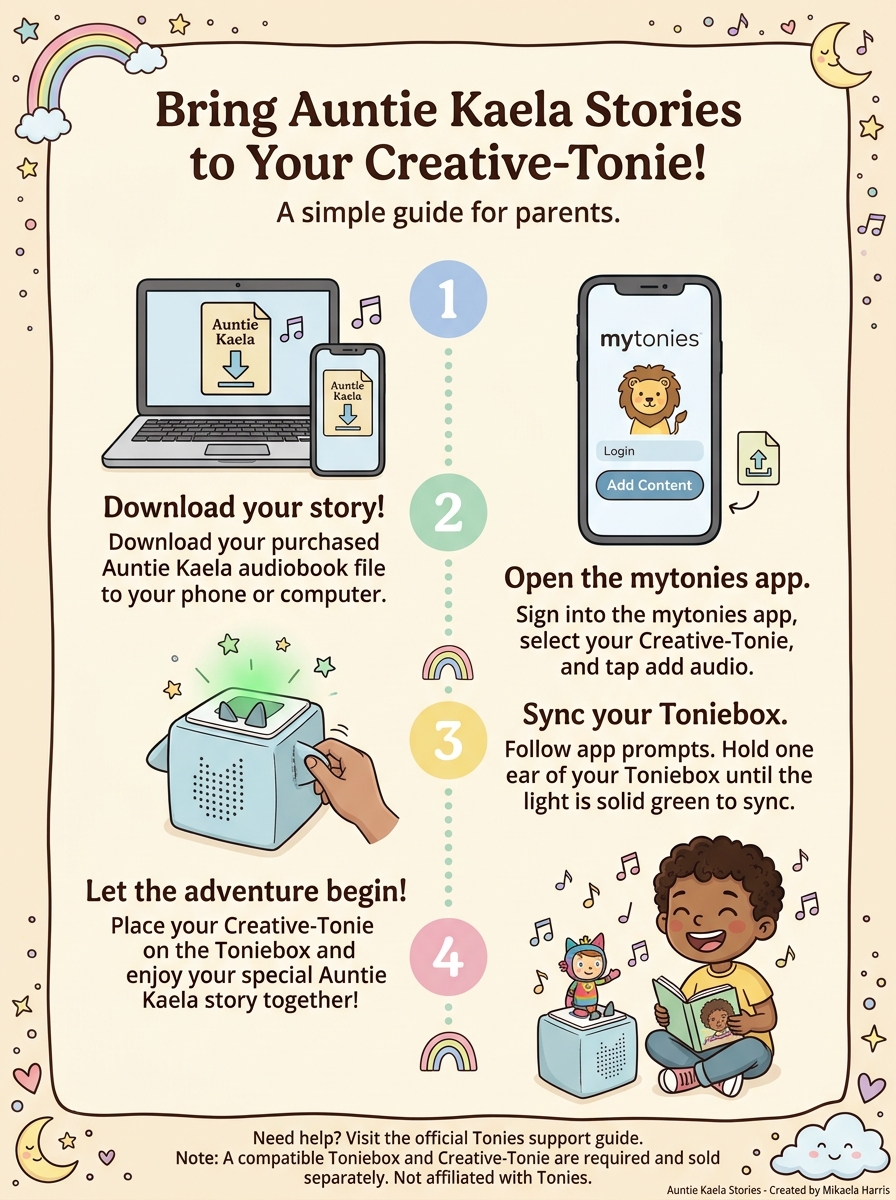
Have a little one who loves listening to stories on their Toniebox? You can add your Auntie Kaela audio stories to a compatible Creative Tonie and enjoy your favorite adventures together!
If you've never added your own audio before, don't worry! The process is easier than it might seem.
How to Get Started
Step 1: Download your story
After purchasing your Auntie Kaela audio story, download the audio file to your phone, tablet, or computer.
Step 2: Open your Tonies account
Open the mytonies app or visit the website below and sign in to your account.
Step 3: Choose your Creative Tonie
In the app or on the website, find your Creative Tonie and open its content settings.
Step 4: Upload your audio
Choose the option to upload audio, select your downloaded Auntie Kaela story, and save your changes.
Step 5: Sync your Toniebox
Follow Tonies' instructions to sync your Toniebox and download the new content. Once it's ready, place your Creative Tonie on the box and let the adventure begin!
Need a Little Extra Help?
Tonies has an official step-by-step guide with instructions for both phones and computers.
Click here to follow the official Tonies audio upload guide
A quick reminder: You'll need a compatible Creative Tonie and a Toniebox. These are not included with your Auntie Kaela audio purchase.
Now snuggle up, press play, and let those little imaginations run wild! 💛
With love,
Mikaela Harris
Creator of Auntie Kaela
Little Stories. Big Feelings. Beautiful Adventures.